Hello,
1.Solved!
2.Solved! But I want to remove the Event Title since I already have both date and title. I could put this CSS code in my Styles? h1.evosin_event_title { display: none !important; } I created this on my own and not sure if it’s correct.
3. Here is the link: https://conferenziaworld.com/checkout/order-received/
4. Okay, I will send you an access but first may I need to know what time you will do it? My time-zone is GMT+1 (Using WordPress from 9am until 6pm) BUT I can be there on your timing. I prefer to be there with you while you assist, just to be secured and if you need a help. I attached my coding, for your future investigation.
Thank you so much for your help and time. Really appreciated it!
In the latest update, we made some changes to the single event template.
However, still not sure how Oxygen template was working in the first place.
So the issue is fixed now, right? Do you need our help with anything else?
Hello,
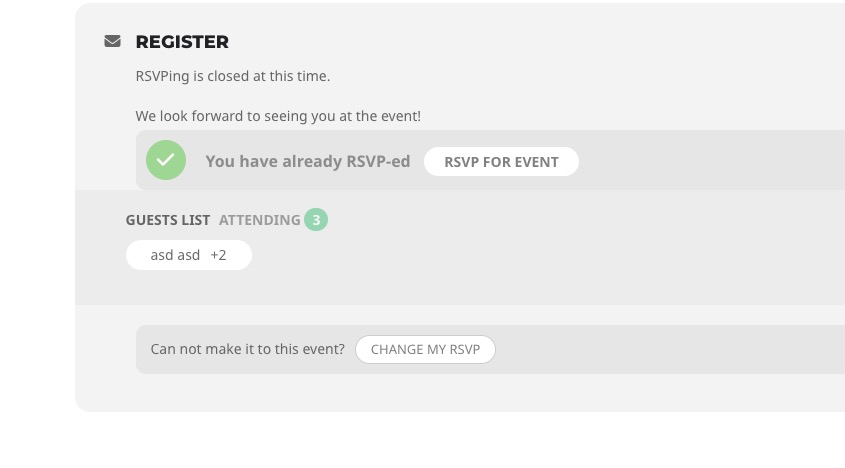
Are you referring to Guest List?
 Could you send us a screenshot of “RSVP card”?
Hi Support,
As far we can see the audit trail you created the template event testing which is now in use. The issue with the blank pages was fixed by someone else. We still have existing error ‘get it now’ button.
best regards
Hi Support,
We have not been using two email address, once we established, we were unabale to change it we asked you to change the taylor-mason.co.uk address
Best Regards
Have you managed to fix the issue?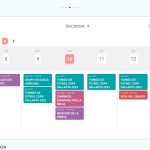
Hello,
By default you don’t need to click on a button to apply filters, unless you are using Calendar Filter Type: Multiple Checkbox Filter.
Please remove filter_type=”select” from the shortcode.
Please update EventON to 4.2.2.
To update eventon to latest version: If you are unable to do autoupdate, you can go to codecanyon your account > download and get the latest eventon version as zip file. Then you can go to your website > make sure “Delete eventon settings & data when EventON is uninstalled” is Deslected from eventon settings, delete old eventon, install new one and activate. This link will further explain the process it. Also you can follow us on twitter to get real-time announcements on updates!
https://www.bishopdavidsheppard.com/wp-admin/
User: webmaster@bae
Pass: Pa!avraPa$$e
It seems that you logged-in here under two different emails. Is this email the correct one: info@strategy-training.com?
About the “get it now” issue. This is how Single Event Page template looks like: https://dev2.myeventon.com/events/seat/
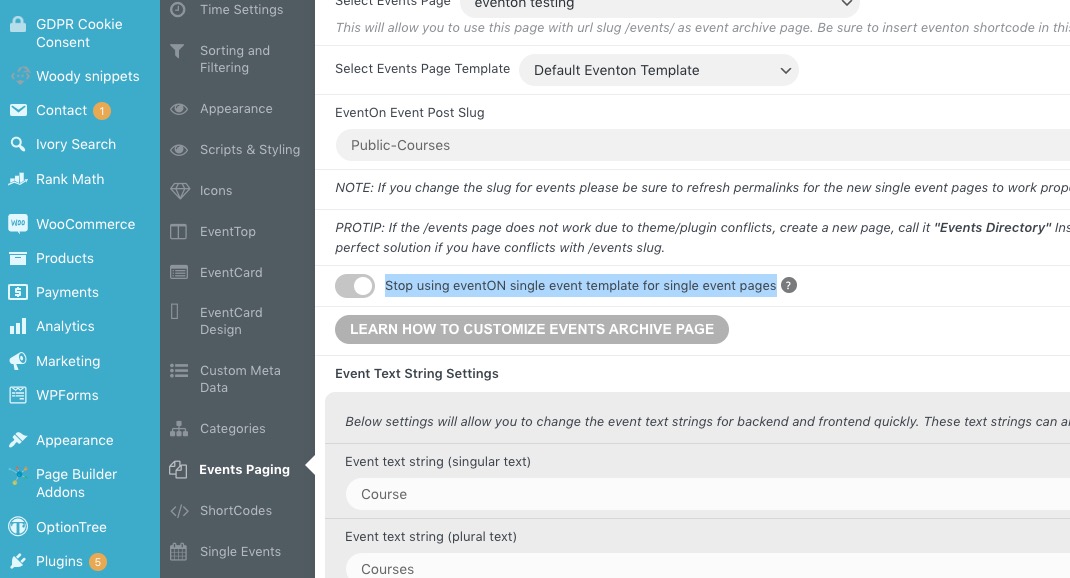
I went to https://training-development.co.uk/wp-admin/admin.php?page=eventon#evcal_011 and “Stop using eventON single event template for single event pages” is disabled.
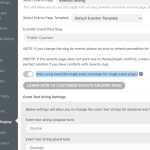 Could you tell us how your template looks so different?
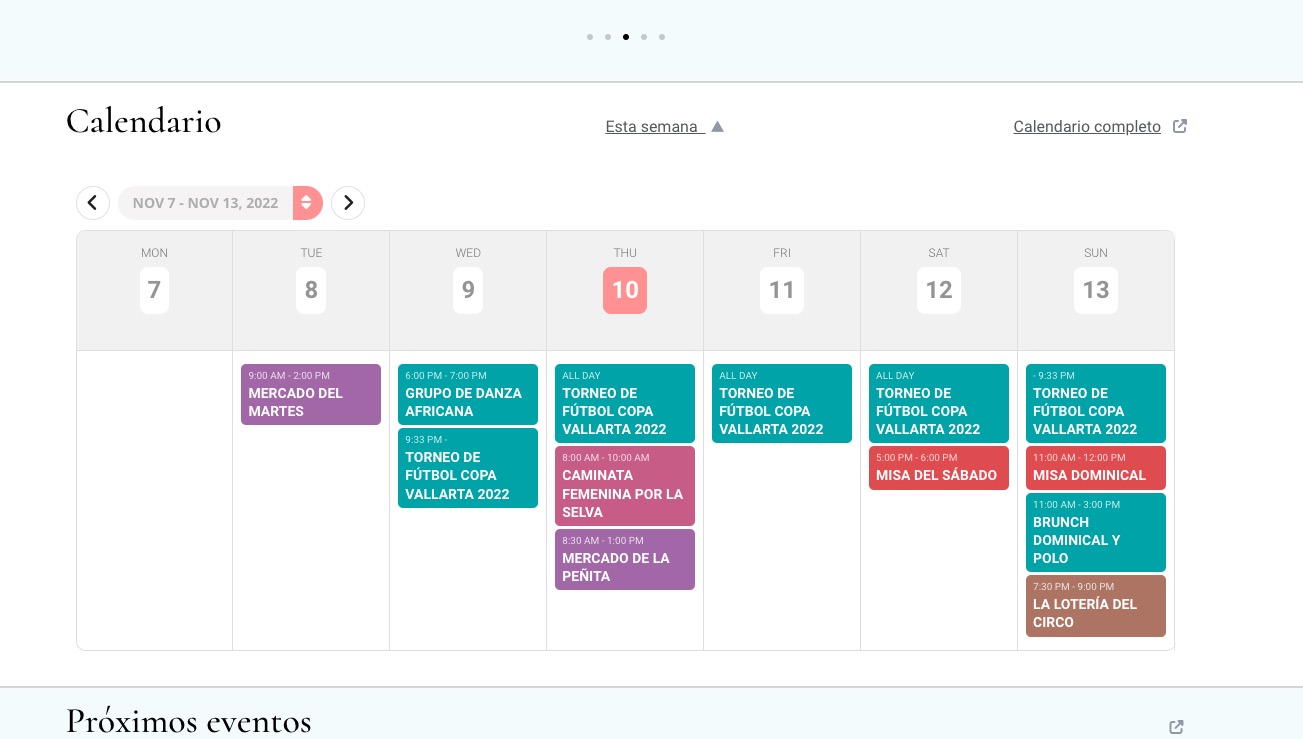
https://helpdeskx.s3.amazonaws.com/wp-content/uploads/2022/11/10043751/Ash-n-J-eventon-request-Screenshot-2022-11-07-151309.jpg
This part is not from EventON.
Could you tell us more about how you customized the page?