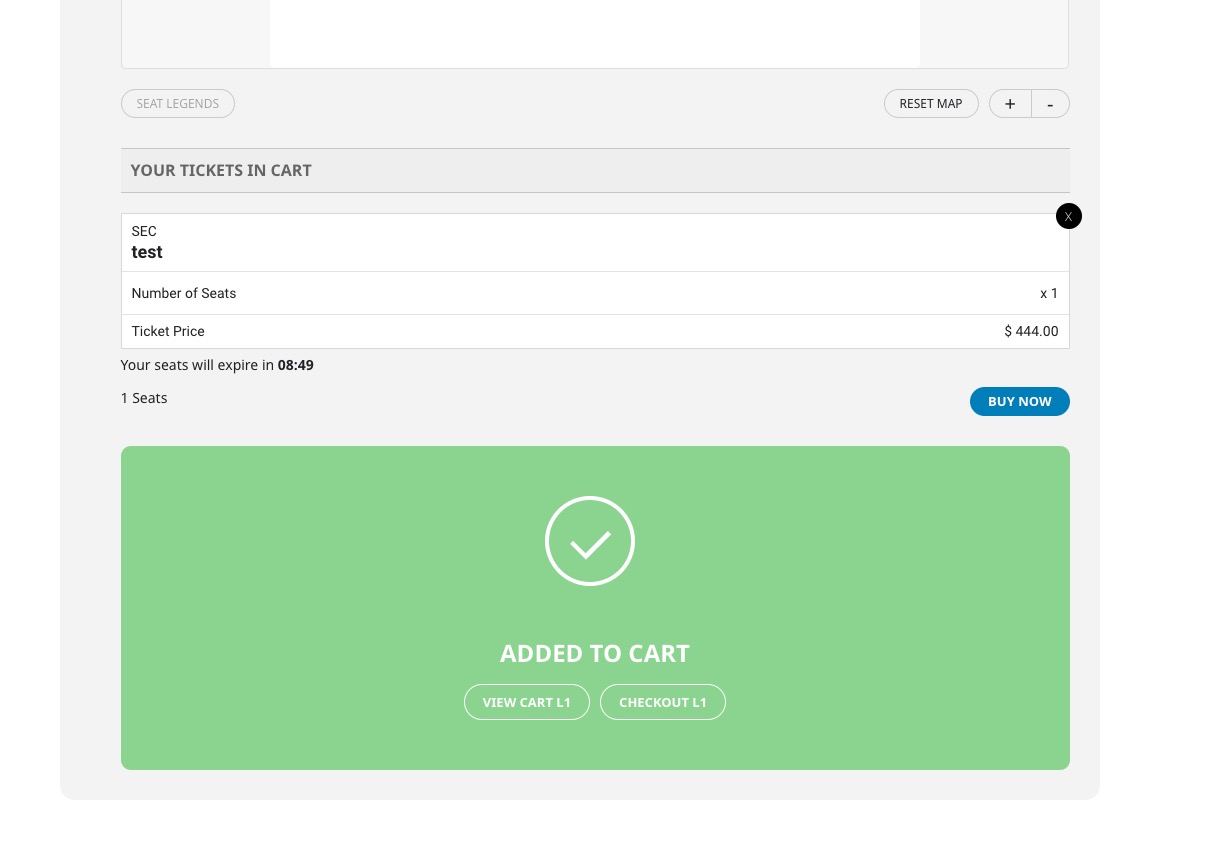
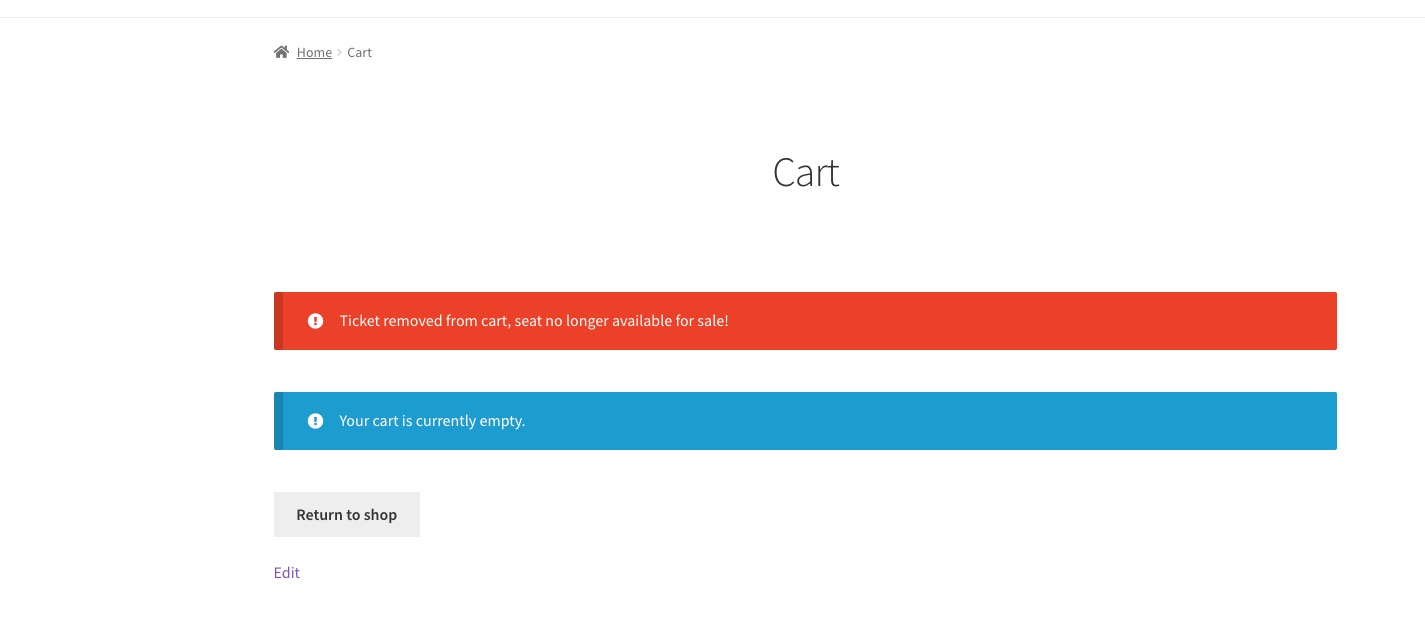
Hello,
Please send us wp-admin access to your site as a private message for us to further assist your situation.
Replies for tickets on suppota
Hello,
Please send us wp-admin access to your site as a private message for us to further assist your situation.
After the purchase WooCommerce will create a new account for the customer and then allows them to submit events from the order complete page.
WooCommerce creates this page automatically: https://dev.myeventon.com/fred-2/order-received/181525/?key=wc_order_lcDoPD2cuLjfU. And EventON adds Submit New Event button, so customers can add events as soon as possible right after the purchase.
For Autocomplete Order functionality please either follow
https://docs.myeventon.com/documentations/auto-complete-ticket-order/
Or use https://wordpress.org/plugins/autocomplete-woocommerce-orders/
About Contributor. Could you go to EventON > Action User > User Capabilities > make sure that “Submit New Events From Submission Form” is enabled for the role?
If I use the redirect upon login plugin I would redirect to the Event Submission Page? How would this help if no User account has been created.
Users cannot login without an account. Since they need to purchase Paid Submission first, WooCommerce will create an account for them.
If someone uses up all of their Events (returning customer) and they purchase an additional bundle, they will probably use the same email address. How is this managed? Is the number of events associated with the email address.
Yes. The number of events associated with the email address.
Is the Your Event Submissions a shortcode?
The custom code we added through a filter.
Should I ask new customers to contact me for a login and then give them the link to purchase event bundles?
You can allow them to register by following
https://www.wpbeginner.com/beginners-guide/how-to-allow-user-registration-on-your-wordpress-site/
Hello,
Could you update EventON to 4.2.2? It should fix the time issue.
To update eventon to latest version: If you are unable to do autoupdate, you can go to codecanyon your account > download and get the latest eventon version as zip file. Then you can go to your website > make sure “Delete eventon settings & data when EventON is uninstalled” is Deslected from eventon settings, delete old eventon, install new one and activate. This link will further explain the process it. Also you can follow us on twitter to get real-time announcements on updates!
Thank you for the info! Ashan will check the issue as well.
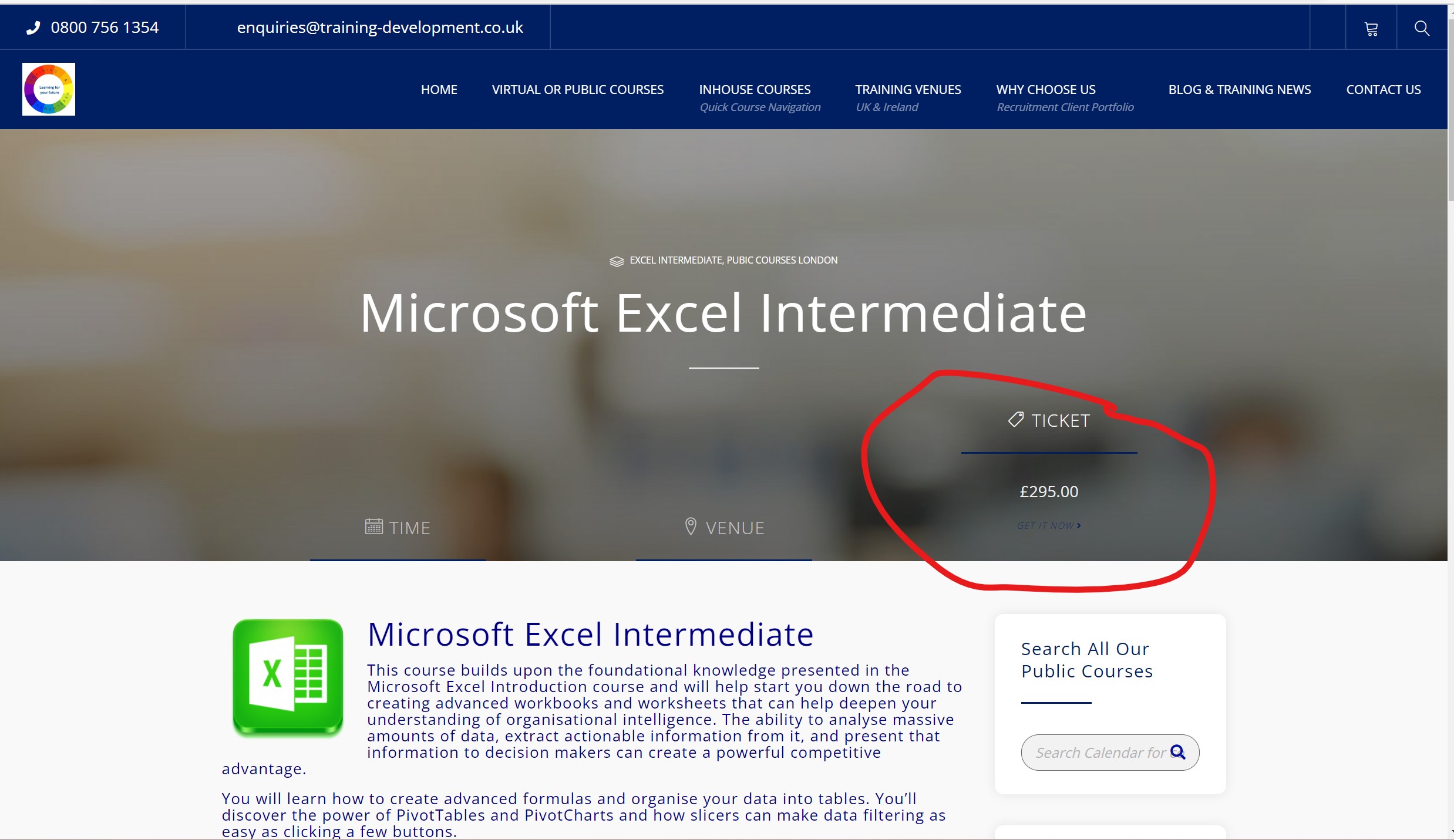
Dear Support,
We can now access the support desk, do we always have to use a temp password?
We have paid someone else to fix the original issue. We still have a problem with the ticket booking, as can be seen from the attached.
The ‘get it now’ link does not work.
Best Regards
If you want to show events for the whole year, please use Event Lists shortcode:
[add_eventon_list number_of_months=”12″ hide_empty_months=”yes”]
The guides above also work for this shortcode as well.
I looked at your guides. The months are still displayed and the worst: I can't display the events of a category for a whole year. The visitor is obliged to click on the month arrow to see all the events. For some categories I only have one event per month. It's not practical not to see all the events.
Hi,
Thanks for this, it would seem that another Plugin (Publishpress Blocks) was causing the clash. Now removed and EventOn runs as it should.
Thank you for your patience
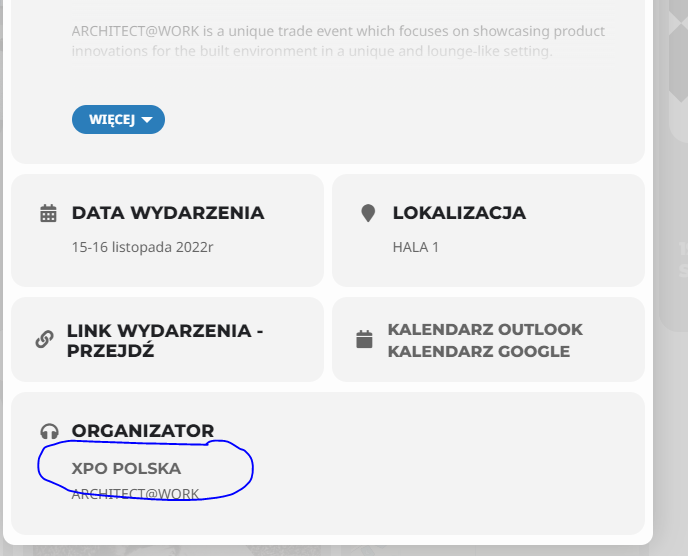
Hi
i would like to disable link which i pointed on that image.
that link is point direct for event-organizer subpage on website for example https://expoxxi.pl/event-organizer/ekocuda/.
i need to disable because that page looks not good and first of all i don’t need it.
Best regards
Pawel