Sorry: here you are my question in english
Google search console tells me that I have to publish the address of the events so that they can be indexed.
But in event list mode, the appearance is not good. In the full mode of an event, there is no problem.
Is there a way that in the event list mode only the location appears, without the address?
Thanks in advance.
Thanks, that worked. Can you please give me an Info, how to translate “Ticket Holder” into German?
Thank you!
Mascha
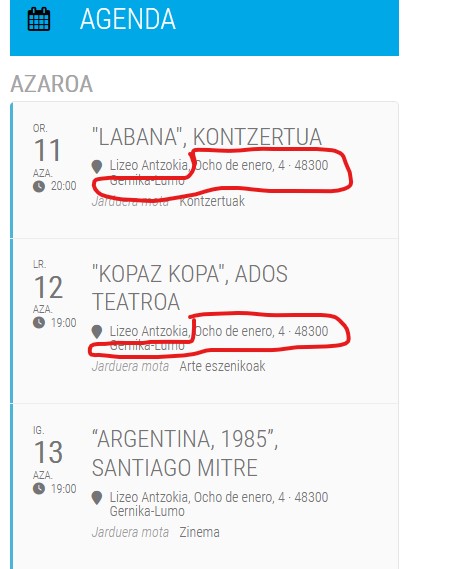
I uploada an image to show you what i need.
I think we can work through this. I’ll let you know in a few days.
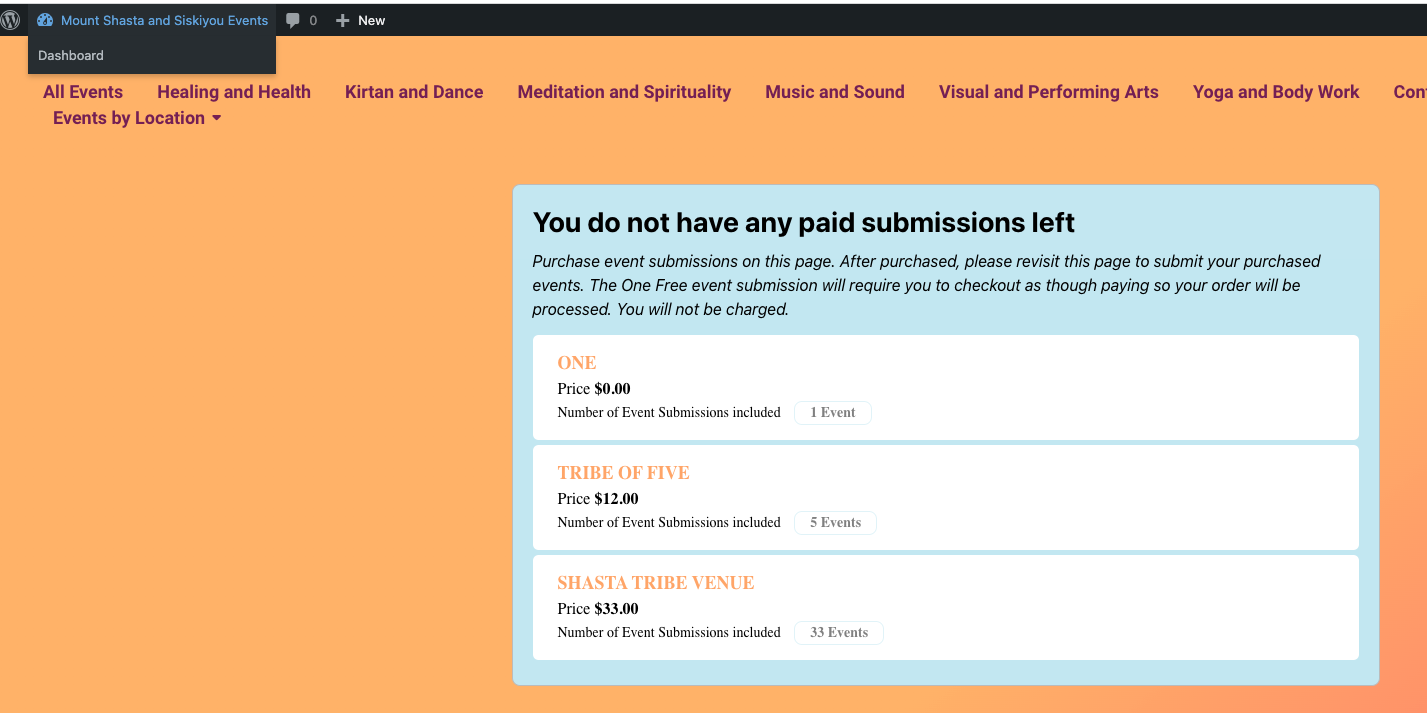
Should I ask new customers to contact me for a login and then give them the link to purchase event bundles? Happy to do this. If I do this then they will be taken through the WooCommerce purchase process.
Maybe the only thing missing in my process is customizing the Checkout response page to include the Submit Events button and the Your Event Submissions section. Is the Your Event Submissions a shortcode? https://dev.myeventon.com/fred-2/order-received/181525/?key=wc_order_lcDoPD2cuLjfU
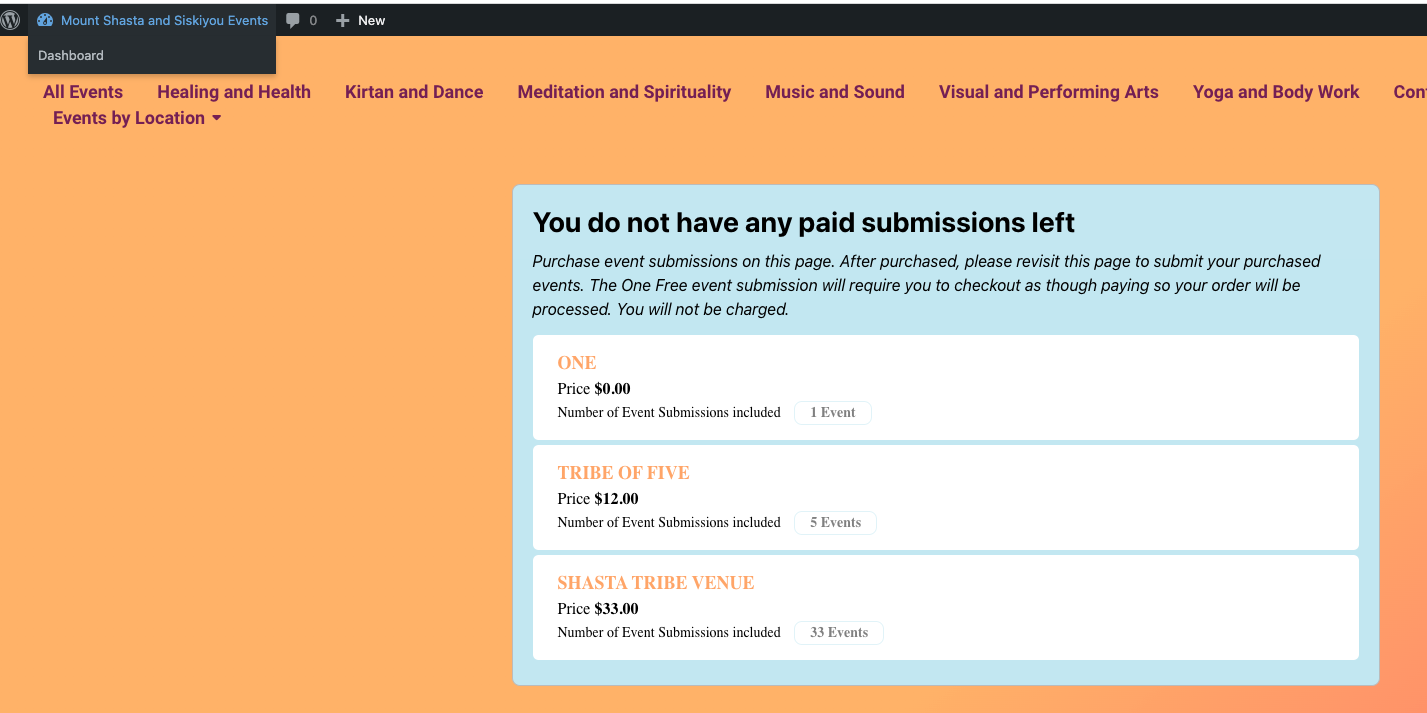
Thank you! the AddOn is working well when I am logged in as Admin and I purchase an event. I am able to add an event and it calculates that I have one less event remaining and I am easily automatically taken to the Event Submission form.
When I purchase an event from a browser where I am not logged in, the purchase works well, I as Admin in another browser Complete the order. When I return to the Purchase Events page I have the choice to Login or Purchase. Then as Admin I created a User account based on the purchasers email and a username etc with the info from the sale. I returned to the Customer’s browser, press the login button and I am taken to the wp login page. I login, I see Events in the navigation, I access Events and I can add an events (same as an Admin) from the backend. I don’t see how the system will know how many events I have because I am not using the form. I tried to access the form in a tab while logged and I get the purchase or login page, not the Event Submission form.
Questions:
What is the process outside of the EventON automatic actions?
Are you automatically adding a new Contributor User via a plugin or WooCommerce setting (such as downloadable product) when the purchase is Completed? Are you manually creating a User? As I mentioned, it works well when I am already logged in as an Admin.
Should I create the User and then allow them to purchase? This is not making sense to me. Please try the process as a random customer in a browser where you are not logged in.
How is this page generated? I do not have this. https://dev.myeventon.com/fred-2/order-received/181525/?key=wc_order_lcDoPD2cuLjfU
If I use the redirect upon login plugin I would redirect to the Event Submission Page? How would this help if no User account has been created.
If someone uses up all of their Events (returning customer) and they purchase an additional bundle, they will probably use the same email address. How is this managed? Is the number of events associated with the email address.
What I would like to do:
* Auto Complete the Order
* Send an email with a link and present a response page that allows the Event Submission form to be available to add the Customers first event
* I would like to make sure that they can logout and return to add subsequent events
See image for what a Contributor User sees when they are logged in.

Hmmm… THANKS… I just wonder how the quotes got incorrect? Noone among us have been mixing with that 🙂
Soon everything will be perfect with this fantastic plugin!
Another thing…. is it possible to get the heading smaller or more visible in the tile view so that the whole heading is visible and not cut of with … three dots? Se screenshot.
User Roll Editor gives me access to the events as an editor.
The last Screenshot was not from Google Pixel 4a. But the difference between the two versions are also there.
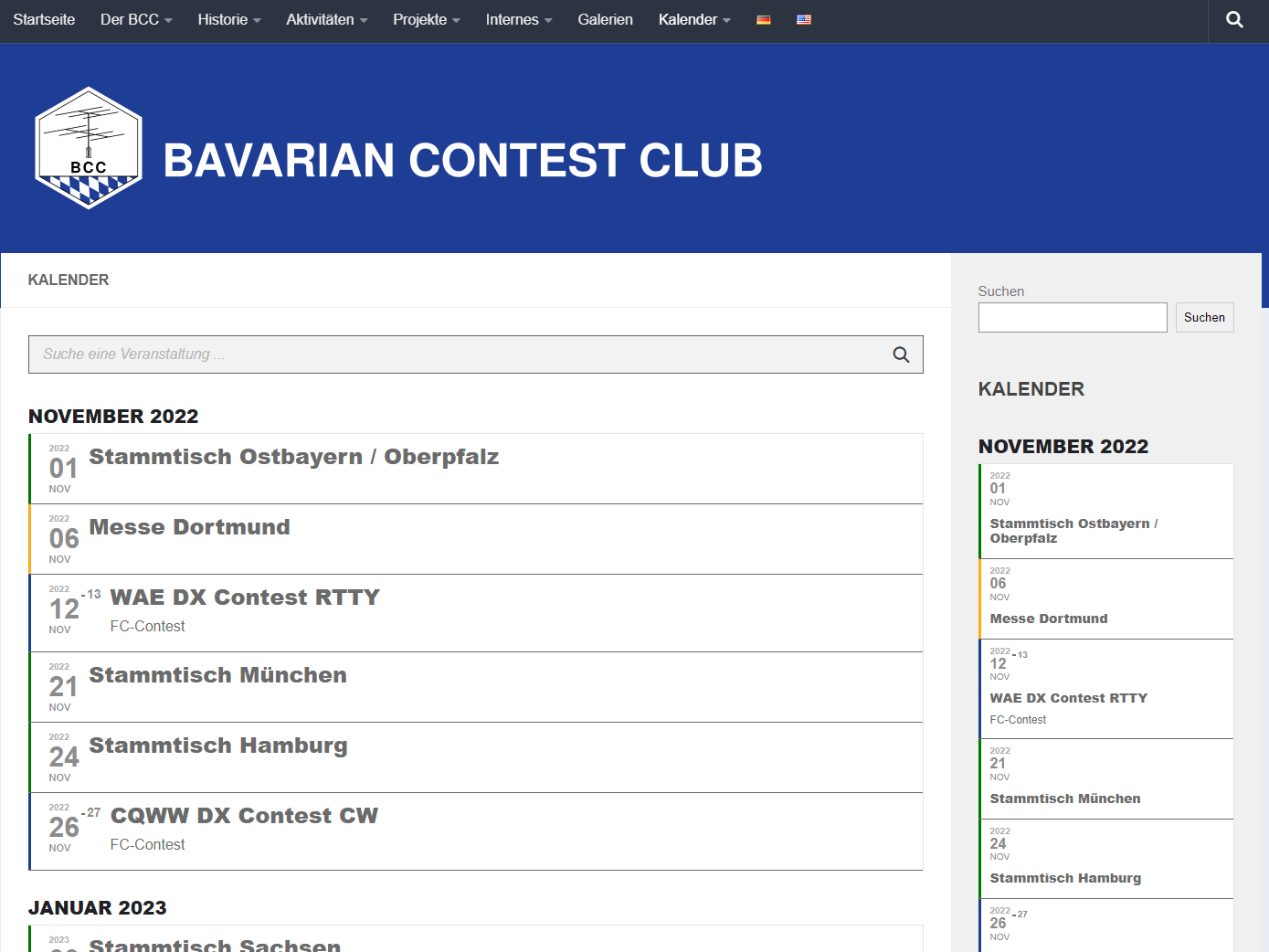
Also the same on the Chrome browser on a Google Pixel 4a.