ICS Import has been updated to 1.1.4. The ical link brings in the events, but the dates are still showing as UTC -0, and not UTC -4 as set in the website, EventOn, and the imported events themselves.
File: ical_snippit shows time information in the ical file being brought in by ICS Import
Hello,
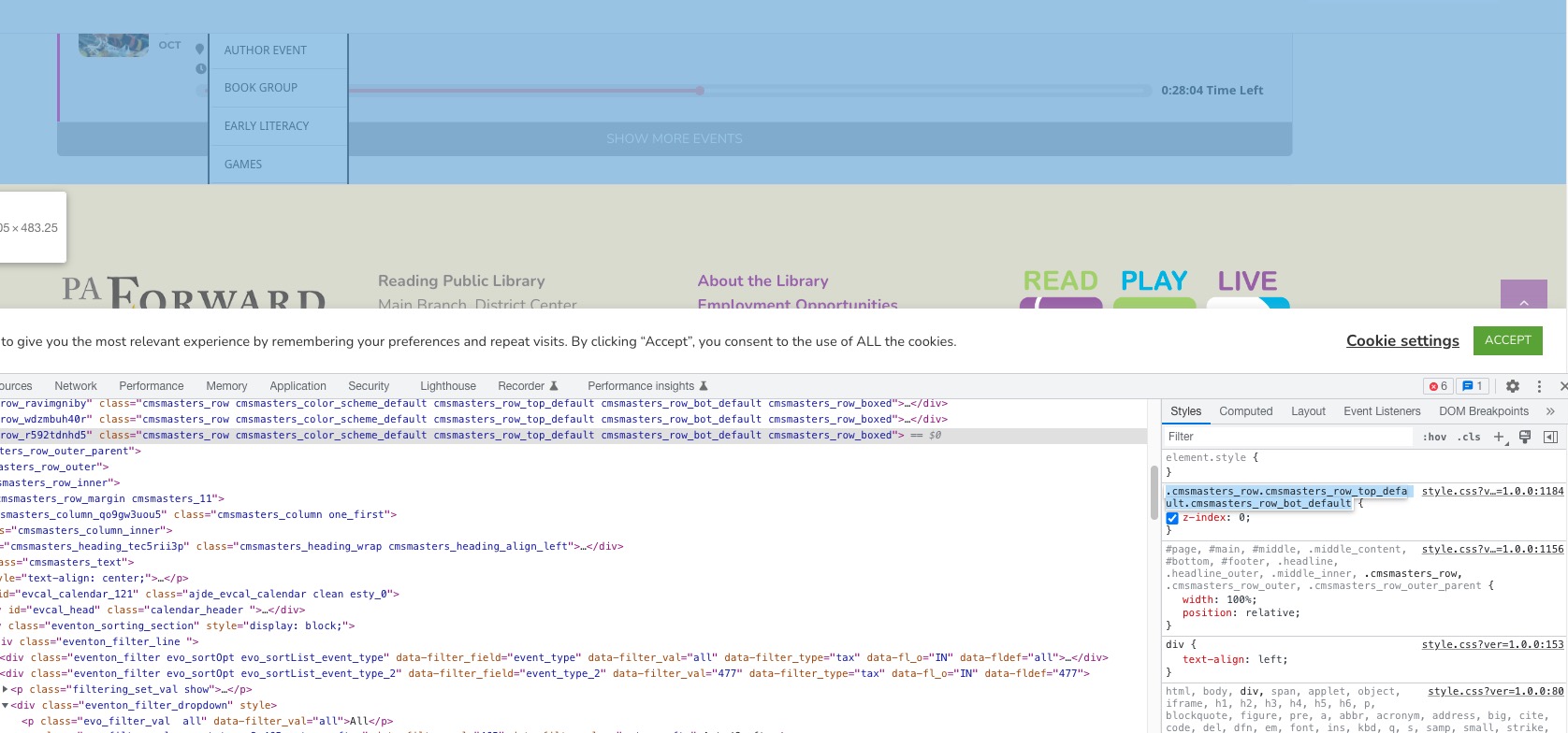
The issue is in this style, that belongs to one of container elements:
 z-index:0 means that every element inside of the container is always lower that the footer. That’s why the footer overlaps the calendar.
Great!! I will try it.
thank you very much for your fast response.
Please update to EventON 4.2.1. The latest version fixes the issue.
To update eventon to latest version: If you are unable to do autoupdate, you can go to codecanyon your account > download and get the latest eventon version as zip file. Then you can go to your website > make sure “Delete eventon settings & data when EventON is uninstalled” is Deslected from eventon settings, delete old eventon, install new one and activate. This link will further explain the process it. Also you can follow us on twitter to get real-time announcements on updates!
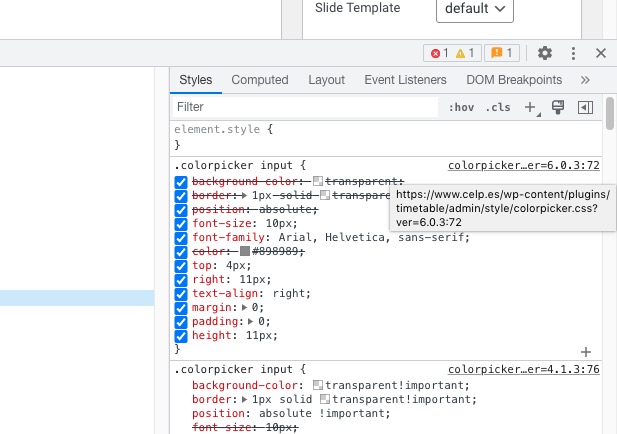
Timetable plugin affects this: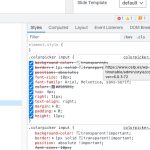 Please try disabling it.
Hello,
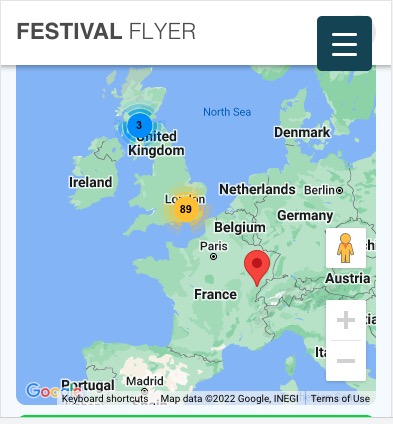
My PC barely loads the page:
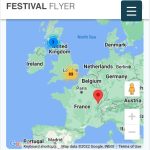 It struggles quite a lot, so not sure how it can affect a mobile browser.
There are two shortcodes on the same page and they both load all events at once. Could you try removing one calendar or remove show_alle=”yes”in one of the shortcodes?
I figured out how to fix the single event page issue by switching to the new immersive design.
Here is what I’ve figured out for the tile design – it seems to be tied to the Tile Style selected.
Details under clean –
.ajde_evcal_calendar.boxy .eventon_events_list .eventon_list_event .evcal_desc {
flex: 1 0 50%;
width: 50%;
Details under colored –
.ajde_evcal_calendar.boxy.boxstyle1.tbg1 #evcal_list .eventon_list_event .desc_trig .evcal_desc {
width: auto;
}
Hello,
Could you elaborate? Seems to be working here:
https://festivalflyer.com/events/warman-beer-cider-festival-2023-3/
Hello,
Could you update ICS Import to 1.1.4?
To update eventon addons: You can download latest eventon addons from myeventon > my account. Then you can go to your website, deactivate old addon and install new one and activate then delete the old addon. This link will further explain the process. Also you can follow us on twitter to get real-time announcements on updates!
Hello,
Instead of Event Type name, please use it’s ID:
Other specific RSS feed links You can use a custom links like http://yoursite.com/evofeed?event_type=63 to get events only for certain event type. Other supported fields by default are event_type_2, event_type_3, event_location, event_organizer. You can pass value similar to inside eventon shortcodes.