EventOn
%tn$(&GY%02IAIGjSSF^pGBs
Replies for tickets on suppota
EventOn
%tn$(&GY%02IAIGjSSF^pGBs
Ashan,
https://dev2.myeventon.com/evofeed?event_type=1036 leads to 404 as well as customer’s link.
Could you check?
Thank you for your messages, I am going to assign this ticket to Ashan and he will be able to take it from here and find you a solution. Please allow some time for him to get back to you, we greatly appreciate your patience and thank you for being a eventon customer! Also please disable any IP blocking on your site if there are any.
Please note that you can change Event Top design by going to EventON > Event Top > Select Default Calendar EventTop Style.
For Single Event Page go to EventON > Single Events > Select eventTop style.
But The Category color background is still there… I want a border (frame) with the category color and white inside
Which design would you like:
https://demo.myeventon.com/
It’s quite hard to understand from the description.
And on the event card the header text and time and location is still white text. If the same white background with a category color frame appears there to – the text has to be black.
Could you send us a screenshot of this one?
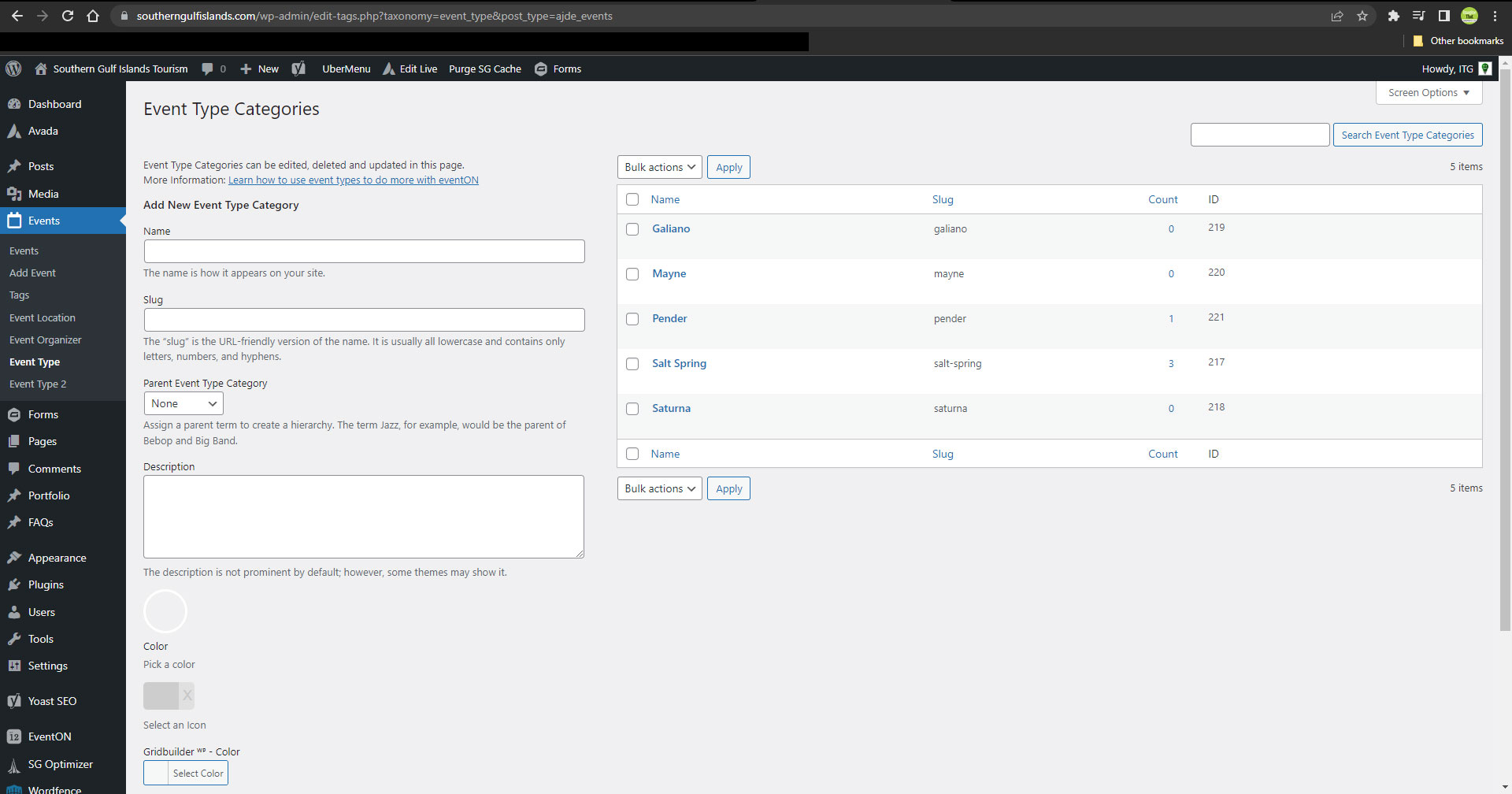
Using the event_type ID leads to a 404 page, as seen here: https://southerngulfislands.com/island-events-rss?event_type=217
Please let me know if you can take a look into this a bit more thoroughly. I’ve attached a screenshot of the event_type list.
Hello,
Could you fix the access to the file?
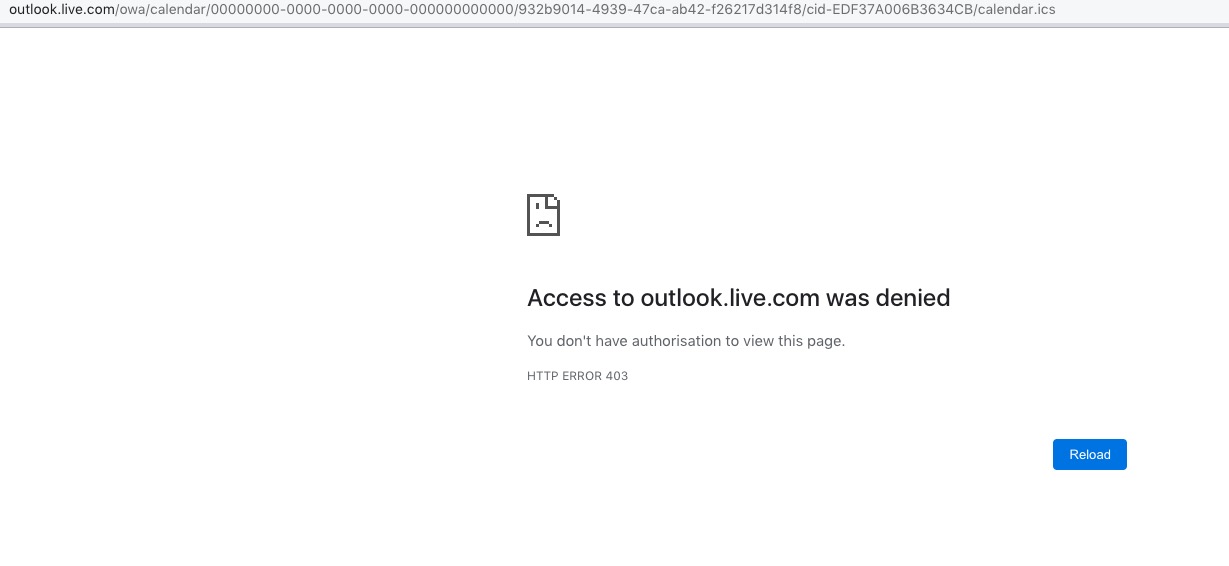
Great! Please keep us updated.
On our test server it shows the tickets correctly: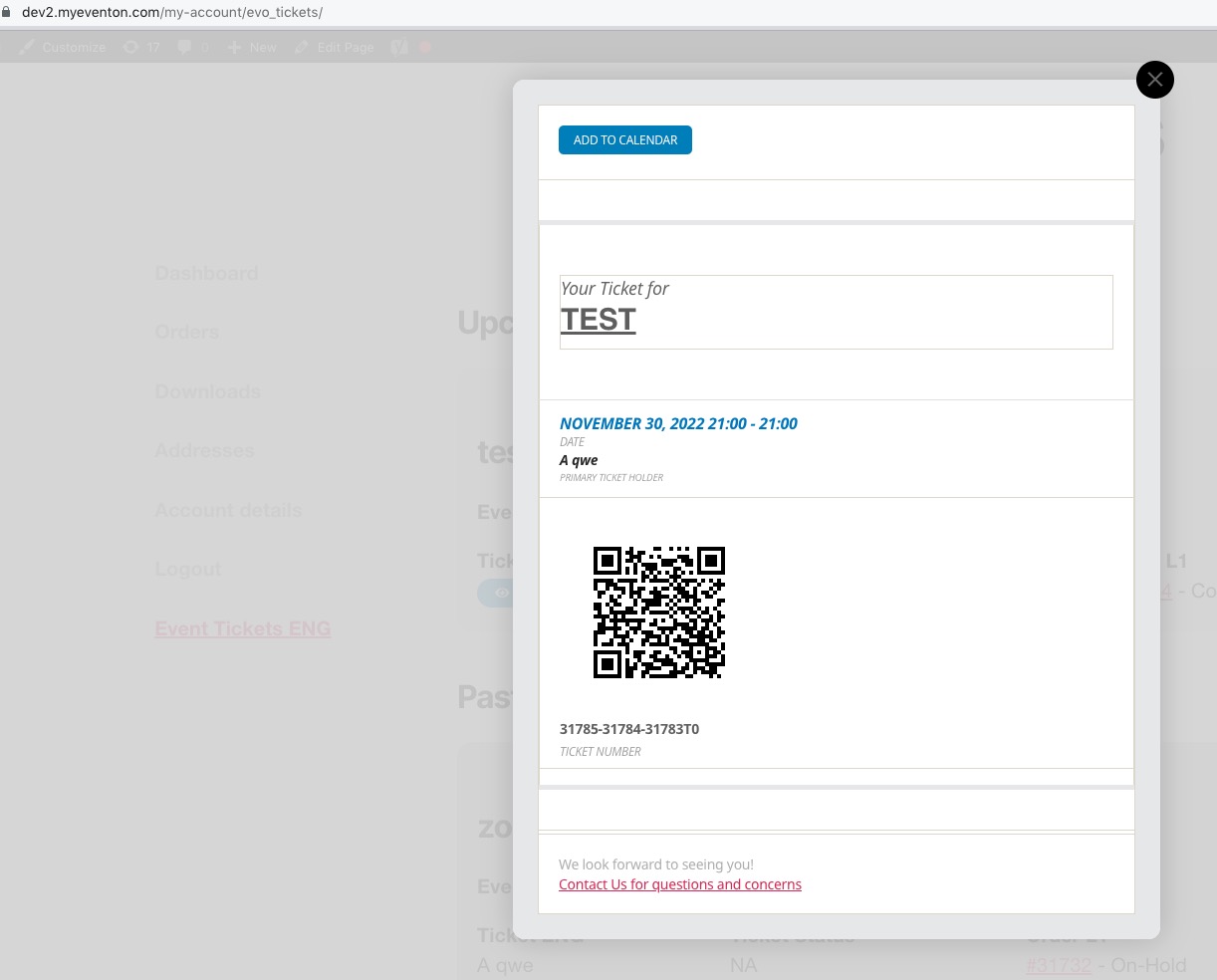 Could you please try the instructions mentioned in this documentation to make sure your issue is indeed coming from eventon.
The same issue on your website after I created a new event:
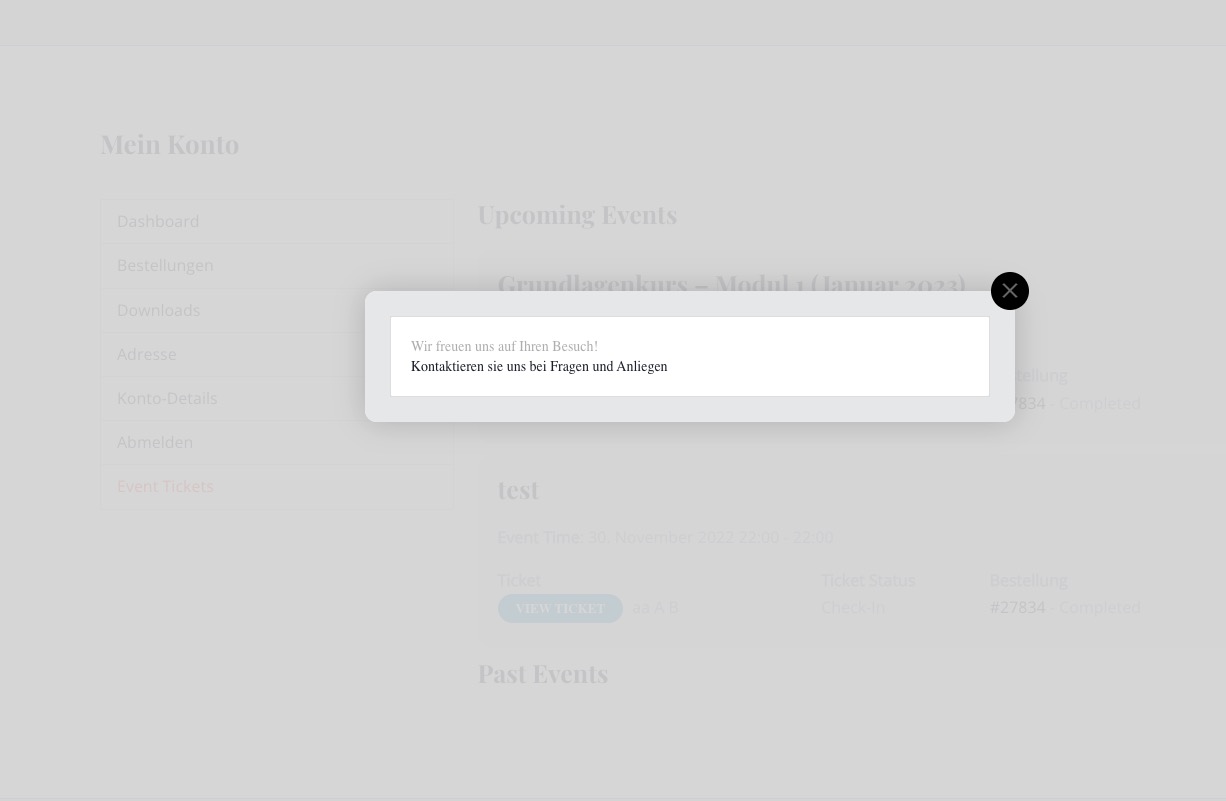
Please take a look at the other screenshot.
Can you please send us a direct link to where the actual issue is happening?
I bought the plugin “Dynamic Pricing” yesterday, unfortunately I can’t activate it. As this plugin immediately triggers a critical error on my page. I have never had that before. Maybe you can do something here too.
Could you install the add-on, but don’t enable it. After, please send us FTP access to your site as a private message, so we can perform several tests from our end and resolve your issue fast!

File: ical_snippit shows time information in the ical file being brought in by ICS Import