Thanks a lot Artem
Archives: Replies
Replies for tickets on suppota
Reply to: tickets(293446)
Please send us wp-admin access to your site as a private message for us to further assist your situation.
Reply to: tickets(294374)
Hello,
Please use Event Lists shortcode instead:
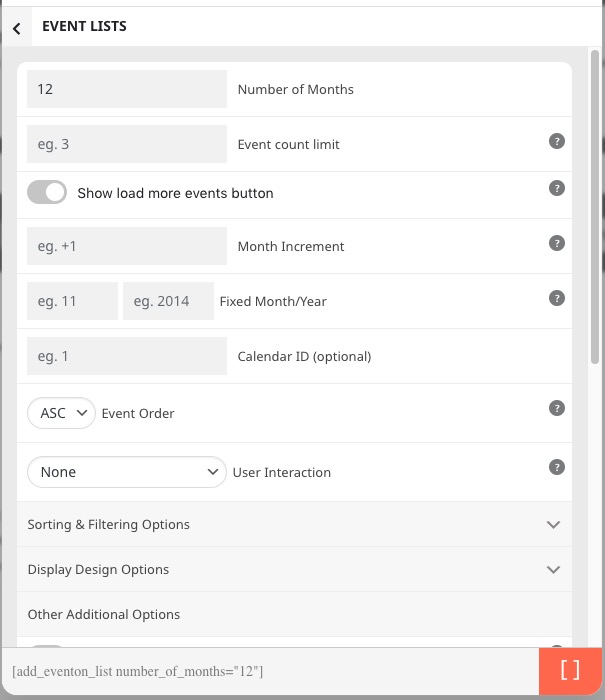
You can also take a look at Event Lists: Ext add-on
https://www.myeventon.com/addons/event-lists-extended/
Try on https://dev.myeventon.com/wp-admin/
Reply to: tickets(294375)
Hello,
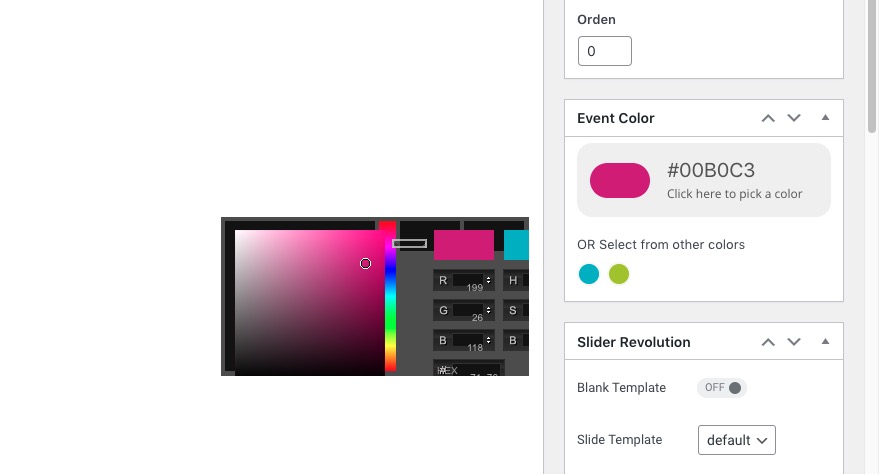
Seems to be working:
https://www.celp.es/wp-admin/post.php?post=40049&action=edit
Reply to: tickets(294168)
Great! Please keep us updated.
Reply to: tickets(294381)
Hello,
I cannot see EventON Settings, Pages and Plugins pages:
https://festivalflyer.com/wp-admin/
Could you give us more access?
Reply to: tickets(294071)
Reply to: tickets(294071)
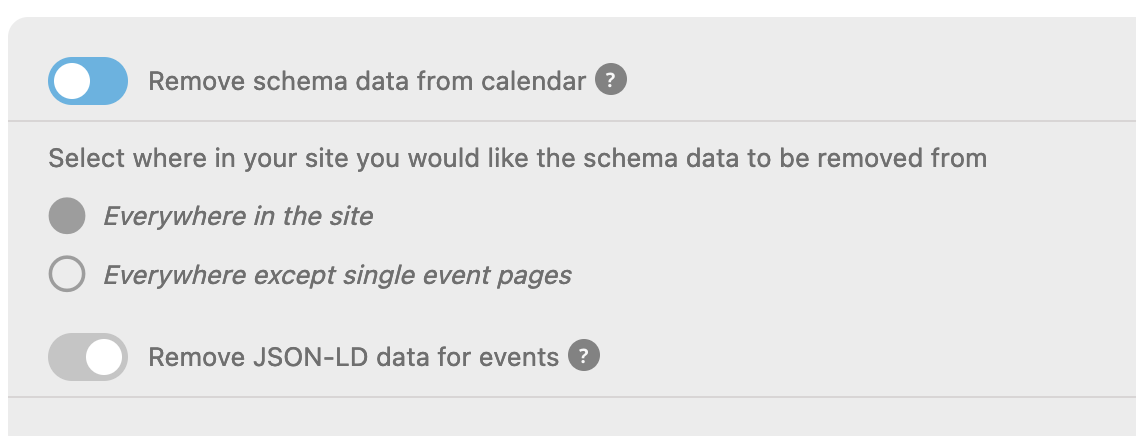
I toggled the following on/off and saved, leaving the settings below, with schema data removed “everywhere in the site.”
This is only showing 1 set of schema when I check schema at schema.org. I presume this means JSON data is active, only? Are there ever situations where you would want both sets active in the eventon plugin? It seems your plugin leaves both active, by default, which confuses me. John Mueller and the Google webmaster team say to use JSON.
—-
If I use the event extended plugin, will I be able to sort by location, pasting in all the locations?
This is the code below, and I dont want to have to manually choose each location name, as there are alot of location.
[add_eventon_list hide_empty_months=”yes” event_location=”5058,6051,5061,5799,5099,5791,5104,5075,5796,5096,5798,5059,4998,5018,5795,5071,5073,6084,5802,6085,5001,5092,6086,5804,5105,4984,5005,5078,5776,5065,5775,6083,5068,5781,5003,5778,5779,5777,4995,5786,5108,5000,5788,5024,6084,5035,5027,6028,
5023,” event_count=”900″ ux_val=”4″ show_et_ft_img=”no” show_limit=”yes” cal_init_nonajax=”yes” hide_mult_occur=”yes” event_order=”asc” number_of_months=”35″ month_incre=”-36″ el_type=”pe” event_past_future=”past”]
Reply to: tickets(294168)
It’s ok, the backend is migrating to a new server. I will check later
Reply to: tickets(294168)
Now my site won’t open. Why is that?