Hello,
Take a look at Gutenberg’s Button element:
https://gogutenberg.com/blocks/button/
You can also check Custom Meta fields:
https://docs.myeventon.com/documentations/setup-use-custom-meta-fields-events/
The thing is that the custom meta field is located in it’s own section on Event Card.
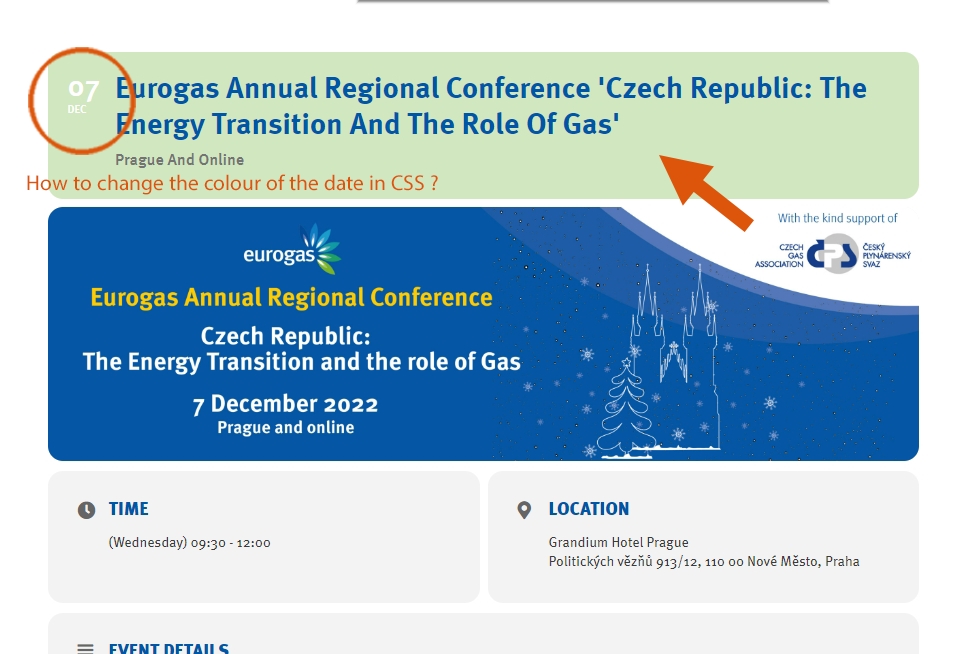
Hi there. On our new website we are missing the details of the actual event this is a screenshot on our old site that displayed the info: https://tinyurl.com/2c2nybqr
On our live site this is what it looks like: https://tinyurl.com/28gke4v9
The way we were fixing it but it doesn’t seem to be working anymore was to import an old json file into the general settings page like this: https://tinyurl.com/2xvkf33u
Please follow the instructions in this documentation to activate debug in your site to see any PHP errors recorded that can provide insight on to whats going on. Please reply with a link to debug.log file. If you are not able to do this please send us FTP access to your site so we can do this for you.
Hello,
I am sorry, the access information you have provided did not work for us. Please check them and post the correct login information as a private message, thank you!
Please take a look at
https://dev.myeventon.com/wp-admin/post.php?post=181508&action=edit
You can add a shortcode by yourself and test everything. dev allows you to do so.
It depends if “Assign logged-in user to event after successful event submission” is enabled. WP handles the user registration process. You can assign any role you like to newly registered people. You can allow them to see the back-end if you like.
Hello,
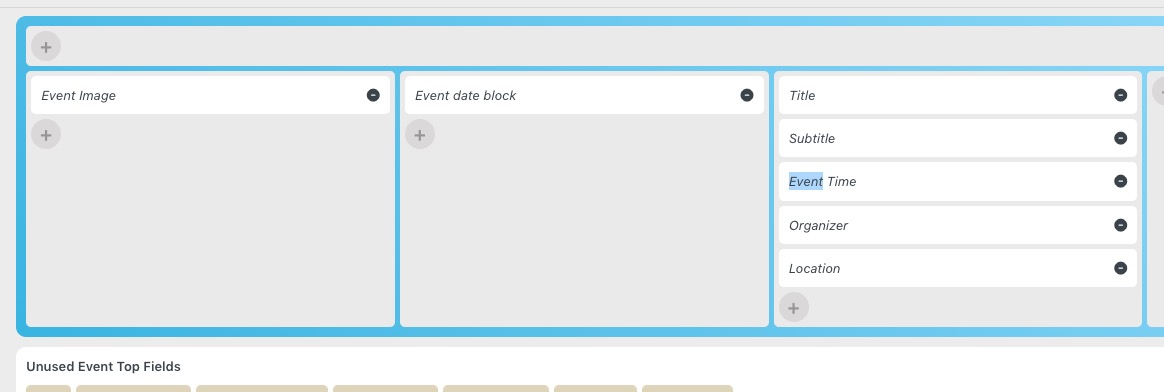
Could you try moving Time under Subtitle?
The backend and the possibility of translation looks good.
Can someone insert a frontend shortcode to see how it works and how changes affect it?
Do event creators need to be registered? If so, do they see the backend? Or will they get a new role? Because I don’t want users to come into the backend or see that.