I read everything before sending the message.
What you are asking isn’t possible with the current functionality.
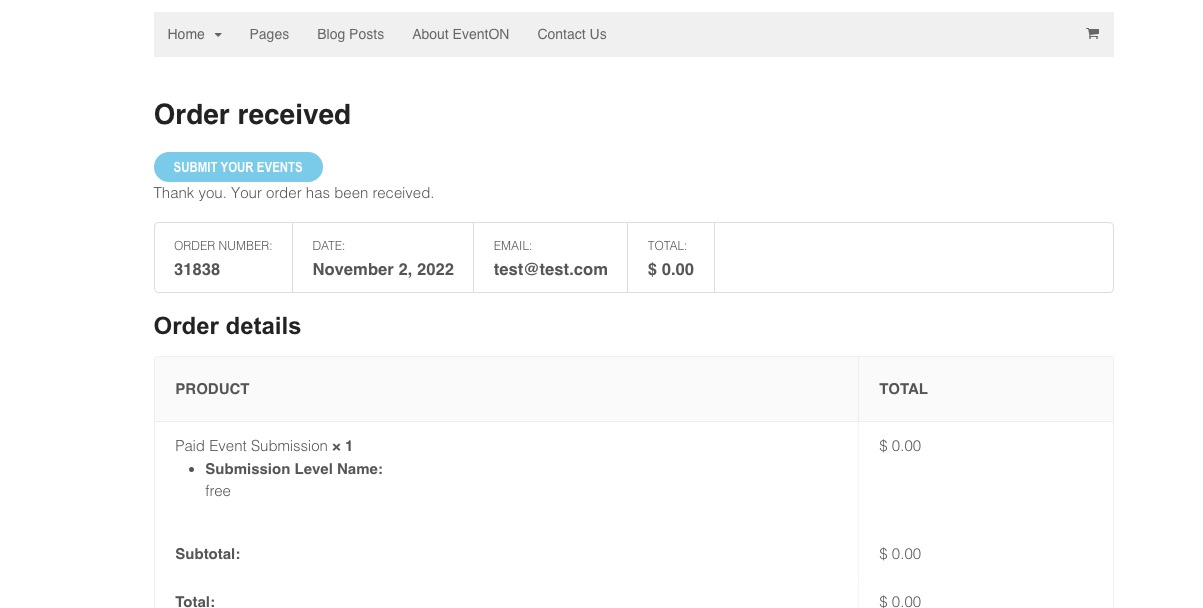
The way Action User Plus works is:
1. A customer purchases how many events they want to submit.
2. After the purchase they can immediately submit their events by pressing “SUBMIT YOUR EVENTS”:
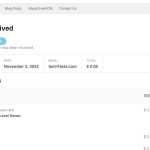
3. Now you can decide if you want to allow their event to be visible to the public by publishing it.
we don’t know what event we approved payment for.
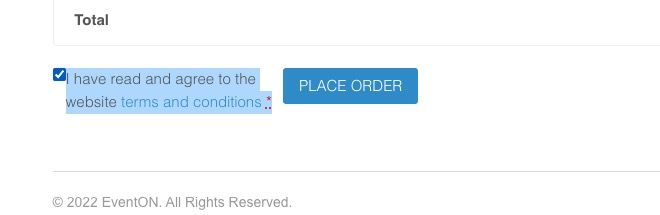
WooCommerce requires customers to access Term and Conditions:
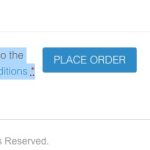 Say that you will not accept events that break certain rules.
Hello,
Please follow
https://docs.myeventon.com/documentations/how-to-show-past-events/
You can also take a look at these add-ons:
https://www.myeventon.com/addons/full-cal/
https://www.myeventon.com/addons/event-lists-extended/
Try on https://dev.myeventon.com/wp-admin/
Ashan,
The same on dev2:
https://dev2.myeventon.com/wp-admin/admin.php?page=eventon#evcal_010
You cannot see added categories in Shortcode Generator or Edit Event:
https://dev2.myeventon.com/wp-admin/post.php?post=31835&action=edit
Hello,
Thank you for your messages, I am going to assign this ticket to Ashan and he will be able to take it from here and find you a solution. Please allow some time for him to get back to you, we greatly appreciate your patience and thank you for being a eventon customer! Also please disable any IP blocking on your site if there are any.
We are glad your issue is resolved, if you have any further questions or concerns please create a new ticket.
If you have a moment, we would greatly appreciate if you could kindly leave us a review at codecanyon! from your account > downloads. Cheers!
Could you update EventON to 4.2.1?
To update eventon to latest version: If you are unable to do autoupdate, you can go to codecanyon your account > download and get the latest eventon version as zip file. Then you can go to your website > make sure “Delete eventon settings & data when EventON is uninstalled” is Deslected from eventon settings, delete old eventon, install new one and activate. This link will further explain the process it. Also you can follow us on twitter to get real-time announcements on updates!
This fix should be included in the latest version 4.2.1. Could you check if it fixes your issue?
Try adding this to the shortcode:
event_order=”DESC”
The issue is that it doesn’t order months. You need Event Lists: Ext add-on
https://www.myeventon.com/addons/event-lists-extended/
With this option added:
Try on https://dev.myeventon.com/wp-admin/
You need to assign users to events so people can see them in a calendar:
https://docs.myeventon.com/documentations/assign-users-events/
Also you need to Action User add-on:
https://www.myeventon.com/addons/action-user/
Try now.
The calendar is working now. I went manually through all 1600 events and duplicated live ones with start date of 1st November …. so all events are now showing. Obviously this is not something I want to keep doing ….
 Say that you will not accept events that break certain rules.