I applied the patch. Please check now.
Archives: Replies
Replies for tickets on suppota
Reply to: tickets(293274)
We are glad your issue is resolved, if you have any further questions or concerns please create a new ticket.
If you have a moment, we would greatly appreciate if you could kindly leave us a review at codecanyon! from your account > downloads. Cheers!
Reply to: tickets(293647)
Hello,
Thank you for your great suggestion, at the moment it is not supported. However please create a new ticket and select Feature Request as category so others can vote on your idea and get it moved into development faster.
Reply to: tickets(293614)
Hi Wilco,
Do you mean that you are not able to access the single event page? If that is the case, are you getting any specific error? Sending a screenshot and a direct link where the issue is appearing will help.
Reply to: tickets(293616)
Hi Kassie,
Please apply the patch fix below to solve the issue you are having
https://docs.myeventon.com/patch-fixes/unable-to-select-locations/
Below is a tutorial on how to apply the patch fix to your site
https://docs.myeventon.com/documentations/how-to-apply-a-patch-fix/
Reply to: tickets(293624)
Hi Mario,
Please apply the patch fix below to solve the issue you are having
https://docs.myeventon.com/patch-fixes/unable-to-select-locations/
Below is a tutorial on how to apply the patch fix to your store
https://docs.myeventon.com/documentations/how-to-apply-a-patch-fix/
Reply to: tickets(293274)
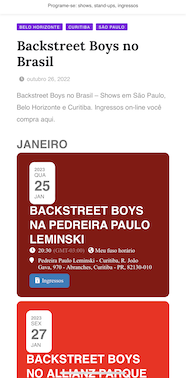
/ Now is perfect, pretty & clean. Thanks
Reply to: tickets(293481)
But what does it mean. I’m a front end user not a coder.
Is it a bug? Is it a problem that occurs only on my site?
Reply to: tickets(293593)
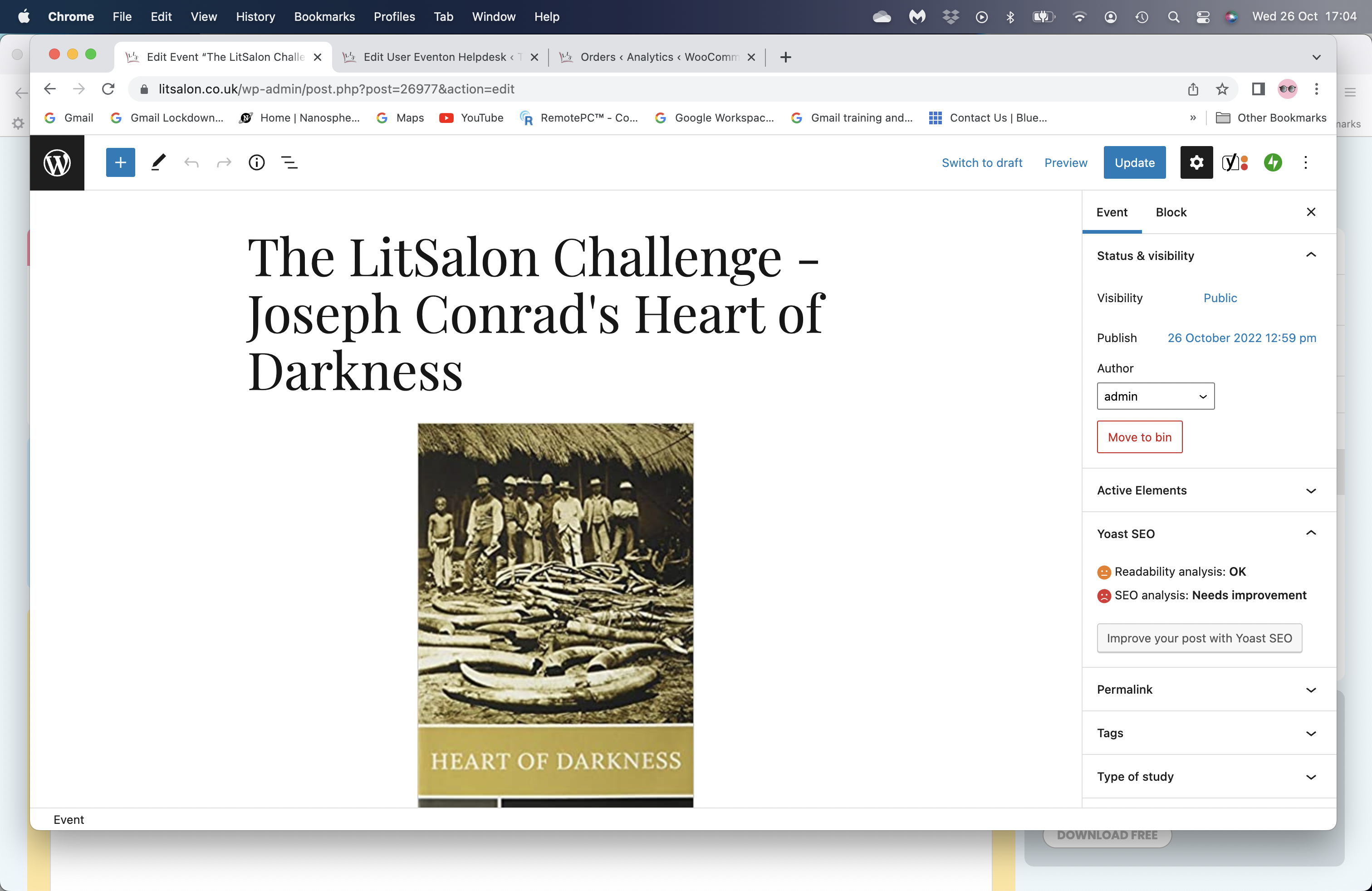
Since the update this morning this is how the listing now looks: https://www.litsalon.co.uk/Studies/litsalon-challenge-joseph-conrad-heart-of-darkness/ . The screenshot below shows how it looks when I’m creating/editing the page and before the update any headline/title above the event card would display in ‘Playfair Display’, now it is in bold Arial or possibly the other chosen font for text: Lato.
I’ve tried editing the code, but I can’t see exactly where the change has happened.
Thanks,
Nicky
Reply to: tickets(293177)
Thank you Mark it wasnt a | it was from selecting the text 🙂