Reply to: tickets(293207)
Replies for tickets on suppota
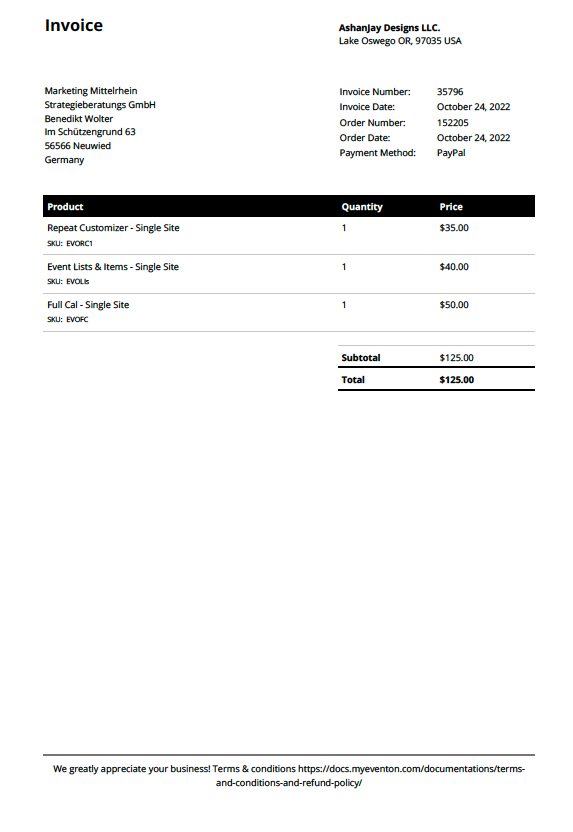
We directly bought the addons by myeventon. E-Mail-Adress: wolter@marketing-mittelrhein.de
Also the invoices attached.
wow, this was difficult, never done this before.
it worked out.
all engines running again, kenneth
thank you!
Hello Kenneth,
that worked for me! Thank you very much for the fast reply!
Have a good time.
Hi Vanessa,
To fix the organizer admin issue, please implement the patch fix below
https://docs.myeventon.com/patch-fixes/unable-to-select-locations/
Here is a tutorial on how to apply the fix to your site
https://docs.myeventon.com/documentations/how-to-apply-a-patch-fix/
As for the organize not showing in the event card, please go to Eventon > Settings > EventCardDesign and ensure that organize field is enabled on the event card
Hi Omar,
I added the custom CSS code below to Appearance > Customize > Additional CSS
.evo_metarow_socialmedia a.evo_ss i { font-family: evo_fontawesomes,evo_fontawesome,evo_fontawesomeb !important; }
Please check if the icons are showing on your end now.
Yes sure, here you go:
Order ID: 152115
Spain/EU VAT ID: ES79017106P
I’ve added it to the address field in my account settings because it seemed to be the only place where I could put it.
Thanks so much!
Hi thanks for responding Artem. Gosh this is amazing… freggin’ thing just won’t work. I’ve tried both actions above and nothing happens. Icons won’t change. Notice however that the email icon does work, but not the other three. Only one “part” of the other three works: when you hover over and see the light grey box.
What the heck can be going on? Sharing is an essential component of the calendar so if it doesn’t work it’s a bit of an issue!!
I await your news.
Thanks,
Omar
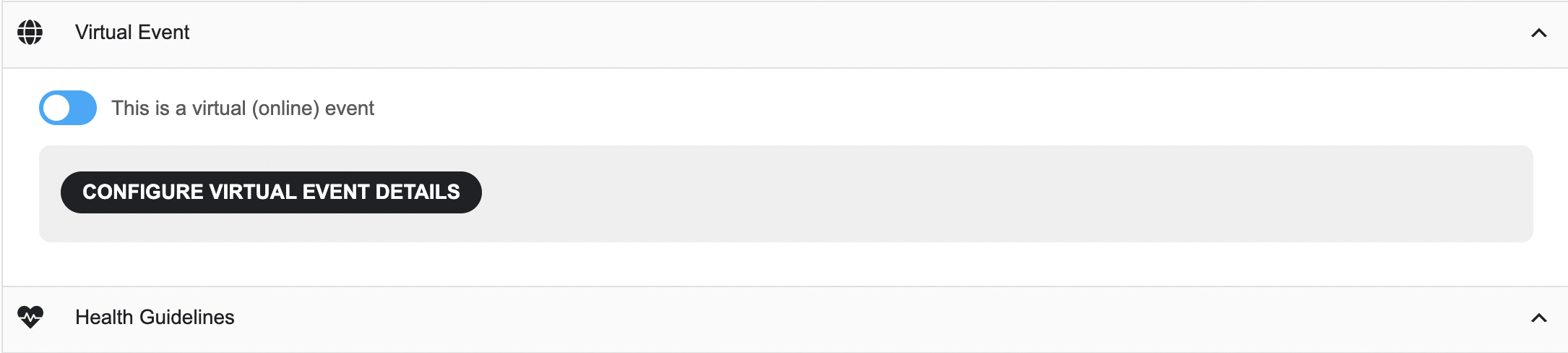
Please find the screenshot to the ticket above.