Yes – that does fix the issue and changes the background color BUT still not ideal because the text is still two different colors. The title is one color and the details are white.
https://lakelandmom.com/event-location/downtown-lakeland/
Maybe this is a setting specific to my site? If so I’m not exactly sure where to change it.
It is a little hard to tell with minimal info on the event cards but I think so. Instead of the event details filling the full width of the tile, they were limited to the left 50%.
I temporarily removed my CSS fix so you can see it live on my site – https://lakelandmom.com/calendar/
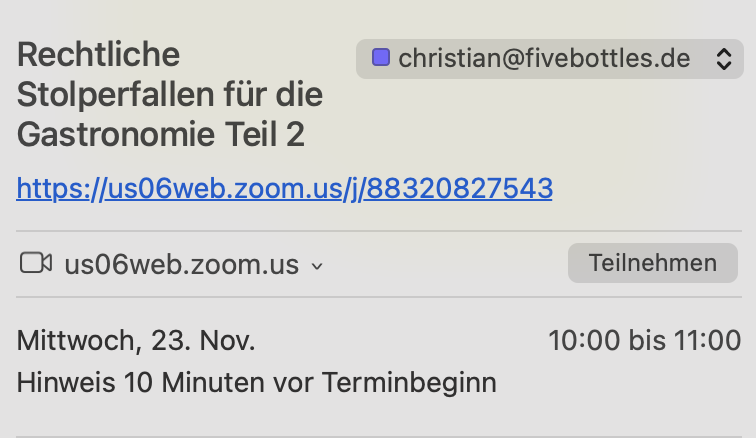
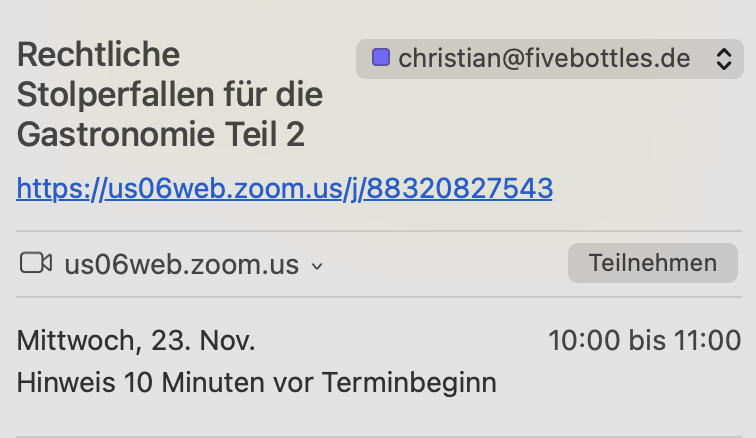
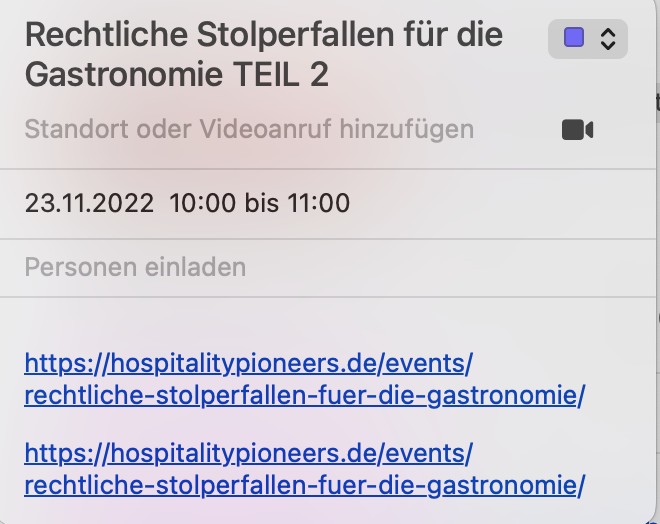
First screenshot is with eventon. Second is with standard free to use ics.file generator. With the second the link goes where it belongs to.
Same problem here !
The text snippet – wp_enqueue_script(‘evcal_functions’); already in the file?
What to do now?
An event calendar is not quite the same without addresses for where the event is taking place 😉
Yes, but now download the ics file and click on it and check where the link goes to.
Thank you Artem. I don’t believe there are any blocked IPs on the site currently, but we do run WordFence on the site. Let me know if there’s any issues accessing the site and I can temporarily disable the WordFence security plugin.
Hello, I have updated Action User but the date entry still does not work.
Ashan,
https://dev2.myeventon.com/wp-admin/post.php?post=31819&action=edit
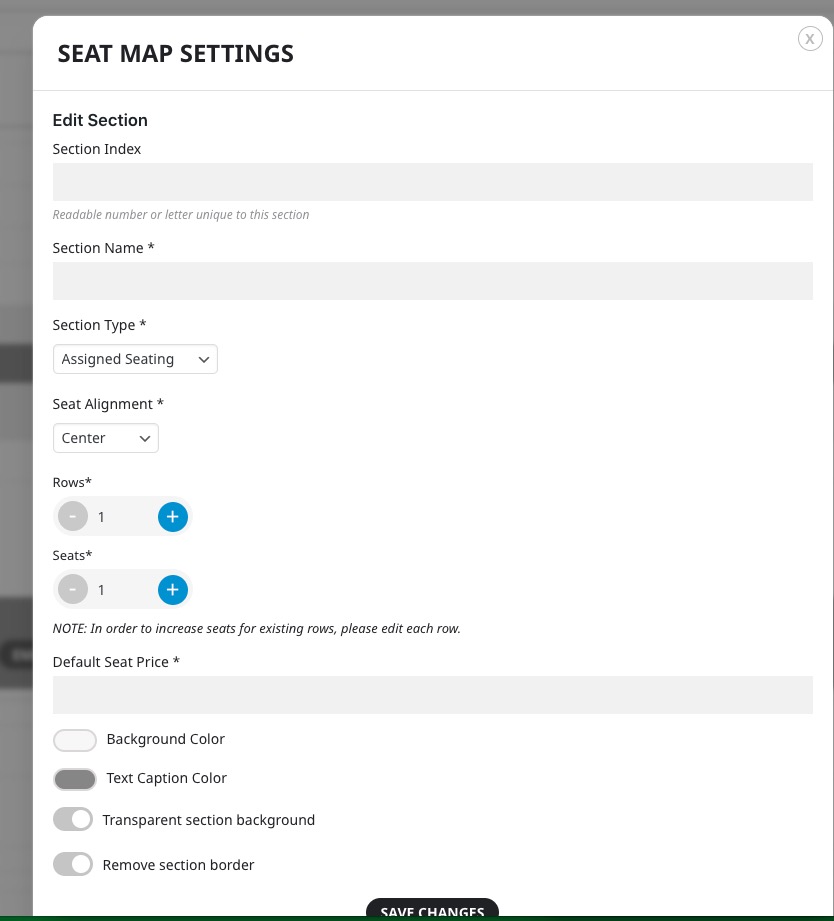
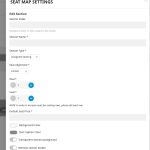 When you import the .json file and then open a section Name is empty.
But when update the event and then refresh the page, the whole Layout is empty.
Customer’s file:
https://1drv.ms/u/s!AjKEb34LJifHg-osuTB5xBUmRWgEiQ?e=A9Lzv7