The code from dev2 on customer’s site: https://organic-designs.com/2194-2/
Archives: Replies
Replies for tickets on suppota
Reply to: tickets(294164)
https://organic-designs.com/2194-2/
Reply to: tickets(294164)
Ashan,
There is something wrong with Event API:
https://devlite.myeventon.com/34-2/
The page is empty.
However it works on customer’s site:
https://organic-designs.com/wp-admin/post.php?post=2026&action=elementor
The problem there is that it doesn’t load some styling, I think, so the calendar looks strange. Could you check?
Exactly the same issue as on devlite if you try to use the API code from dev2 on customer’s site:
https://organic-designs.com/2194-2/
Reply to: tickets(281253)
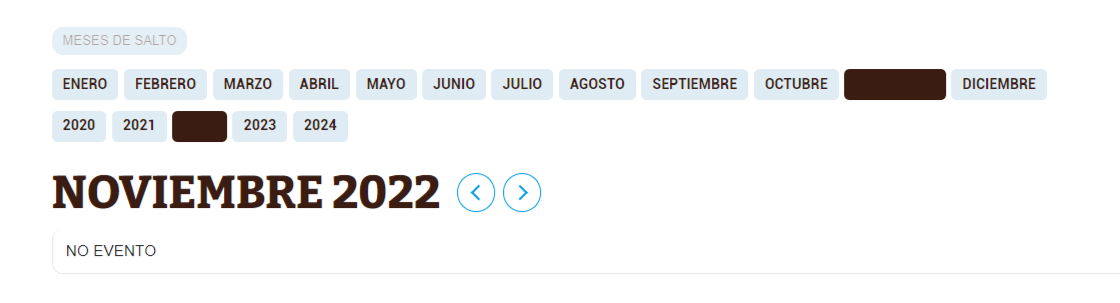
Reply to: tickets(281253)
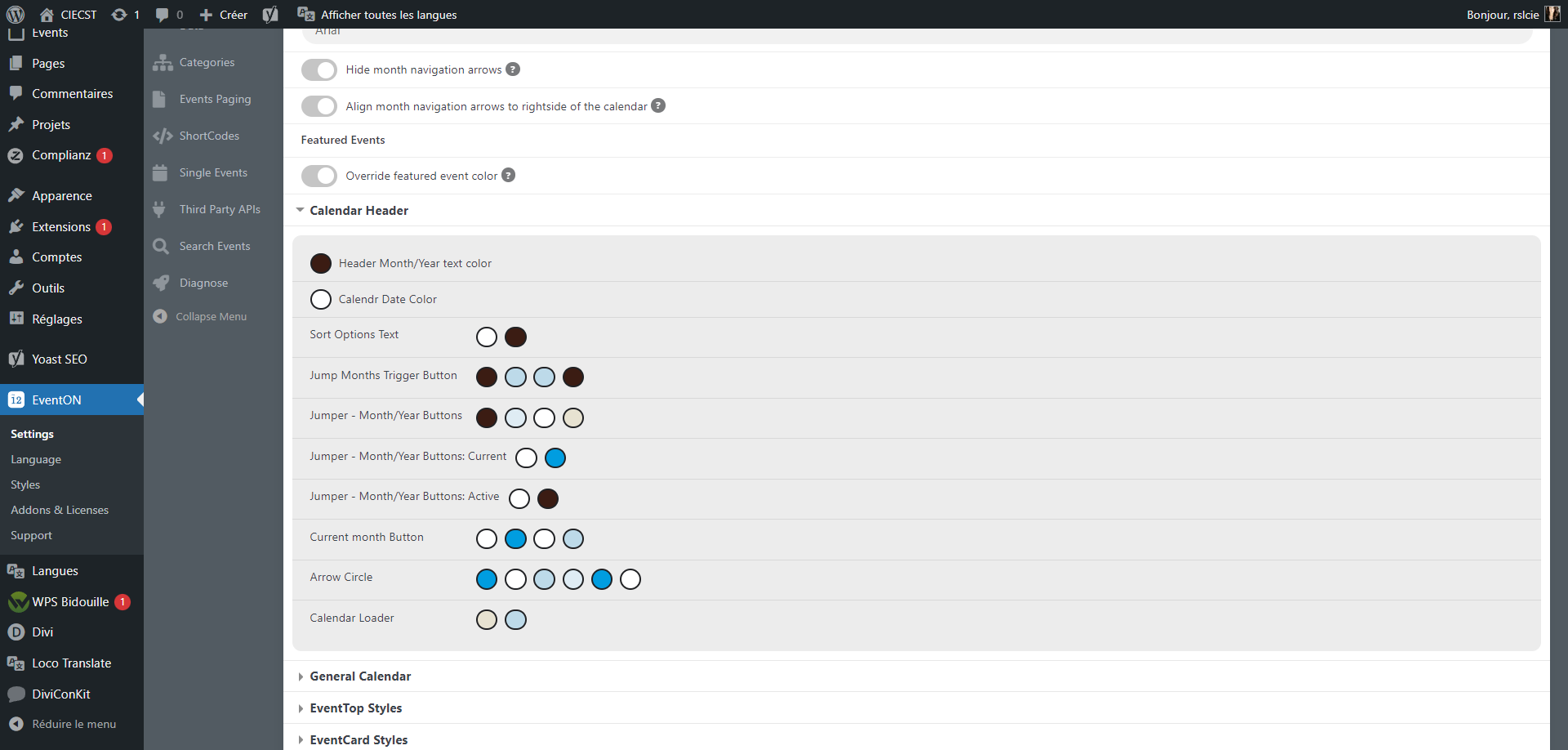
Hello !
I come back to you after a break on this project. I still have a problem of colour :
– the current month and year is on the same colour as the background, and it’s not supposed to be.
I checked everything and I probably made a mistake somewhere, but I can’t find where. Can you please tell me how to fix it?
Thank you very much for your help and have a nice day.
Reply to: tickets(294164)
I moved the js code to
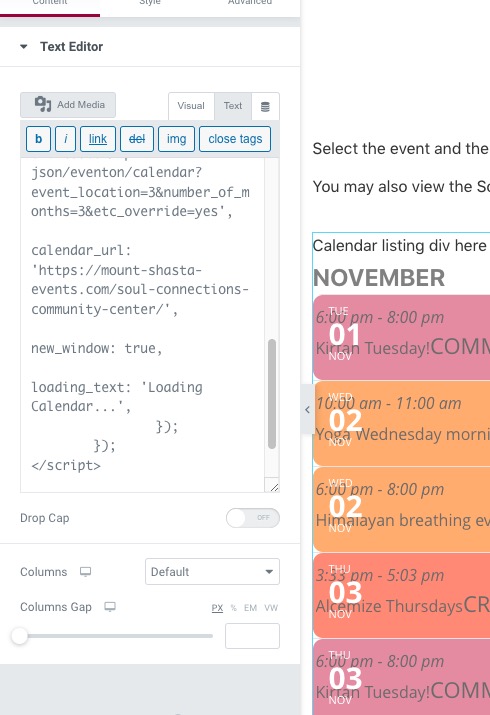 Please keep it there while we are working on fixing this.
Thank you for your messages, I am going to assign this ticket to Ashan and he will be able to take it from here and find you a solution. Please allow some time for him to get back to you, we greatly appreciate your patience and thank you for being a eventon customer! Also please disable any IP blocking on your site if there are any.
Reply to: tickets(294747)
I provided log in details to see the page (only visible to logged in users)
Reply to: tickets(294737)
Hello,
You don’t really need to connect those two in a specific way. Action User Plus does everything on it’s own.
Make sure that WooCommerce installed and configured correctly (/cart and /checkout pages work and available), then go to EventON > Action User > Paid Submissions > add levels by pressing ADD EVENT SUBMISSION LEVEL > when done enable Activate paid submissions.
However, please make sure to go to EventON > Action User > Form Fields > enable fields before you can select them on ADD EVENT SUBMISSION LEVEL form:
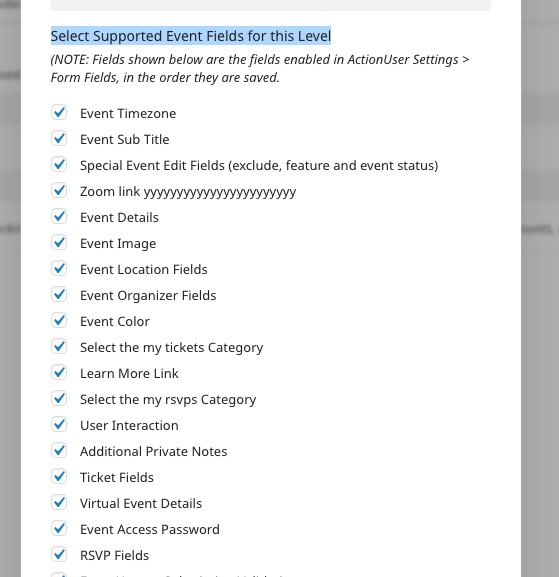
I also noticed this massive fatal error that is coming from Elementor Essential plugin: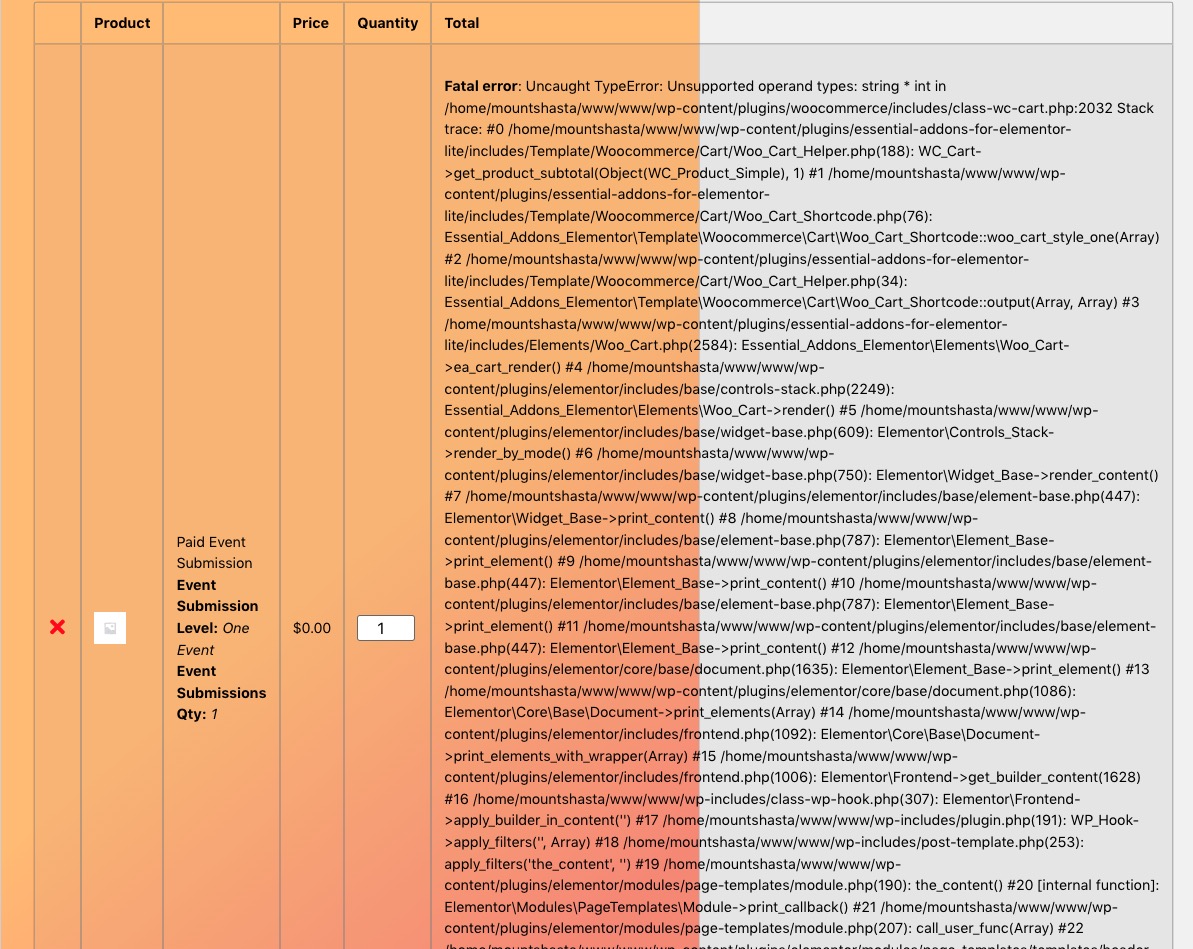
Could you try disabling it to see if it helps?
Reply to: tickets(294164)
You have admin access now. My apologies!
Reply to: tickets(294430)
Thanks for this! We’re having a couple other issues:
- On #3 above (the image slider none having the same size image) – we’re still seeing a few images that are a different sized. Is it possible to fix that?
- On #4 above, the text still isn’t centered on mobile. It looks like the cause of that might be where the date is showing up that is causing everything to be off-center.
- Can we have the image be a square that adjusts automatically regardless of the featured image? In other words, the featured image doesn’t need to be a square, it can be 1000×500 but then crops to 300×300 when looking at the list?
- The date on the /events page is blue which is great, but on the pop up that blue date blends in with the background. Can we change the pop up only to have the date text be white?
Thanks so much!