Yes! Success!
Thanks!
Replies for tickets on suppota
Yes! Success!
Thanks!
I’m sorry I don’t understand the fix. I have downloaded this file from the plugin and looked at the code but I am at a loss, if I amend the code surely everytime I update the plugin I will lose the fix?
Thanks
WordPress.com requires an email to login. Could you check?
Seems to be working now:
https://onetinfo.ch/b-waffen/events/noch-ein-piff-paff/
Please check and let me know.
Hello,
Please follow
PROTIP: If the /events page does not work due to theme/plugin conflicts, create a new page, call it “Events Directory” Insert eventon shortcode and use that as your main events page which will have a URL ending like /events-directory. This would be a perfect solution if you have conflicts with /events slug.
I cannot login because you need to login to WordPress.com first. Could you check?
Could you also try checking the mobile while being logged-in?
Hello
i created a test system; there i have the same scenario.
https://onetinfo.ch/b-waffen/wp-admin
eventon-support
Q(#blXz$2a^lRRt9XTm#4NkM
Hello,
Instead of “flex”, please try “block”:
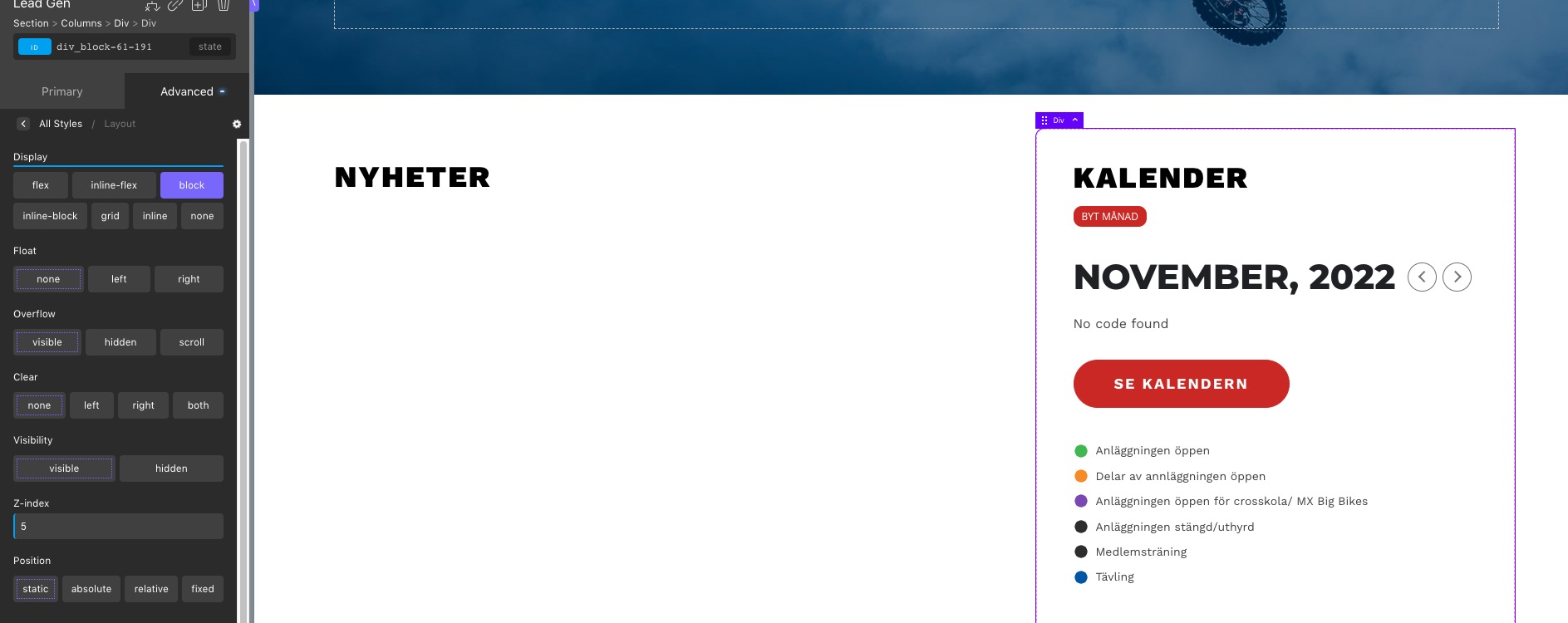
Hello,
Could you tell us how do you update? If “EventON > Delete eventon settings & data when EventON is uninstalled” is disabled, EventON doesn’t delete the events.
More info:
To update eventon to latest version: If you are unable to do autoupdate, you can go to codecanyon your account > download and get the latest eventon version as zip file. Then you can go to your website > make sure “Delete eventon settings & data when EventON is uninstalled” is Deslected from eventon settings, delete old eventon, install new one and activate. This link will further explain the process it. Also you can follow us on twitter to get real-time announcements on updates!