Hello,
Jetpack replaces images, which prevents them from showing:
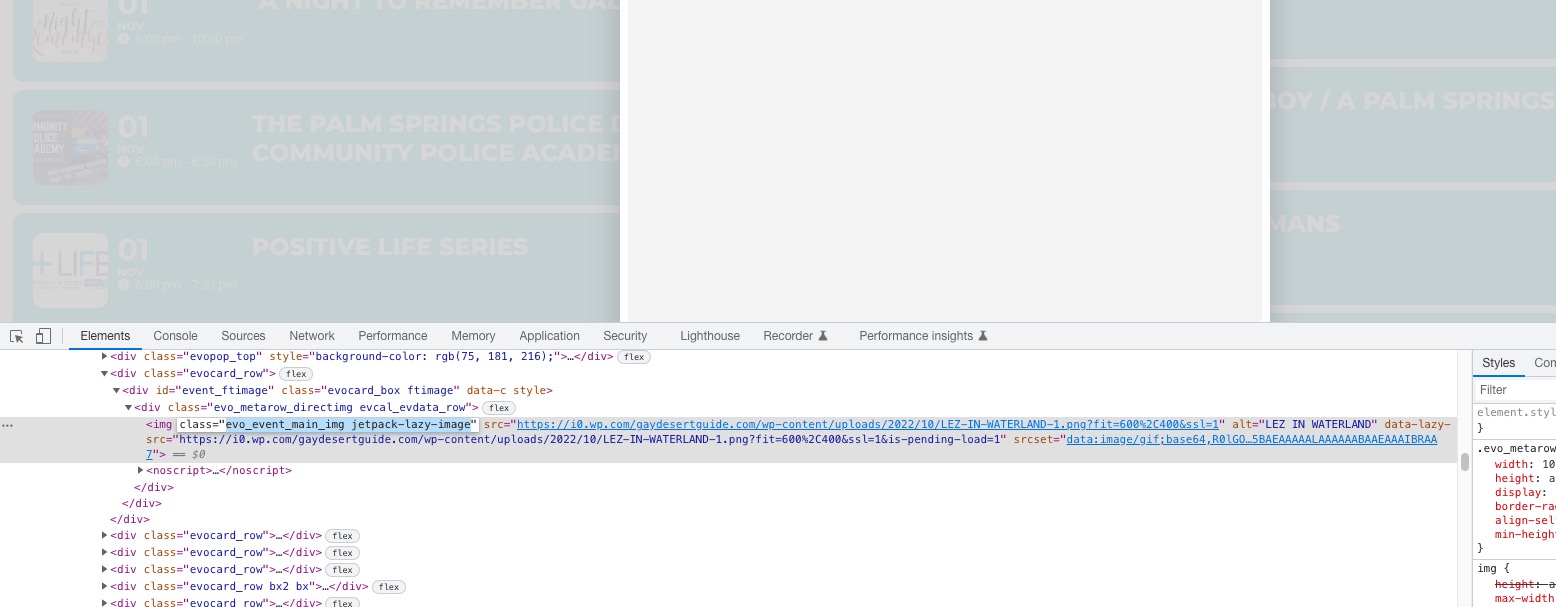 Could you disable the feature?
…the event listing displays on Mobile is not good.
Could you elaborate? With screenshots.
Replies for tickets on suppota
Hello,
Jetpack replaces images, which prevents them from showing:
Could you disable the feature?
…the event listing displays on Mobile is not good.
Could you elaborate? With screenshots.
We are glad your issue is resolved, if you have any further questions or concerns please create a new ticket.
If you have a moment, we would greatly appreciate if you could kindly leave us a review at codecanyon! from your account > downloads. Cheers!
Hello,
Please send us wp-admin access to your site as a private message for us to further assist your situation.
Please check for latest version of this software from here Your issue might be related to an older version you are running and we might have resolved this already in the newer version update. If you are on latest version of our software and the issue still persist please let us know.
Event Status is visible and working: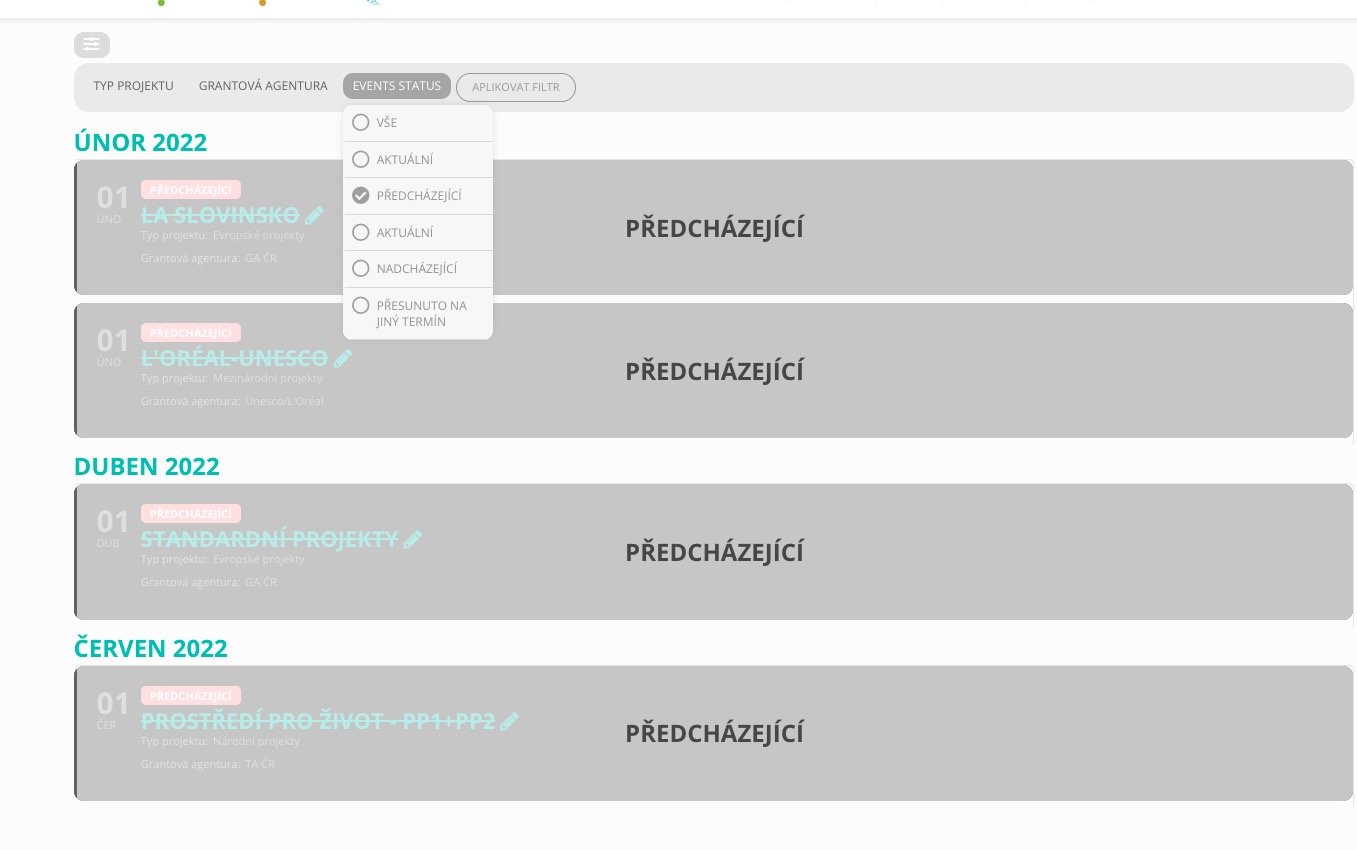 I cannot watch the video because I need to log-in. Could you send us a screenshot?
Hello,
Please add this CSS code to EventON > Styles (If you don’t see any change, EventON > Scripts & Styling > turn off Write dynamic styles to header > save settings > turn on Write dynamic styles to header):
.eventon_events_list .eventon_list_event .evoet_cx span.evcal_desc2, .evo_pop_body .evoet_cx span.evcal_desc2, .eventon_events_list .eventon_list_event .evoet_cx span.evcal_event_subtitle, .evo_pop_body .evoet_cx span.evcal_event_subtitle { text-transform: none; }
Please send us wp-admin access to your site as a private message for us to further assist your situation.
We are glad your issue is resolved, if you have any further questions or concerns please create a new ticket.
I updated 2 days ago, This is what I mean though, the month is now November and our upcoming events page still shows October
https://lrgames.fun/upcoming-events
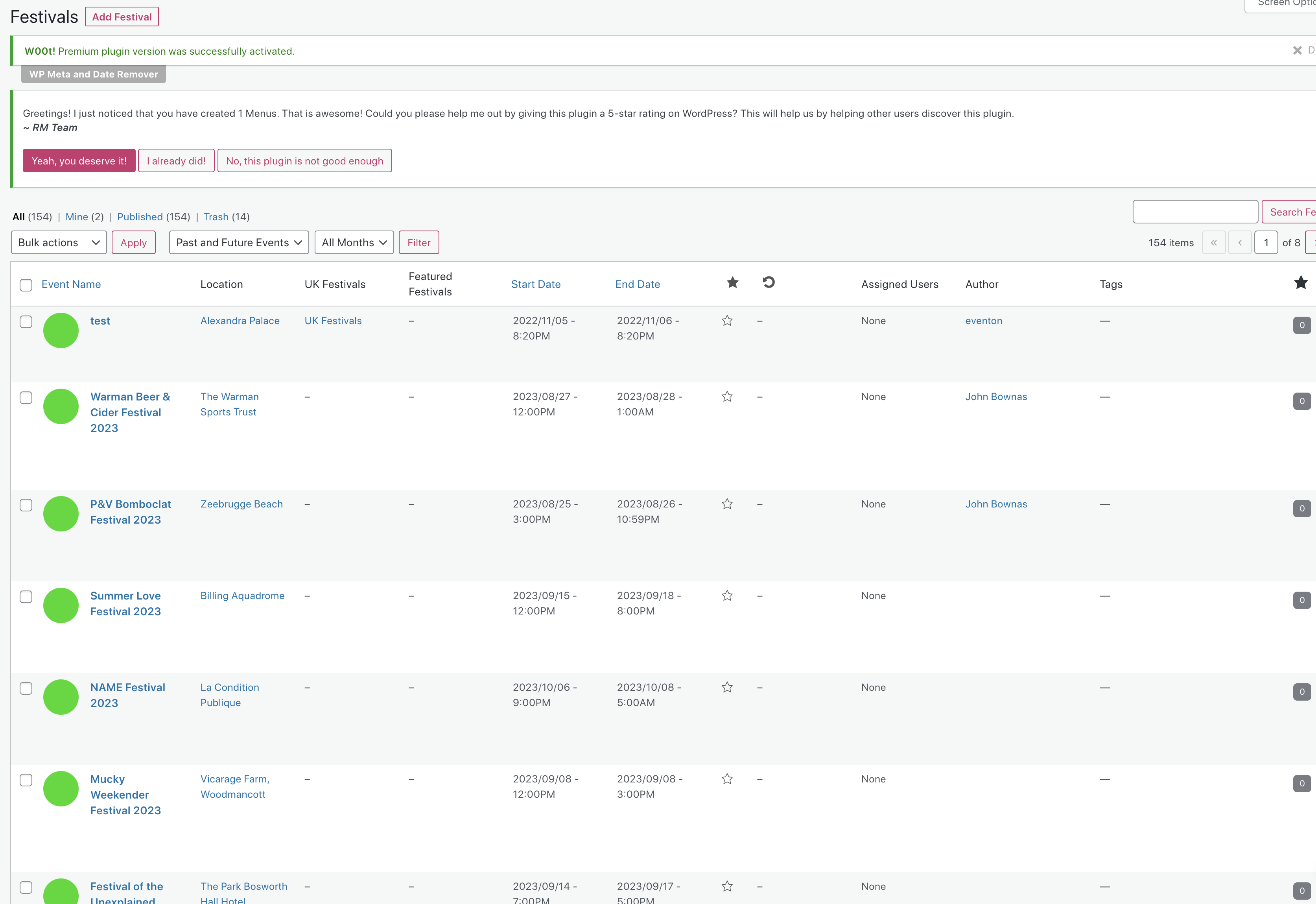
I have put some simple text into that event so you can try the author edit on it. I have tried this in Firefox and Chrome and get the same stripped formatting with both.
Have you clicked something to hide the test event from calendars as it is not appearing?
Also, I ran another ICS import last night of a fresh batch of events and none of them have had an author assigned…although the first ones I did picked me up as author. Is there something i may have done differently to cause this to happen? I can manually assign myself to one event at a time, but that is time consuming.
login page: https://ucb.af.mendelu.cz/wp-admin/
username: test
pass: E)AHPSQVaG881riwSF8jjb26
Event page: https://ucb.af.mendelu.cz/projektove-rizeni-granty/