But The Category color background is still there… I want a border (frame) with the category color and white inside
Which design would you like:
https://demo.myeventon.com/
It’s quite hard to understand from the description.
And on the event card the header text and time and location is still white text. If the same white background with a category color frame appears there to – the text has to be black.
Could you send us a screenshot of this one?
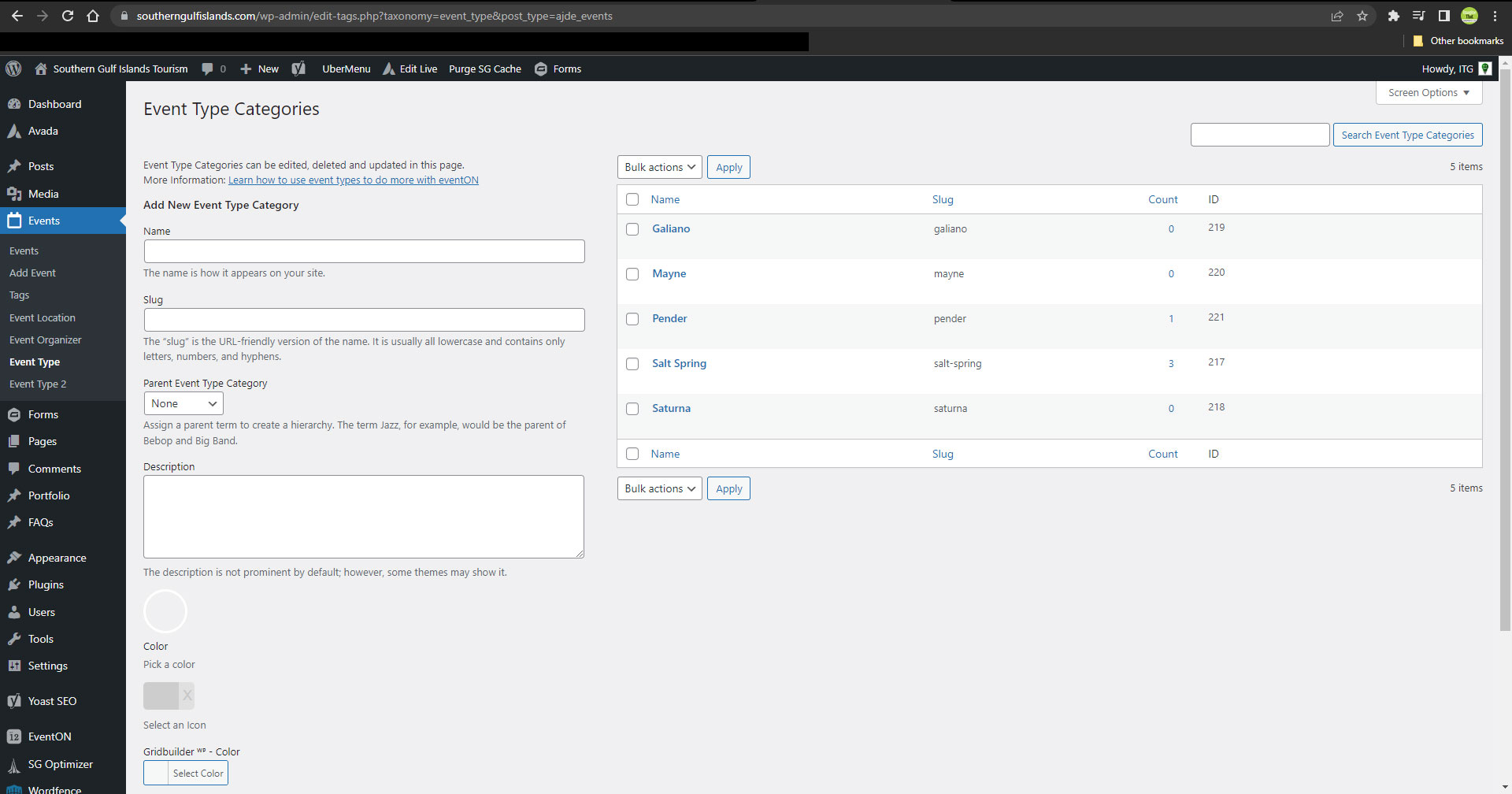
Using the event_type ID leads to a 404 page, as seen here: https://southerngulfislands.com/island-events-rss?event_type=217
Please let me know if you can take a look into this a bit more thoroughly. I’ve attached a screenshot of the event_type list.
Hello,
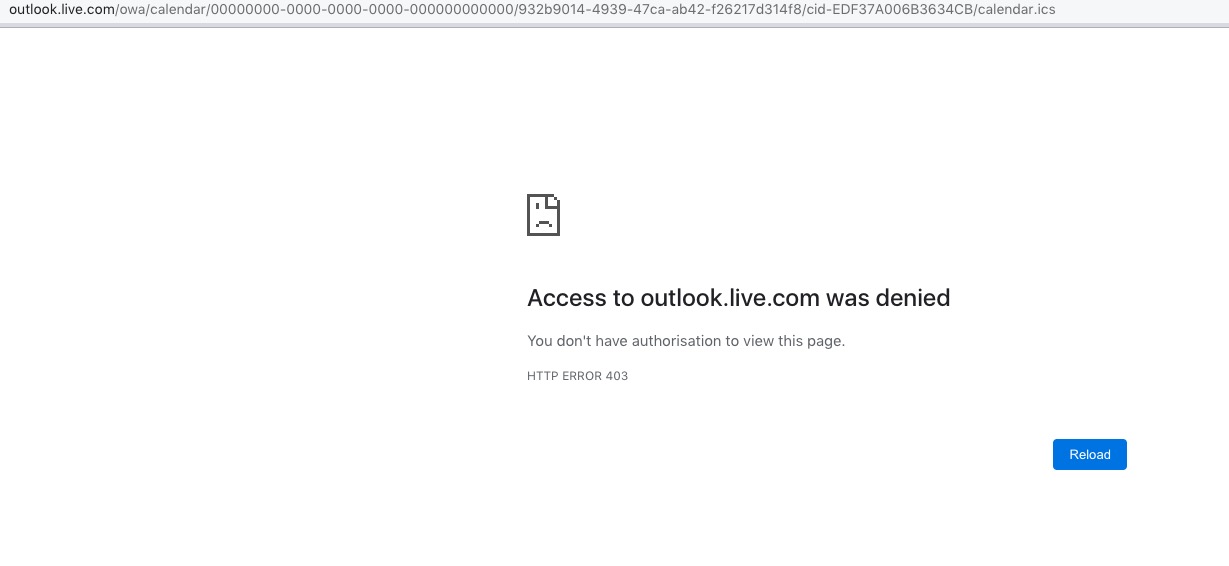
Could you fix the access to the file?
Great! Please keep us updated.
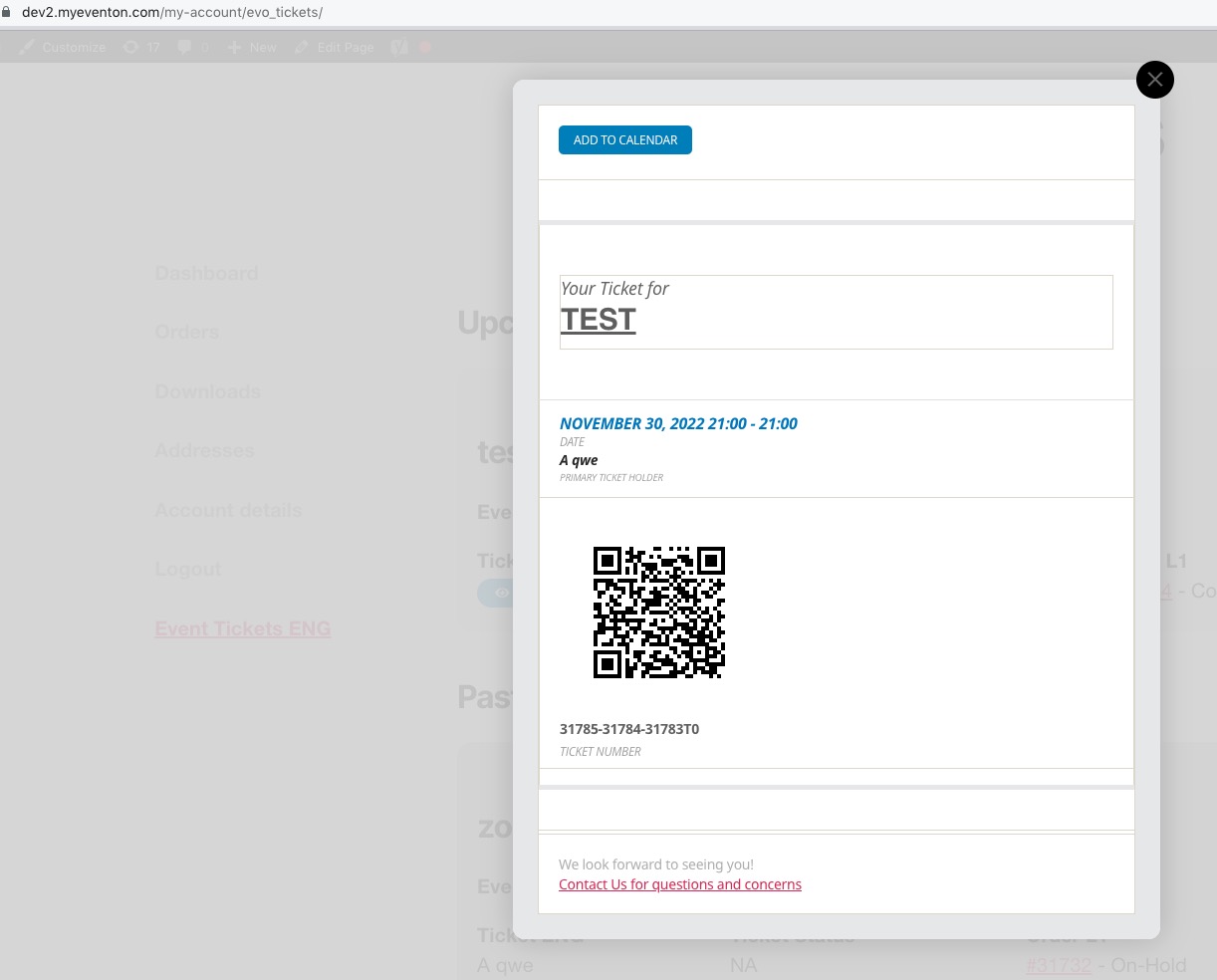
On our test server it shows the tickets correctly: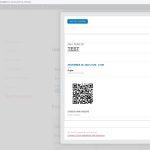 Could you please try the instructions mentioned in this documentation to make sure your issue is indeed coming from eventon.
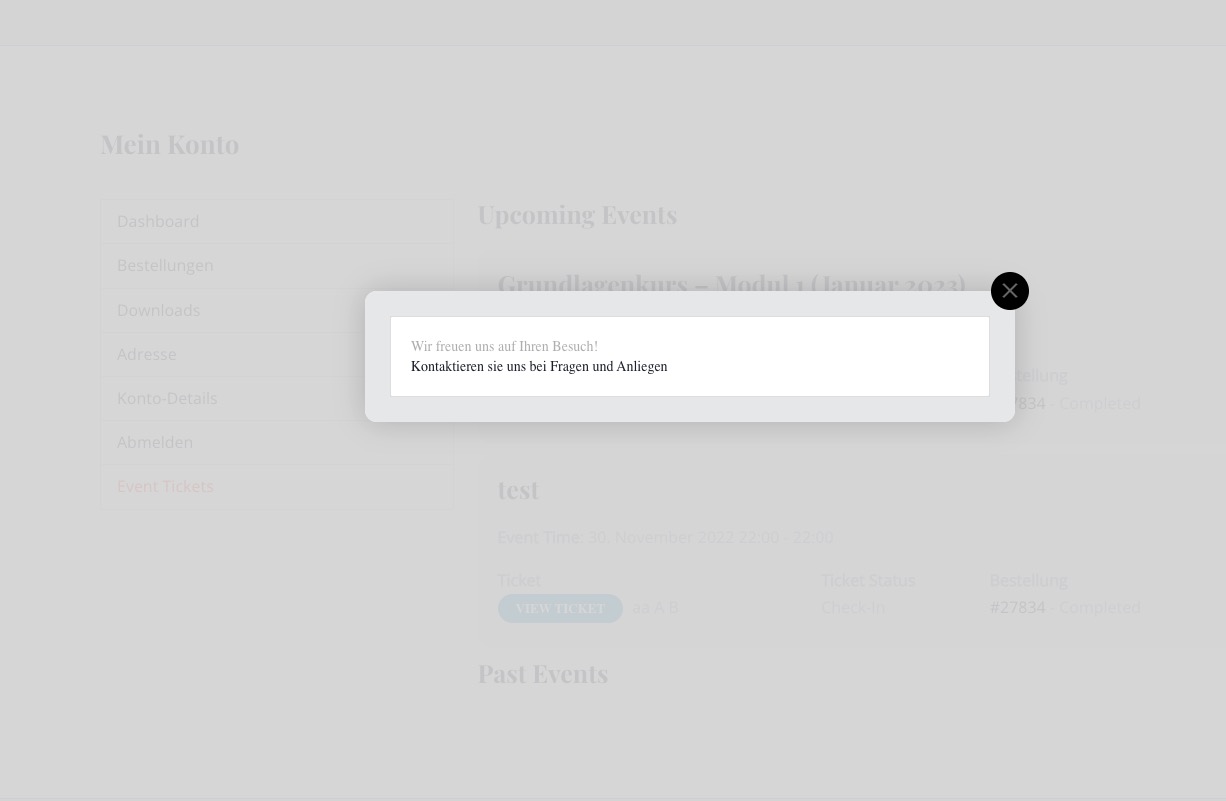
The same issue on your website after I created a new event:
Please take a look at the other screenshot.
Can you please send us a direct link to where the actual issue is happening?
I bought the plugin “Dynamic Pricing” yesterday, unfortunately I can’t activate it. As this plugin immediately triggers a critical error on my page. I have never had that before. Maybe you can do something here too.
Could you install the add-on, but don’t enable it. After, please send us FTP access to your site as a private message, so we can perform several tests from our end and resolve your issue fast!

File: ical_snippit shows time information in the ical file being brought in by ICS Import

ICS Import has been updated to 1.1.4. The ical link brings in the events, but the dates are still showing as UTC -0, and not UTC -4 as set in the website, EventOn, and the imported events themselves.
File: ical_snippit shows time information in the ical file being brought in by ICS Import
Hello,
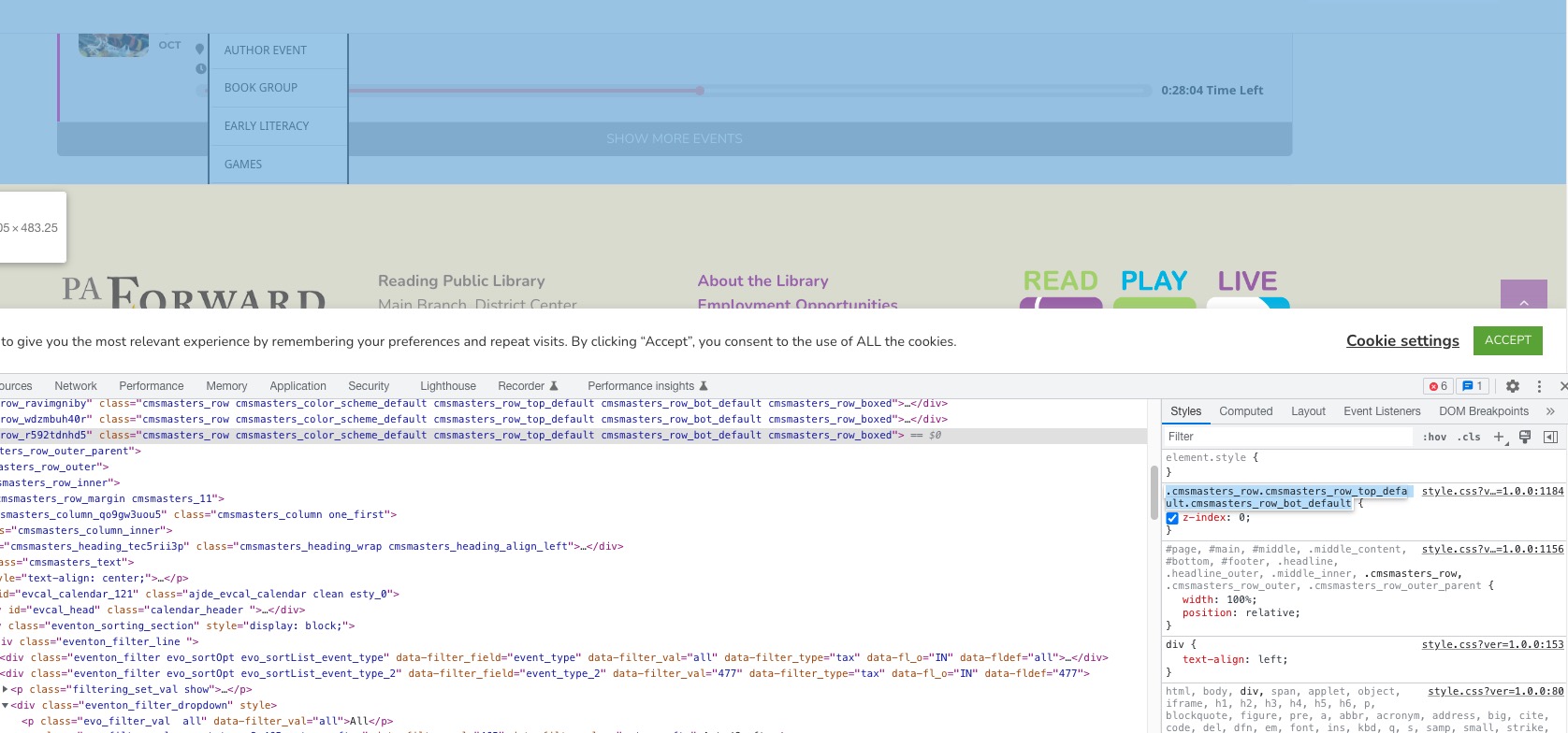
The issue is in this style, that belongs to one of container elements:
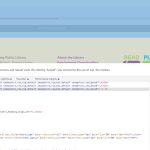 z-index:0 means that every element inside of the container is always lower that the footer. That’s why the footer overlaps the calendar.
Great!! I will try it.
thank you very much for your fast response.
Please update to EventON 4.2.1. The latest version fixes the issue.
To update eventon to latest version: If you are unable to do autoupdate, you can go to codecanyon your account > download and get the latest eventon version as zip file. Then you can go to your website > make sure “Delete eventon settings & data when EventON is uninstalled” is Deslected from eventon settings, delete old eventon, install new one and activate. This link will further explain the process it. Also you can follow us on twitter to get real-time announcements on updates!