Timetable plugin affects this: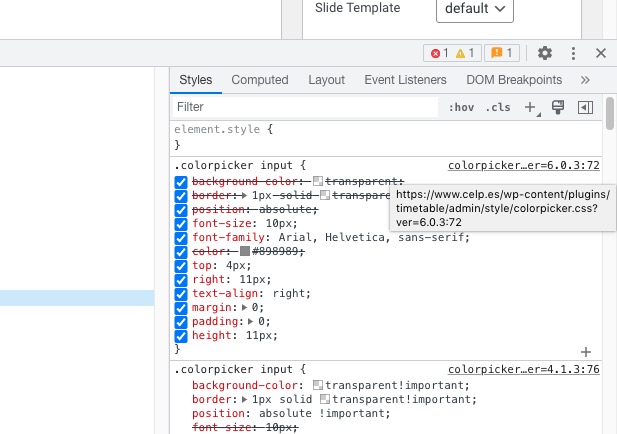 Please try disabling it.
Archives: Replies
Replies for tickets on suppota
Reply to: tickets(294425)
Hello,
My PC barely loads the page:
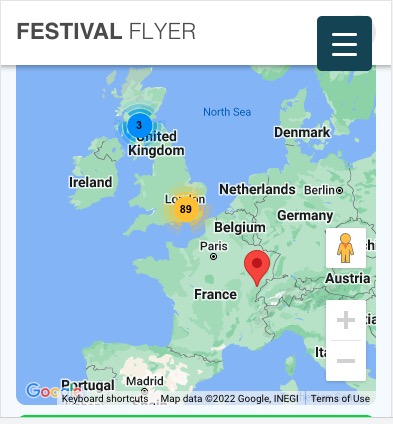 It struggles quite a lot, so not sure how it can affect a mobile browser.
There are two shortcodes on the same page and they both load all events at once. Could you try removing one calendar or remove show_alle=”yes”in one of the shortcodes?
Reply to: tickets(294434)
I figured out how to fix the single event page issue by switching to the new immersive design.
Here is what I’ve figured out for the tile design – it seems to be tied to the Tile Style selected.
Details under clean –
.ajde_evcal_calendar.boxy .eventon_events_list .eventon_list_event .evcal_desc {
flex: 1 0 50%;
width: 50%;
flex: 1 0 50%;
width: 50%;
Details under colored –
.ajde_evcal_calendar.boxy.boxstyle1.tbg1 #evcal_list .eventon_list_event .desc_trig .evcal_desc {
width: auto;
}
width: auto;
}
Reply to: tickets(294426)
Hello,
Could you elaborate? Seems to be working here:
https://festivalflyer.com/events/warman-beer-cider-festival-2023-3/
Reply to: tickets(294427)
Hello,
Could you update ICS Import to 1.1.4?
To update eventon addons: You can download latest eventon addons from myeventon > my account. Then you can go to your website, deactivate old addon and install new one and activate then delete the old addon. This link will further explain the process. Also you can follow us on twitter to get real-time announcements on updates!
Reply to: tickets(294428)
Hello,
Instead of Event Type name, please use it’s ID:
Other specific RSS feed links You can use a custom links like http://yoursite.com/evofeed?event_type=63 to get events only for certain event type. Other supported fields by default are event_type_2, event_type_3, event_location, event_organizer. You can pass value similar to inside eventon shortcodes.
Reply to: tickets(294429)
Hello,
Could you edit this event the way you usually do:
https://festivalflyer.com/wp-admin/post.php?post=614747&action=edit
So we can check.
Reply to: tickets(294430)
Hello,
1. Please add this CSS code to EventON > Styles (If you don’t see any change, EventON > Scripts & Styling > turn off Write dynamic styles to header > save settings > turn on Write dynamic styles to header):
.ajde_evcal_calendar.color #evcal_list .eventon_list_event .evcal_desc em.evocmd_button { color: white !important; }
2.
.evcal_evdata_row .evcal_evdata_cell a.evo_cusmeta_btn.evcal_btn { margin-top: 0 !important; } .evo_clik_row .evcal_evdata_row, .evo_clik_row.evcal_evdata_row { padding: 30px !important; }
3.
.evosliderbox.multiSlider.cs_def.ss_imgtop.ajde_evcal_calendar .eventon_events_list .eventon_list_event .desc_trig_outter { height: 100%; }
4.
@media only screen and (max-width: 960px){ .evoslider.ajde_evcal_calendar.ss_imgtop .eventon_events_list .eventon_list_event .desc_trig, .evoslider.ajde_evcal_calendar.ss_imgleft .eventon_events_list .eventon_list_event .desc_trig { flex-direction: row; } .evosliderbox.ajde_evcal_calendar .eventon_events_list .eventon_list_event .evcal_cblock { padding-left: 0px; } }
Reply to: tickets(294381)
When I am logged-out I cannot see the page itself. Do you have a third-party plugin that can restrict access to pages for regular users?
Reply to: tickets(294432)
Hello,
The problem is in your theme:
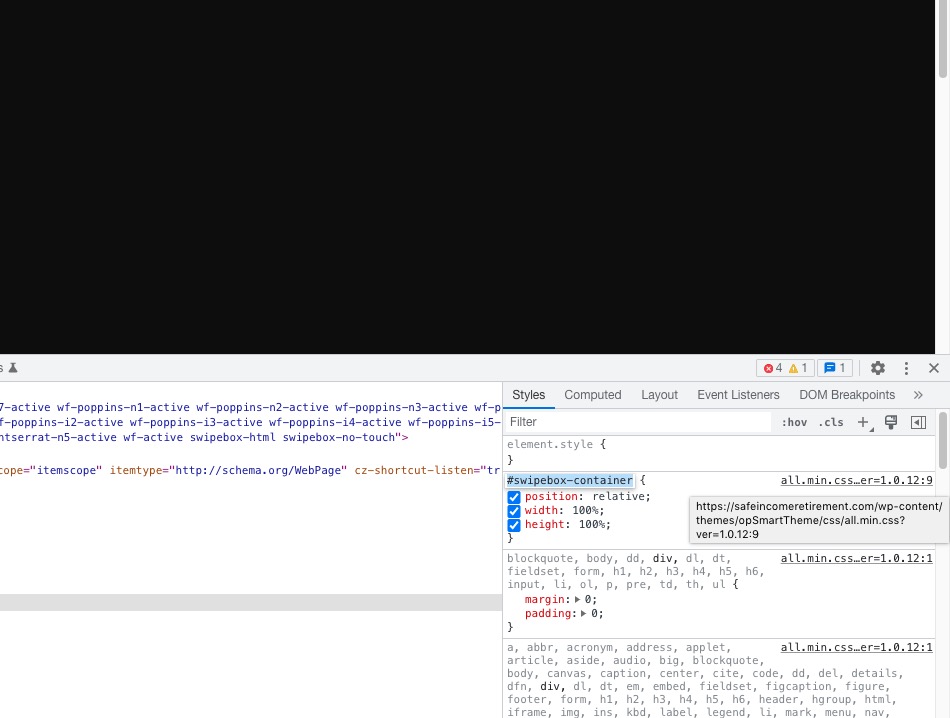 Please contact the theme developer and ask about swipebox.