Hi,
sorry, I am struggling. I do not how to use the code in the link you sent to me.
In the past I used the following code to extract the data I need and I stored it into global variables:
$GLOBALS[‘event_tag’] = $array[‘timelocation’][‘date_times’][‘start’][‘date’]; // 30
$GLOBALS[‘event_monat’] = $array[‘timelocation’][‘date_times’][‘start’][‘month’]; // Mai
$GLOBALS[‘event_zeit’] = $array[‘timelocation’][‘timetext’]; // (Samstag) 14:00 – 15:30
However, with the new versions on EventOn the names have changed an my solution is not working anymore.
May be you can help me and let me know the information I need to extract the information.
May be the array index names have changed.
Thanks, Jens

Password:
Name: helpdesk
Pass: j()cCALXdYy7qrnlsL0YWJAo
Here are the requested dates. I would be happy if you can solve the problem, if there are any questions in advance, please ask them.
As a second question, I have one more request. Please take a look at the other screenshot. Unfortunately, the place and time are left-aligned on the event top map, the rest in the middle. How can I make it so that all the elements are centred? Unfortunately, I have not been able to do it.
I bought the plugin “Dynamic Pricing” yesterday, unfortunately I can’t activate it. As this plugin immediately triggers a critical error on my page. I have never had that before. Maybe you can do something here too.
Thank you very much.
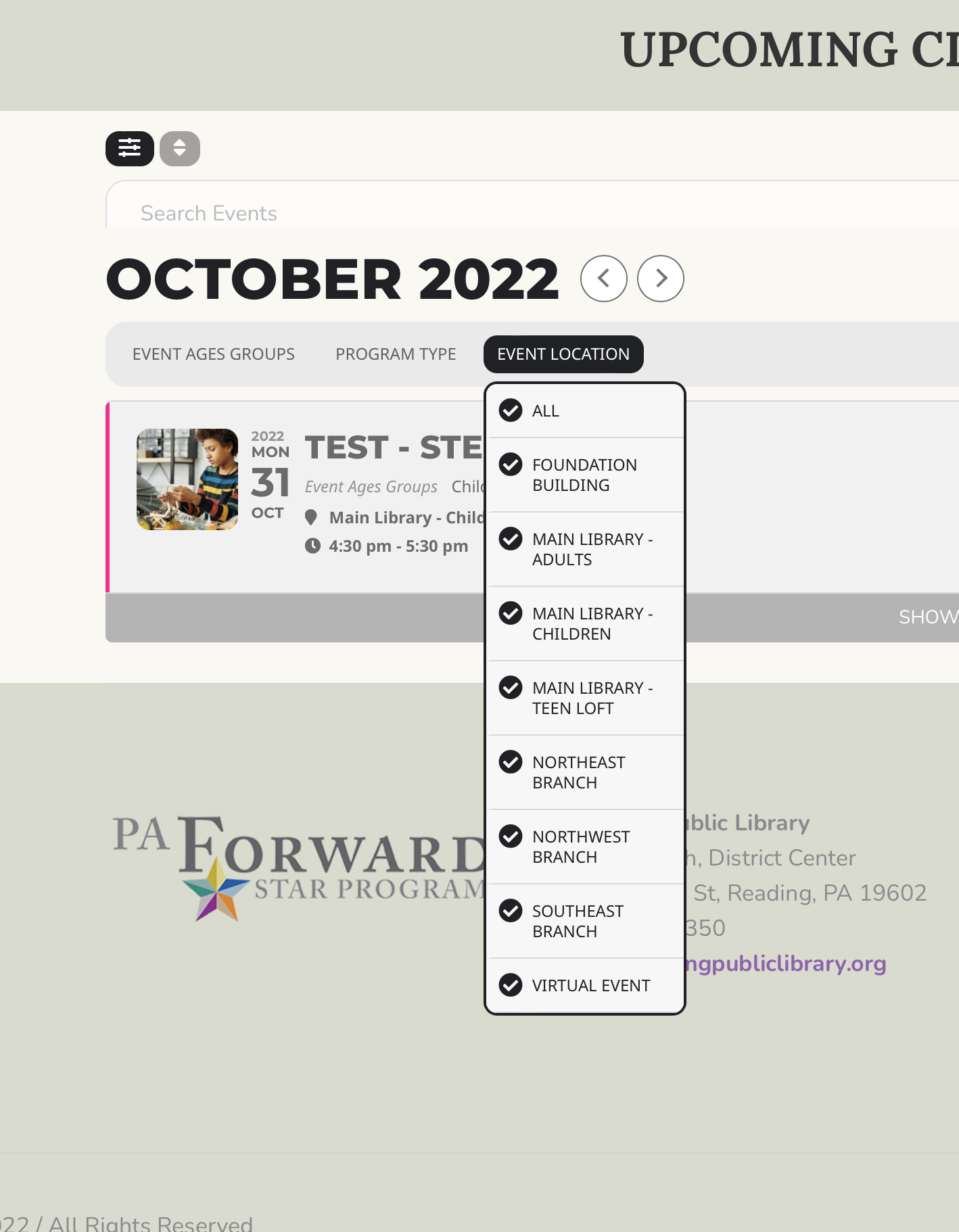
Sorry – wrong screen shot:
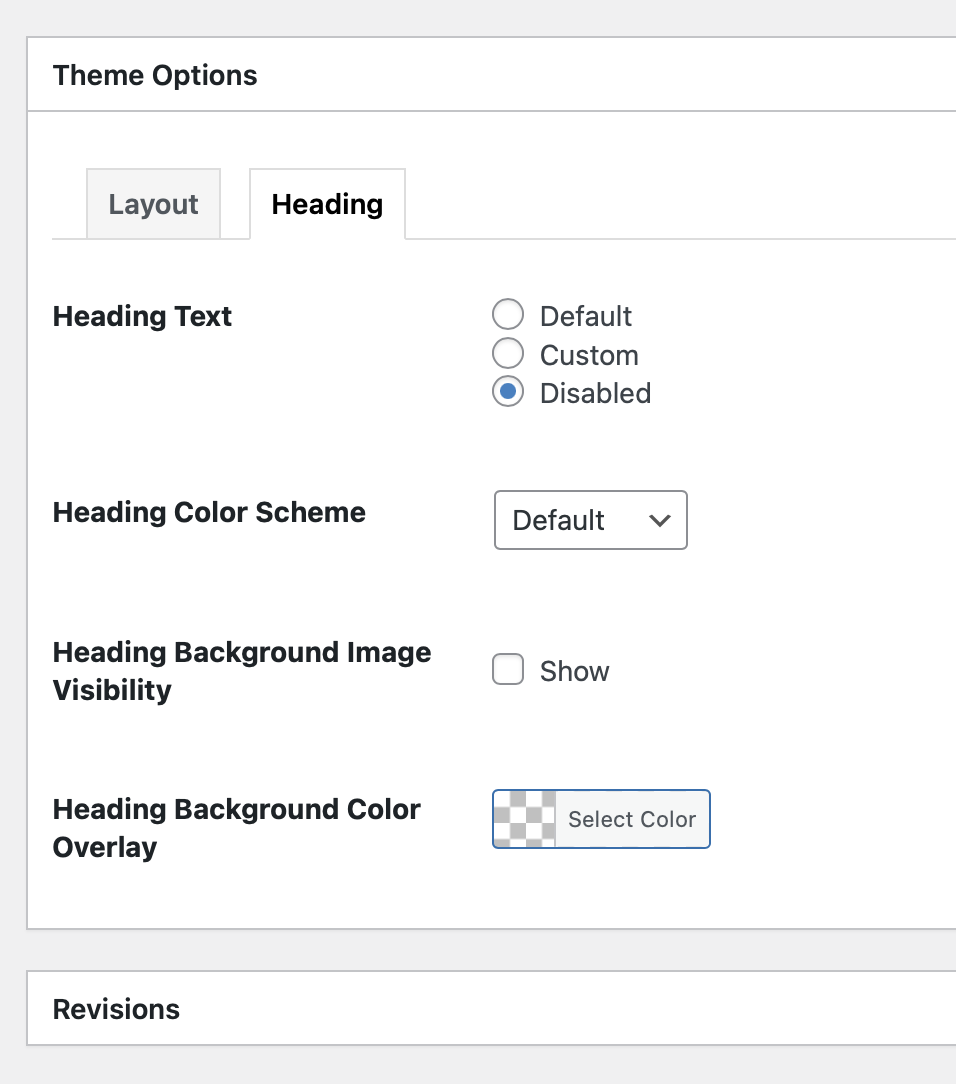
But if that is the case, why does it work on this page: http://162.240.67.85/~readios2/
But not this page: http://162.240.67.85/~readios2/stem-activities/
Both have the same settings.
as you can see the popup is broken, you can not click accept. All the element out of place as well as the size of the popup is not big enough to show all the elements of the picker.
Ok, I was using add_eventon instead of add_eventon_list and it works now.
Thanks!
This is a little bit beyond my skill level. Isn’t there an easier way to do this? I’ve never had this issue before.
We are glad your issue is resolved, if you have any further questions or concerns please create a new ticket.
If you have a moment, we would greatly appreciate if you could kindly leave us a review at codecanyon! from your account > downloads. Cheers!
We are glad your issue is resolved, if you have any further questions or concerns please create a new ticket.