Unfortunately, the way you are trying to use variable prices isn’t compatible with Tutor.
Archives: Replies
Replies for tickets on suppota
Reply to: tickets(285462)
1. Test if everything is correct by using:
https://developers.google.com/search/docs/appearance/structured-data
2. Go to EventON > enable Remove schema data from calendar and Remove JSON-LD data for events.
1. Just follow 2 and wait for Google to check everything again and clear it’s cache.
2. Without Event Schema, Google treats events as regular posts, I think. Maybe you could try disabling the schema and create a curated sitemap with Yoast or similar?
Reply to: tickets(293093)
Hello,
We need access to the WP installation somewhere online. It seems that it’s either the theme or a third-party plugin.
Also try going to EventON > enable Remove schema data from calendar and Remove JSON-LD data for events.
Reply to: tickets(292285)
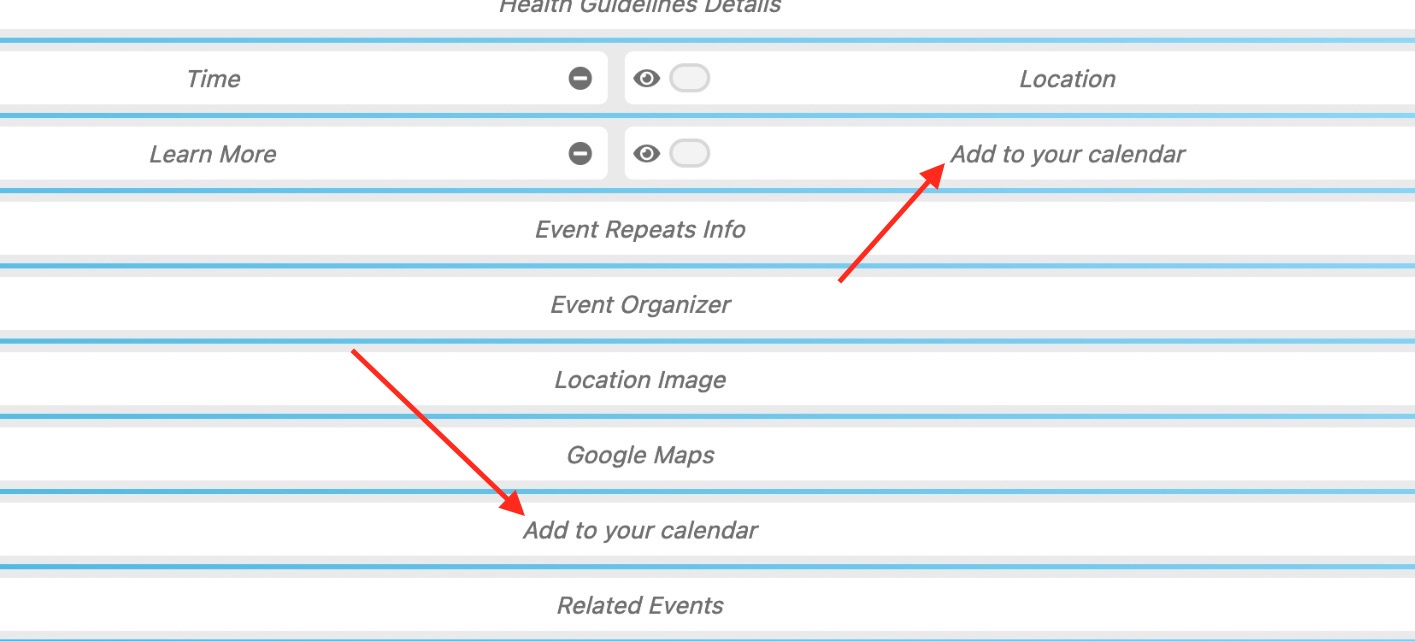
Reply to: tickets(293121)
Hello,
I enabled Google Map API from https://nevadacounty.consciouscommunity.net/wp-admin/admin.php?page=eventon#evcal_005
Next I went to https://nevadacounty.consciouscommunity.net/wp-admin/post.php?post=968&action=edit&classic-editor and changed Location Address to
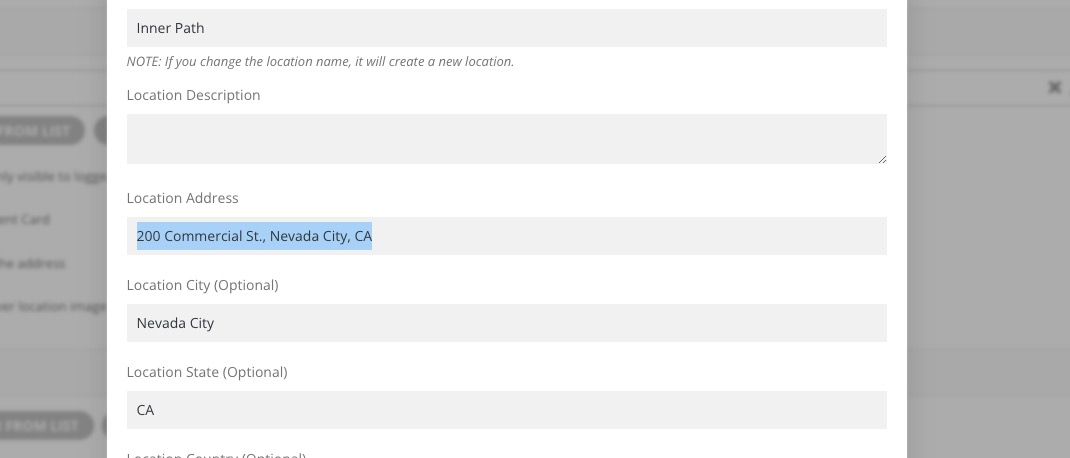
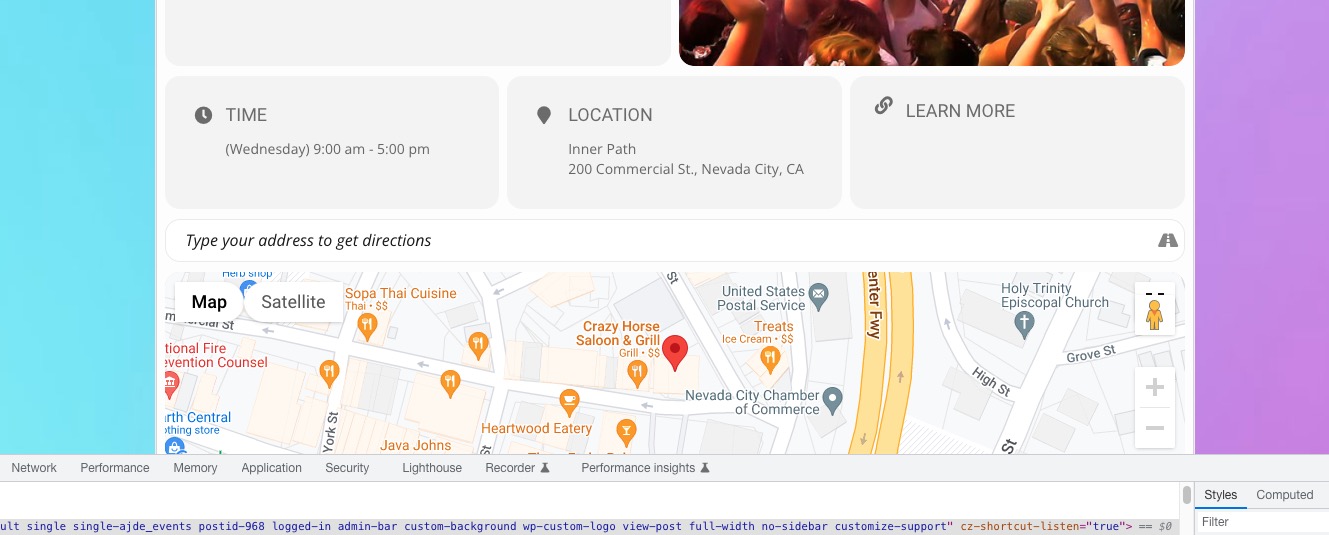
It works now:
Reply to: tickets(292983)
We are glad your issue is resolved, if you have any further questions or concerns please create a new ticket.
If you have a moment, we would greatly appreciate if you could kindly leave us a review at codecanyon! from your account > downloads. Cheers!
Reply to: tickets(285462)
And if the above was not clear, my questions
1. how do I set pages to not display schema?
2. Should I anticipate the lack of schema will alleviate the keyword cannibalization issues? Are there any ways to display eventon, but not have keyword cannabalization issues?
I list exhibitions for art galleries, museums. And I like to display the exhibitions by both location(gallery/museum, and also by geographic grouping.
Reply to: tickets(292856)
The Artem solution worked perfectly – thank you!
Reply to: tickets(293005)

Reply to: tickets(293005)
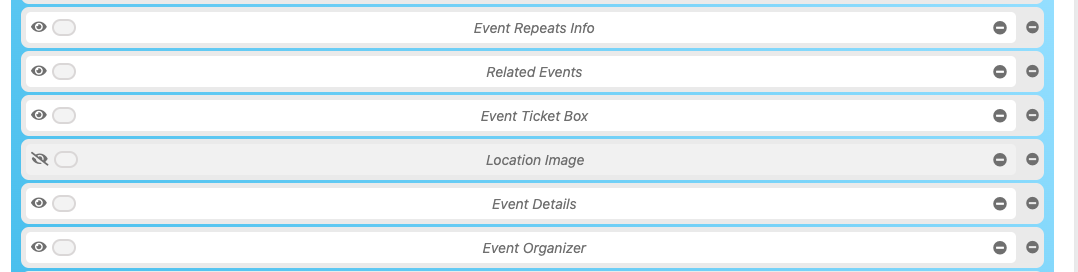
I have had to switch off showing the image in the eventcard as it looks too odd for the customers to see. The attached screenshot shows what it looks like when the location image is set in the eventON settings – as per the second screenshot.
I haven’t put any code in, just selected the settings to show event location and uploaded an image from the media file. The result is the image is stretched so doesn’t show correctly.
Are you able to supply code to correct the stretch of the image?
Thanks
Helen