I increased it now to 712, so that I can atleast work on the homepage. but that cant be the solution
Archives: Replies
Replies for tickets on suppota
Reply to: tickets(292456)
the memory size error now comes again. I increased it already to 512MB.
where comes this problem from?
Reply to: tickets(292983)
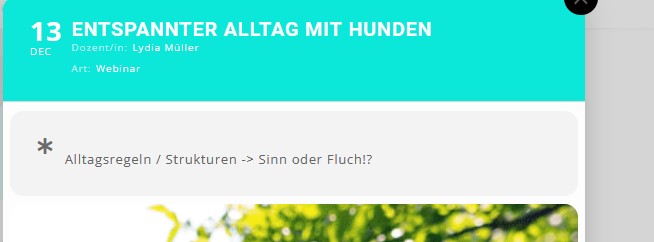
ok that works. Is it possible to remove the Icon from custom meta data description (see attachment)
Reply to: tickets(292995)
so for event types showing on the events see here:
as for having that info appear on the rss feed- no it doesn’t appear on the feed itself
however you can show a feed that only contains 1 event type
http://yoursite.com/evofeed?event_type=63
Reply to: tickets(253019)
Thank you! I’m going to try it soon and implement it in our website. Great work! 🙂
Reply to: tickets(292848)
I’ll also alert Ashan to this issue of importing one event
Reply to: tickets(292848)
https://orebro.minhemstad.se/Evenemang/hanna-ferm-junie-orebro-2/
has no location address- it only has a location name
In my tests trying to import one event caused the issue but if you try to import 2 or more then it works right when theres a location name and address
Reply to: tickets(292983)
it would require a bit of editing the template/
better to use a custom meta data
myeventon>>>>settings>>>>custom meta data
activate one- make it a single line of text –
then in myeventon>>>>settings>>>>event top you can position it where you want and also in myeventon>>>>settings>>>>event card design it will appear for you to position
when editing the event that new field will be at the base of the editor section
Reply to: tickets(292983)
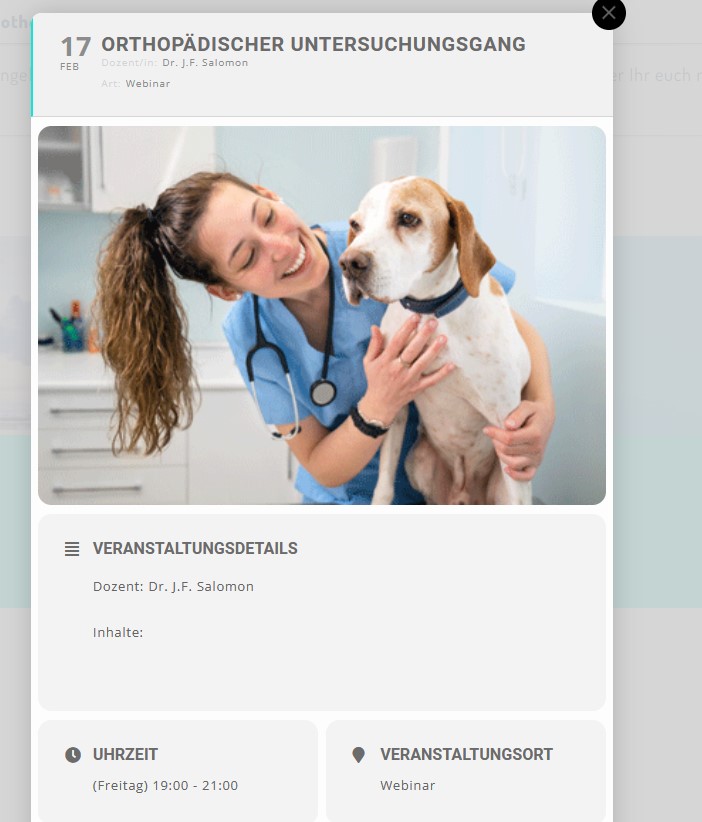
-attachment
Reply to: tickets(292456)
can you please help me get these messages away. They first appeared after I tried to change the font in Eventon settings -> Appearance