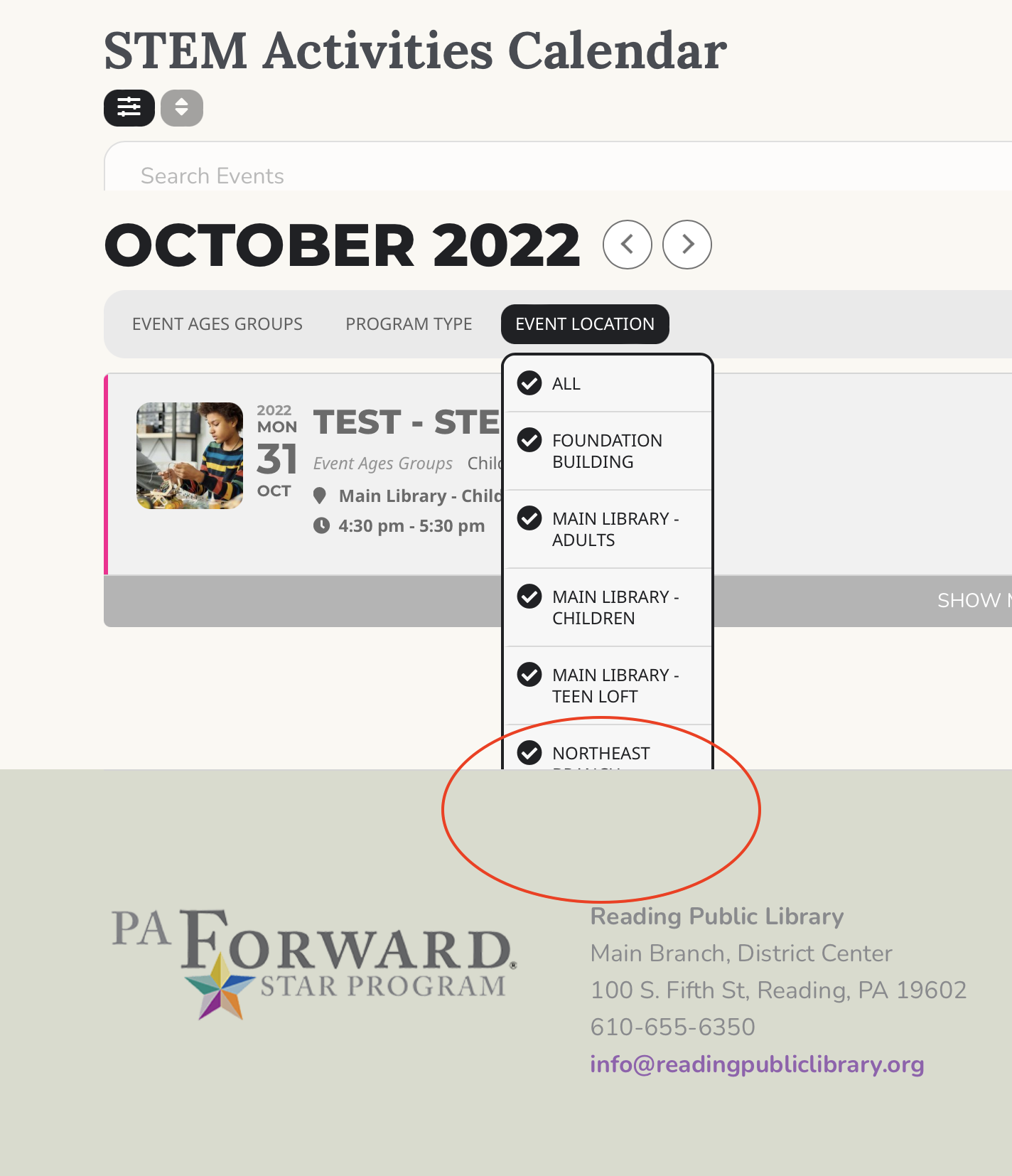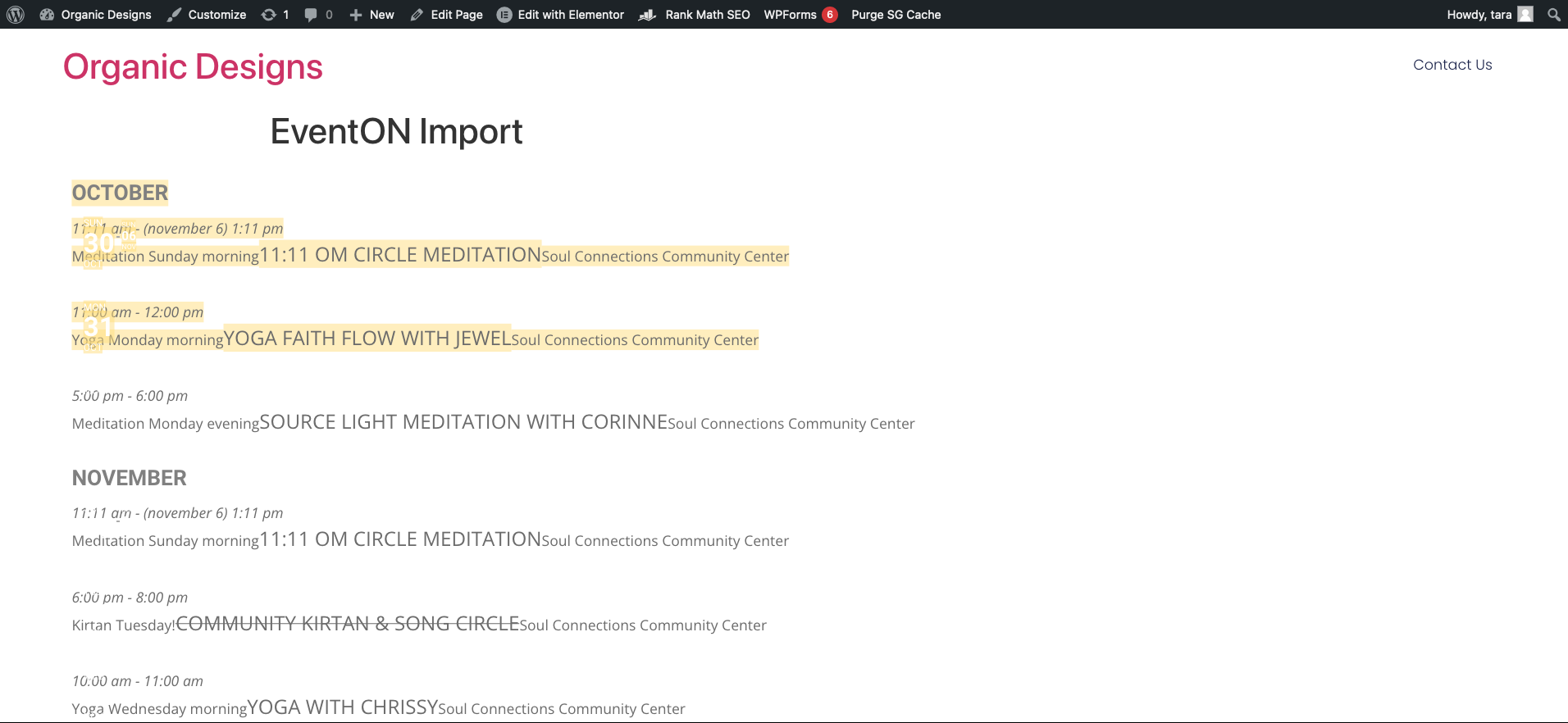
Ok, attached image is how the events for a location are displayed in the receiving site. Is there anything I can do with the script to add formatting? If not, I can add CSS to clean up the plain list. Notice where I highlighted the first 2 events, the formatting is showing through for the date block. ??
I did install EventOn Lite and it didn’t make a difference, and I agree with you, I would prefer there be no install on the receiving site.
Hello, my intention is to improve the formatting on the target site. I am testing now so maybe not necessary.
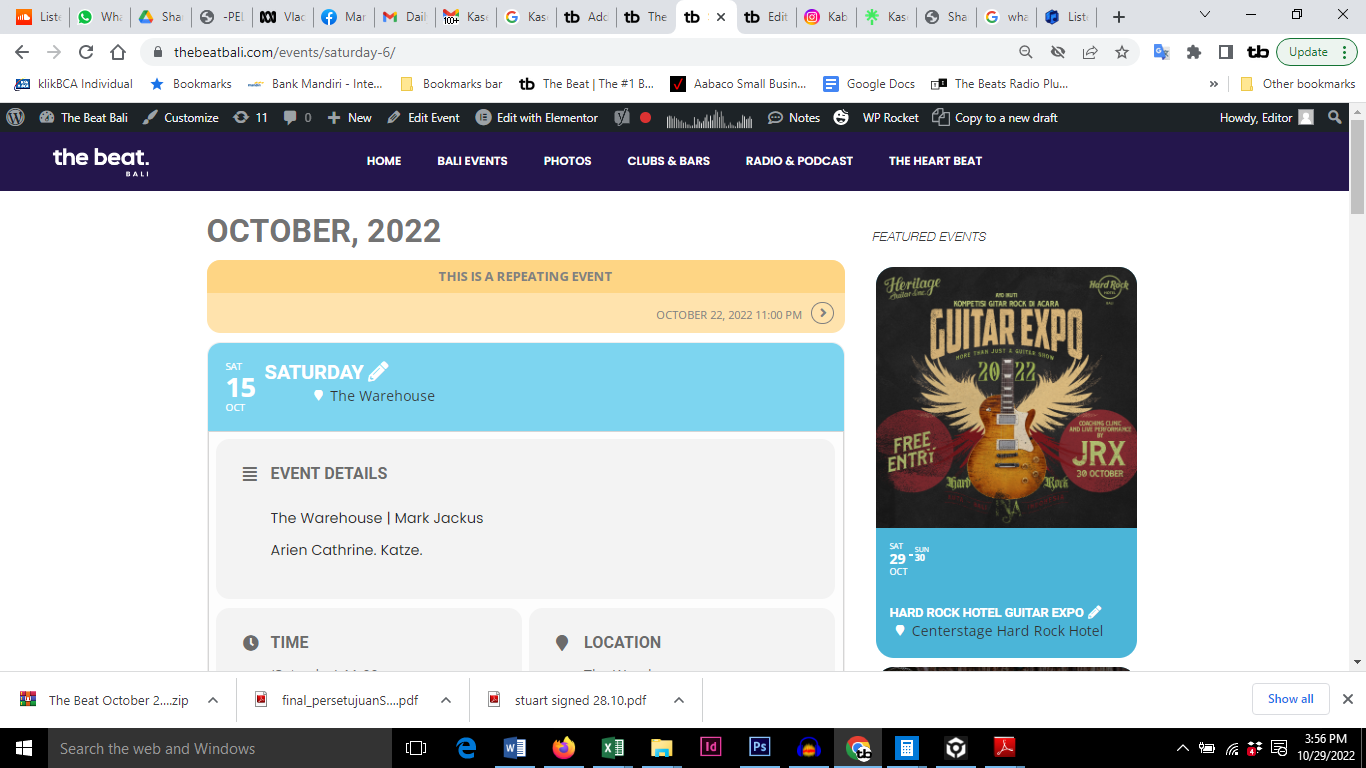
Try this screenshot
this is the link too
https://thebeatbali.com/events/saturday-6/
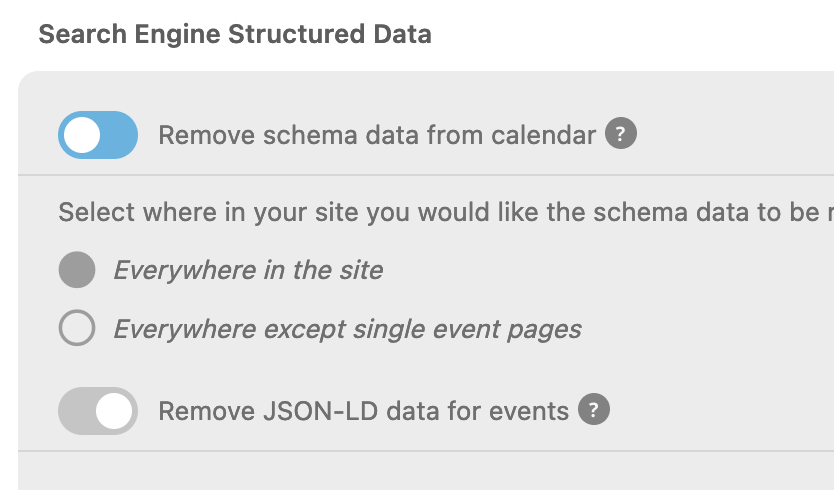
I meant all past events are not being displayed.
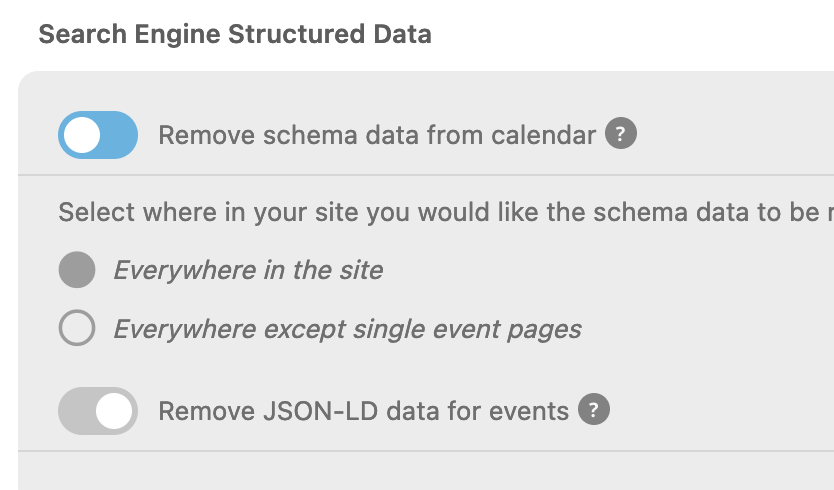
I turned off “
I have attached a photo of the current settings, which was left the same as when you last looked at it.
__
As far as the sample link you sent below, yes that will work. The link seems to have may at the top of the list, which Is odd and not ideal, but its better than not having the events. Also, as I mention above, the “past” schema is not being picked up
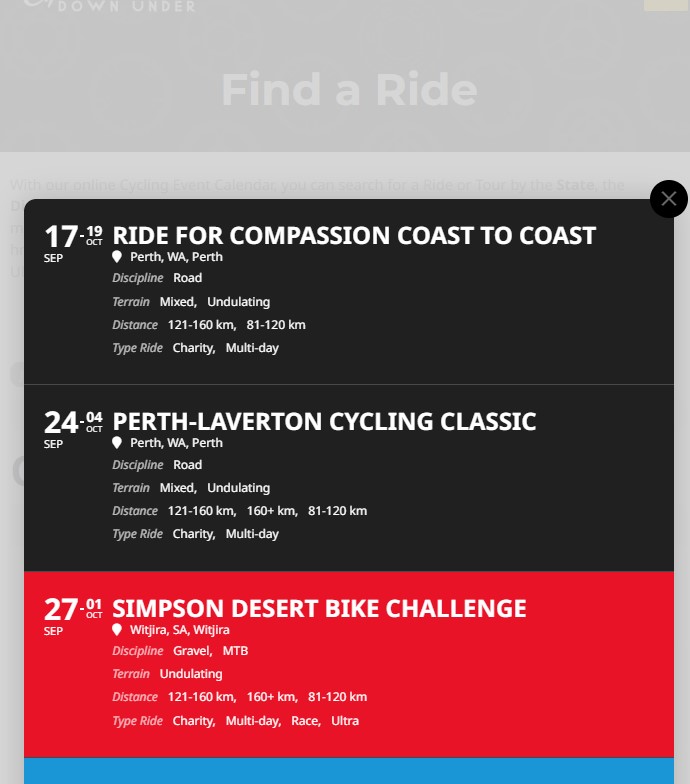
thank you as button is gone
and another problem with the calendar – when the event listings appear below, they have dark text (which means writing isn’t very visible)
but when calendar pops up, the writing is white.
How do i make the writing white, instead of black
thanks
We are glad your issue is resolved, if you have any further questions or concerns please create a new ticket.
If you have a moment, we would greatly appreciate if you could kindly leave us a review at codecanyon! from your account > downloads. Cheers!
I cannot see the attached screenshot. Could you send it again? Or send a link?