Hello,
Thank you for your messages, I am going to assign this ticket to Ashan and he will be able to take it from here and find you a solution. Please allow some time for him to get back to you, we greatly appreciate your patience and thank you for being a eventon customer! Also please disable any IP blocking on your site if there are any.
Hello,
Thank you for your messages, I am going to assign this ticket to Ashan and he will be able to take it from here and find you a solution. Please allow some time for him to get back to you, we greatly appreciate your patience and thank you for being a eventon customer! Also please disable any IP blocking on your site if there are any.
Hello,
Could you send us a link to what you are trying to achieve?
Please send us wp-admin access to your site as a private message for us to further assist your situation. We are going to create the desired demo.
The main video you need to watch:
https://www.youtube.com/watch?v=Jg2Xr7t89RE&list=PLj0uAR9EylGrROSEOpT6WuL_ZkRgEIhLq&index=9&t=1s
EventON uses Shortcode Generator to create shortcodes you can then put on pages to show calendars.
More info:
https://docs.myeventon.com/documentations/shortcode-generator/
Hello,
Could you follow this instruction:
In the code /wp-content/plugins/eventON/includes/class-event.php on line 633 .. $L should be changed to $l (lower case L).
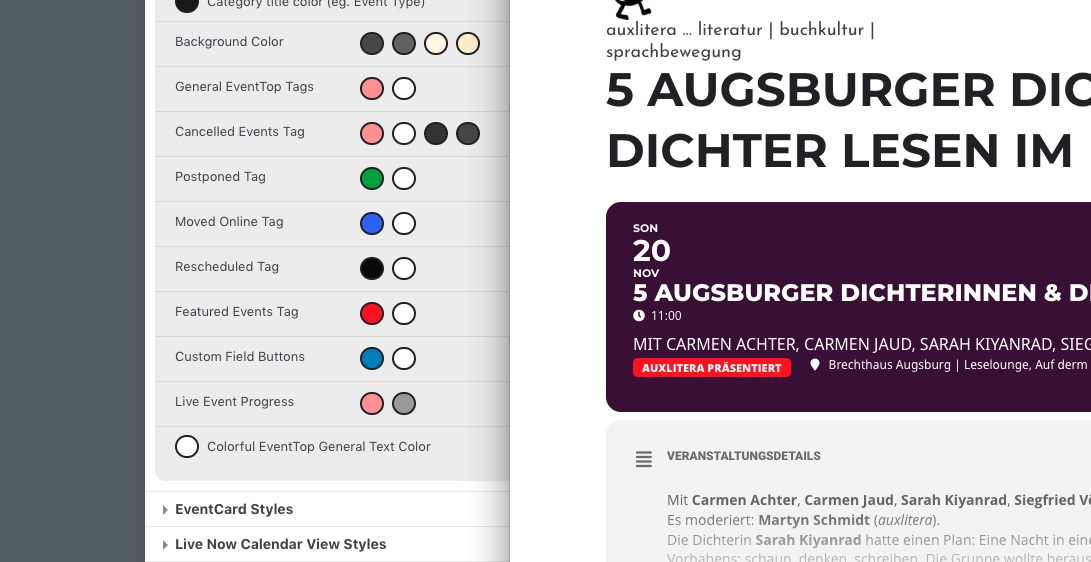
Is Featured color correct? Could you try:
EventON > Scripts & Styling > turn off Write dynamic styles to header > save settings > turn on Write dynamic styles to header.
Hello,
Please send us wp-admin access to your site as a private message for us to further assist your situation.
It seems that this page still uses 4.2:
https://fslci.org/events/innovation-x-change-lca-and-digitalization/
Hello,
Instead of /events, please use /event-directory.
More info:
PROTIP: If the /events page does not work due to theme/plugin conflicts, create a new page, call it “Events Directory” Insert eventon shortcode and use that as your main events page which will have a URL ending like /events-directory. This would be a perfect solution if you have conflicts with /events slug.
Make to not to change the slug. The main page should be /event-directory.
Hello,
Please add this CSS code to EventON > Styles (If you don’t see any change, EventON > Scripts & Styling > turn off Write dynamic styles to header > save settings > turn on Write dynamic styles to header):
.evo_page_body .evo_sin_page .evosin_event_title { display: none !important; }
Hello,
Available guide on Actions & Filter can be found here:
https://docs.myeventon.com/documentations/hooks-actions-filters/
Event API add-on https://www.myeventon.com/addons/event-api/ documentation is here:
https://docs.myeventon.com/documentation/addons/event-api/
Try on https://dev.myeventon.com/wp-admin/
Unfortunately, according to CodeCanyon’s Support Policy we unable to help with customizations.
Hello,
Thank you for your great suggestion, at the moment it is not supported. However please create a new ticket and select Feature Request as category so others can vote on your idea and get it moved into development faster.