with the password it seems to work. I didnt know that I have to include a password because its mentioned, that it auto generates. But like this its ok.
In the end its still not working because when I take an existing event and create the zoom meeting, eveything works fine but when I save the event, the changes are gone. I think this is all related to my other ticket: #292456
Can you please look into this?
Hello,
Thank you very much for the feedback.
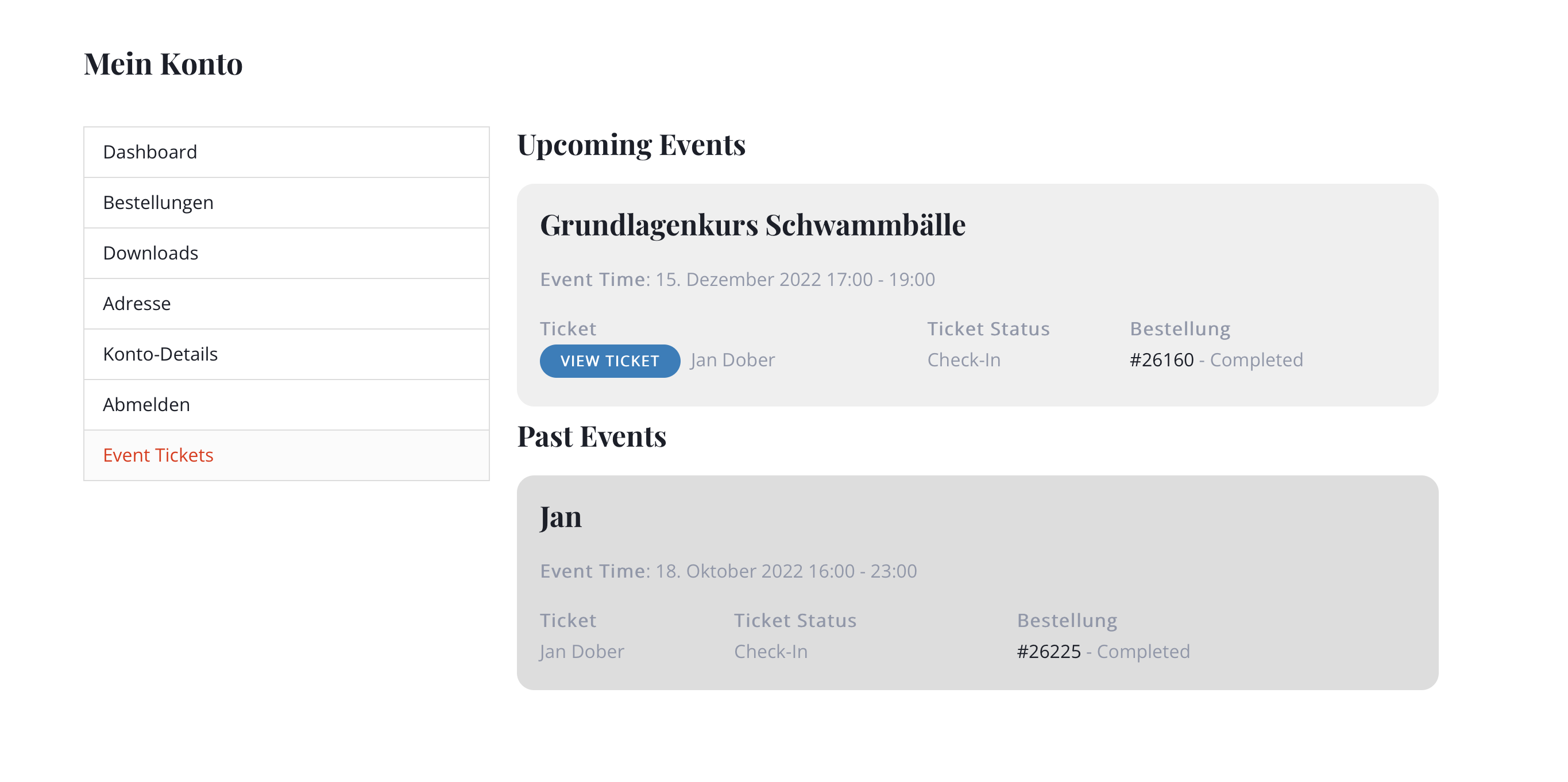
I have sent you two screenshots. When I am in the dashboard area, there is a menu item called “Event Tickets”. When I click on it, the purchased tickets appear. There is a button “View Ticket”. When I click on it, only the window – see second picture – with the text appears. “View Ticket” means that the ticket should appear here and not this short text window. How can I set this? That was my question. If the access code is needed for this, please let me know again. Otherwise, is there a setting here that I have not taken into account?
Thank you very much
Hello,
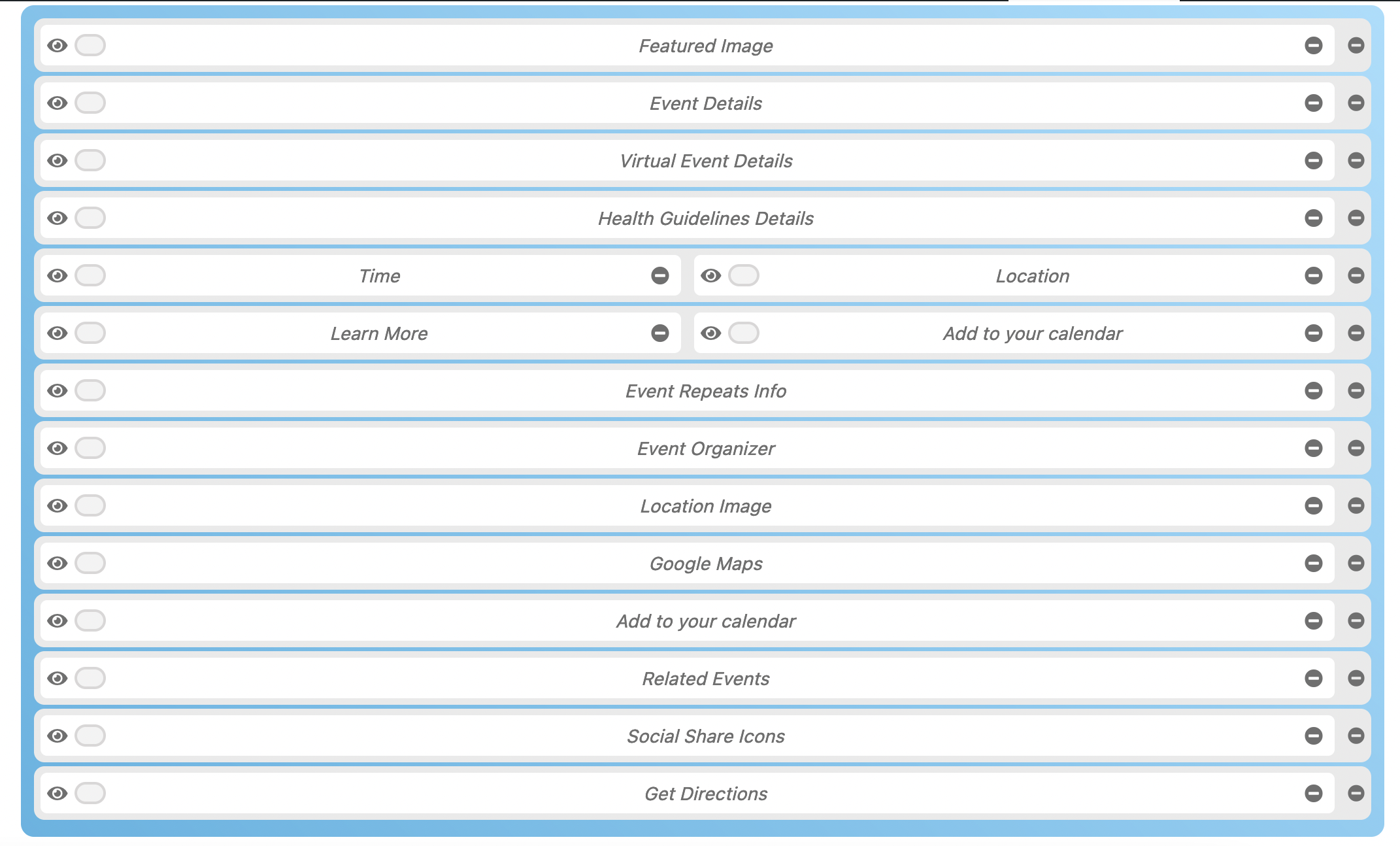
I do not see a repeat option here, see screenshot.
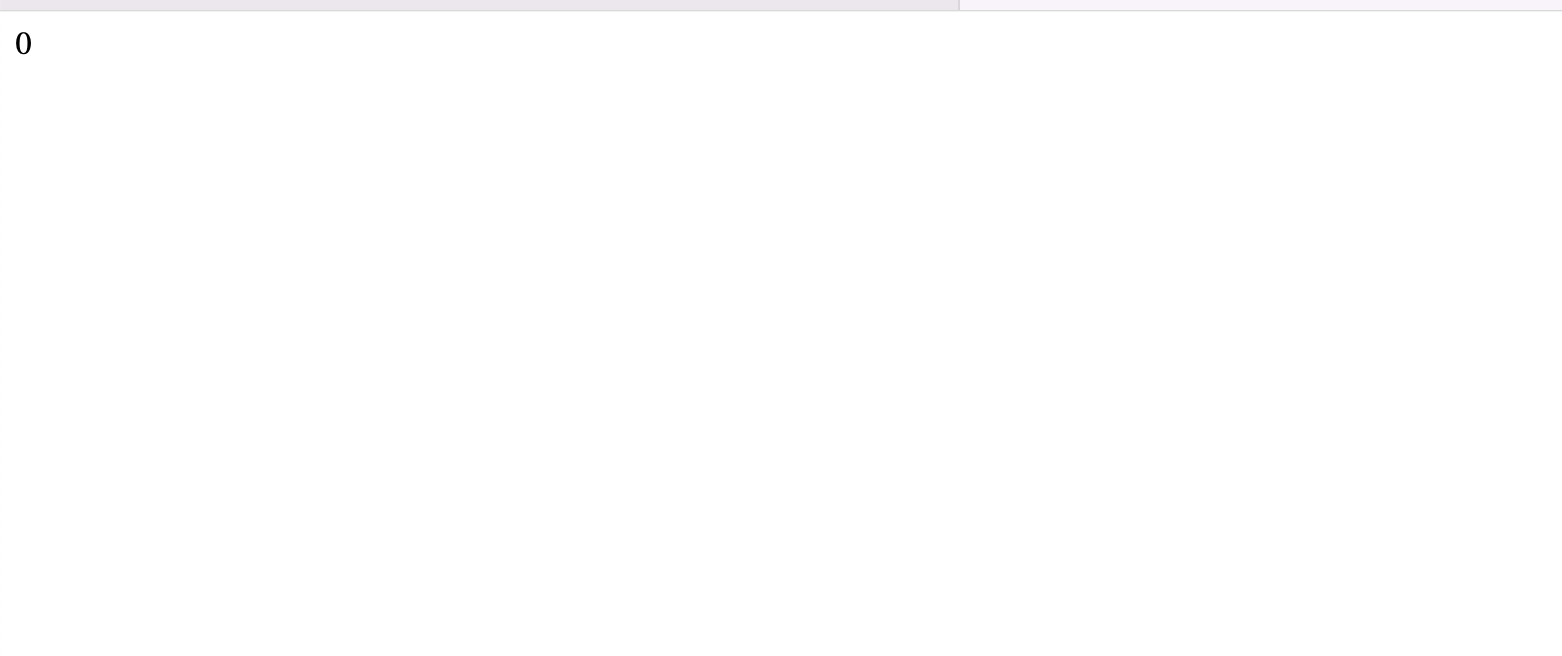
And also when I use the contact form in popup version, in redirects me to other page with “0” error. Why is this happening, please?
Hello,
Please ensure that you are using an SMTP plugin in your site. If you are not, below is one I use frequently.
https://wordpress.org/plugins/wp-mail-smtp/
webmaster_01e8wbx6 is the profile, below is the login information:
website@altemarkthalle.ch
6m*!LwH1&mId#8wsCUKrr1q)
https://www.altemarkthalle.ch/wp-login.php
Hi Matt,
You can use the custom CSS code below
@media only screen and (min-width:768px){
#evcal_list .eventon_list_event .evoet_cx span.evcal_event_title, .eventon_events_list .evcal_event_subtitle{
white-space: nowrap;
font-size: 18px;
}
}
Add the code in Appearance > Customize > Additional CSS