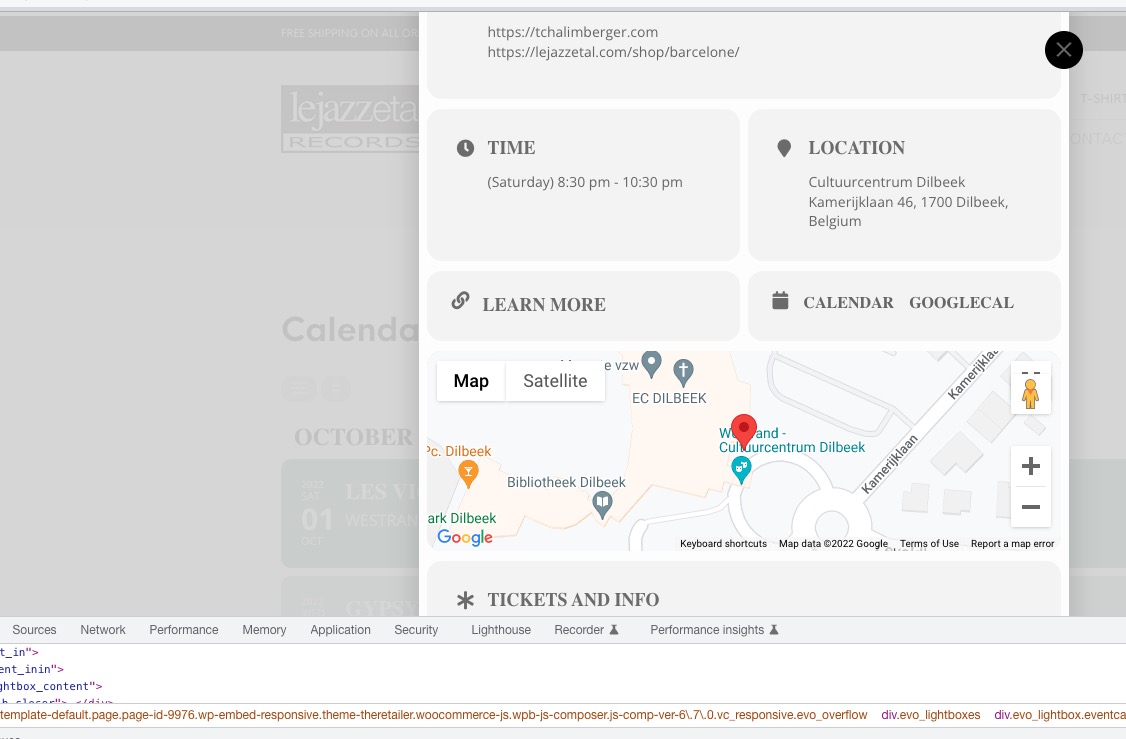
Map seems to be working:
to add the Town and country
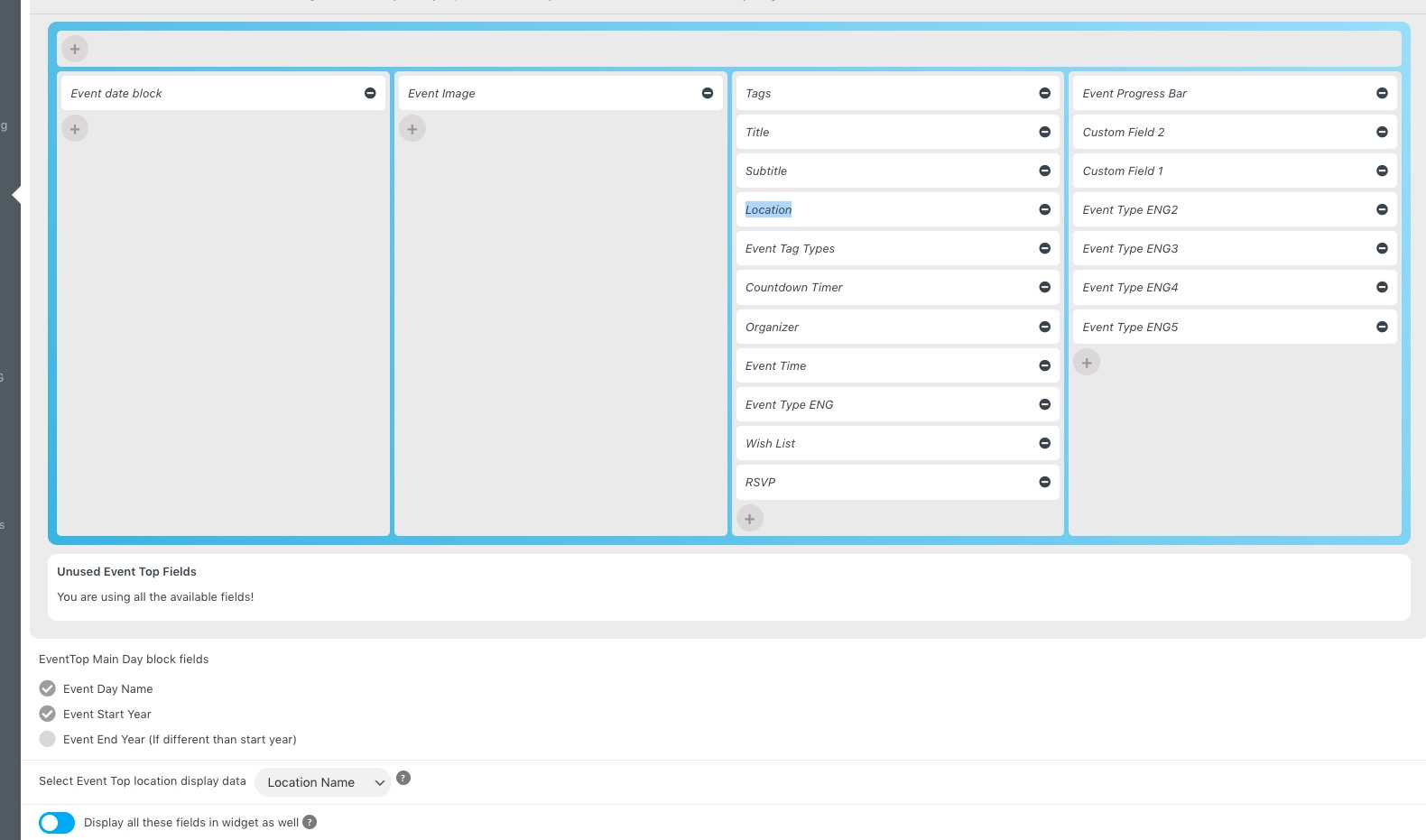
Do you want to show them as a separate field? EventON expects you to add them into Location Address and then show everything as one by adding Location in EventON > Event Top:
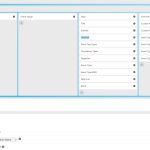
You can also “Select Event Top location display data”.
…but the problem arises when there are no events until the next mont…
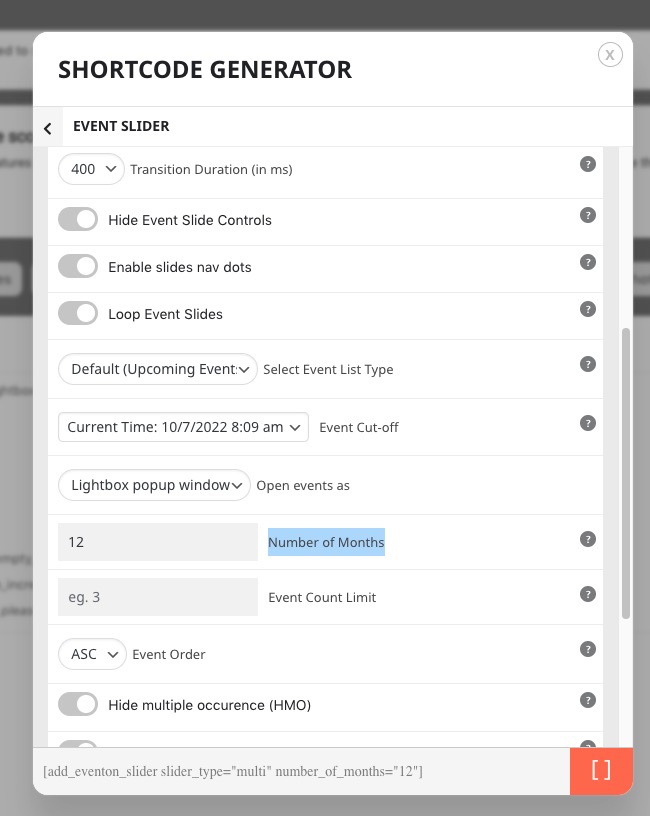
Event Slider allows you to put how many months to show:
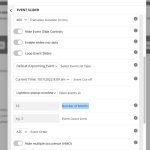
Could you try, so events from November, December and so on also be visible.
Ashan,
Their other ticket:
https://helpdesk.ashanjay.com/ticket/template-for-single-event-beaver-builder/
Can you supply me at least a coupon code.
Is it possible?
Thank you for your messages, I am going to assign this ticket to Ashan and he will be able to take it from here and find you a solution. Please allow some time for him to get back to you, we greatly appreciate your patience and thank you for being a eventon customer!
Please go to EventON > Action User > Form Settings > enable Allow creating new.
Ashan,
Their other ticket with the same issue: https://helpdesk.ashanjay.com/ticket/seat-chart-bug/
We are sorry for the delay. Ashan will check this ASAP.
Please don’t duplicate seats.
I can see that there a different ticket with the issue. Please don’t duplicate seats for now. Ashan will check this and the other ticket ASAP.
Thank you, that seems to have worked.
I have two other issues. It seems now on EventTop there are no options to add the Town and country. Just the address which is obviously great for the EventCard but not really helpful for the EventTop row,.
The other is Googlemaps not appearing on EventCard.
Many thanks
The code you can take a look is
https://docs.myeventon.com/documentations/add-additional-fields-actionuser-event-submission-form/
We will add this functionality in in the future.
Don’t worry about the issue (unless you want to see it for yourself)
Please send us wp-admin access to your site as a private message for us to further assist your situation. OR Send us your shortcodes, if you cannot send wp-admin access.