Seems to be working with “Create Zoom Meeting” as well:
https://www.afh-luxembourg.lu/wp-admin/post.php?post=3427&action=edit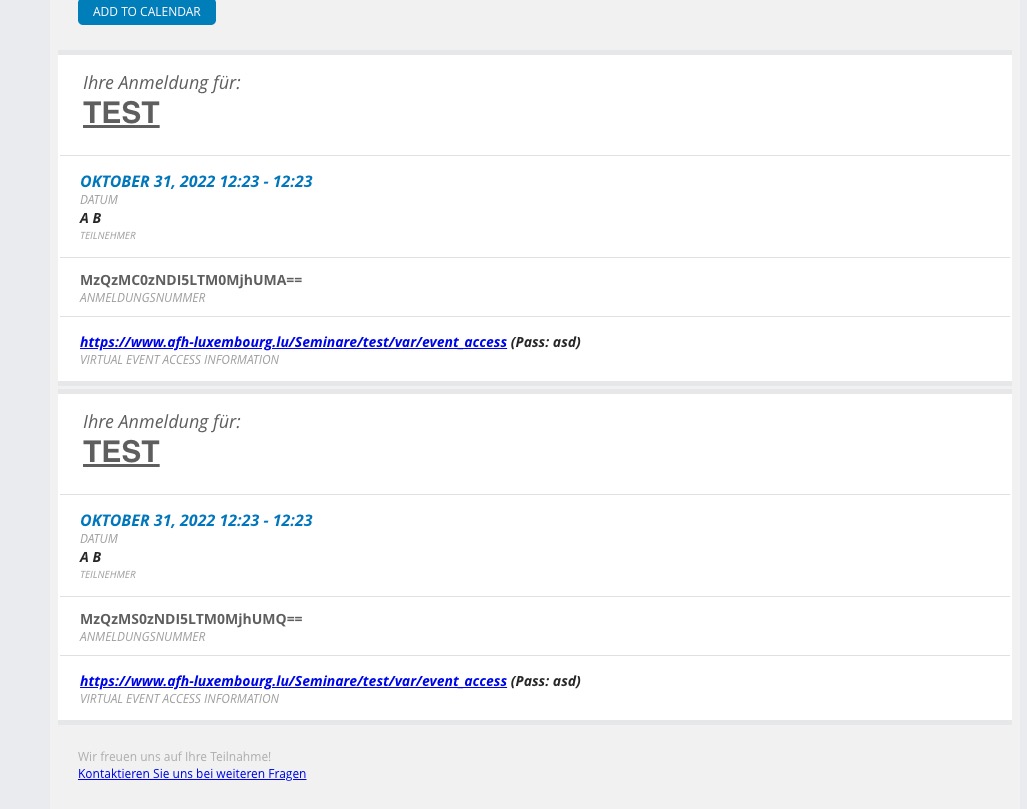
Which event doesn’t work?
Replies for tickets on suppota
Seems to be working with “Create Zoom Meeting” as well:
https://www.afh-luxembourg.lu/wp-admin/post.php?post=3427&action=edit
Which event doesn’t work?
Hi Ashan,
Thank you. We tried changing the credit card but it never checked again.
It should work fine with the clients account.
Best regards,
Hello,
Could you go to EventON > Event Top > make sure that Tags is added:
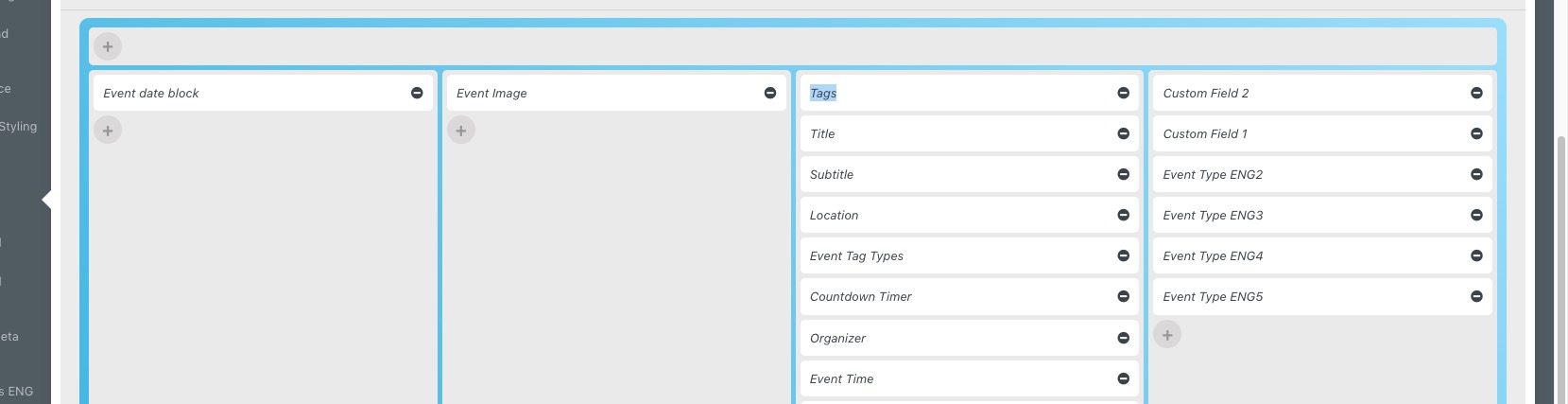
Location Name must be included as well.
As or image urls. I tried to include a link from a different source:
https://demo.myeventon.com/wp-content/uploads/2016/08/Capture.png
and it worked correctly.
Could you try as well? It seems that maybe your server doesn’t allow other servers to download images?
Sorry artem might have been playing with it while you were
location name I think needs to be added which for me got the map working and the location imported
Please send us wp-admin access to your site as a private message for us to further assist your situation.
Sure, https://minhemstad.se/temp/output.csv
here are the accesses :
Thank you again for your help
same here – deactivated everything – that red sold out label is gone (I guess after Version 4.12?)
I am also using EventOn Ticket Variations and EventOn Tickets
Thanks!
Pedro
ashan see video
its showing 1.1 in the changelog and other files within the zip you download from my eventon but its at 2.0