Hi Wilbert we are aware of this and are working on a new version which will resolve this. Much appreciate your patience!!
Archives: Replies
Replies for tickets on suppota
Reply to: tickets(287522)
Hello,
I am following up on this ticket as the problem seems to be persisting. At the bottom of our homepage (www.stlouisaudubon.org) we have a number of calendar buttons showing our upcoming events. The full calendar is also supposed to be showing under our “Birding” tab/”Birding Trips.” However, when I click on the full calendar button in the Birding Trips page it doesn’t show all the events. October 22 and October 26 field trips are missing? How do I get those buttons to appear on the page? Why are just a few missing?
Amy
Reply to: tickets(291486)
Super! Thank you very much. I am very grateful to you, For a question about SEO, I’ll open a new ticket.
Reply to: tickets(291486)
Use this code:
.ajde_evcal_calendar.color #evcal_list .eventon_list_event .evoet_cx em { color: red !important; }
.ajde_evcal_calendar.color .evoet_cx em i { color: red !important; }
Reply to: tickets(291439)
We are glad your issue is resolved, if you have any further questions or concerns please create a new ticket.
Reply to: tickets(291486)

Reply to: tickets(291486)
This works, thank you very much!
However, I do not understand how the code is generated. May I still ask you to send the code for the class? > evoet_c3 evoet_cx evcal_desc hide_eventtopdata
I want to habe all font in the same color. Many thanks
Reply to: tickets(291439)
yes i found
Reply to: tickets(291486)
Please add this CSS code to EventON > Styles (If you don’t see any change, EventON > Scripts & Styling > turn off Write dynamic styles to header > save settings > turn on Write dynamic styles to header):
.ajde_evcal_calendar.color #evcal_list .eventon_list_event .evoet_cx span.evcal_event_title { color: red !important; }
Reply to: tickets(290325)
Can you please tell me where I would change the text color of the time values in the hour/minute/am-pm pull down menus? You will notice that when the time is selected, it does not show in the field in how the form is working on this page.
Your theme’s styling affects EventON as well. Please add this CSS code to EventON > Styles (If you don’t see any change, EventON > Scripts & Styling > turn off Write dynamic styles to header > save settings > turn on Write dynamic styles to header):
evoau_submission_form .evo_date_time_select .evoau_time_edit .time_select select, .select_container:before { content: none !important; }
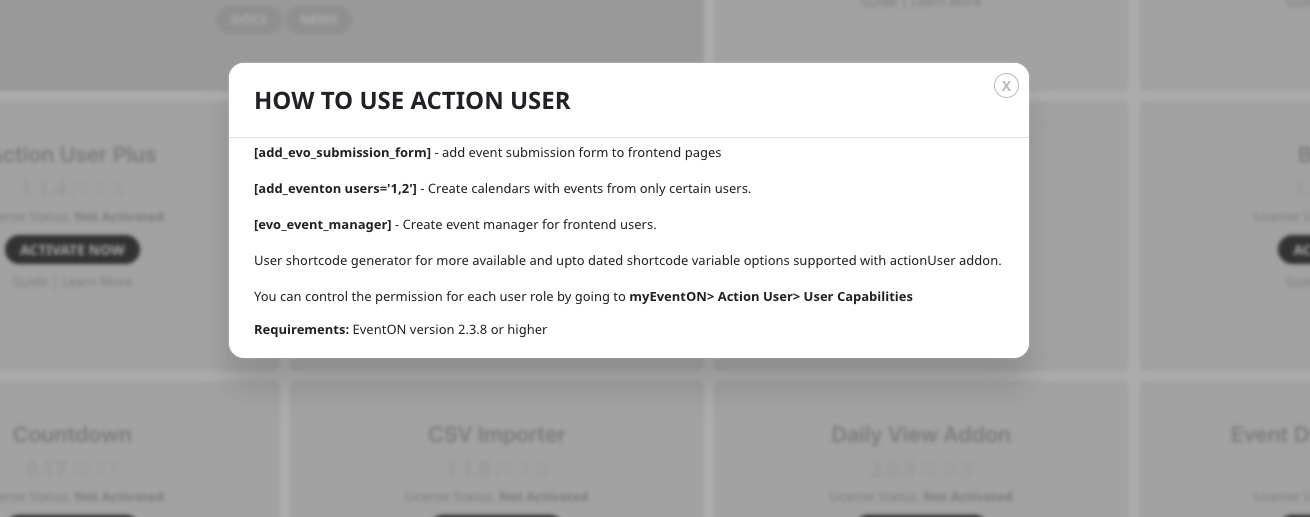
Also, when I click on the Guide for Action User in the licenses list, it never actually loads.
Seems to be working on our test site:
I am sorry, the access information you have provided stopped working. Please check them and post the correct login information as a private message, thank you!