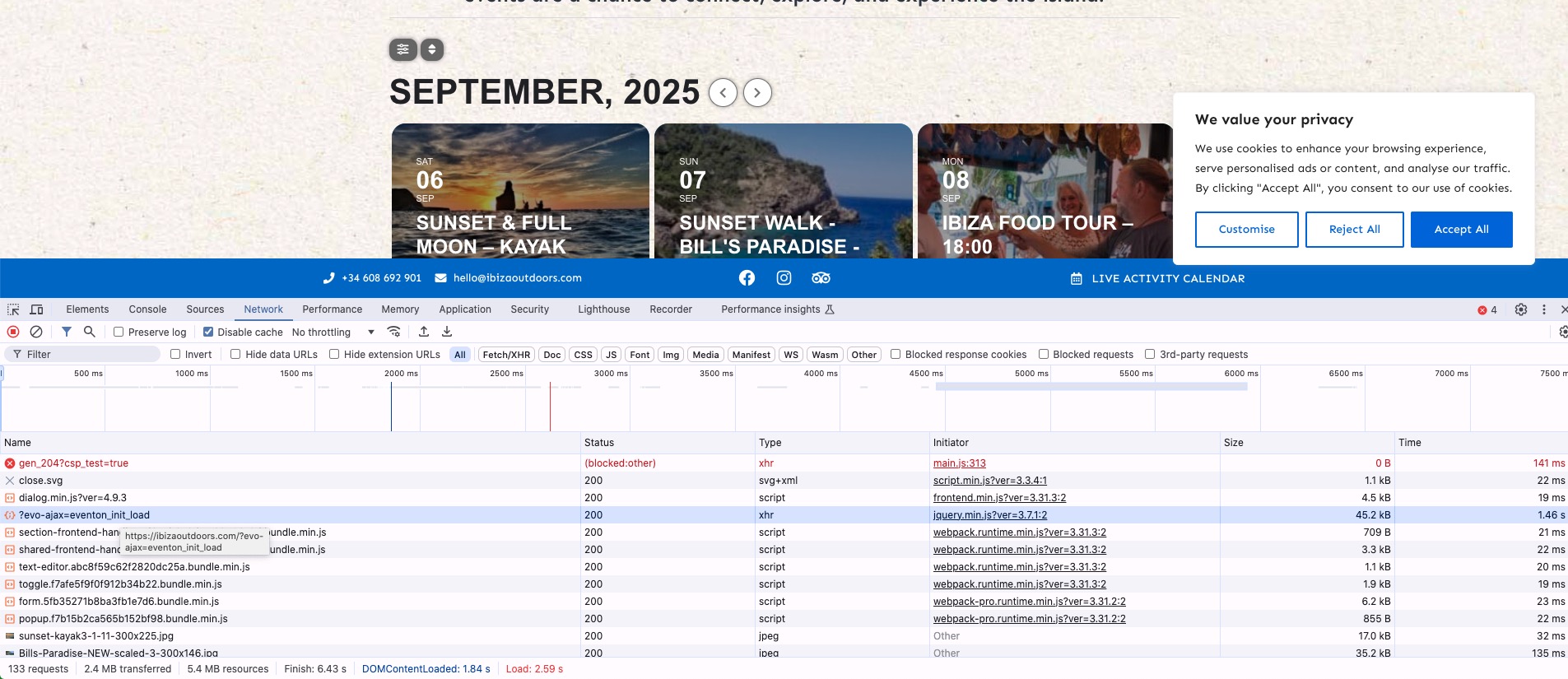
Overall loading time for the admin-ajax.php (the request that load the calendar itself) is just 1.46s:
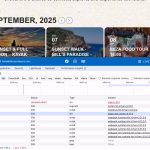
If you lower the number of events to load, the loading speeds must increase.
Also try going to EventON > Advanced > enable Cache calendar events list data and also try switching “Select event calendar WP Query method”.
Ashan,
The same on dev2:
https://dev2.myeventon.com/test-30/
Ok I was able to re-create the issue on our side as well.
I am going to assign this ticket to Ashan and he will be able to take it from here and find you a solution. Please allow some time for him to get back to you, we greatly appreciate your patience and thank you for being a eventon customer!
Hello,
I don’t have full access to wp-admin.
What’s your current version of EventON? Could you make sure to update to the latest one?
Hello,
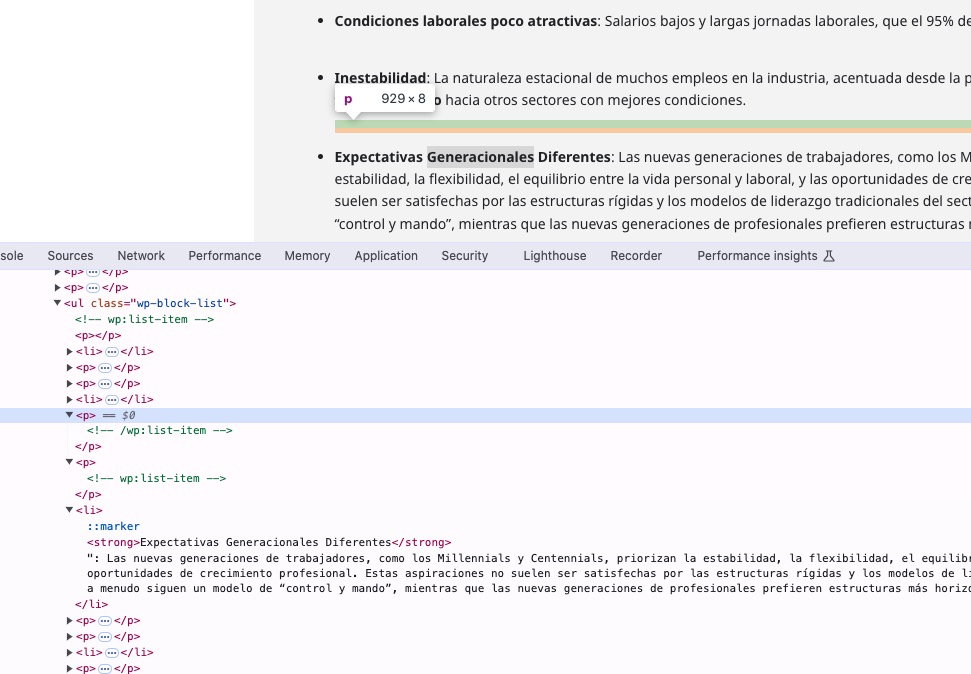
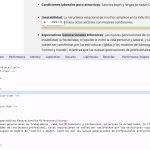
It seems that each Gutenberg hidden line also covered in <p>:
Could you try going to EventON > Advanced > try a different Select calendar event content filter type?
Please send us wp-admin access to your site from “Access Info” box on right side menu, to further assist your situation.
Seems to be working on our test site:
https://dev2.myeventon.com/test-29/
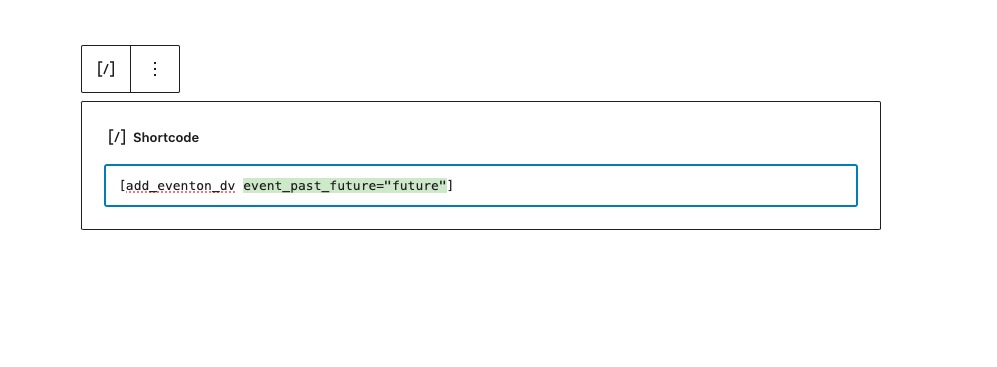
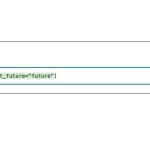
Could you try making sure that quotes are correct:
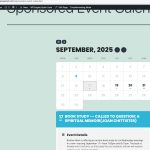
The issue is gone when I switch the the default WordPress theme:
The issue isn’t related to not enough memory on the server (the most comment issue) as well.
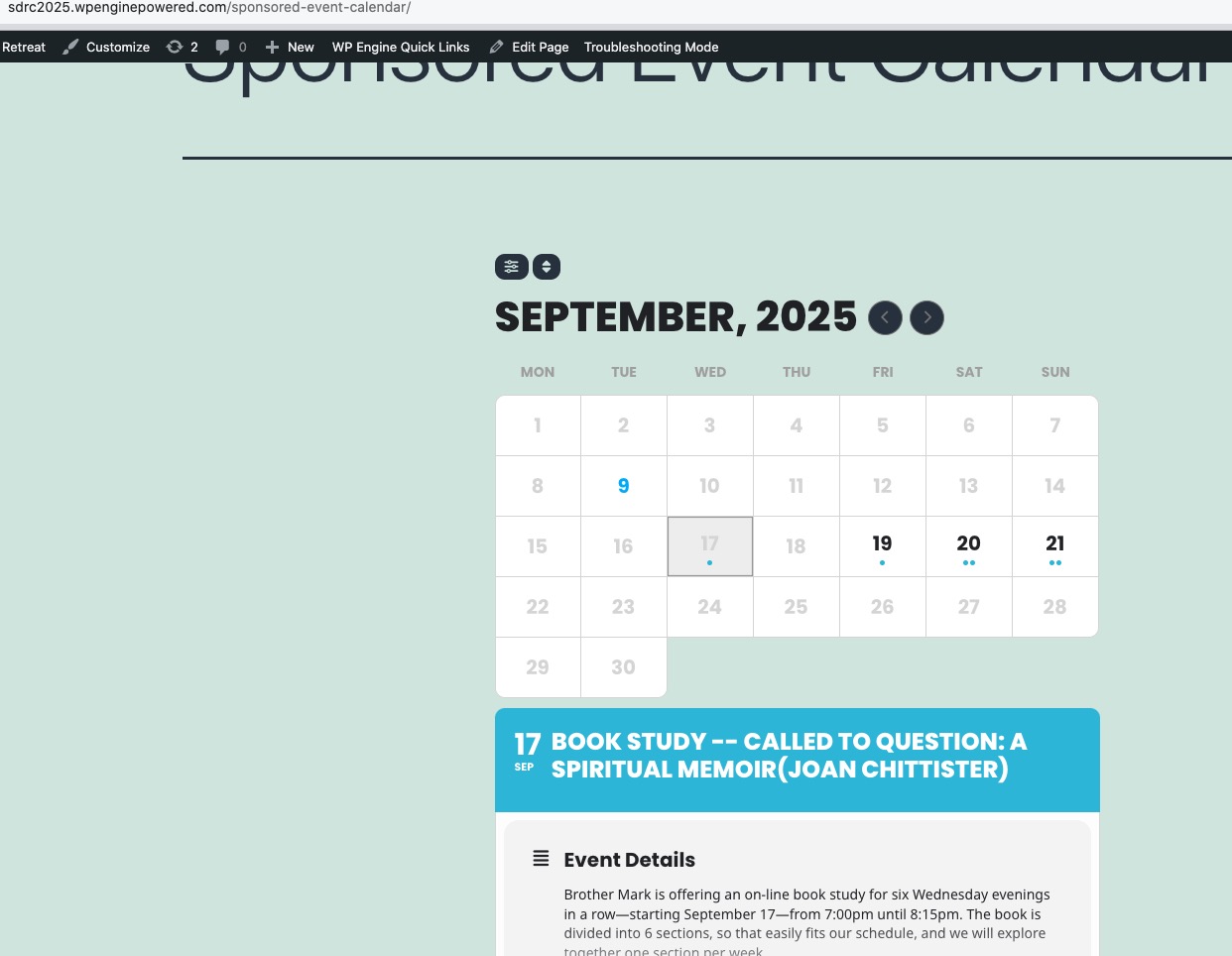
I also noticed that none of Single Event Pages work:
https://sdrc2025.wpenginepowered.com/events/book-study-called-to-question-a-spiritual-memoirjoan-chittister/
However, when I change Slug to anything else from events, it starts working:
https://docs.myeventon.com/documentations/one-solution-events-slug-working/
Is there a plugin that holds /events? Or the theme can cause this?
At this moment it seems that the theme cause the issue. However, could you leave the theme, but try disabling third-party plugins one by one to see if any of theme is actually causing the issue.
Thank you, but I don’t have the skillset to do these adjustments. I will probably wait for an update to come out as I am certain I am not the only one with this problem.
Tade
Is this supposed to make the loading faster?
The client is saying they think the load time is too slow on this page
https://ibizaoutdoors.com/calendar/
Do you think this is slow? How fast should we expect this to load?
I’ve looked over the speed updates in your support docs. We already have a VPS and are using WP Rocket so I think I set up should allow it to be pretty fast.
Keen to hear your thoughts though on what we should expect.
Thanks
Tom
Hello,
1. Please go to EventON > Sorting and Filtering > make sure that there are “Event sorting options to show on Calendar (Note: Event Date is default sorting method.)” and “Event filtering options to show on the calendar”.
2. Could you take a look at these guides:
https://docs.myeventon.com/documentations/confused-event-type-categories/
https://docs.myeventon.com/documentations/how-to-use-event-types-to-do-more/
Just add Event Type named “Musik”, then assign it to events. Now go to EventON > Sorting and Filtering > enable it. Customers should be able to filter by the type.