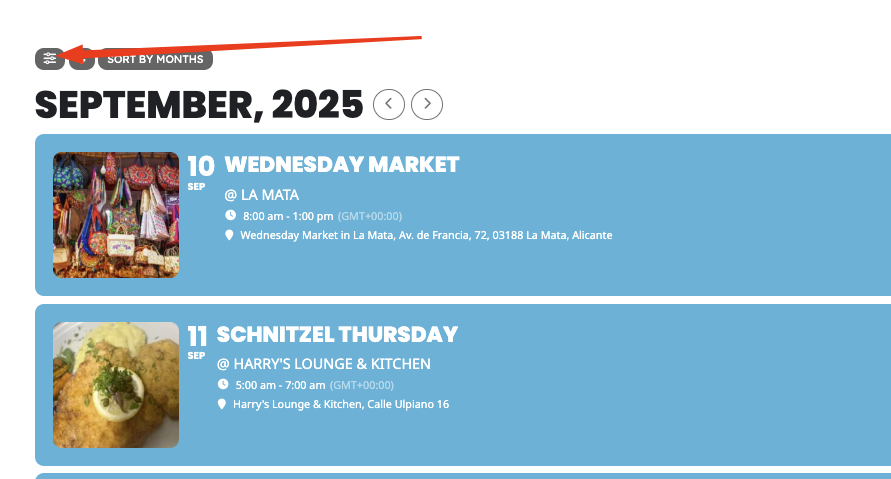
Is this supposed to make the loading faster?
The client is saying they think the load time is too slow on this page
https://ibizaoutdoors.com/calendar/
Do you think this is slow? How fast should we expect this to load?
I’ve looked over the speed updates in your support docs. We already have a VPS and are using WP Rocket so I think I set up should allow it to be pretty fast.
Keen to hear your thoughts though on what we should expect.
Thanks
Tom
Hello,
1. Please go to EventON > Sorting and Filtering > make sure that there are “Event sorting options to show on Calendar (Note: Event Date is default sorting method.)” and “Event filtering options to show on the calendar”.
2. Could you take a look at these guides:
https://docs.myeventon.com/documentations/confused-event-type-categories/
https://docs.myeventon.com/documentations/how-to-use-event-types-to-do-more/
Just add Event Type named “Musik”, then assign it to events. Now go to EventON > Sorting and Filtering > enable it. Customers should be able to filter by the type.
Please disable WP_DEBUG by setting it to false, but follow
https://stackoverflow.com/a/1308580
Edit wp-config.php and add:
error_reporting(0);
@ini_set(‘display_errors’, 0);
to stop displaying errors on the front-end.
Hello,
The gap shouldn’t be there:
https://dev2.myeventon.com/test-28/
Could you send us your shortcode? I cannot access Edit Page with the provided login info.
In order to hide the month header, please try adding hide_month_headers=”yes” to the shortcode.
I have fixed.
Are you referring to the original issue with “Event Details Erreur : Il y a des balises HTML non fermées “?
If you still need to send us your login info you can just use any email you like, just create a new user and then add login name and password to “Access Information’.
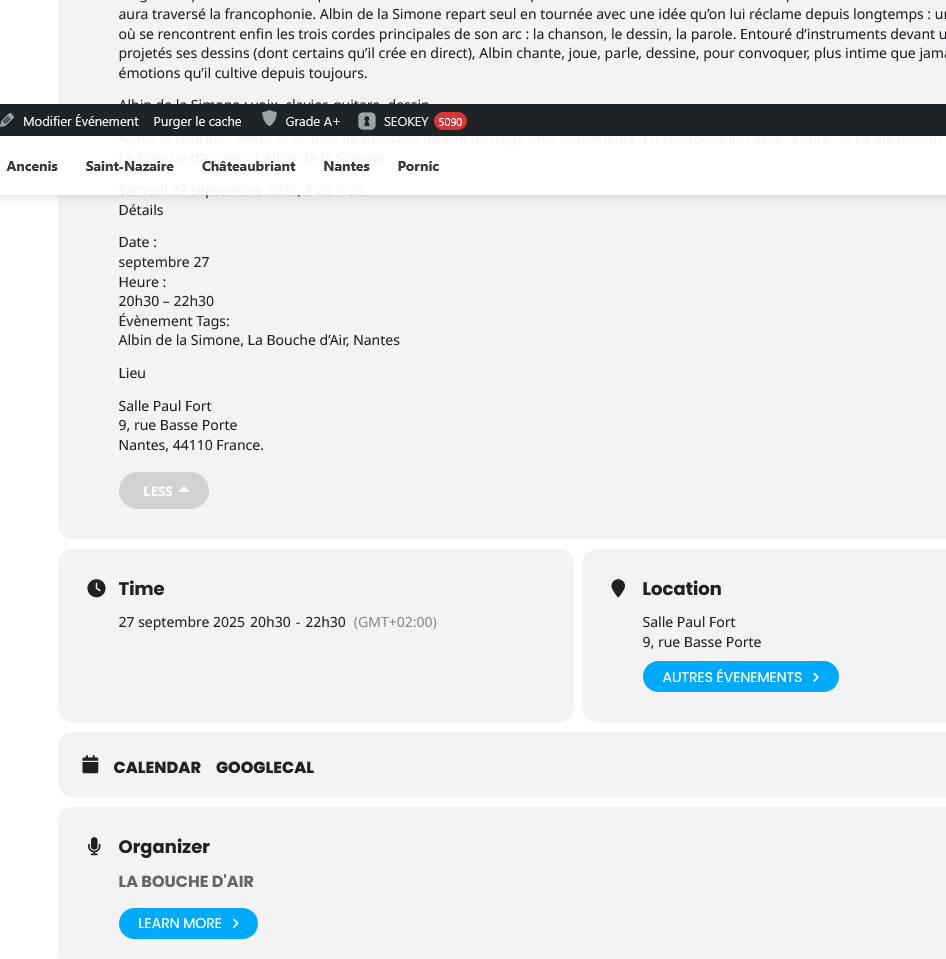
Another thing, how do I make the view expand all the time by default? I want to remove the “More” fie
Please go to EventON > EventCard > enable Show full event description.
Could you tell me more about “And do you think that CSV Import isn’t going to work for you? Can TheEvents Calendar export events in CSV format?“?
I am going to reply in your other ticket regarding the issue in the message #395620.
Dear EventON Support Team,
Since last week, when I reported the error, the issue has not occurred again on our website. At this moment, the calendar is working normally.
On the other hand, WordPress has displayed a warning indicating that having the wp-config.php file with the debugging changes enabled may be considered a security risk.
Could you please confirm whether it is safe to keep these changes active, or if it is advisable to disable them until the error happens again?
I look forward to your guidance.
Thank you very much for your help and support.
Kind regards,
Hello, I have fixed. Another thing, how do I make the view expand all the time by default? I want to remove the “More” field? Thanks.
I fixed it myself. Another thing, how do I make the view expand all the time by default? I want to remove the “More” field?
I never use Gutenberg or any other page builder. I use Classic Editor.
I need a first name, last name, and a valid email address to fill out the temporary access form (no no-reply emails).