etc_override=”yes” overrides Event Top backgrounds, not Event Card. The only way you can change cards is through Appearance.
Archives: Replies
Replies for tickets on suppota
Reply to: tickets(289932)
Please make sure that the font family is correct. When I add it to the title, it doesn’t work as well: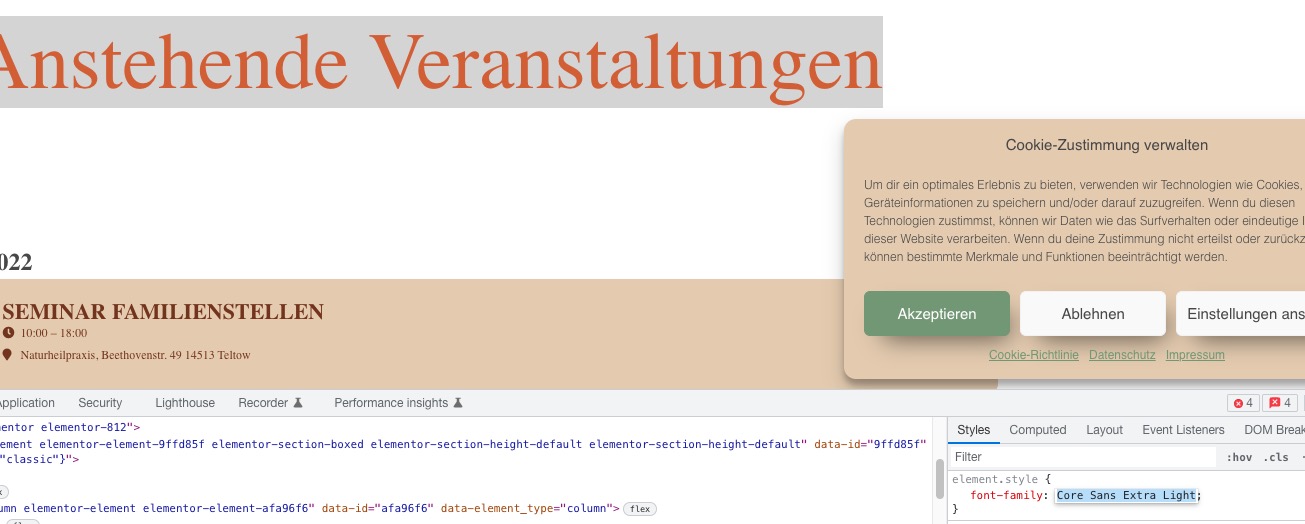
Reply to: tickets(287095)
Please check now.
Reply to: tickets(289982)
Hello,
I cannot access the website:
403
Forbidden
Access to this resource on the server is denied!
Could you check?
Reply to: tickets(286774)
Great! If you have any further questions or concerns please create a new ticket.
Reply to: tickets(289986)
Hello,
Could you try going to EventON > try different Select event calendar WP Query method?
Please also check
https://docs.myeventon.com/documentations/why-my-site-and-eventon-page-loading-slow/
Reply to: tickets(289989)
Hello,
Please go to Plugin Editor > EventON/template > taxonomy-event_type.php. Override this template by coping it to ../yourtheme/eventon/ folder.
Reply to: tickets(289990)
Hello,
…add code…
What kind of code? Could you send it here?
OR
Please send us wp-admin access to your site as a private message for us to further assist your situation.
Reply to: tickets(289990)

Here are the images. One with the SOCIAL icons and one without.
Code shows up in the create window. Doesn’t show up in uploaded page.
Reply to: tickets(289984)
I just replied to a different ticket and created a video showing a way to do it here is that video
OK might have a solution for you
see video below
heres the plugin link https://wordpress.org/plugins/controlled-admin-access/
so with the plugin above you would make editor an admin but then restrict what they can actually access in the backend