yes, but none of that makes sense to someone who has never used that feature before – do you actually have any written instructions on how it works? I love this plugin but i hate the way you don’t have any written instructions on how an add on works and what it will do. the only way to work out how to do is it by trial and error and many support requests. yes, you have a salepage for each one but that too is lacking in details
I guess i will have to buy it, and if it doesn’t do what i want it to do, then request a refund.
I am sure that it is little things like this that loses you customers. your support is fantastic and quick but, but the lack of written or video information on what the addons do is frustrating, and i don’t really have 2-3 days to spend on experimenting and waiting for support requests to my many questions.
so can you answer these Qs
can i set it up so that the event owner buys 20 credits at $1 a credit. then when a site visitor clicks the link to get more info about the event, it uses up 1 credit.
can i set it up so that their event is featured, and it costs 3 credits a week or month, for that event to be shown higher up in the list and with a featured badge
do you have instructions on how to set this up with woocommerce ie is a membership, a subscription, what?
What reports/data is collected for the event owner to see?
thanks
If you want to collect payments from selling tickets you can read more on this at
https://www.myeventon.com/news/setup-vendor-style-website-using-revenue-builder-addon-bundle/
The actionUser addon is for frontend event submissions.
Let me know if you have more questions 🙂
We can see your other ticket as well. I am working on the next update for eventON and we will add option in settings to set global eventtop timeformat 🙂
Thank you we will get this implemented. We are working on upgrading the dynamic pricing with timezone adjust as well as new date time picker 🙂
AG Are you requesting HTML editor for schedule field on Event submission form on frontend?
kindly update to the latest version 2.0.4 fullcal and should resolve this issue 🙂
https://docs.myeventon.com/documentations/changelog-fullcal/
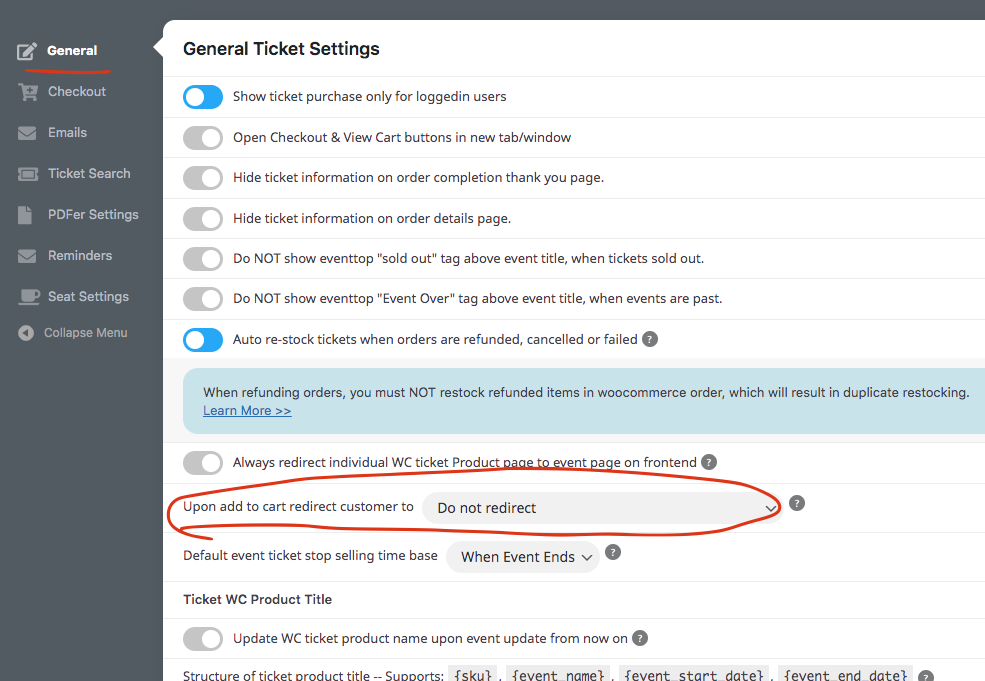
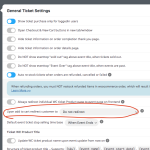
Only thing I can think of that may effect from tickets addon is this setting. Make sure this is set to not redirect and see if that change anything.
Great work on customizing the slider addon!
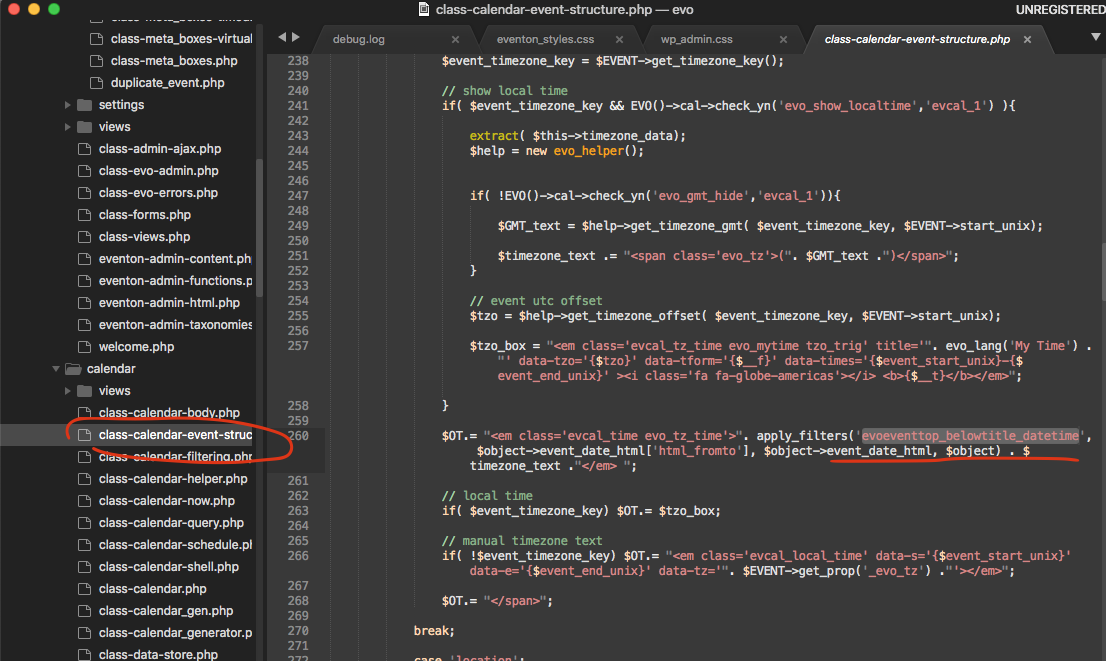
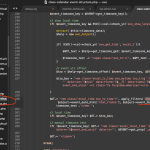
At the moment there is a pluggable function you can use to edit the html from to time.
this is where the code is, you can go ahead and play with it.
ALL -> calendar header > All
Make sure to RSVP .. — > ADDON : RSVP Events > Field subtitle
Also ADDON : RSVP Events > Form Messages have all the text for ajax results. If you translate all the text strings in language page you should be fine.
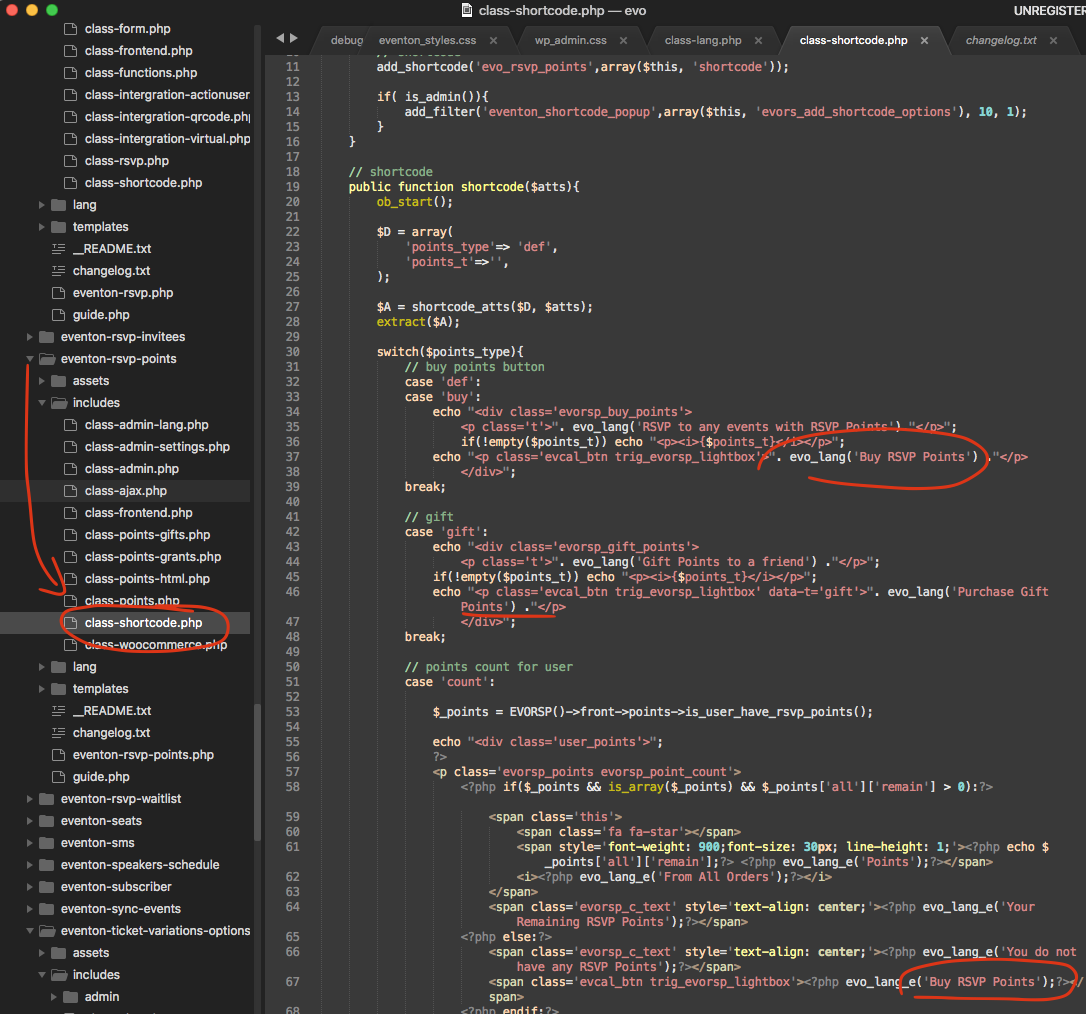
Hello there, I can see the RSVP points has an error but other text strings are all there let me share screenshots where to find it.
Here is the fix for rsvp points.