Thank you Cheryl for letting us know. we will get this resolved in the next update. Kindly use the reverted back version for the moment.
Archives: Replies
Replies for tickets on suppota
Reply to: tickets(289812)
In the mean time here is the patch fix.
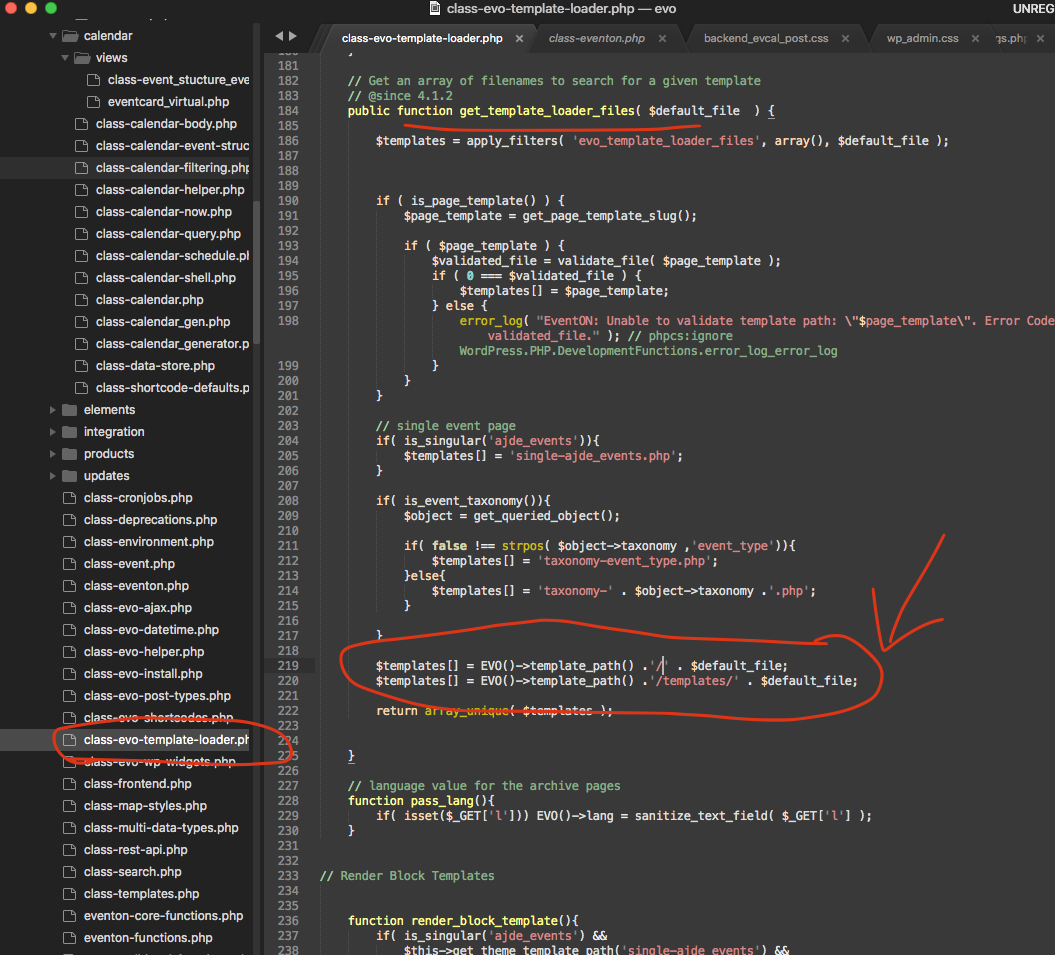
Reply to: tickets(289812)
Thank you very much for the update will get this resolved in the next update which we are working on right now 🙂
Reply to: tickets(288179)
Hello Frank, I can only imagine how frustrating this is to have it go to all posts after update I can also replicate this issue.
So you are using the classic editor. I wonder if you switch that off and go to gutenberg editor which EventON supports. I wonder if you would still have the same issue.
Also from this article https://wordpress.stackexchange.com/questions/371644/redirect-to-all-posts-after-post-update-or-publish-in-block-editor
Seems like there is some redirect filter may be at play that redirect after saving post… this may be coming from avada end because without that EventON does not redirect.
Reply to: tickets(278571)
please apply this patch fix.
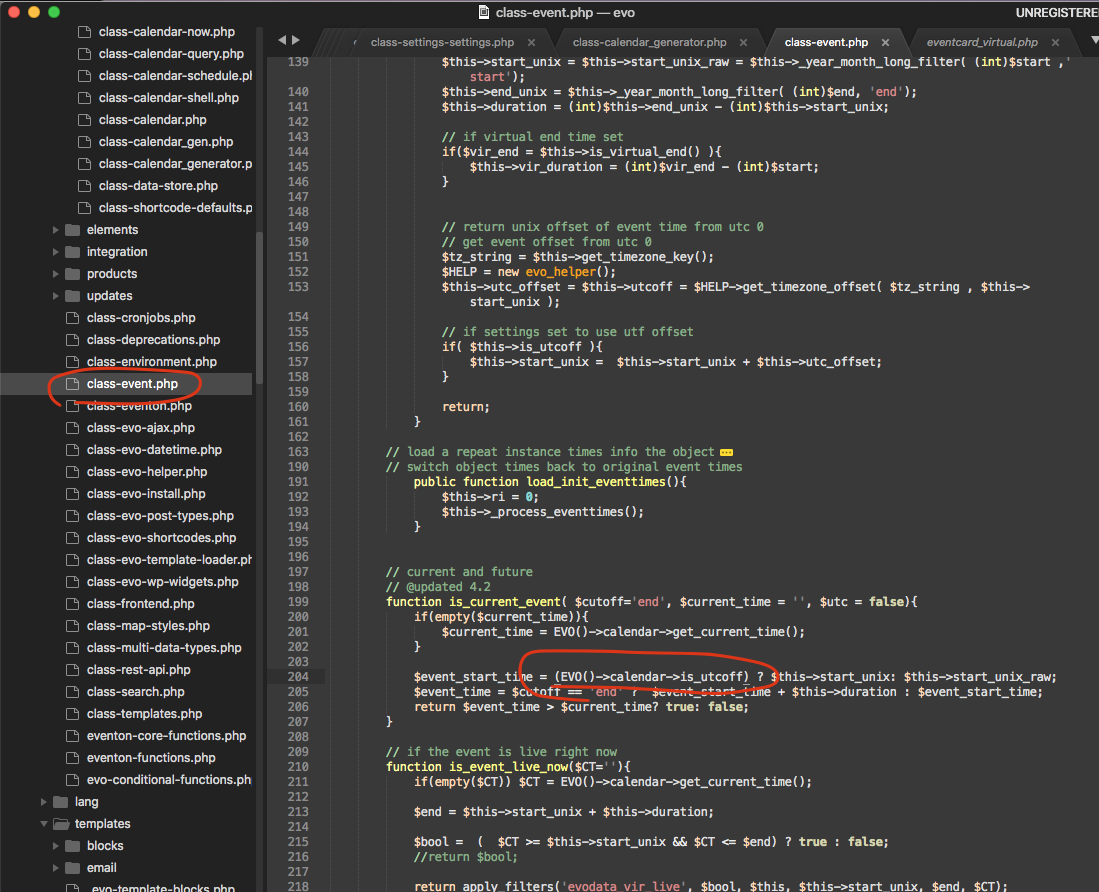
Reply to: tickets(291009)
https://helpdeskx.s3.amazonaws.com/wp-content/uploads/2022/09/27131309/invoice-35571.pdf
Reply to: tickets(291009)
BTW next time please use VAT id in the second address field at checkout. Will send a link to download new PDF.
Reply to: tickets(290835)
I have changed the email associated with the license.! 🙂
Reply to: tickets(288400)
EventON allows you to do what you described, except when you try to change the way the date is written: https://helpdeskx.s3.amazonaws.com/wp-content/uploads/2022/09/14063051/Captura-de-Pantalla-2022-09-14-a-las-10.21.17.png:
jueves 15 de septiembre a las 14:00 horas
I still not sure why do you need to fully describe for people date and time. Instead of “jueves 15 de septiembre a las 14:00 horas” it can be a simple “(jueves) 14:00“.
In order to change 2:00:PM into 14:00, just follow my suggestion in this message:
Reply to: tickets(290898)
Ashan,
The same on dev2:
https://dev2.myeventon.com/wp-admin/term.php?taxonomy=multi_data_type_1&tag_ID=403&post_type=ajde_events&wp_http_referer=%2Fwp-admin%2Fedit-tags.php%3Ftaxonomy%3Dmulti_data_type_1%26post_type%3Dajde_events
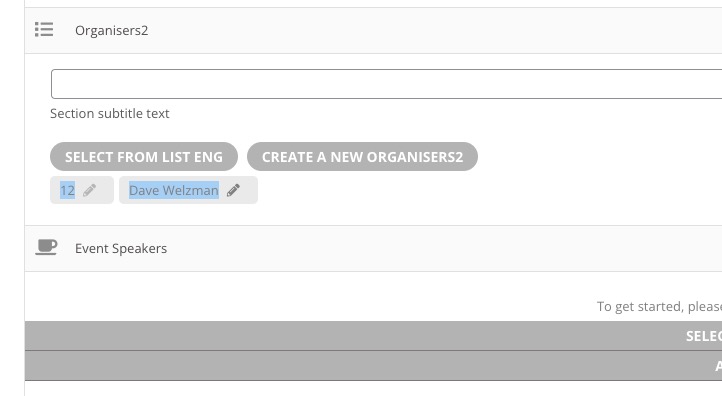
https://dev2.myeventon.com/wp-admin/post.php?post=31511&action=edit (you cannot press on Pencil):