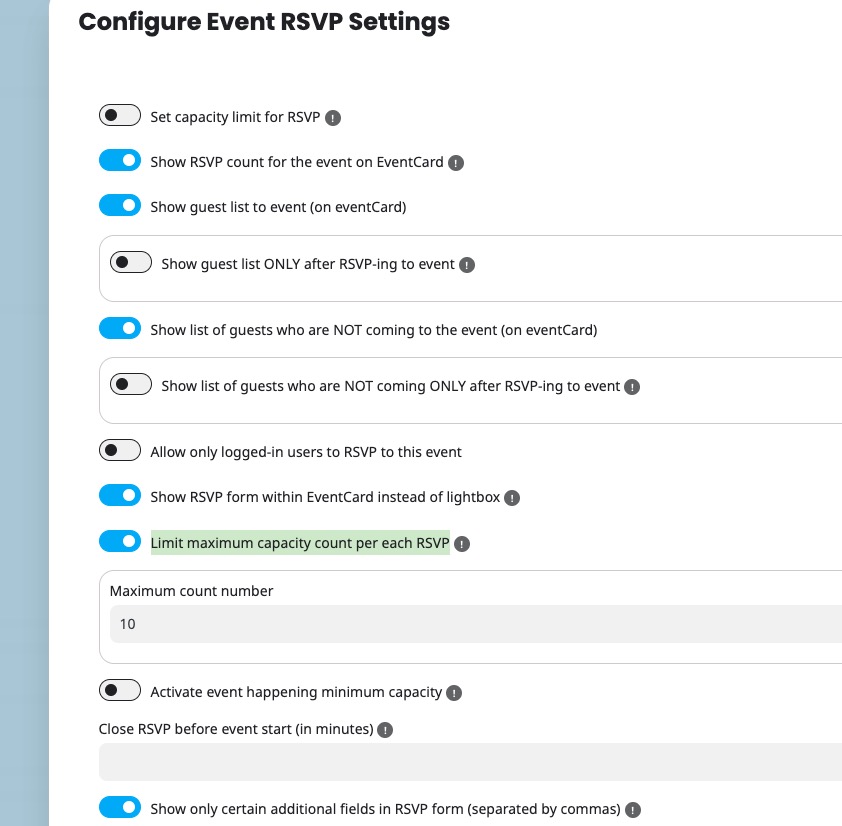
Did you enable ”Limit maximum capacity count per each RSVP” after seeing 10000 RSVP?
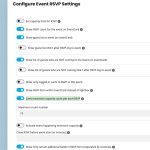
In order to fix the number, you can go to
https://woodsideathertongardenclub.org/wp-admin/post.php?post=11034&action=edit
Find more here:
https://woodsideathertongardenclub.org/wp-admin/edit.php?post_type=evo-rsvp
Hello,
Please send us Order ID of your purchase.
Hello,
Tickets add-on cannot show prices on EventTop, I am afraid.
You need to add them manually using Custom Meta Fields:
https://docs.myeventon.com/documentations/setup-use-custom-meta-fields-events/
However please create a new ticket and select Feature Request as category so others can vote on your idea and get it moved into development faster.
Hello,
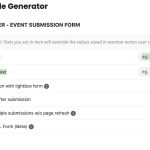
Could you let us know which text are you referring to?
Please send us a screenshot.
Are you talking about this:
Hello,
I changed the number of events showing on wp-admin > Events to 50 instead of 500.
After I try to save an event it keeps showing me the same message ”Draft saved”.
Usually when no changes are saved it’s because of not enough memory available, that can be fixed by following this guide:
https://docs.myeventon.com/documentations/increasing-wordpress-memory-limit/
However at first, please follow the instructions in this documentation to activate debug in your site to see any PHP errors recorded that can provide insight on to whats going on. Please reply with a link to debug.log file. If you are not able to do this please send us FTP access to your site so we can do this for you.
Hello,
There are two guides that cover this:
https://docs.myeventon.com/documentations/customize-single-events-page/
https://docs.myeventon.com/documentations/how-to-customize-events-archive-page/
When you say ”Creating a template override at /wp-content/themes/uncode-child/eventon/archive-ajde_events.php”, ”Creating single-ajde_events.php in child theme” and also ”Creating archive-ajde_events.php in /uncode-child/eventon/ folder”, did you follow the guides?
Hi,
Following my previous ticket, I’ve done extensive testing with my developer. Here’s a summary:
What we tried (unsuccessfully):
- Creating
header-events.php and footer-events.php in child theme
- Creating
single-ajde_events.php in child theme
- Creating
archive-ajde_events.php in /uncode-child/eventon/ folder
- Using
template_include filter with high priority (9999)
- Removing/replacing
eventon_arch_before_header hooks
- All approaches were bypassed by EventON
Current workaround:
The only solution that works is using a regular WordPress page with the EventON shortcode. However, this creates two issues:
- If someone navigates directly to
/evenements/ (the archive slug), they see the archive page without my Uncode header
- When I enable ”Stop using eventON single event template for single event pages”, the header appears but the event content doesn’t display at all
My questions:
- How can I display single events with my Uncode theme header while keeping the event content visible?
- Should I create a Content Block in Uncode Theme Options and use an EventON shortcode to display the event? If so, which shortcode should I use for single events?
Thank you for your help.
Artem,
Try this to log onto our site.
eventon
FwV!HQBcZ0FOvqRue2p%WbF5
FYI – We definitely are not having issues with bots, so the verification code won’t do anything.
Thanks much.
Amy
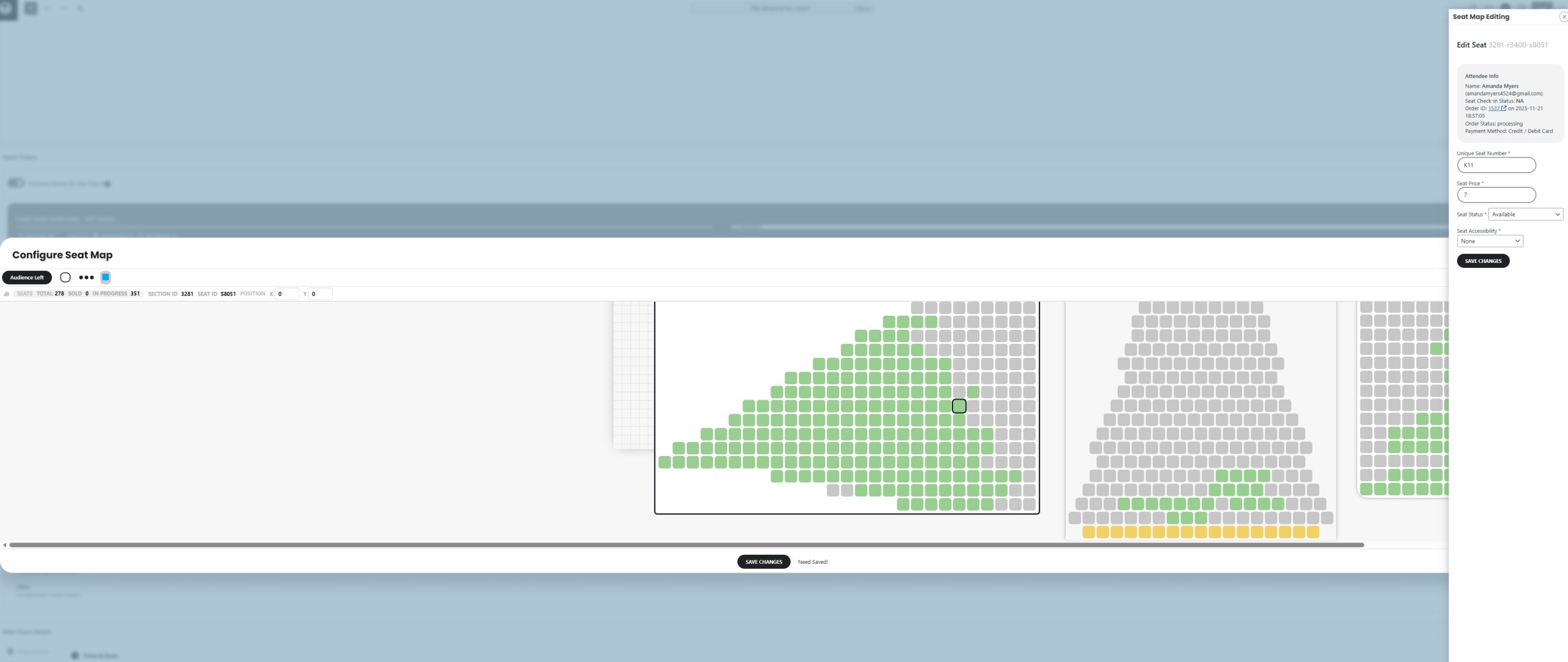
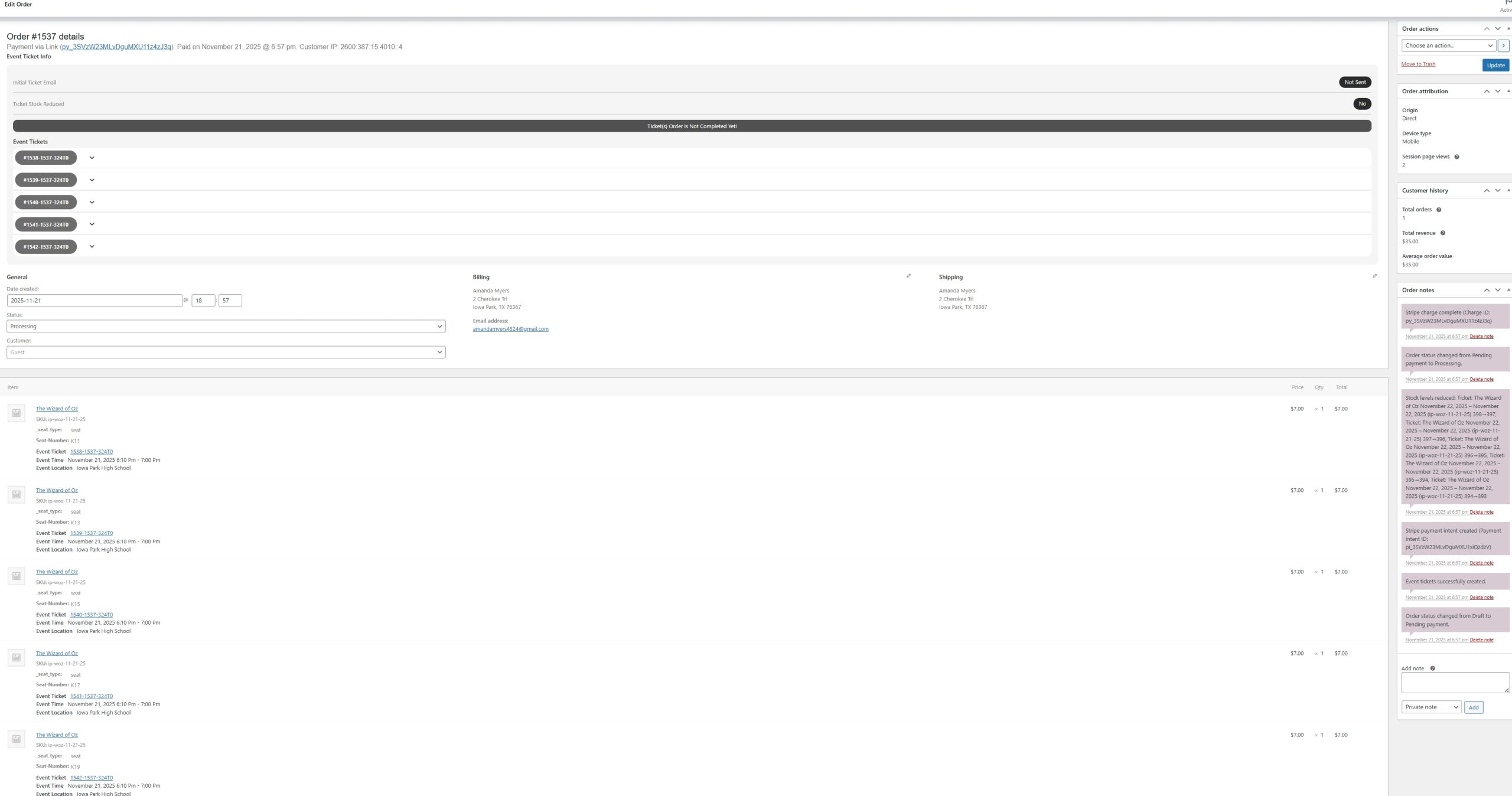
I attached the above screenshots to show what I’m seeing. The issue with not marking seats as unavailable is continuing. We have had fewer instances without Google Pay as a pmt option, but I grabbed this screenshot to show what I’m seeing. The order is purchased, it is not marked as completed (none are being marked even though I have all four options on in the ticket settings), I am immediately able to add the seats to my cart in a private browser (seconds after the order is made), and when I check the event seating is shows the seats available with the client information attached. I have had multiple local venues reach out with the success of these ticket sales, and as of yet I cannot tell them I can build them something because I cannot find a way to prevent double booking of seats.