Unfortunately, there are no more available options, unless you add them by yourself by coding them into the form, basically, from scratch.
Archives: Replies
Replies for tickets on suppota
Reply to: tickets(290643)
Hello,
Since your shortcode has tiles=”yes” to enable Tile Design, please also add tile_bg=”1″ to show featured images as background.
Reply to: tickets(290136)
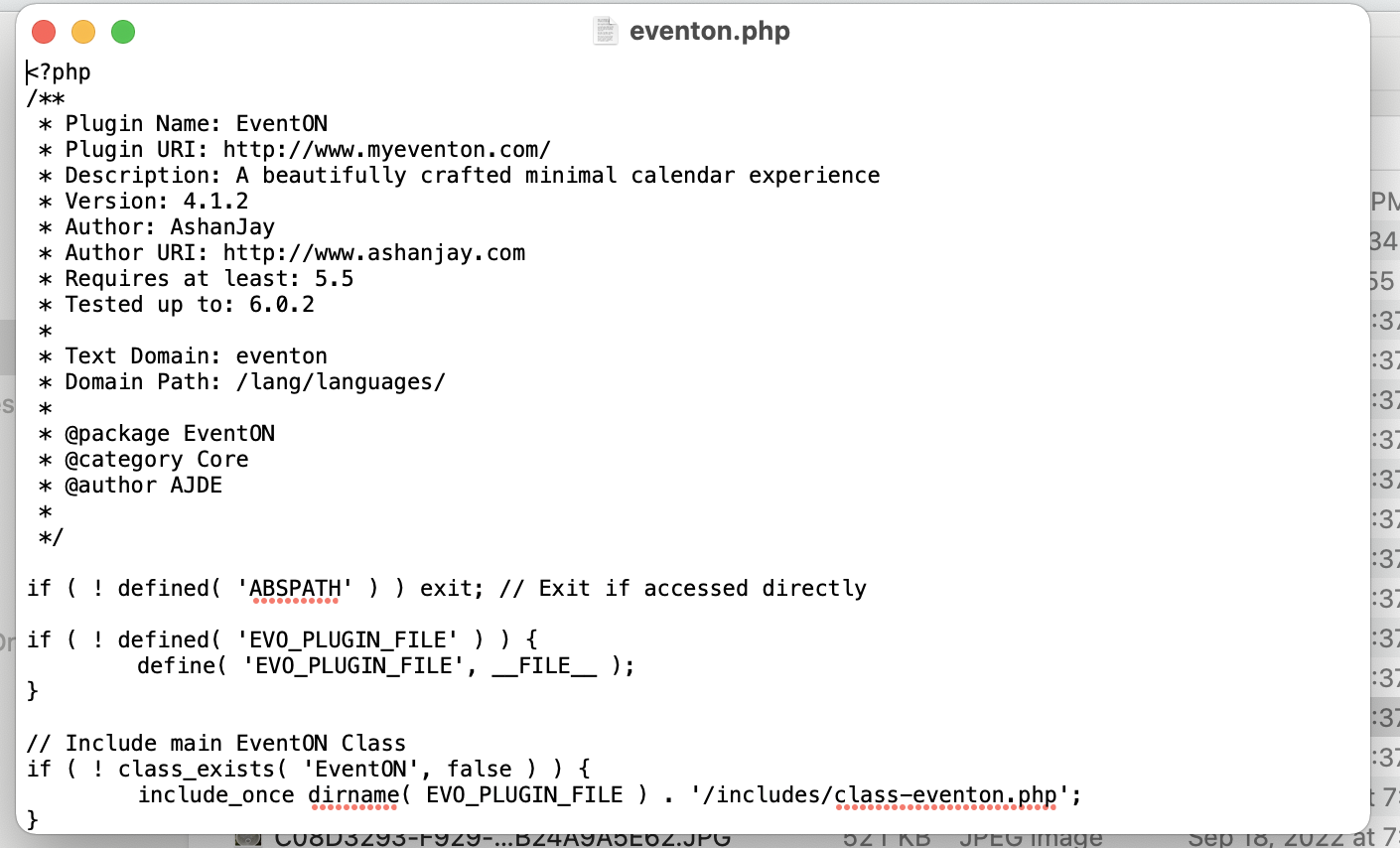
Yep, sure is.
Reply to: tickets(280569)
We apologize again for that massive delay and we appreciate your help very much. I have created a user for you to login and inspect the plugin:
url: https://celt.smumn.edu/wp-admin/
user: testuser
pass: vyLA57HC3qnL
Please let us know what you find. Our users still can’t RSVP on any of our events. You can click the option to RSVP but no modal window pops up with the RSVP form.
Reply to: tickets(289974)
I am trying to figure out adding this alternative inout into the form.
You sent me here: https://docs.myeventon.com/documentations/add-additional-fields-actionuser-event-submission-form/
Which is helping, but it only seems to have 2 forms of input – yes/no and upload – where would I find the options for other forms of input like a dropdown with choices?
Thanks.
Reply to: tickets(290136)
Hi Lilly,
After downloading the plugin, please unzip it and open eventon.php file and check the version indicated there. Ensure that the version downloaded is 4.1.3
Reply to: tickets(290575)
You are very much welcome. If you have any other questions, please do not hesitate to create a new ticket.
Reply to: tickets(290496)
Yes, sorry I figured that out. Now we are having another issue with it.
When folks submit an event that is multiple dates and it populates, the time box is formatted weird, where it says:
10 (Thursday) 7:30pm – 12 (Saturday) 10:30pm
Is there a way it can be reformatted to read: Thursday-Saturday 7:30 – 10:30pm? Or is that on the user’s end where we should be inputting info differently?
Reply to: tickets(290575)
Oh ma, I am so blind. I was looking under “Tickets”. Thanks Artem
Reply to: tickets(290136)
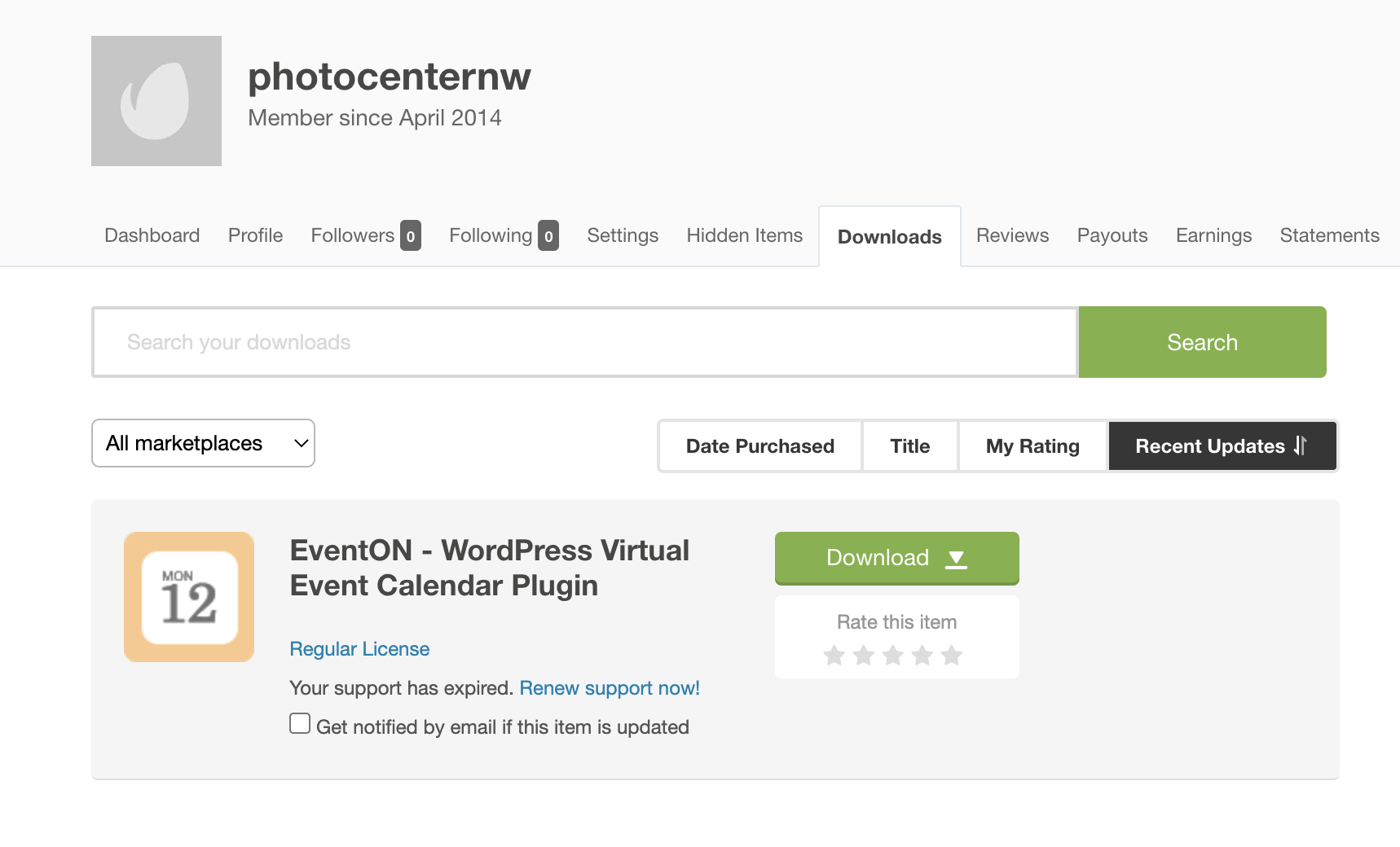
Yes, I did download from Code Canyon. See attached screenshot.