Hello,
Action User add-on https://www.myeventon.com/addons/action-user/ allows you to check-in guests using Event Manager [evo_event_manager]. Make sure to go to EventON > Action User > enable Allow users with permission to check-in guests via event manager.
They can also check-in with QR Code add-on:
https://www.myeventon.com/addons/qr-code/
Try on https://dev.myeventon.com/wp-admin/
Hey guys, just a quick reminder 😉
Hello,
The closest you can get is this shortcode:
[add_eventon_list number_of_months=”12″ hide_empty_months=”yes” tiles=”yes” tile_count=”4″]
Please also take a look at FullCal add-on:
https://addons.myeventon.com/fulcal/
Try on https://dev.myeventon.com/wp-admin/
You can also use try putting each shortcode into a separate column:
[add_eventon_list number_of_months=”1″ hide_empty_months=”yes” tiles=”yes” tile_count=”4″]
[add_eventon_list number_of_months=”1″ hide_empty_months=”yes” tiles=”yes” tile_count=”4″ month_incre=”+1″]
[add_eventon_list number_of_months=”1″ hide_empty_months=”yes” tiles=”yes” tile_count=”4″ month_incre=”+2″]
The problem us that if there are no events, columns will be empty.
I also tried it in different browsers. looks all the same.
Unfortunately this doesn’t help.
Hi Lilly,
Di you download the updated plugin files in Codecanyon? After downloading the files, that is when you follow this procedure outlined below to update.
http://www.myeventon.com/documentation/update-eventon/
You are very much welcome. If you have any other questions, please feel free to create a new ticket.
Hi Stuart,
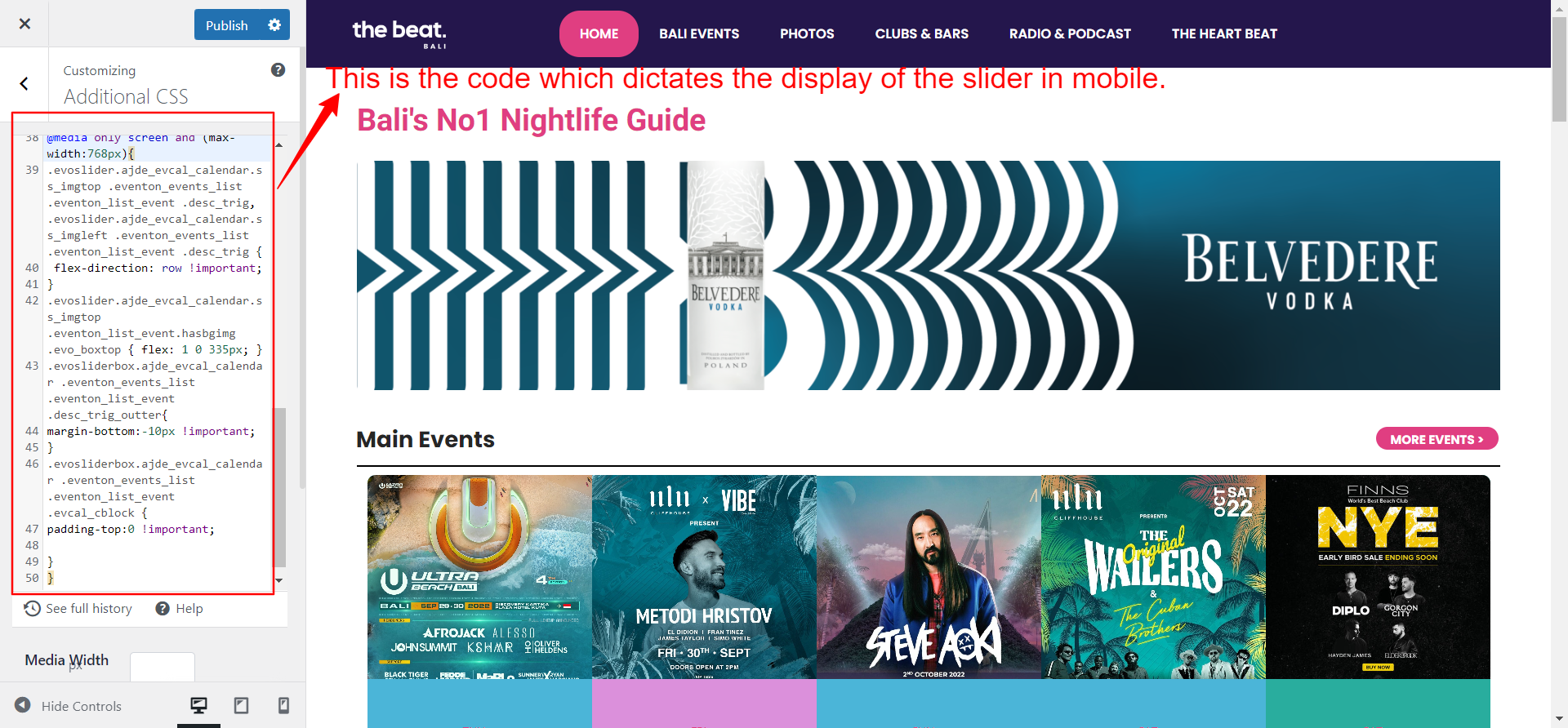
I added the code in Appearance > Customize > Additional CSS
Hi Fernando,
You are very much welcome. If you have a moment, we would greatly appreciate if you could kindly leave us a review at codecanyon! from your account > downloads.
Cheers!
Hello,
Thanks for your quick reply.
Ok, I will do that.