Hello,
Perfect!
As for updates and disabled settings, could you try changing Event Top so it looks similar to:
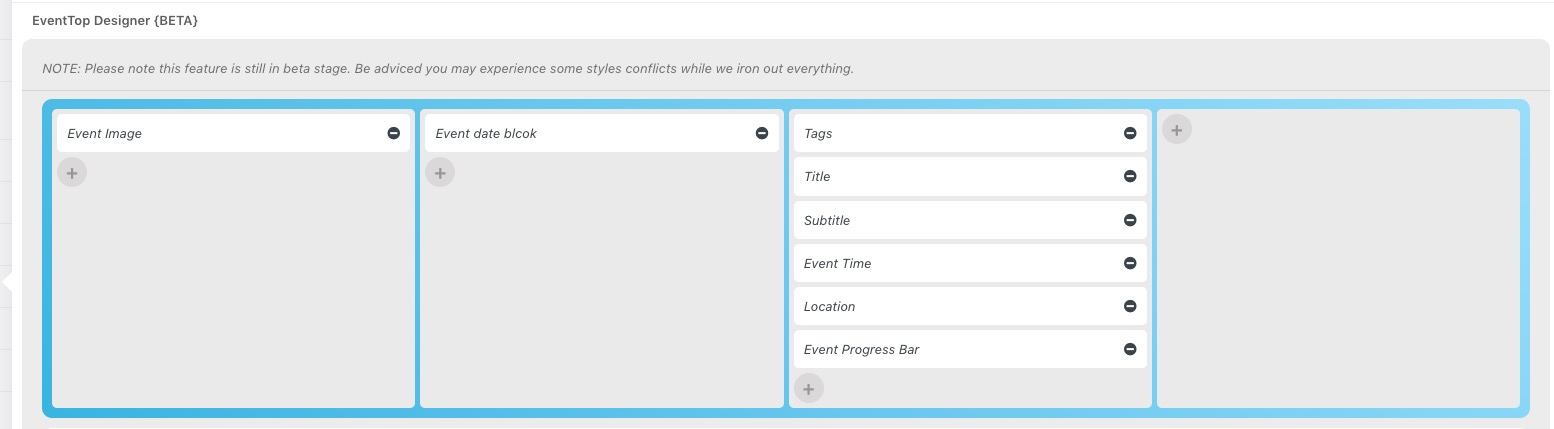
Please also tell us more about your current issues so we can help.
Replies for tickets on suppota
Hello,
Perfect!
As for updates and disabled settings, could you try changing Event Top so it looks similar to:
Please also tell us more about your current issues so we can help.
Also, when I click on the Guide for Action User in the licenses list, it never actually loads.
Thank you. The 1 minute increment is super tedious.
Can you please tell me where I would change the text color of the time values in the hour/minute/am-pm pull down menus? You will notice that when the time is selected, it does not show in the field in how the form is working on this page.
https://calhounconnects.com/submit-event/
Is there a way for me to install 4.1.3 or should I wait for the next version?
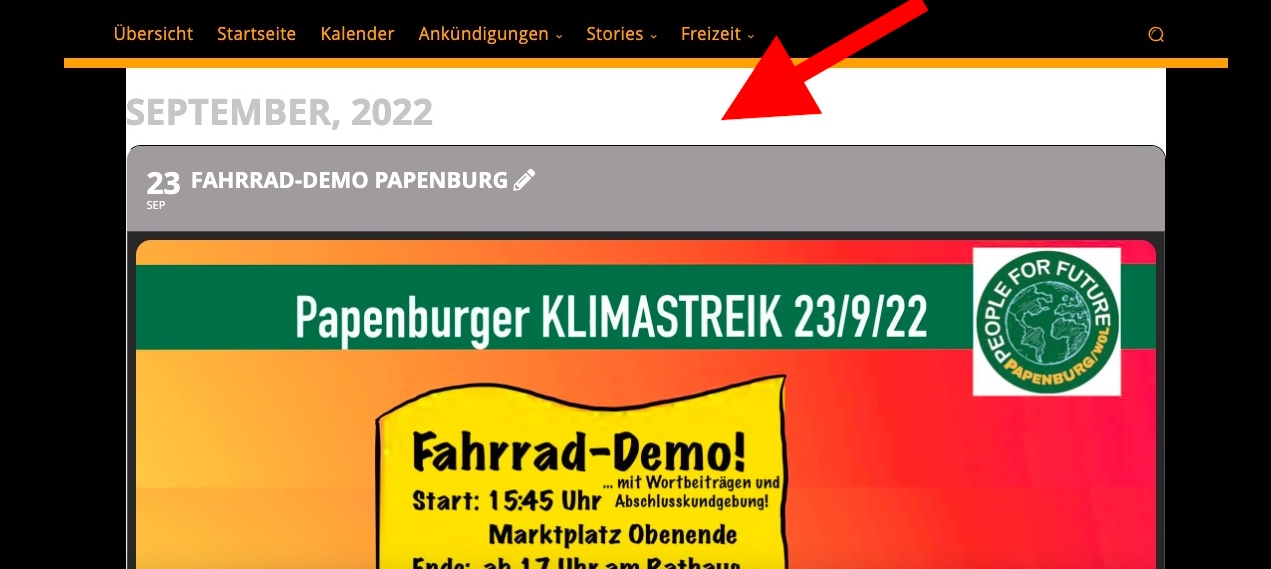
The background color before was black
so now that you have updated- are the remionders still sending wrong?
yes if you updated with the latest from codecanyon we didn’t update that (but have for the next version) so it is 4.1.3 but it just doesn’t say it
you can create a new ticket and select feature request
we are working on a wp query system that
for now you can choose load the latest added months or the last 6 months worth of added events and thats OK it was an OK start to wp-query but what we are working on is
to add that to the shortcode for each individual calendar and also a database refresh that periodically or manually replaces the publishing date with the event date
so that will allow you to create a calendar of todays events and tomorrows events without it needing to query anything more than today and tomorrow which should make that load super fast
same with weekly view , monthly view etc . generally when people view the weekly view there really isn’t any reason to load more than a month so you could set that to query the last month
where as the full list might be set to 6 months or a year
this might be confusing but its wp-query targeting the individual calendar shortcodes and “cheating” the publishing date so that current events load fastest
that iether made sence to you or it didn’t (I may not have typed it up right sorry)
disregard last ticket. I typed wrong address. I’m in settings but don’t see where to follow your instructions? Where is “Subtitle?”