thanks, I forgot to click on Write dynamic styles to header,
works¡
Replies for tickets on suppota
thanks, I forgot to click on Write dynamic styles to header,
works¡
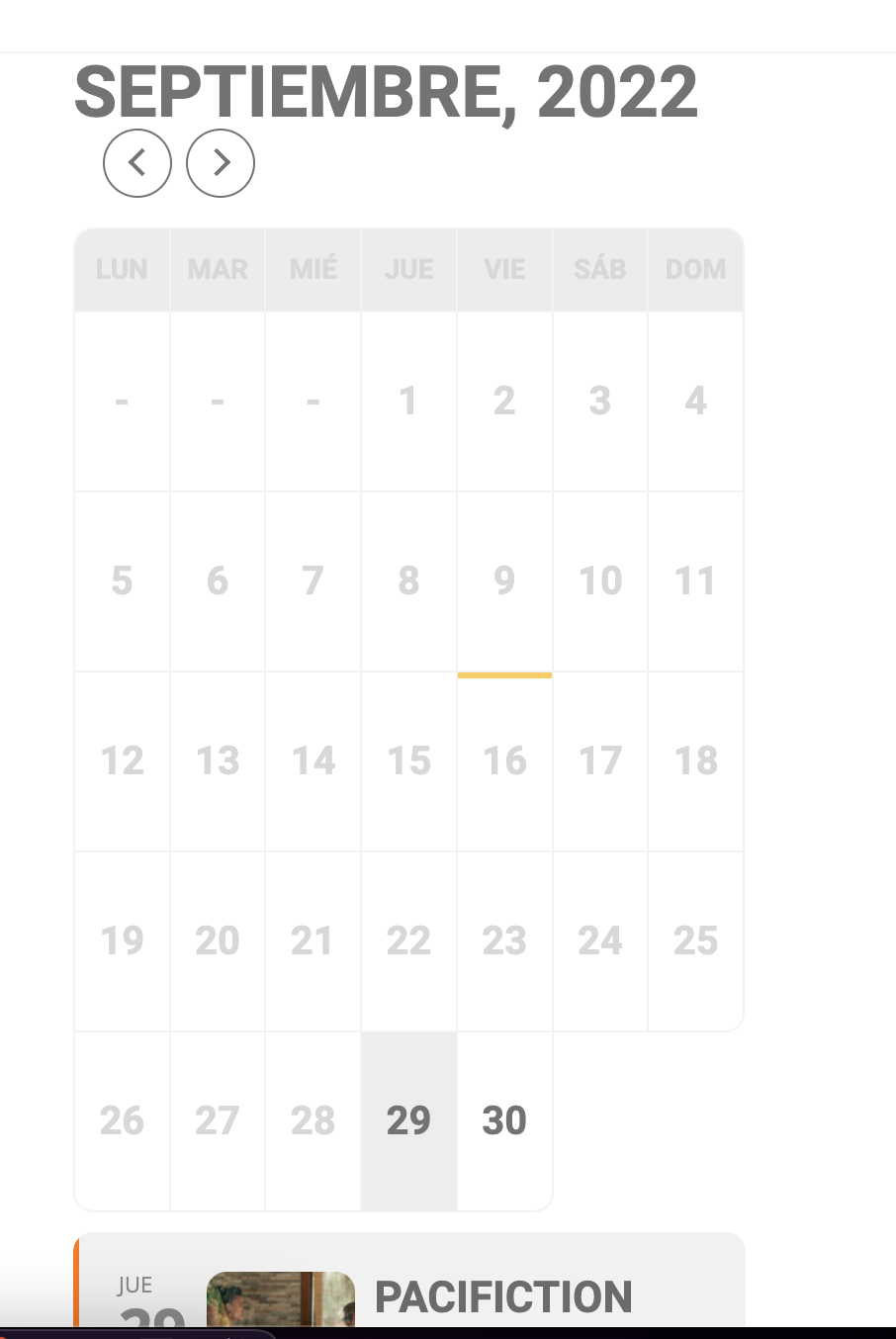
thanks, but it didn't work, I would like the full cal cells to be less tall, because the calendar takes up a lot of space and that makes it difficult for the user to see the events below
That’s unfortunate.
Thanks, that’s excellent. Never would have spotted it. (That said, the software shouldn’t crash if a general setting isn’t set – an error message to the user would be the way to go.)
Peter
We are glad your issue is resolved, if you have any further questions or concerns please create a new ticket.
Hello,
No updates, I am afraid. Ashan will check this ASAP. We are sorry for the delay.
Not sure if Ashan will be able to fix this. The main issue is that there is too much calendars.
Please try going to EventON > try different Select event calendar WP Query method.
I don’t understand why we cant use the square flyer on the mobile version when the aquare works on the desktop version. Please explain.
Because of different screen sizes. It’s not possible to make them square on all mobile resolutions.
WP login always redirects you to the dashboard. It’s a standard functionality.
I see. Thank you for the reply and the video. I was hoping that it meant the system would automatically notify those who want updates when changes are made on the back end to the Event Card.
So what I’m understanding is if a change is made to the event card we need to be proactive and push that email out to the guests.
Alyson