Hello,
Could you tell us more about your server’s specs? 8GB of RAM? 4 CPUs installed or 4 cores CPU?
7 calendars on one page is a big number. How many of shortcodes can your server handle? Could you try and let us know?
More info on the performance:
https://docs.myeventon.com/documentations/why-my-site-and-eventon-page-loading-slow/
Please disable EventON Lite.
Install the latest version of EventON – 4.1.3.
Activate it by going to EventON > License.
Now disable the full version.
Enable EventON Lite.
We will take a look at the issue.
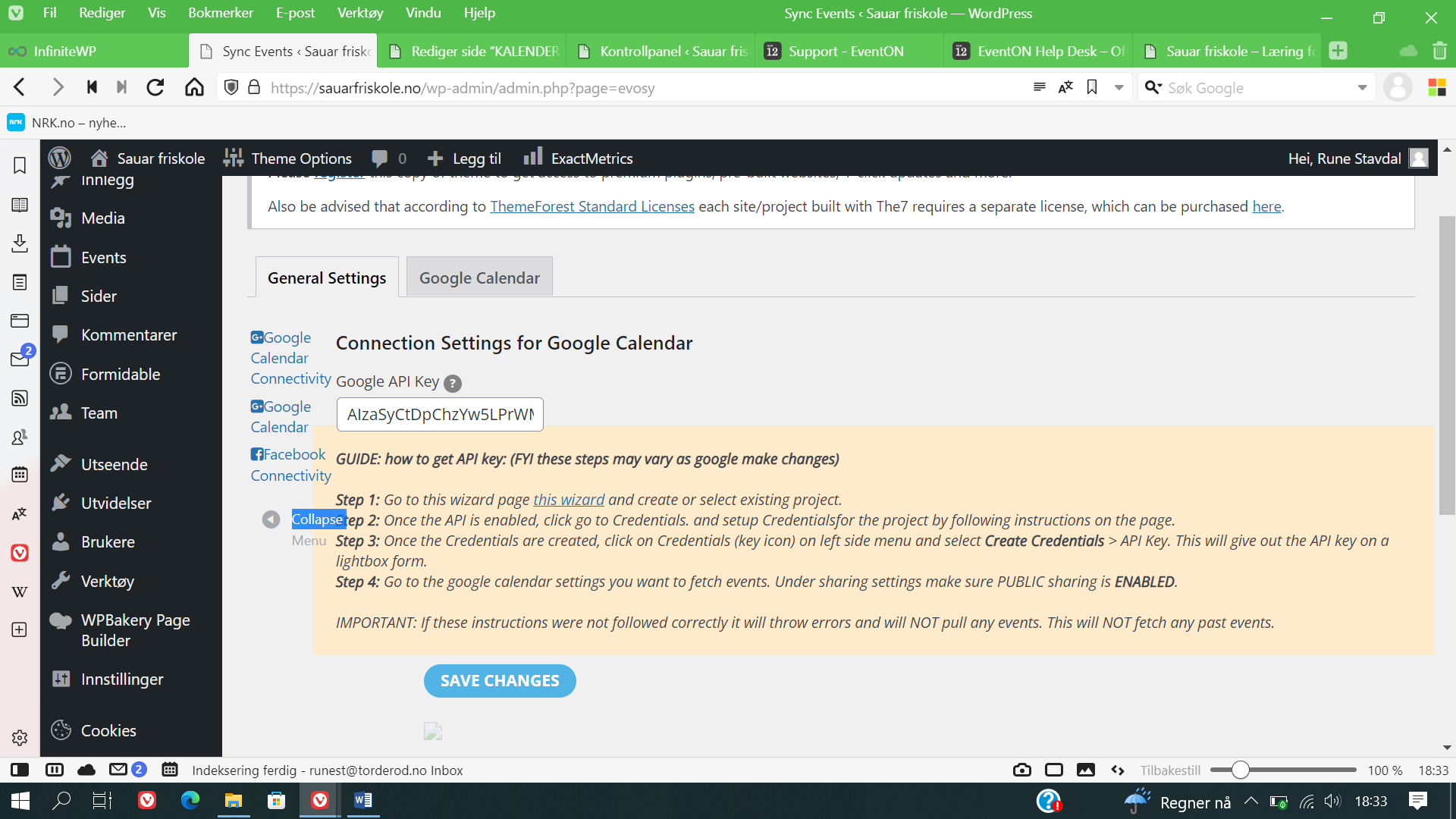
Note, it is the menu in the sync events add on to EventON.
Thank you for your response. I tried it but I think I don’t understand it.
I even can’t find the EventCard Data section. Also tried to add it true a new field in the custom meta but it’s probably silly and it doesn’t work.
I do not understand where to place the code or what the code does.
Thank you.
Hello
Yes that is correct, since there were problems with the Pro license, we have installed the Lite version. Attached is the invoice and the license. We ask you to look at this problem.
Addons are up to date. Here you are:
https://zig.org.pl/wp-admin/post.php?post=1714&action=edit
eventon / MRM4RfZvISJDy8@p0t
Thanks!
Here you are:
https://zig.org.pl/wp-admin/post.php?post=1714&action=edit
eventon / MRM4RfZvISJDy8@p0t
Thanks!
1. even when changing the user role to admin it doesnt appear
2. why??? you should change it to allow us to provide that for users who are created only as calendar editors!! it allows us. to provide a a shortcode list of items they are to edit.
Hi!
Thanks for your reply but I am still not getting what I want.
I would like that customers can view only the 30 following days.
Is there a way to get all the upcoming events from today to +30 days (no matter the month).
Since I have 1 event per day, I thought that using this method would work but it doesn’t : [add_eventon_list event_count=”30″ number_of_months=”2″]
Can you help?
Xavier