Ok. I hope you fix this as soon as possible because we have an ongoing campaign running for this website now and we have a lot of traffic.
Archives: Replies
Replies for tickets on suppota
Reply to: tickets(289198)
CodeCanyon has the latest 4.1.3 version. Could you update? To update eventon to latest version: If you are unable to do autoupdate, you can go to codecanyon your account > download and get the latest eventon version as zip file. Then you can go to your website, deactivate old eventon, activate (Do not delete eventon settings & data when EventON is uninstalled) from eventon settings, delete old eventon, install new one and activate. This link will further explain the process it. Also you can follow us on twitter to get real-time announcements on updates!
Reply to: tickets(287209)
Hi,
any news for me?
Thanks for your answer!
Best regards!
Tobias
Reply to: tickets(288983)
We are glad your issue is resolved, if you have any further questions or concerns please create a new ticket.
If you have a moment, we would greatly appreciate if you could kindly leave us a review at codecanyon! from your account > downloads. Cheers!
Reply to: tickets(288983)
Fixed on the live site…
Thanks for your help…
Reply to: tickets(288983)
Hi Artem.. The issue is solved… Was a setting-issue in the plugin…
Reply to: tickets(288421)
Thank you for your messages, I am going to assign this ticket to Ashan and he will be able to take it from here and find you a solution. Please allow some time for him to get back to you, we greatly appreciate your patience and thank you for being a eventon customer! Also please disable any IP blocking on your site if there are any.
Reply to: tickets(288421)
Ashan,
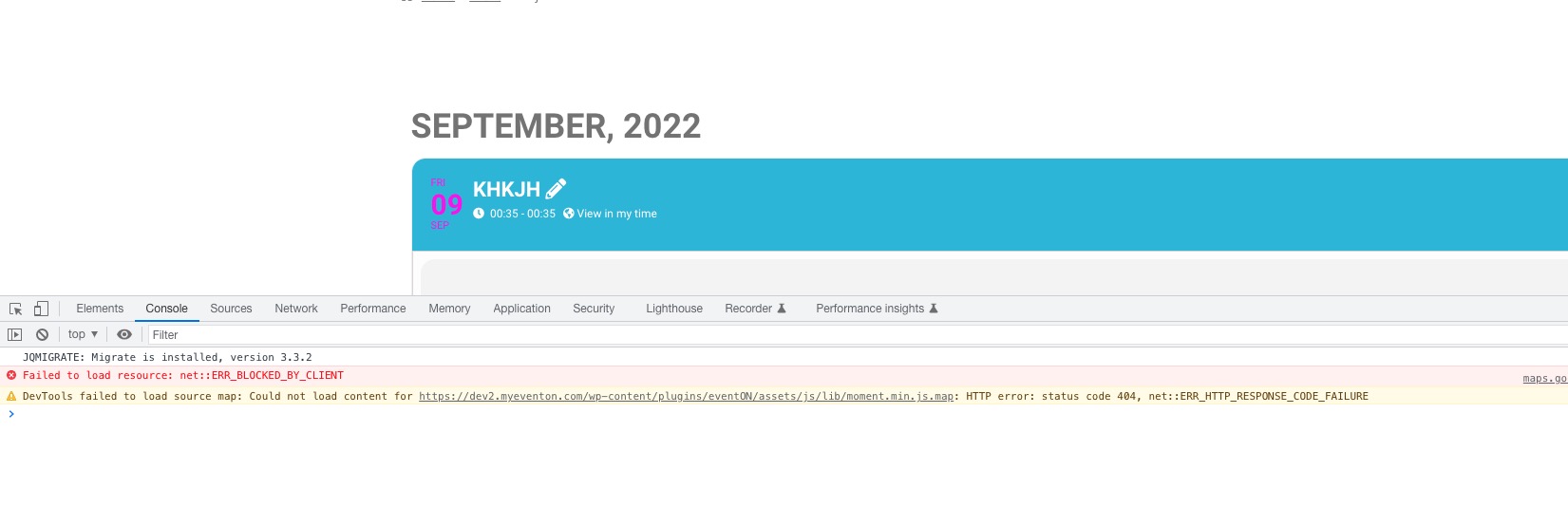
Original issue. The same on dev2:
https://dev2.myeventon.com/events/khkjh/
Reply to: tickets(288804)
I’m not really sure what you are saying. Do you mean that EventOn does not work properly with Google? Each simple cost free calendar link generator tool works properly.
But maybe I don’t get what you are saying. Please provide a concrete answer how to fix it.
Reply to: tickets(288983)
It seems that a plugin causes this:
https://concept.ontwerpunie.nl/potterij/events/test/var/ri-6.l-L1/
Could you enable them one by one to figure our which one is it?