When duplicating, EventON creates a new product for a duplicated event with enabled Tickets.
How do you duplicate events?
to adjust the date in Eventon after copying?
Not sure what does this mean. Could you elaborate?
Duplicated event is the same as newly created event. You can edit it the way you like.
Hello,
You don’t need to separate location into pieces, Google understands it the way it is:
Performer is organizer. Please go to Edit Event > assign/create a new organizer.
Offers. Go to Edit Event > SEO Additions for Event > add price.
About eventAttendanceMode. We are not exactly sure to behones what more data google is needing for this particular schema data set… We will continue to look to see if we can improve on this and if you come across a solution that could solve this error kindly share this with us.
Missing feedback here and this is now becoming urgent.
Great!
If you have a moment, we would greatly appreciate if you could kindly leave us a review at codecanyon! from your account > downloads. Cheers!
Could you update Daily View to the latest version?
To update eventon addons: You can download latest eventon addons from myeventon > my account. Then you can go to your website, deactivate old addon and install new one and activate then delete the old addon. This link will further explain the process. Also you can follow us on twitter to get real-time announcements on updates!
Can we also please try the instructions mentioned in this documentation?
there was a toggle that wasn’t on in myeventon>>>event top
it will be fixed in the next update
the slider is created in the shortcode generator found at myeventon>>>settings>>>shortcodes
there you control elements
Hello,
There is a new update coming, so please wait for it’s release.
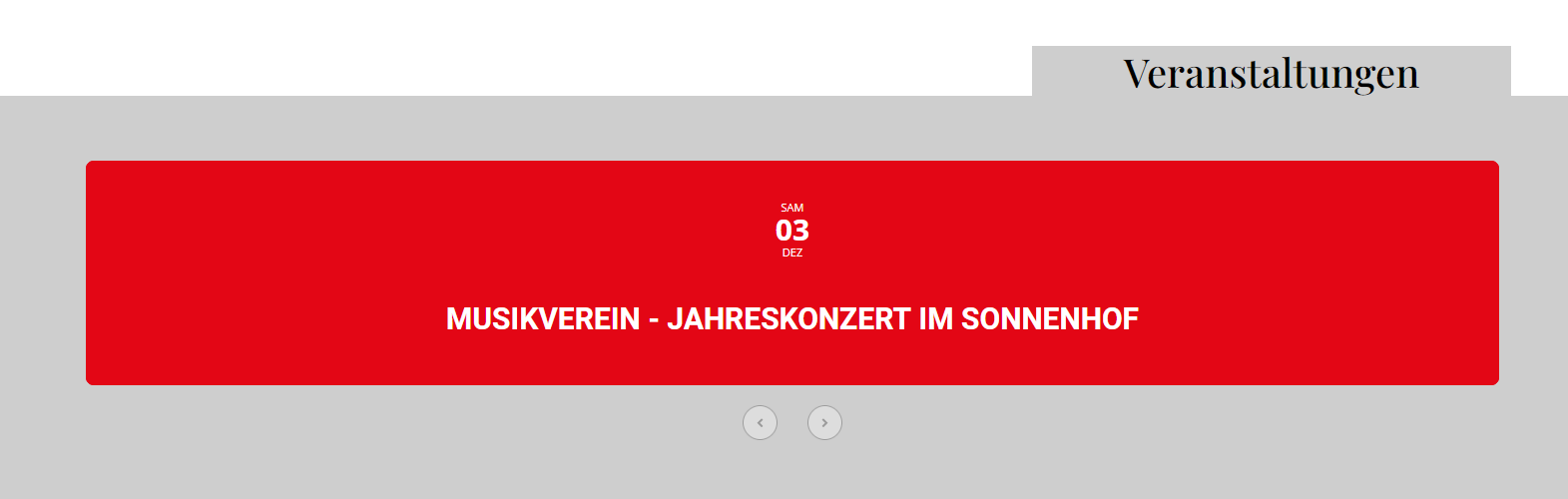
it works now. what was the fault?
Could you tell me where i can change the slider? i can’t find the plugin settings.
It’s perfect now. Thank you very much!