After I converted the text to blocks, the issue is gone:
Could you check?
I also checked for unclosed tags and everything was correct:
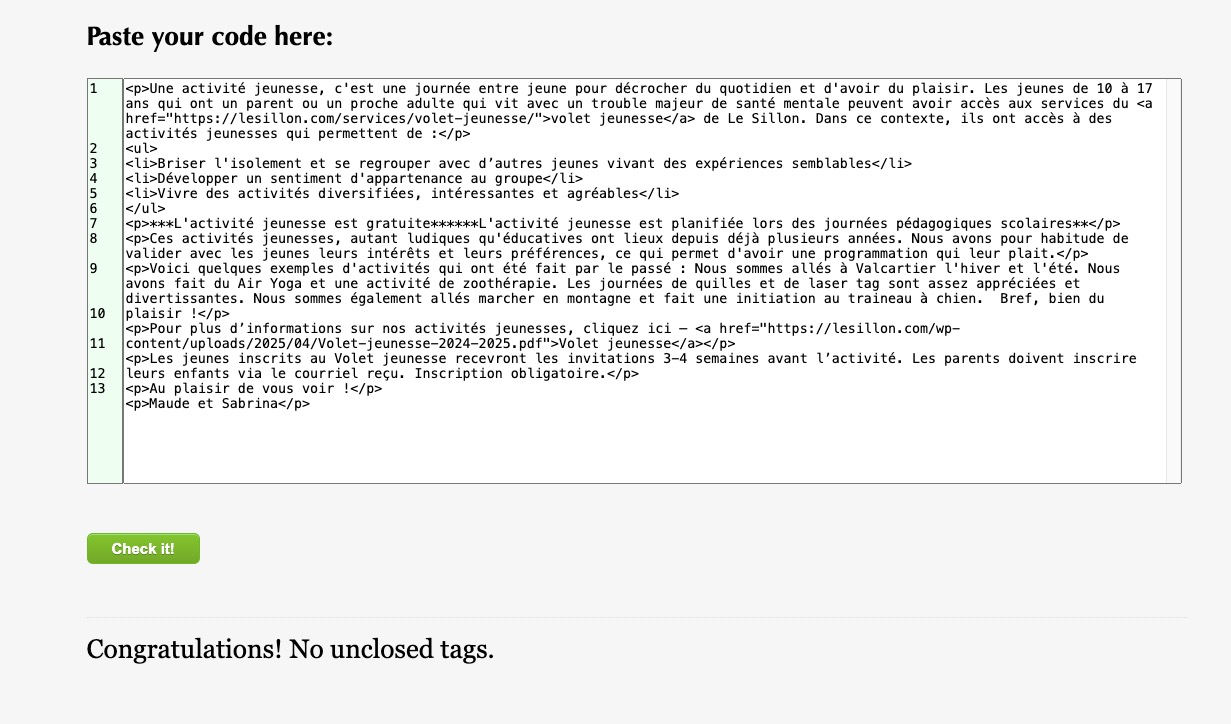
So it seems that the issue was happening because the text wasn’t created as blocks.
Replies for tickets on suppota
After I converted the text to blocks, the issue is gone:
Could you check?
I also checked for unclosed tags and everything was correct:
So it seems that the issue was happening because the text wasn’t created as blocks.
Hello,
When I try to login, it says the password is not correct. Could you check?
Please also try going to EventON > Advanced > select a different Select calendar event content filter type.
I am not sure, but I believe that you need to follow and add the map through the code:
https://docs.myeventon.com/documentations/show-additional-custom-data-eventcard/
Thank you for letting us know! Ashan will check this ASAP.
Hello,
Could you elaborate more?
Are you trying to make these white title to be the color of Event Type?
Hello, I reached out to Patchstack and they replied as follows; “Hello, since no patch has
been submitted for us to validate, we can’t update the information. If the
vendor refuses to provide one, we have nothing to verify.”
They also said in a 2nd email… “I’ve reached out to the
vendor again. If they don’t provide a patch for validation, there’s not much we
can do.”
Thank you, I hope this can be resolved soon.
We appreciate the replies.
Virginia for Quetzal Arellano
It’s Ok for this new event : https://lesillon.com/activites/test-val/
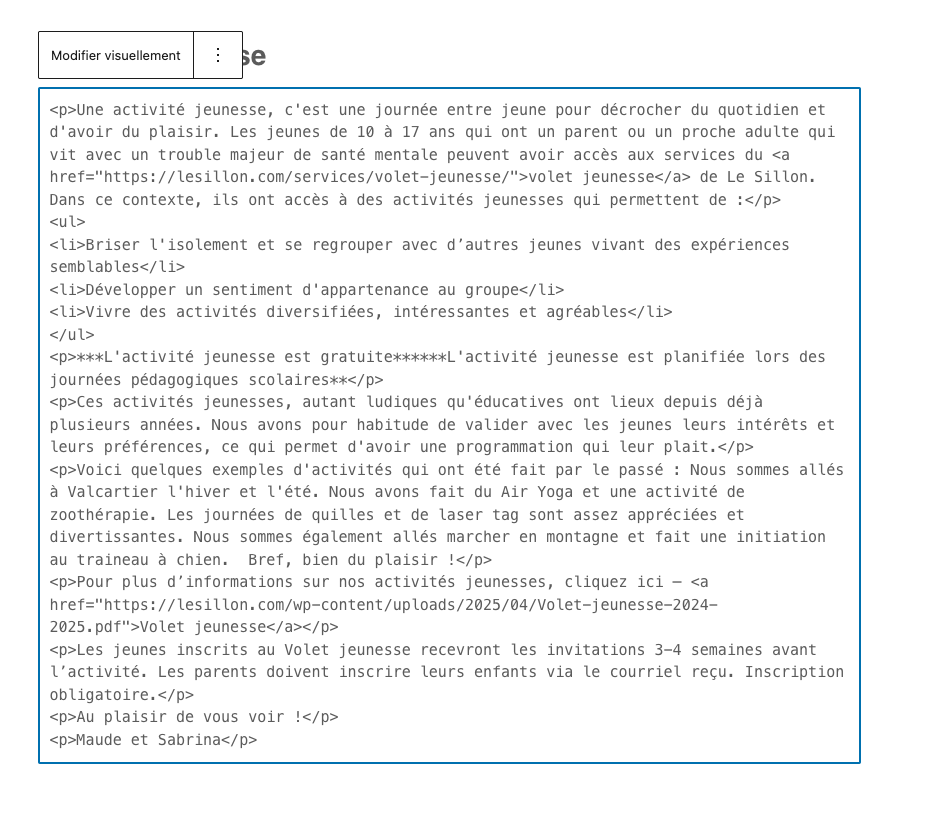
But if you look at this event, : https://lesillon.com/activites/activite-jeunesse/ we still have the issue… and i couldn’t find the unclosed tag.
Ashan,
The same on dev2:
https://dev2.myeventon.com/wp-admin/admin.php?page=wpml_plugin_log
https://dev2.myeventon.com/events/rsvp-4/
Thank you for letting us know! Ashan will check this ASAP.
Please add jumper_offset=”2″ to the shortcode.
It’s green because of this custom styling from Elementor:
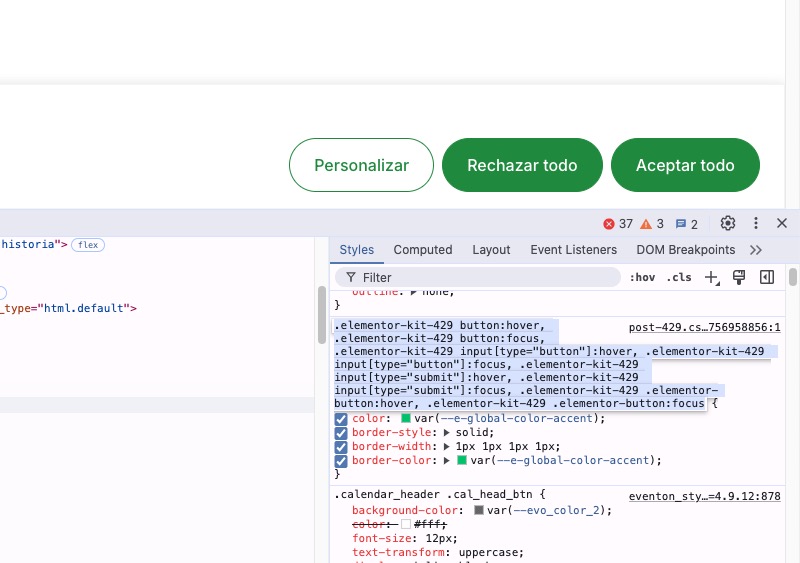
Please add this CSS code to EventON > Styles (If you don’t see any change, EventON > Scripts & Styling > turn off Write dynamic styles to header > save settings > turn on Write dynamic styles to header). You can also add this code to wp-admin > Appearance > Customize > Additional CSS.
.calendar_header button:hover, .calendar_header button:focus { color: white !important; }
Put more visible arrow: