You can select year and month to show events from. It’s available in Main Calendar and doesn’t need a special license to use.

I have finally found a shortcode to do what I want: [add_eventon month_incre=”+1″ event_count=”3″ fixed_month=”9″ fixed_year=”2025″ jumper=”yes”]
Question: how can I erase past years? I´m trying in this URL: https://clubajedrezoberena.es/calendario-torneos/
Changing colours
When I hover the buttons or click the buttons they change to green. But in settings I don´t find any field that I can change to other colour. Where or how can I change that?

I have other colour I want to erase and I don´t find. When I click on an event the border turns red. I don´t want any border. Where or how can I erase it?

Thanks in advance.
if you see thumbnails could you please circle them?
that’s the same screenshot – there are no thumbnails.
Just wanted to update you, a bit of a hold up on finalizing the table seating addition and we should be able to get this out tomorrow 🙂
Hey Artem,
We updated the main EventON plugin today and got another failed RSVP notification not too long after. I double-checked and the patch code is still in there (since we didn’t update the RSVP add-on), it just seems to not work with the new version of the main plugin. Please advise – thank you!!
– Michie
Please also take a look at Filters Plus add-on:
https://www.myeventon.com/addons/filters-plus/
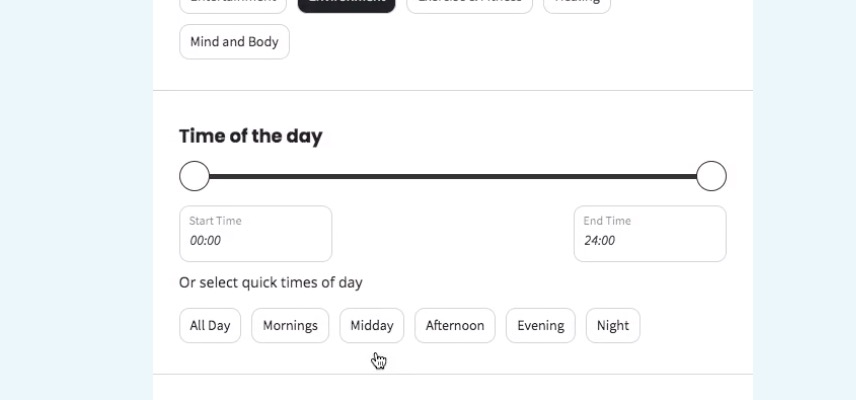
It allows to filter by Time of the Day:
Hello,
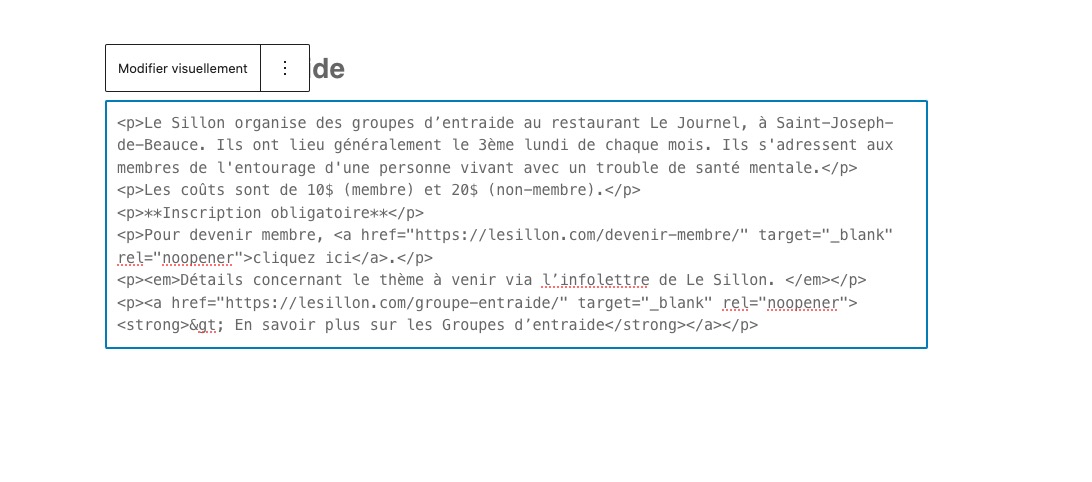
The issue happens when one of HTML tags isn’t closed:
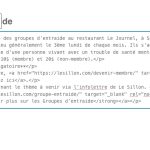
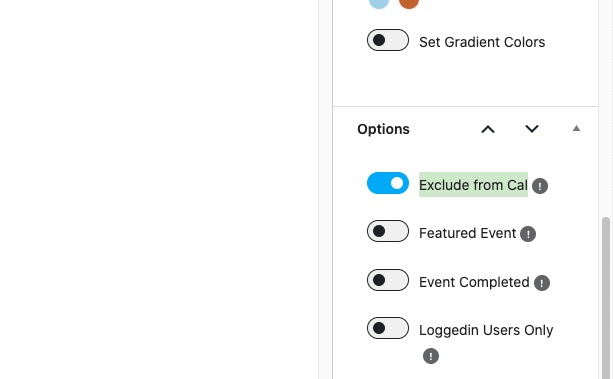
Could you create a new event with the issue, but make sure to exclude it from the calendar, so I can check the HTML:
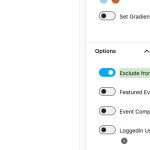
Future/Past event can be filtered with the setting you mentioned. But when I activate them only shows the future events of the same month.
We are now in september, so if I filter for future events only shows me the events of september, but not for the next one (october, november, december…). Why is that?
Main Calendar [add_eventon] applies most of it’s functionality to the current month only. But if you switch between months you should see filtered results for each month.
So for example, if you select “Past Events only”, all future months will be empty. The same with Future events only, can you see events from October if you switch to it?
Sorry for my English but I don´t understand. What do you mean with “Jumper” (but only for Main Calendar)? Is a filter I can or a filter I can´t do with my license?
This is Jumper I was referring to:
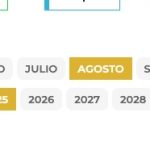
You can select year and month to show events from. It’s available in Main Calendar and doesn’t need a special license to use.
How filters the events this web with buttons for months and years? https://ajedrezdiagonal.es/calendario/
Could you tell me if any of add-ons I sent to you allow your customers to see events the way you like?
EventON doesn’t allow to select a date range to see events dynamically. Users need to go by year, month, week or day, depending on the add-on or shortcode (Main Calendar with enabled Jumper) you use.
We are glad your issue is resolved, if you have any further questions or concerns please create a new ticket.
If you have a moment, we would greatly appreciate if you could kindly leave us a review at EventON WordPress Page OR Codecanyon. Your review helps us a lot in continuing EventON improvements!