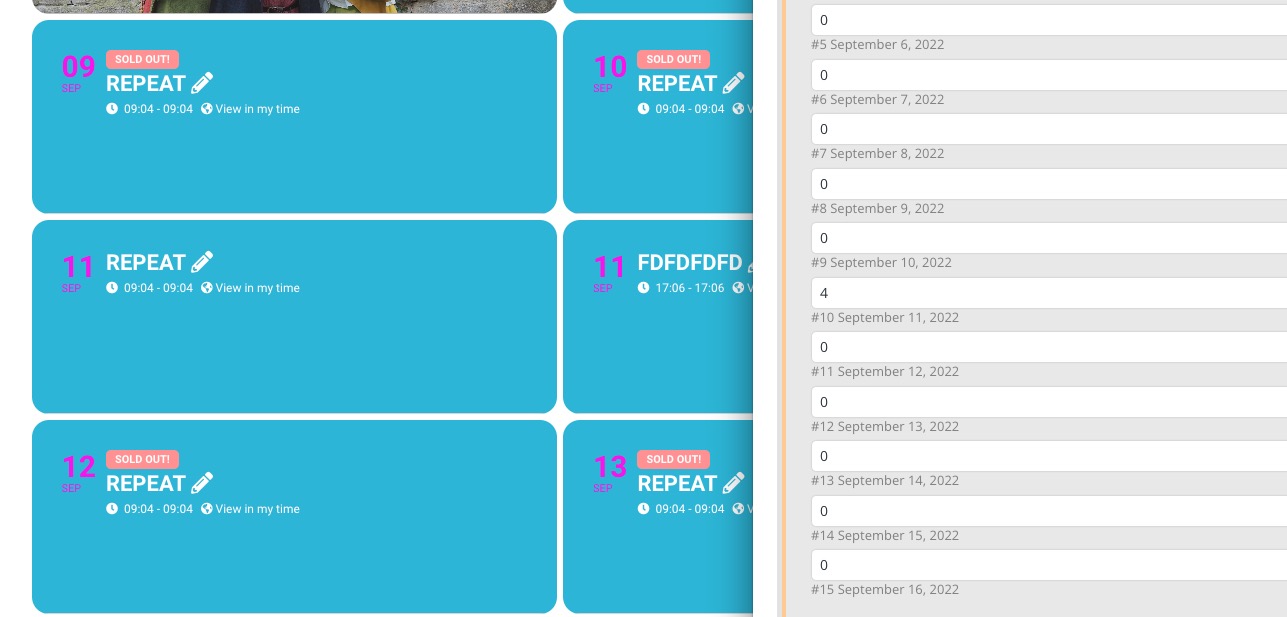
A demonstration video
Archives: Replies
Replies for tickets on suppota
Reply to: tickets(289179)
eventonpassw0rd..
Reply to: tickets(289170)
Now even the product selection does not react anymore. we can change to see variations to individual tickets and still cannot click on the selection.. This seems to be a major issue that many buttons do not react anymore. As we are in the middle of selling our conference is there a chance to backdate this? We can try to bet an old version from our backup
Reply to: tickets(289174)
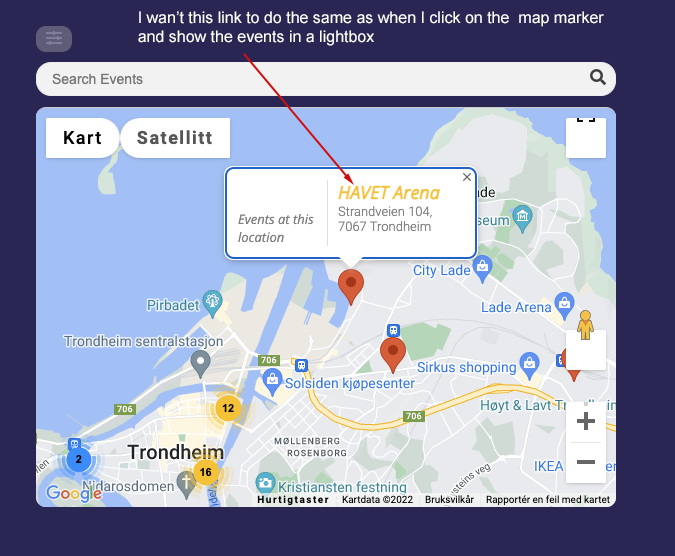
I allso wonder if you have a detailed doc for how to use Events Map?
Reply to: tickets(287095)
password: wecker
Reply to: tickets(288983)
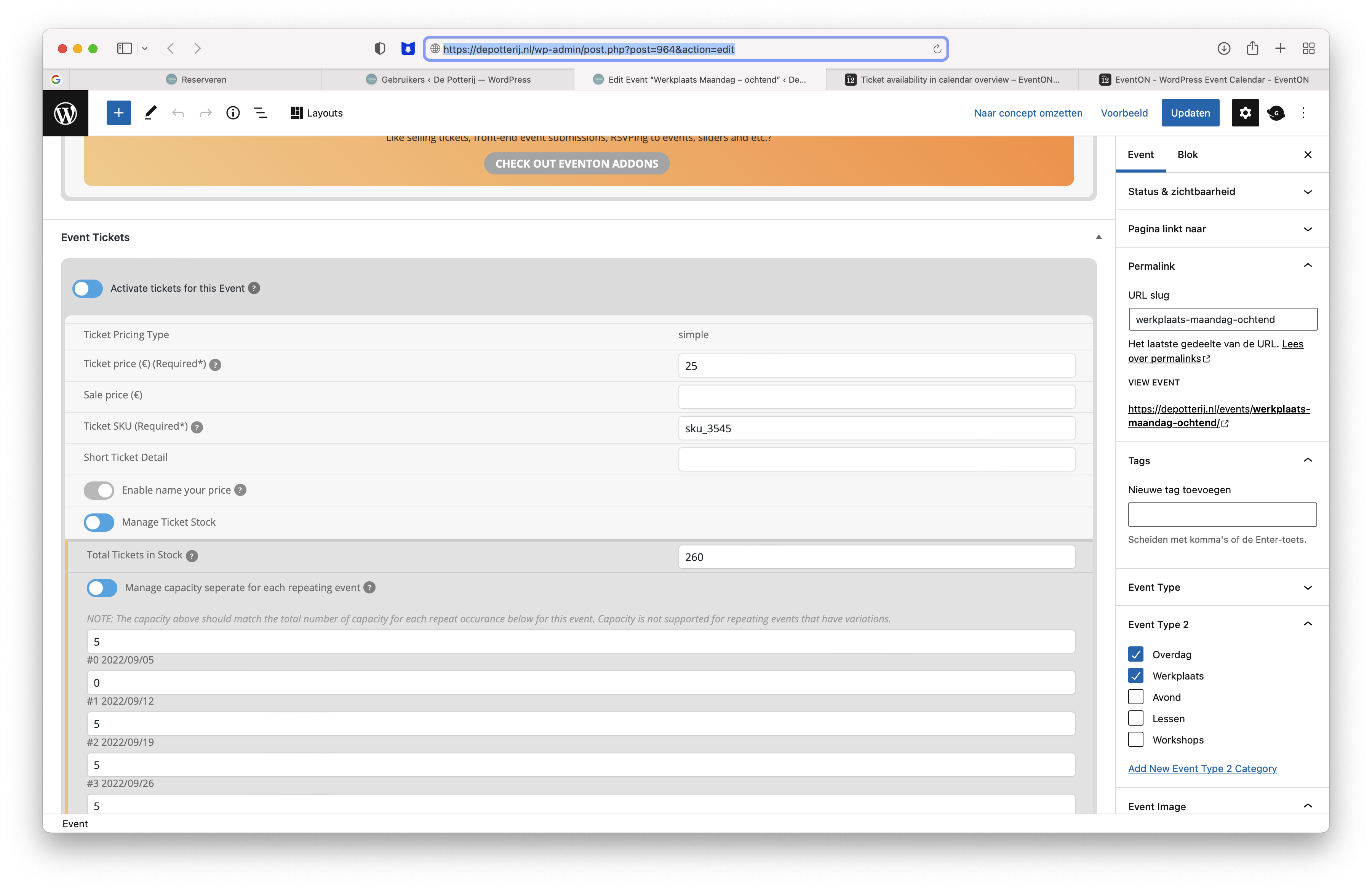
Thanks For your reply, I have created an account for you.
Also set the ticket stock to zero on Monday 12th September 09.30/12.30
Title: WERKPLAATS MAANDAG – OCHTEND
Login: https://depotterij.nl/wp-admin/
User: eventon
Password: Artem-eventon-2022!
Event: https://depotterij.nl/wp-admin/post.php?post=964&action=edit
Frontend: https://depotterij.nl/reserveren/
Thanks in advance..
Reply to: tickets(287095)
I cannot check the page because of password. Could you send it here?
Reply to: tickets(288400)
1. Could you go to wp-admin > Settings > Date Format > change it to something that doesn’t contain de? By doing so you should fix https://pasteboard.co/nqodsmvdPBIU.png
“https://calendario.elcampo.com/wp-admin/admin.php?page=eventon#evcal_001b > Allow universal event time format on eventCard” is the only place where you can use {de} and similar. If you put them into https://calendario.elcampo.com/wp-admin/options-general.php > Date Format, it will not work.
2. Since you enabled “Allow universal event time format on eventCard” and added G:i, enabling “All Day Event” or any other option will not hide the time. You need to disable it completely, only then All Day hides time.
Reply to: tickets(287095)
Thank you, most of it worked fine. Unfortunately the font in the search bar is still invisible. Do you have another solution for that?
Reply to: tickets(288983)
Please send us wp-admin access to your site as a private message for us to further assist your situation.
Seems to be working on our test server: