It has to do with CSS ID selectors. You must not use them in this way.
Ok. I’ll take this further with my developer.
Archives: Replies
Replies for tickets on suppota
Reply to: tickets(288247)
I still don’t understand why this should affect styling in EventOn. This is styling for H-tags elsewhere on the website and these must be able to be styled without EventOn’s H-tags being affected.
It has to do with CSS ID selectors. You must not use them in this way.
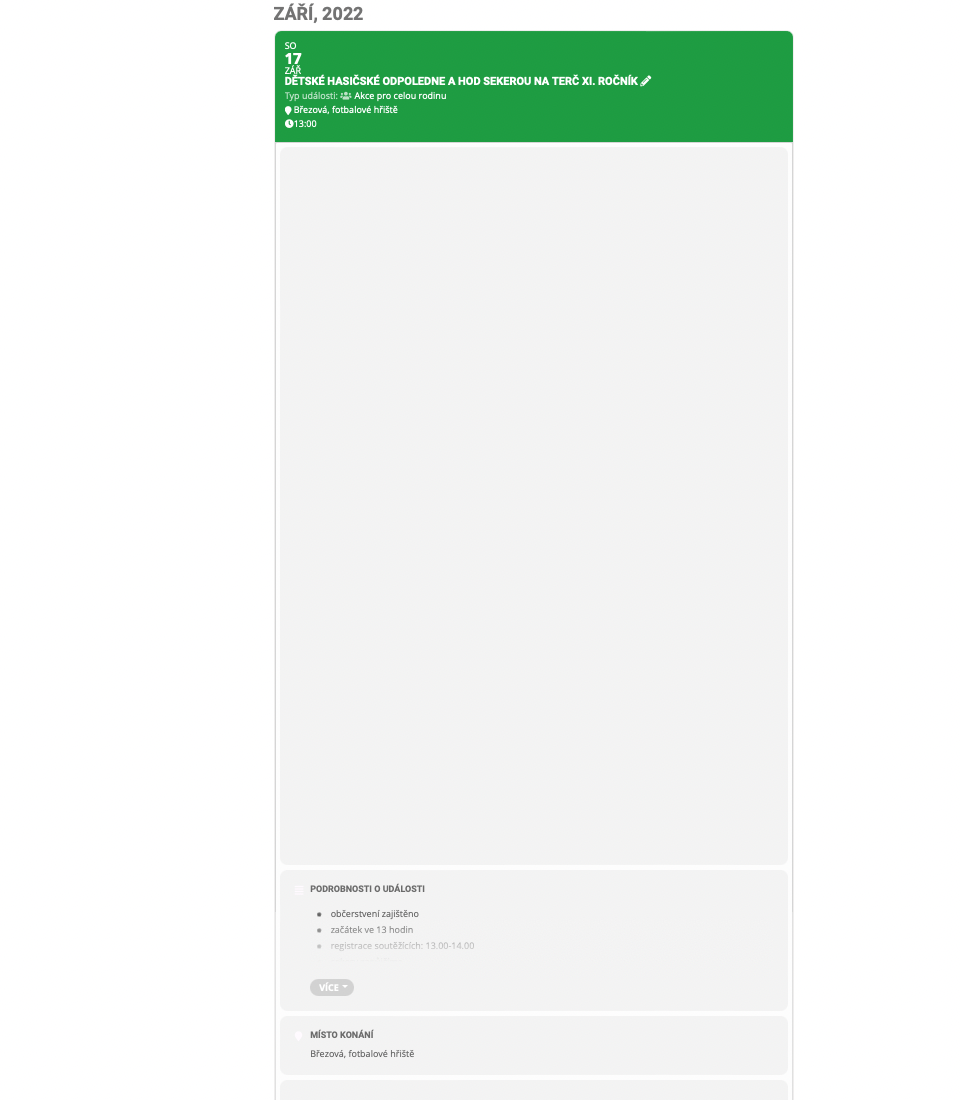
I have performed the patch fix. See the picture if this was correct. What error was this supposed to correct?
Perfect!
Reply to: tickets(288974)
Hi Jan,
I have added the custom CSS code below to Appearance > Customize >Additional CSS to fix the issue.
@media only screen and (max-width:768px){.evcal_eventcard .evcal_evdata_row .evcal_evdata_cell, .evotx_ticket_purchase_section .evovo_variation_types p.evovo_var_types select{width:100%;}}
Let us know if it looks OK on your end.
Reply to: tickets(288983)
Hello,
With added EventON > Event Top > Tags field
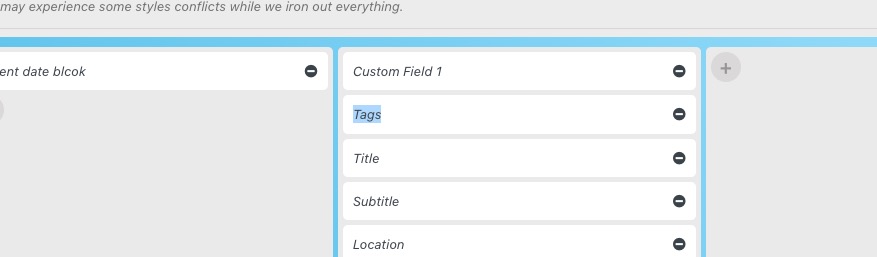
Customers can see if the event is sold out or completed and so on. For example,
https://dev2.myeventon.com/events/test-26/
Reply to: tickets(288658)
Thanks! That should do it for now.
Reply to: tickets(288974)
Hello,
Please add this CSS code to EventON > Styles (If you don’t see any change, EventON > Scripts & Styling > turn off Write styles to header > save settings > turn on Write styles to header):
.evotx_ticket_purchase_section .evovo_variation_types p.evovo_var_types select { width: 100%; }
Reply to: tickets(288980)
We are glad your issue is resolved, if you have any further questions or concerns please feel free to create a new ticket.
Reply to: tickets(288980)
Awesome it works!!! thanks
Reply to: tickets(288980)
Hi Peter,
You can fix the issue by implementing the patch below
https://docs.myeventon.com/patch-fixes/issues-on-the-single-event-page/
Let us know if that works for you.
Reply to: tickets(288980)