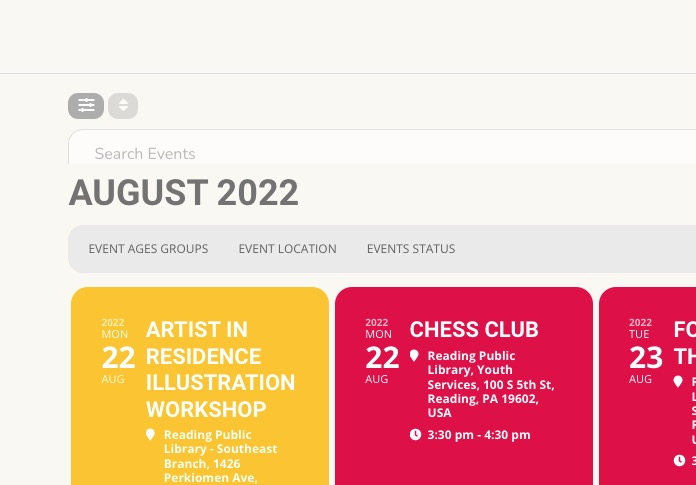
Please check now:
https://dkpl.org/event/stem-structural-engineering-with-society-of-women-engineers/
Make sure to clear your cache plugin to see the latest changes.
Also https://dkpl.org/wp-admin/admin.php?page=eventon#evcal_011 > Stop using eventON single event template for single event pages should be disabled.
By disabling Edit Event > Repeating Event. You cannot remove it, since each repeat must have it’s own URL.
Please use:
#evcal_list p.desc_trig_outter {border-bottom: 0 !important;}
We are glad your issue is resolved, if you have any further questions or concerns please create a new ticket.
If you have a moment, we would greatly appreciate if you could kindly leave us a review at codecanyon! from your account > downloads. Cheers!
Hello,
Please take a look at
https://docs.myeventon.com/documentations/how-to-add-additional-fields-to-download-attendees-csv-file/
Please follow the instructions in this documentation to activate debug in your site to see any PHP errors recorded that can provide insight on to whats going on. Please reply with a link to debug.log file. If you are not able to do this please send us FTP access to your site so we can do this for you.
I enabled them from https://rpl.wanegroup.com/wp-admin/admin.php?page=eventon#evcal_001a + cleared your cache plugin.
Could you check?

Here you go:
URL: https://rpl.wanegroup.com/admin/
username: EventOn_Support
password: 23wWa2qsO(&6$18a0*50UCnvG&23
Please send us wp-admin access to your site as a private message for us to further assist your situation.
It could be an issue with the payment feature – the test event worked.