Hello.
Future/Past event can be filtered with the setting you mentioned. But when I activate them only shows the future events of the same month.
We are now in september, so if I filter for future events only shows me the events of september, but not for the next one (october, november, december…). Why is that?
You have wrote this: Filtering by month/year is Jumper (but only for Main Calendar):
Sorry for my English but I don´t understand. What do you mean with “Jumper” (but only for Main Calendar)? Is a filter I can or a filter I can´t do with my license?
The only way to filter is with those addons?
How filters the events this web with buttons for months and years? https://ajedrezdiagonal.es/calendario/
Thanks in advance.
Hello,
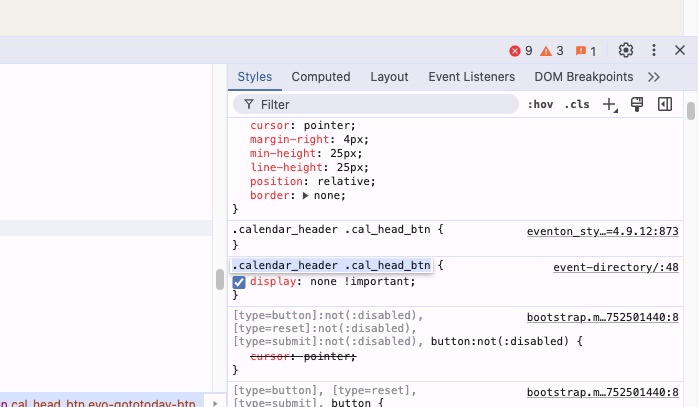
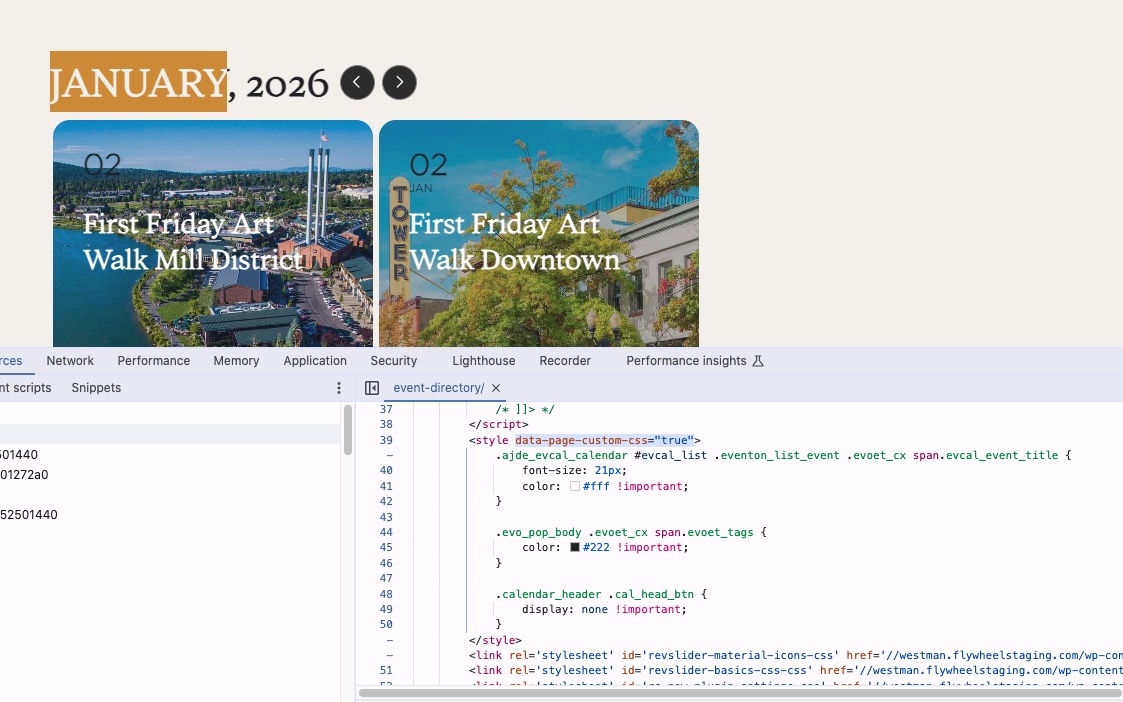
This custom style hides the Jump Months button completely:
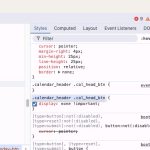
It’s located here, in page-custom-css, but I am not sure where to find it:
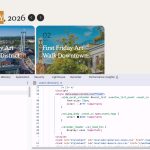
Could you check and let me know?
Please check my reply in your refund request.
Hello,
Could you please point me to which messages did you find rude?
They asked for screenshots which I supplied. Then they said I didn’t.
Are you referring to this line:
I simply cannot help when I cannot see anything, not even a page from your website with an error. Could you provide anything for us to work with?
I don’t think I ever told you that you didn’t send us any screenshots. I just needed to see your website, at least, to check the HTML structure.
In order to request a refund you also need to send us an order id and associated email. You’ve already sent us the order id, but not email. Could you send it as well?
On my side:

Thumbnails are visible and can be clicked on.
Could you send us a screenshot fro your website?
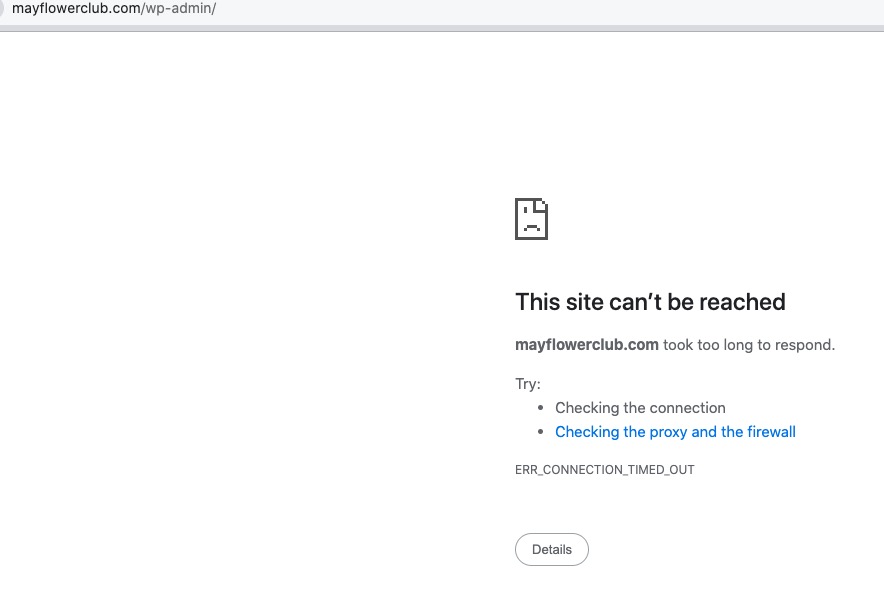
The website isn’t loading at all:
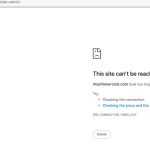
Could you check and let me know?
I asked the customer to try WP fastest cache plugin. Could you try yourself?
There where similar problem: https://helpdesk.ashanjay.com/ticket/incompatibility-with-litespeed-cache-for-wp/
What was the solution? I didn’t see answers.
Hello, Sorry for the delay, I only just now saw your reply.
I have added your IP Address, so you can try to login again, if you like.
Thank You!
this is the calendar – it pops up the card where you can see the issue. https://www.rcoc.com/upcoming-events/
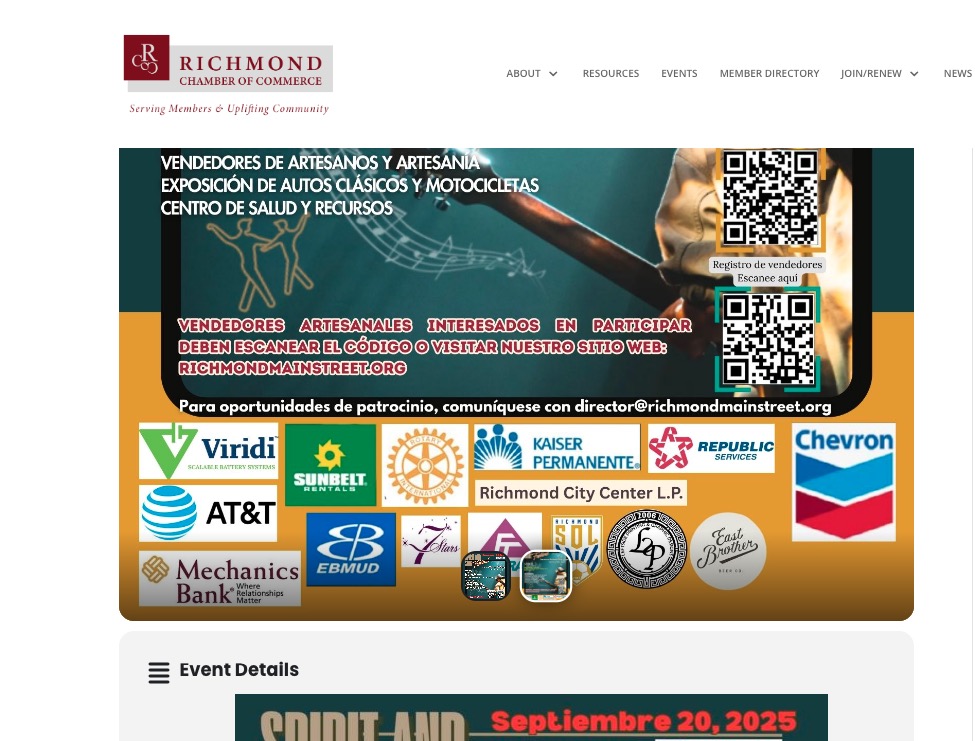
this event has an extra image. (i added it to the body for now, but it is also in there as an extra image) https://www.rcoc.com/events/rmsi-spirit-soul-festival/