Hello,
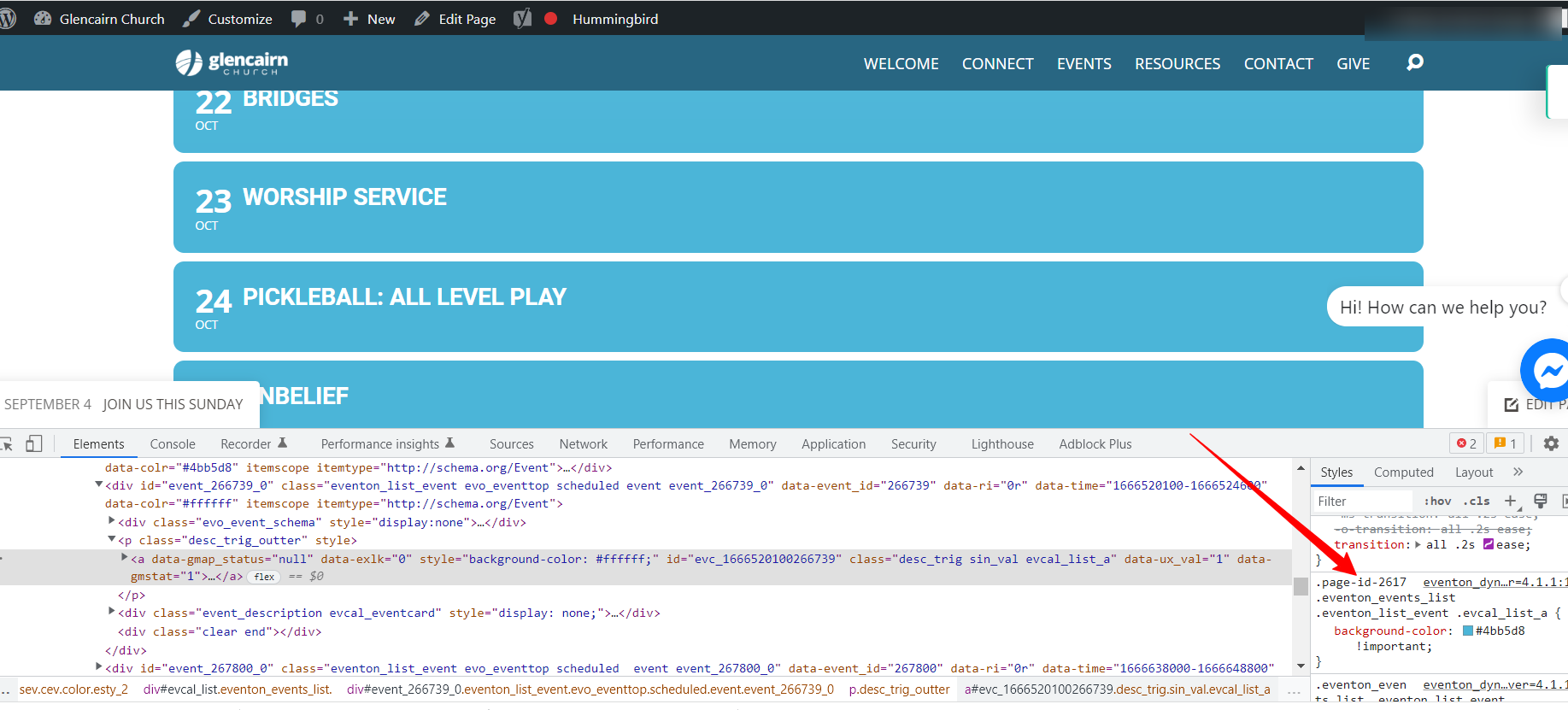
I just checked it seems your site is keeping a lot of cache. Please clear your site cache as well as server and browser cache. The changes are showing on my end, please take a look at the screenshot below.
Replies for tickets on suppota
Hello,
I just checked it seems your site is keeping a lot of cache. Please clear your site cache as well as server and browser cache. The changes are showing on my end, please take a look at the screenshot below.
Hello Jean,
I completely understand and will proceed with the refund. I know I informed you I was working on an update to fix that issue, but then we got stuck with block errors which ate up so much time.
Anyways I will refund you and if you need this again, you can always get it back as we make improvements to the addon continuously 🙂
Kind Regards,
Ashan
Hello Lester, We do have offer NFP discount as a return favor we kindly ask you leave us a review at https://codecanyon.net/item/eventon-wordpress-event-calendar-plugin/1211017
You can use coupon code EVO20T at the checkout to get the discount 🙂
Kind Regards!
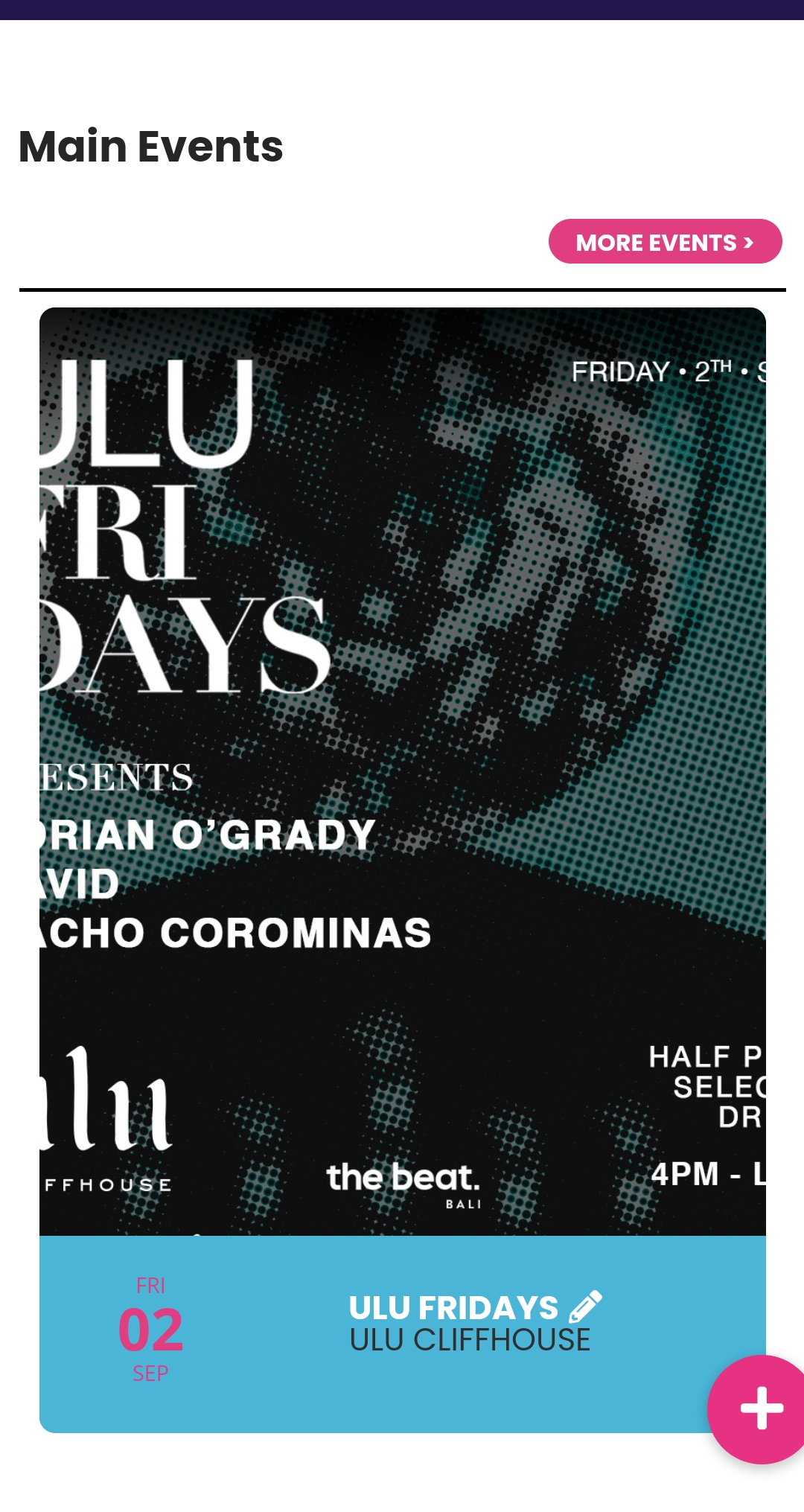
Thanks again. Is it possible to just keep the original flyer square and just add the data box to the bottom like the sample I sent above?
Attached is what happens now – the square flyer is cropped on both sides, losing some info.
Thanks
Ok I have refunded you the $92.40 as well. You can use that same coupon at the check out 🙂
Thank you very much Becky and be sure to use the payment method you want to use for renew payments, if its client’s.
And the great news is, you now know what to do next time to do client license transfer 🙂
Hello Jarrad, I understand completely your feeling of worry, frustration, and displeasure when your need for safety was violated with the exposed API key.
As Artem has mentioned, google API keys can be restricted to a domain name so nobody else can use it. Without passing the API key via frontend source code, the map can not load.
Please read here for more information on this from the community
https://stackoverflow.com/questions/38153734/do-i-need-to-hide-api-key-when-using-google-maps-js-api-if-so-how
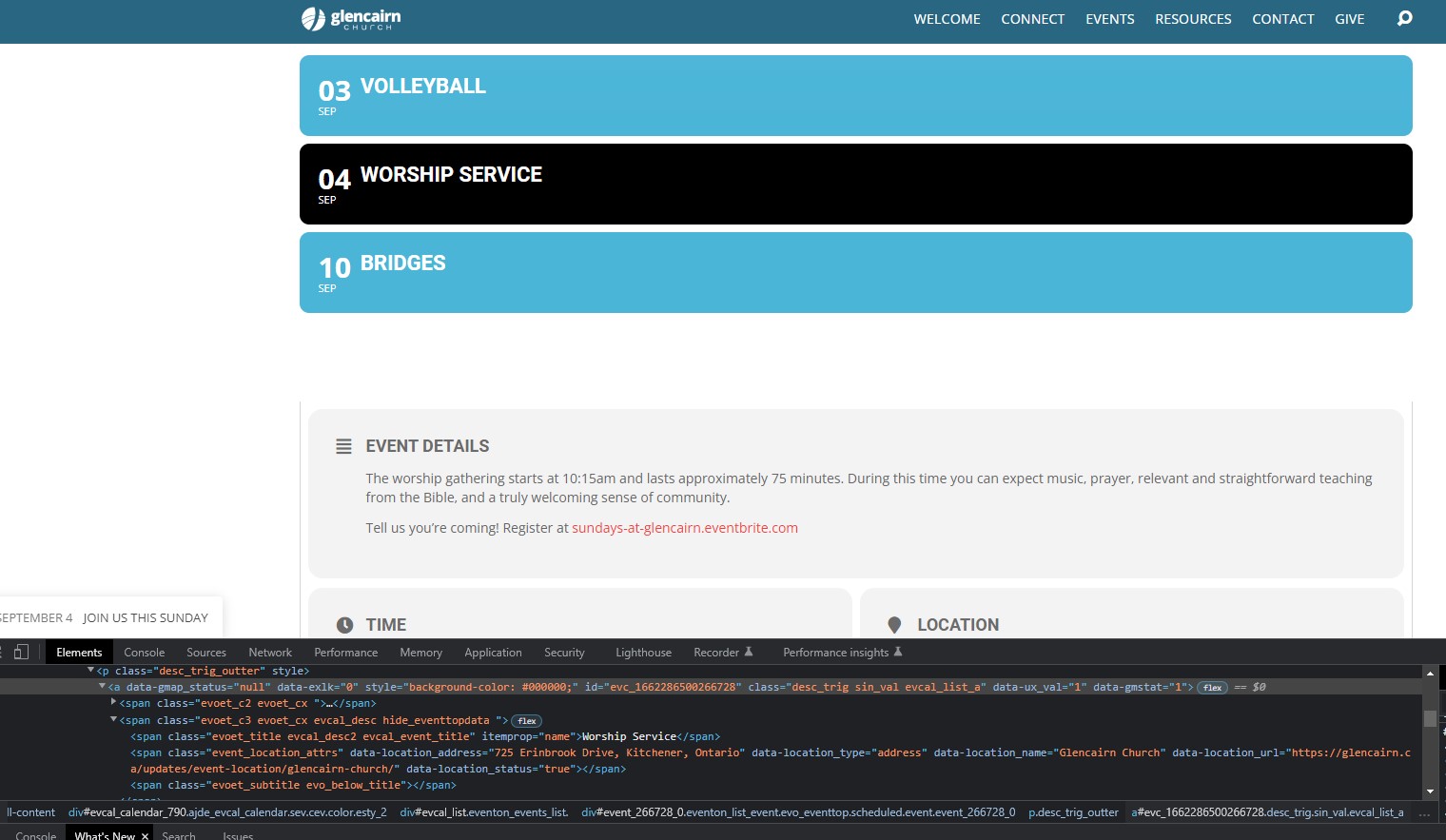
I see it in all my browsers, and even in incognito mode, so I didn’t think it was a cookie issue.
In the attached screenshot, I changed it locally to show you a black background so that the heading “Worship Service” shows up. All of the white blank spots should be saying that.
Hi Beth,
We are glad your issue is resolved, if you have any further questions or concerns please feel free to create a new ticket. If you have a moment, we would greatly appreciate if you could kindly leave us a review at codecanyon! from your account > downloads.
Cheers!
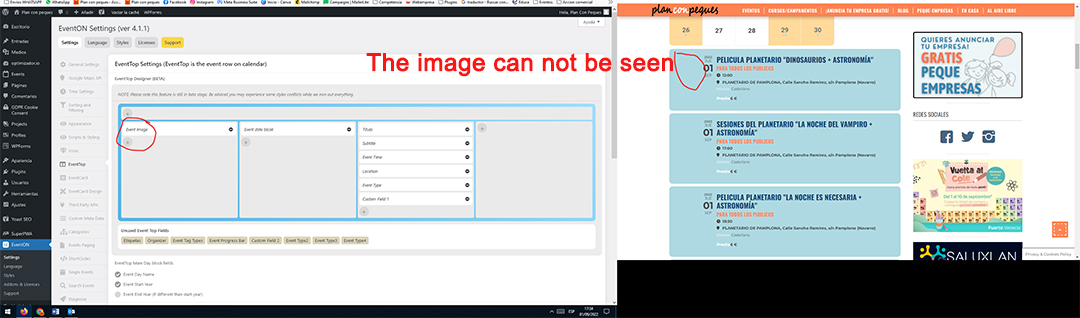
The thumbnail image is not visible but in eventon>>>>settings>>>>event top
Why isn't it working?
access: https://www.planconpeques.com/admin
username: Eventon
password: 5UZAxgO1DOA%$P*u6^Nm08a*
thanks a lot
Hello,
You can change the fileter color by adding the custom CSS code below in Appearance > Customize > Additional CSS
.eventon_filter_dropdown p.select, .eventon_filter_line .filtering_set_val{color: #606060 !important;}