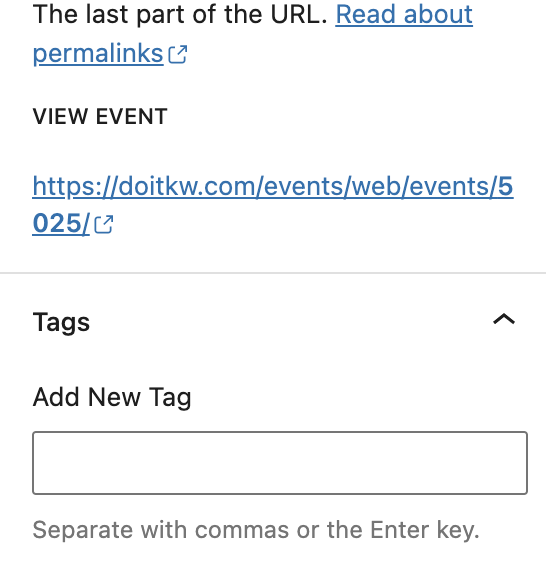
no tag in add event for no admins, I do not like to have any admins so the no admin has to work for adding evemts
Replies for tickets on suppota
no tag in add event for no admins, I do not like to have any admins so the no admin has to work for adding evemts
this is the tags in the add event for admin, but the login I gave you does not have the tags, neither the settings, there is categories but no tags, since I only can add one picture I have to send you another one for the add event tag, I never saw something that does not show up in al the add event but this one do not shows tags
Thanks.
I also realized that this addons does not allow to use the variation options at the same time, and I need this one…
Is it possible to be refunded please ?
Thanks by advance for your help,
Jean
Hi, here is the ftp information
host FTP:
giowm1082.siteground.biz
Port: 21
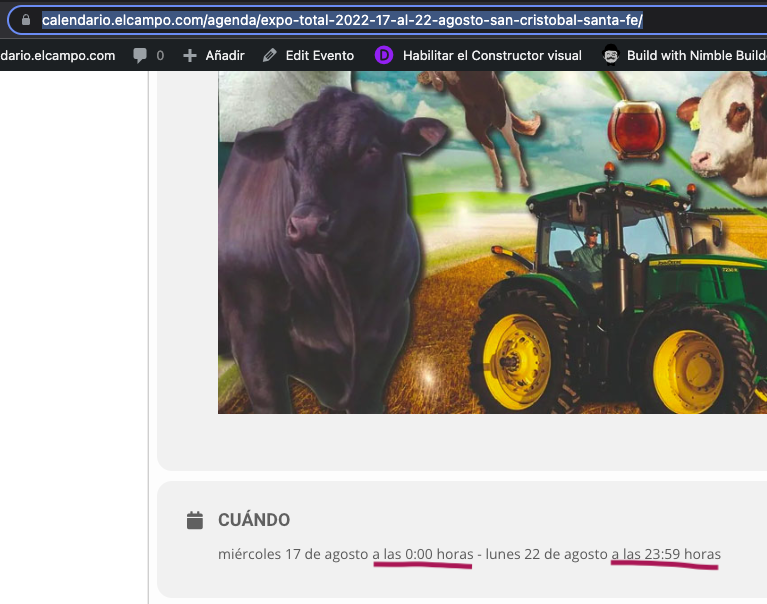
and please, review this other “bug” as I set an event (exposition/congress) that expands between some days, like you can see here:
https://calendario.elcampo.com/agenda/expo-total-2022-17-al-22-agosto-san-cristobal-santa-fe/
but although I have set as a FULL DAY EVENT it still displays the START TIME and the END TIME of the event (as you can see on attachment).
Of course, I don`t want to display the start-end TIME (but only the start-end DATE), as it is FULL DAY EVENT !!
It makes some sense to set the start time and end time, but not always, so I assume there is already a feature to hide the TIME (not the date) information but still displaying both days of the event. Please, let me know. Thanks
Thanks
Yes my boss already done it. Is that screenshot is from safari browser? In my android phone, It is working fine, The only problem is on safari browser. Thanks for your quick reply
Could you apply this patch:
https://docs.myeventon.com/patch-fixes/4-1-in_array-error/
After go to EventON > EventTop > disable EventTop Main Day block fields to hide the year field.
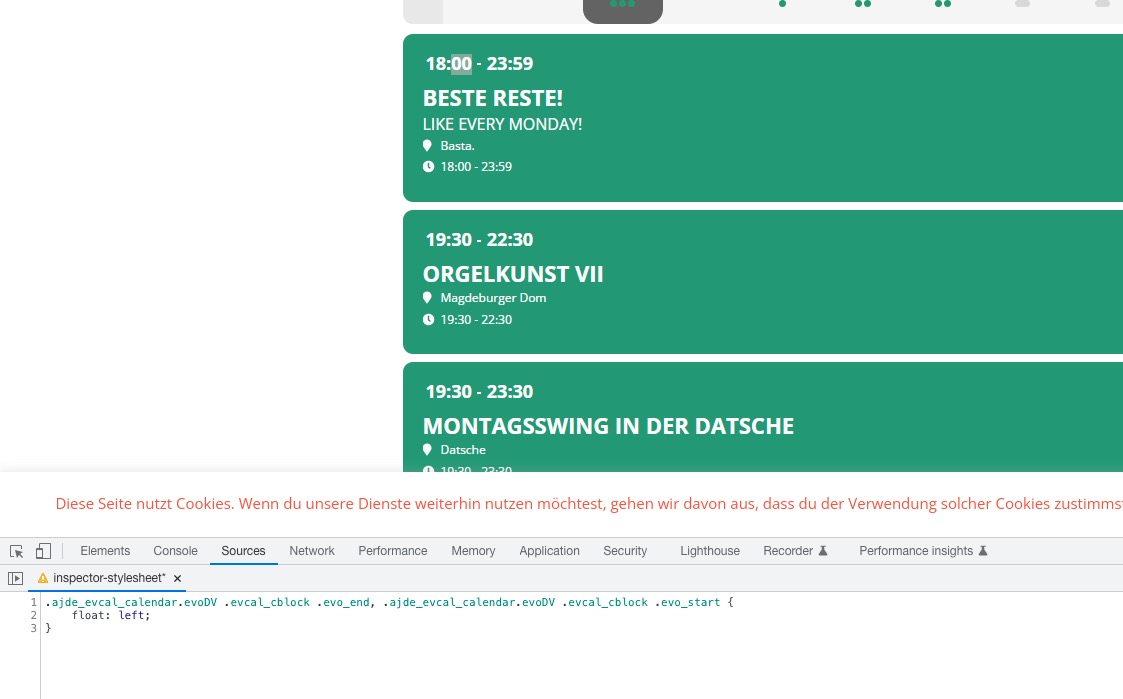
DailyView. Please add this CSS code to EventON > Styles (If you don’t see any change, EventON > Scripts & Styling > turn off Write styles to header > save settings > turn on Write styles to header):
.ajde_evcal_calendar.evoDV .evcal_cblock .evo_end, .ajde_evcal_calendar.evoDV .evcal_cblock .evo_start { float: left; }
Could you please try the instructions mentioned in this documentation to make sure your issue is indeed coming from eventon.
You have a different calendar plugin that can affect this: Event Calendar WD Premium. Please try disabling it first.
Could you try clearing your browser cache?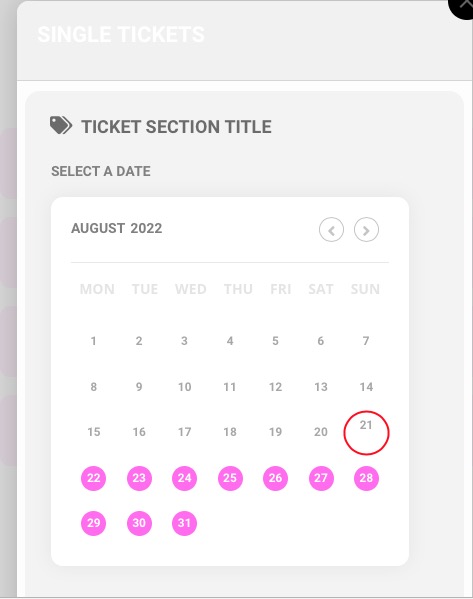
Hello,
1. Please try ESE widget
https://docs.myeventon.com/documentations/use-eventon-shortcode-executor-widget/
with added
hide_mult_occur=”yes”
This hides events from showing more than once in between months.
2.
2a. There is not enough space:
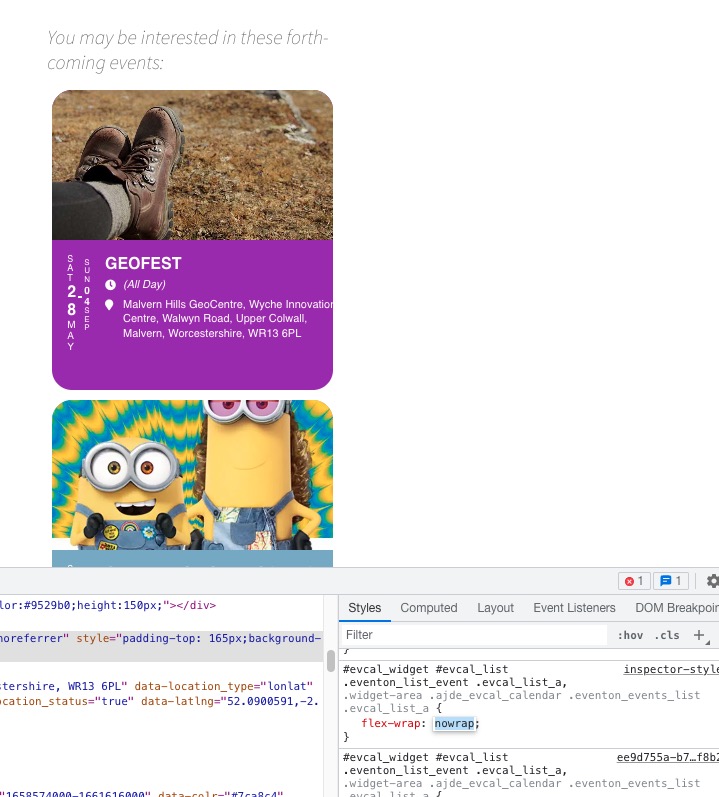
2b. There is this code that affect this:
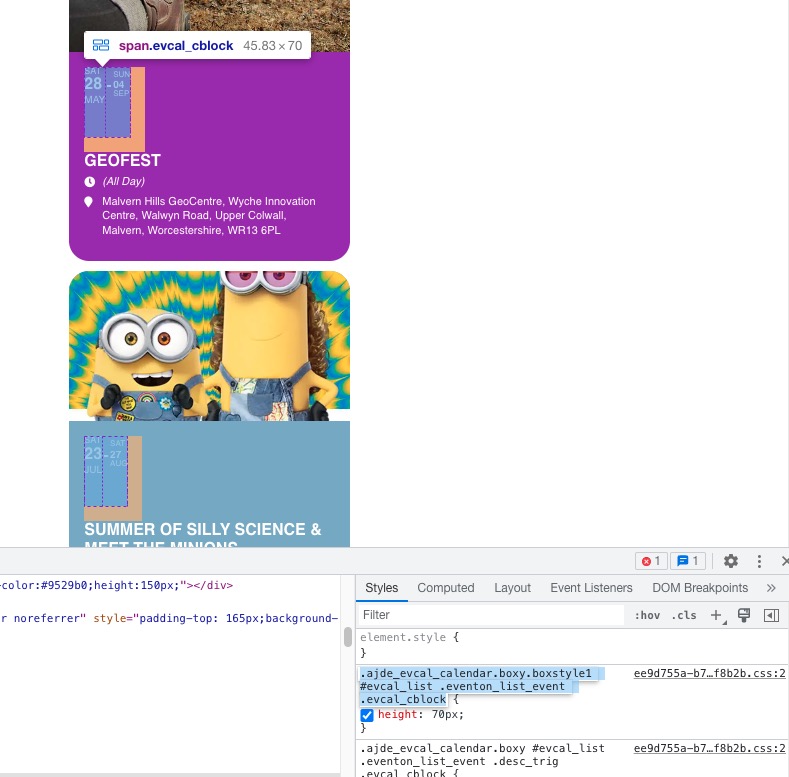
Could you turn off “minify CSS” so we can check where it comes from?