That seems to be working as we programmed it to be. the last part of the URL ri-14.L1 is what helps event identify which repeat instance of the event it is to show correct information. Because the repeat events are a virtual instance of one event.
Are you seeing all the repeat instance links going into same instance?
Hello Nick. so with eventON enabled I am not seeing any issues in the footer now.
If the event list addon is breaking what is after the calendar. I wonder if you have any event details which are HTML content and you have unclosed html tags. we have seen this happen before. ( i see you only have 3 test events so this can not be the issue)
Would you mind sending me a direct link to a page with eventON activated and eventON shortcode on the page?
Please check now to see if this satisfy your needs for the layout?
Cool thank you Mark I am in. Let me see if I can fix you up and get you on your way quickly 🙂
Would you mind enabling the plugin editor in your site to allow us to make some code changes to eventON?
https://docs.myeventon.com/documentations/how-to-enable-plugin-editor-for-wordpress/
I just made some code changes in your site at
https://www.onevent.ro/wp-admin/plugin-editor.php?file=eventON%2Fincludes%2Fcalendar%2Fclass-calendar_generator.php&plugin=eventON%2Feventon.php
to eventON beta version 4.1.2 – everything seems to be working correct now. Can you please check and let me know please.
I will delete the test event I made.
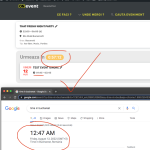
Nicolas, my apologies about the delay.
SO what I gather from your site with VC shortcode.. we have seen this many times. They load shortcode on to the page just as shortcode and render it on page after page loaded. You will need to use ux_val=’3′ at the moment.
Perhaps also try reaching out to VC and see if there is a javascript trigger you can run at anytime after page load to re-render shortcodes?
ooo intersting. That could very well be the issue with google robot indexing as well. Perhaps they are getting blocked trying to access your event schema data.
EventON does not have any access blocks in place. Specially not for schema data.
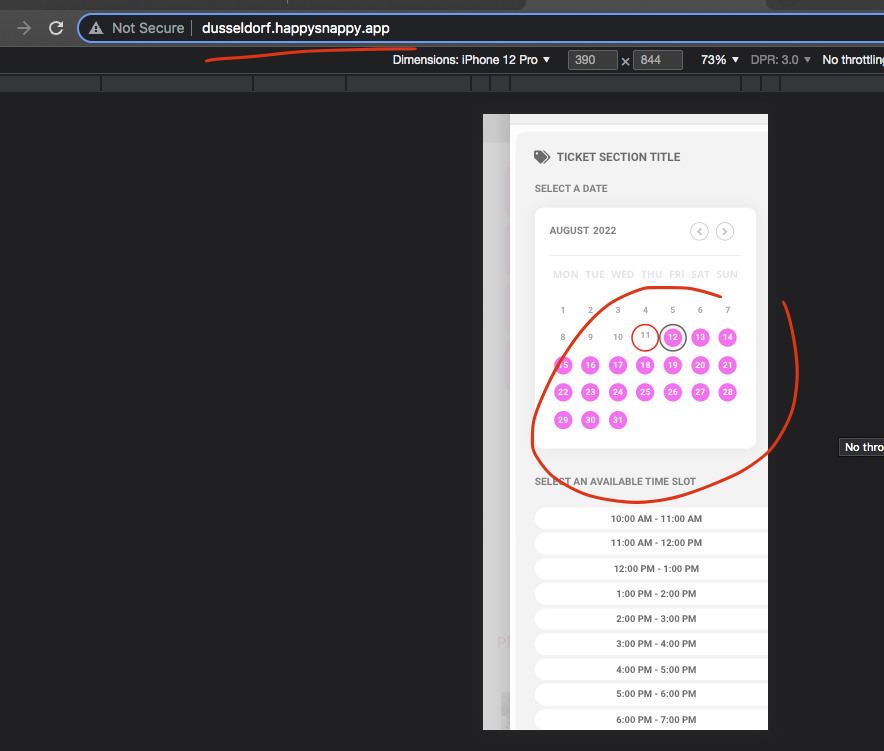
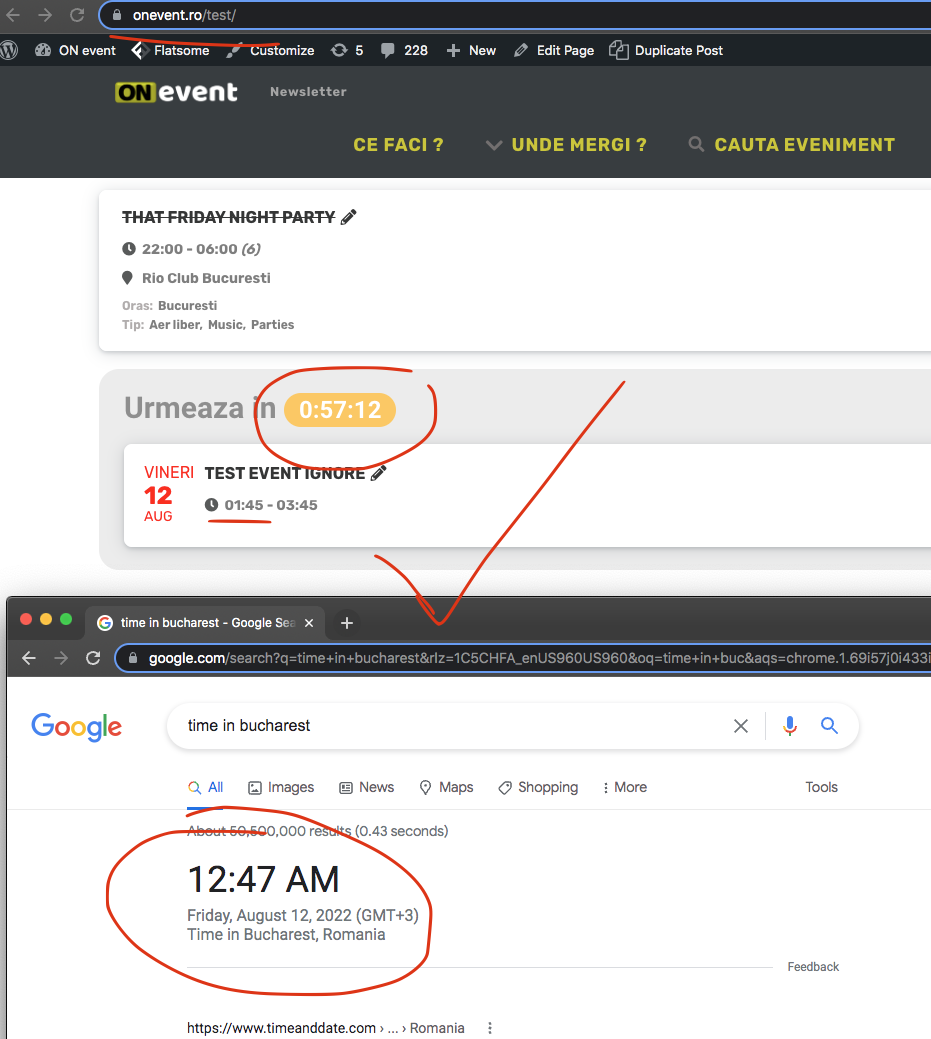
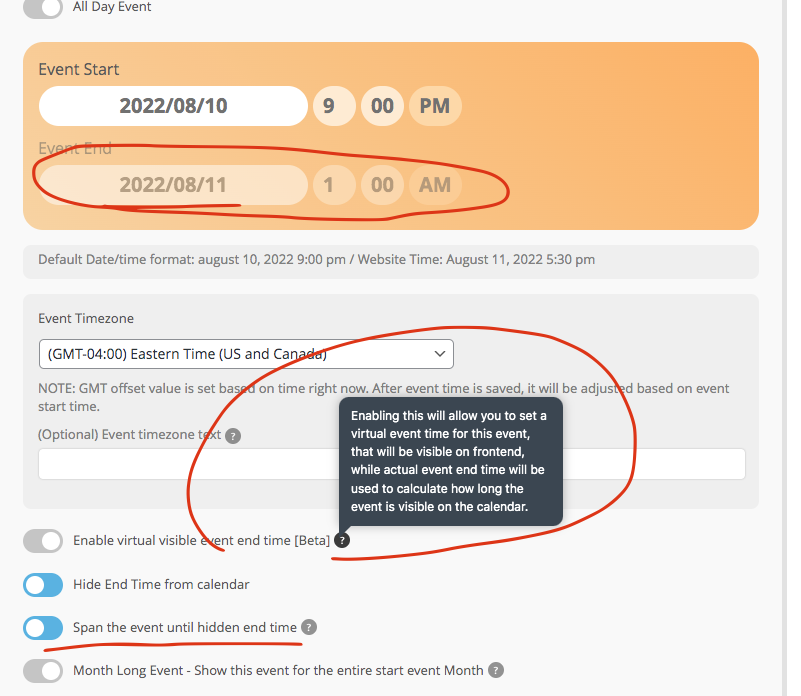
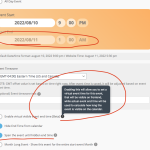
I think i found the issue. Your events are lasting till 1am the next day. I think you are in this new category we created with virtual event end time. Let me understand your needs first.
Do you want to show the event end time?
Do you want the event to show on the day after? if you have end time as 1am next day, it will show on next day.
what is the purpose of setting and end date/time for you?
FYI I made a test page: https://scruffycity.com/wp-admin/post.php?post=16398&action=edit
Alright thank you very much for updating me! Let me check the code to see what else could be the cause of this.