Hello,
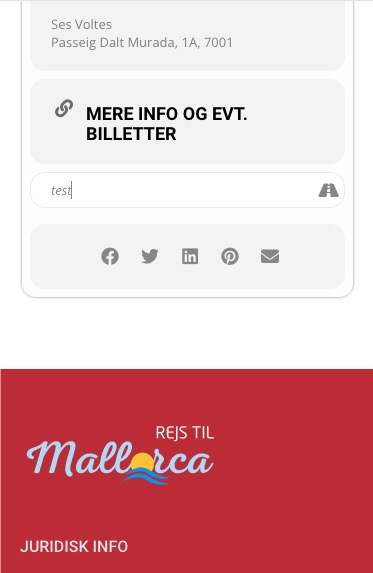
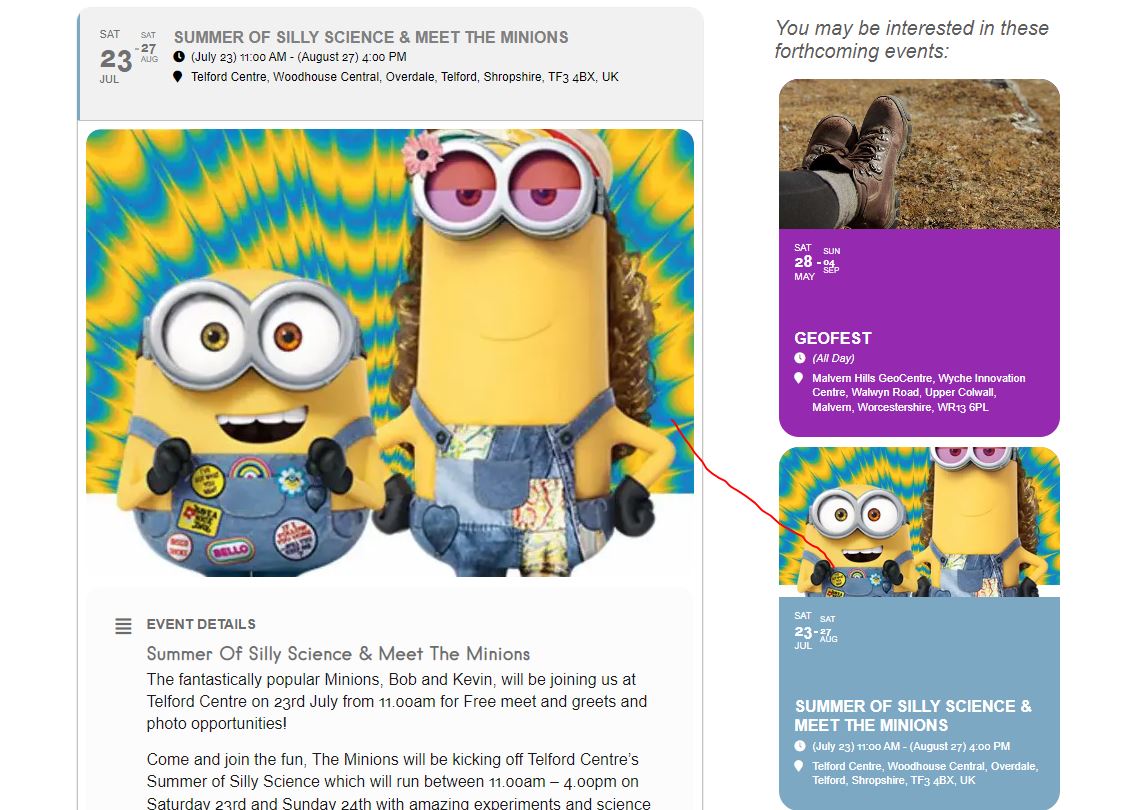
1. On Android or iOS? I check Chrome Developer Console and it seems to be working:

2. Have you tried going to EventON > Language > Months and Dates?
More info
https://docs.myeventon.com/documentations/how-to-translate-calendar-front-end/
3. Please use this code for title/subtitle:
.eventon_events_list .eventon_list_event .evoet_cx span.evcal_desc2, .evo_pop_body .evoet_cx span.evcal_desc2 { font-size: 22px; }
.eventon_events_list .eventon_list_event .evoet_cx span.evcal_event_subtitle, .evo_pop_body .evoet_cx span.evcal_event_subtitle { font-size: 16px; }
4. Could you elaborate more?
Hello,
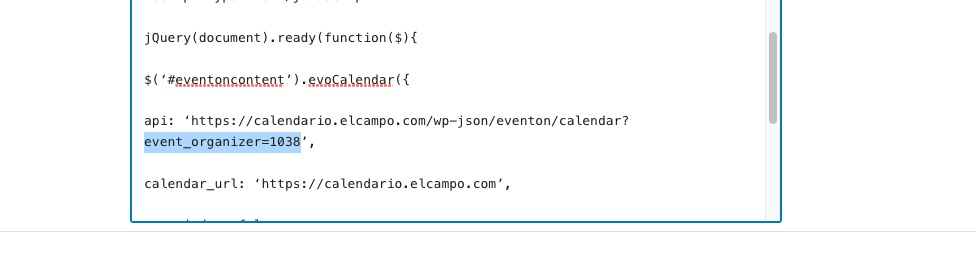
Instead of organizer, it should be
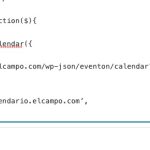
Similar to
Supported Additional Parameters:
event_type (int) event type category term ID(s) separated by commas
Could you check?
Please also send us wp-admin login info to the main website. Thank you for FTP access.
Please try 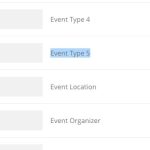
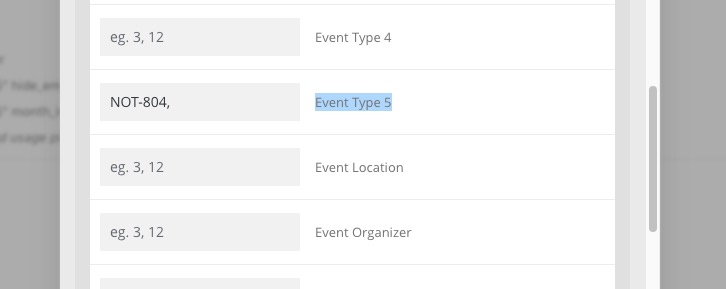
Add a new type HIDEEVENT, assign it to an event you want to hide. Add it’s id to the shortcode as
event_type_5=”NOT-EVENT_ID”
Hello,
1. You can either customize the source code or hide certain fields with CSS. Follow the css customization guide to further edit style changes. OR Tell us which one you want to hide so we can send you CSS code.
However, you can only predefine them by customizing the code.
2. No warnings on my side. Could you send us a screenshot?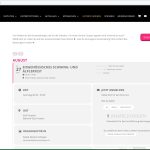
Hello,
You can either apply this patch:
https://docs.myeventon.com/patch-fixes/4-1-in_array-error/
Or go to EventON > EventTop > EventTop Main Day block fields > enable Event Day Name or any other you like.
We are going to include the fix to the next version.
Hello,
Unfortunately, we cannot help with customizations, since it’s against CodeCanyon’s Support Policy.
WooCommerce allows you to edit order from wp-admin > WooCommerce > Orders. More info https://woocommerce.com/document/managing-orders/#viewing-and-editing-a-single-order
We are glad your issue is resolved, if you have any further questions or concerns please create a new ticket.
Hello,
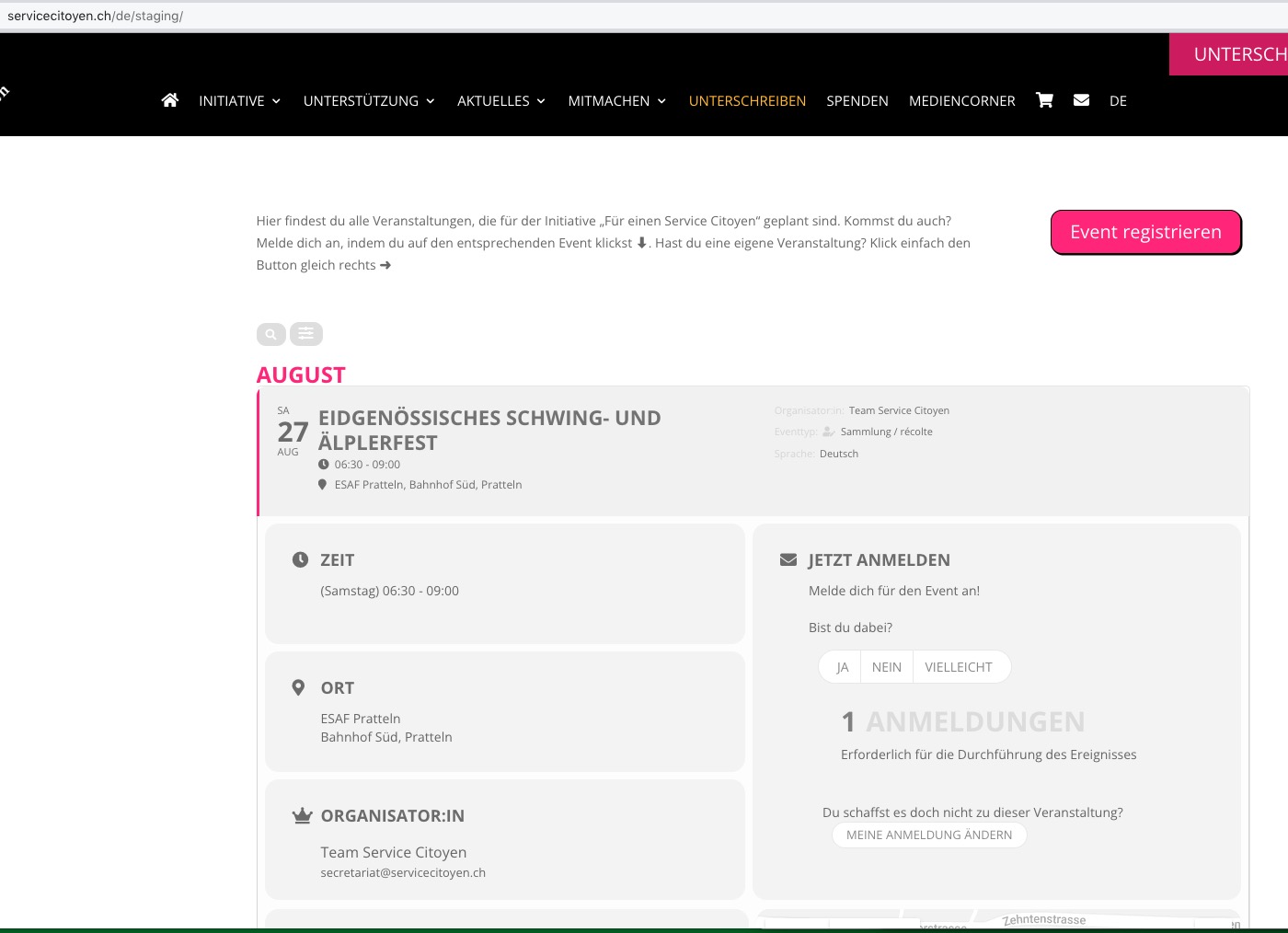
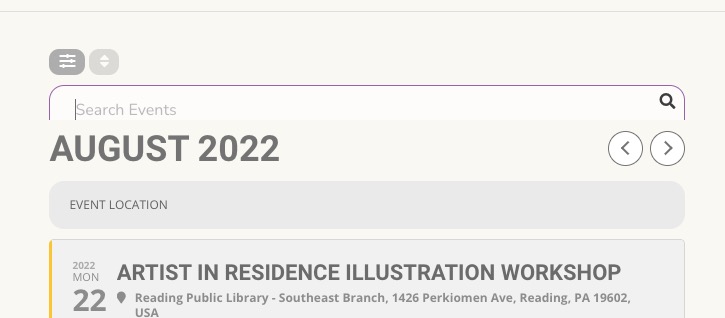
Are you referring to this part?

Could you go to EventON > Search > enable “Enable additional search queries (may not work for all sites)”?
Hello,
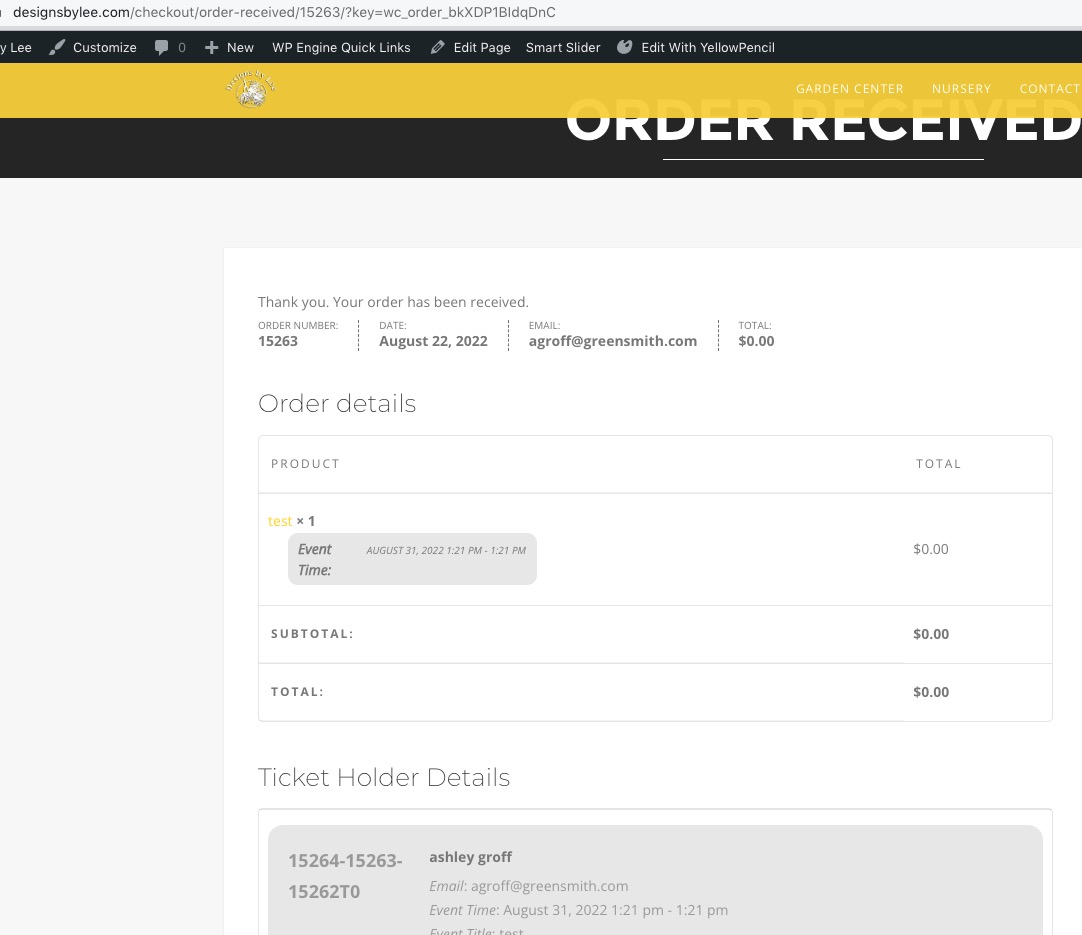
It’s hard to test with one of your events since they require a credit card info, but there are no issues with my test event:
https://designsbylee.com/events/test/
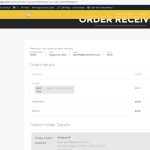
Can you purchase my event?