With enabled http://s1web0037.peakserver.net/wp-admin/admin.php?page=eventon#evcal_001b > Use UTC offset time globally on calendars, it seems to be exporting events in UTC+0 timezone.
Now when importing you can set your own timezone or your calendar app can apply it’s own timezone to imported events.
Hello,
Could you go to EventON > Time Settings > enable Use UTC offset time globally on calendars?
Also, if possible, could you check this without your cache plugin?
Hello,
We are sorry that the other ticket was closed. Not sure why it happened.
1. Is it possible to update to EventON 4.1.1 and then try to import and check? Please make sure to take a screenshot of the issue.
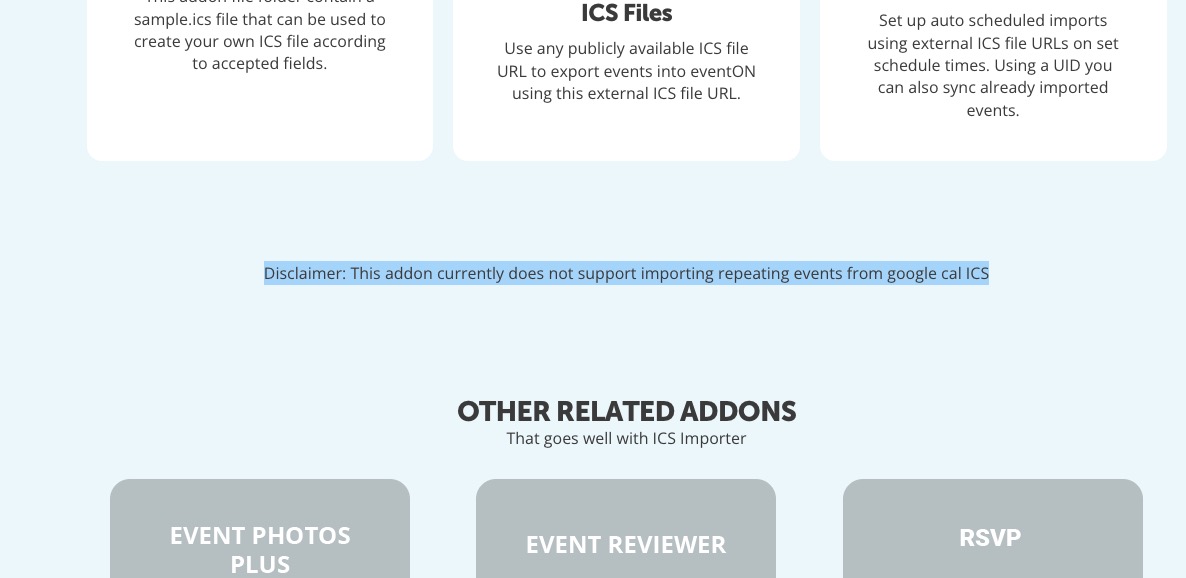
2. The main issue with importing recurring events from Google Calendar is that ICS Import doesn’t support this:
https://www.myeventon.com/addons/ics-importer/

This is correct. There are no more options available at the moment. However please create a new ticket and select Feature Request as category so others can vote on your idea and get it moved into development faster.
Also https://help.time.ly/google-maps-api-error-geocoding-service/
Hello,
Please fix this error:
Geocoding Service: This API project is not authorized to use this API. For more information on authentication and Google Maps JavaScript API services please see: https://developers.google.com/maps/documentation/javascript/get-api-key
More info https://elfsight.com/blog/2018/06/how-to-get-google-maps-api-key-guide/
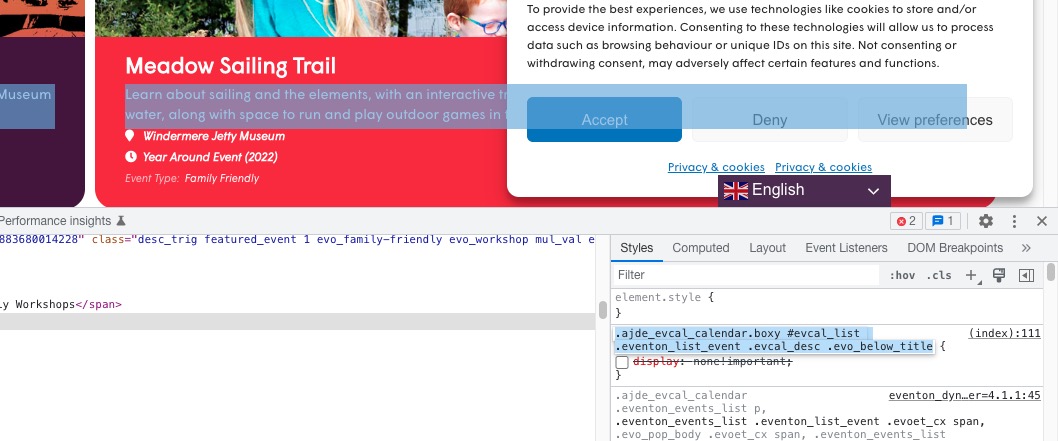
Could you remove this custom style?
We are glad your issue is resolved, if you have any further questions or concerns please create a new ticket.
If you have a moment, we would greatly appreciate if you could kindly leave us a review at codecanyon! from your account > downloads. Cheers!
Sorry I don’t know what to comment on that.
I just want to get the show name, venue name and date aligned on the desktop and mobile slider, and having great trouble finding where to change the alignment.
Where are the settings for the mobile alignment or are they the same?
Thanks
Hi,
I applied the patch directly in the EventOn directory without making a copy of the file in the child theme folder so that it will be overwritten when you update and it solved our issues.
Thank you.
I guess that you can close this ticket.