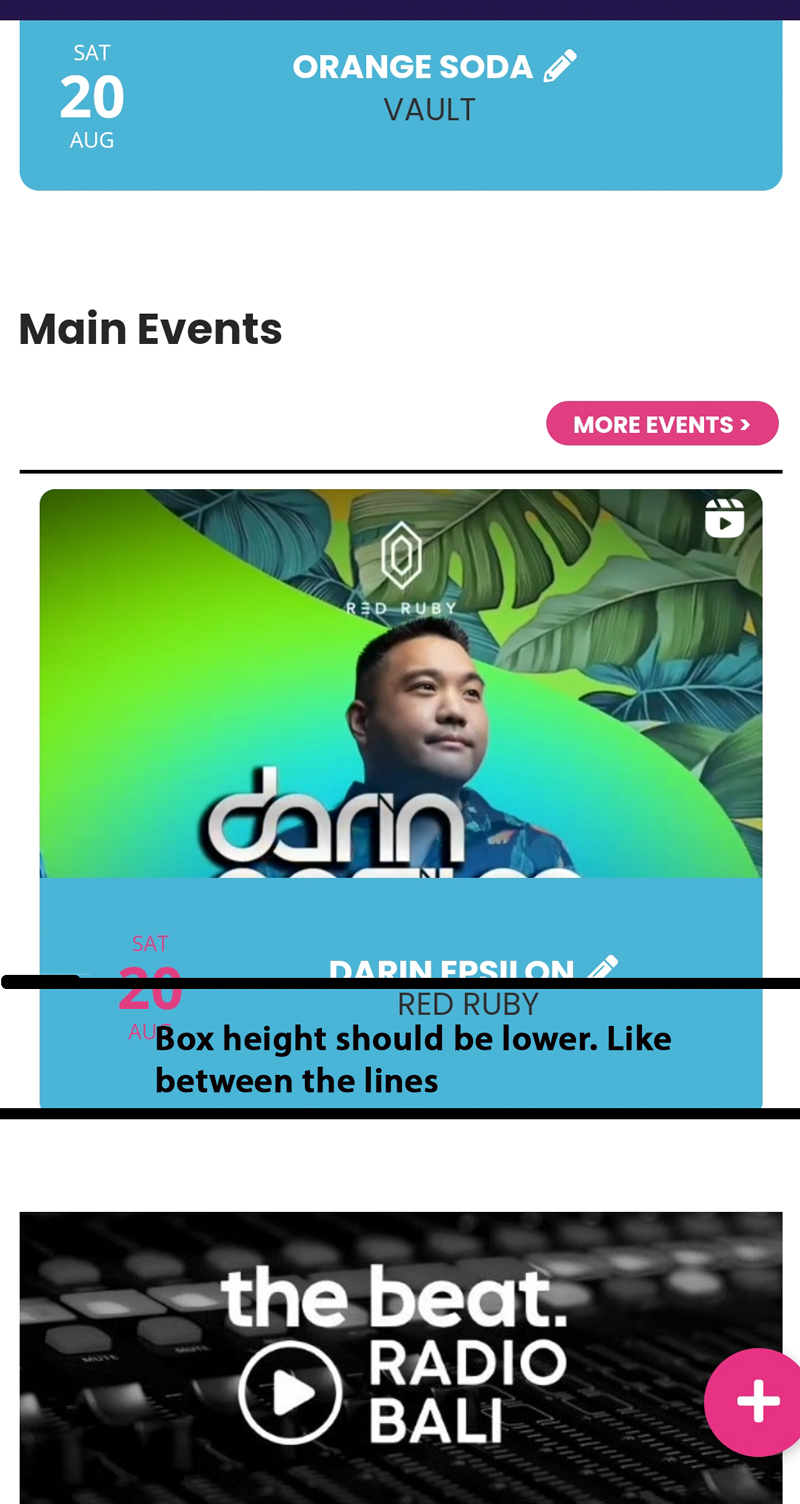
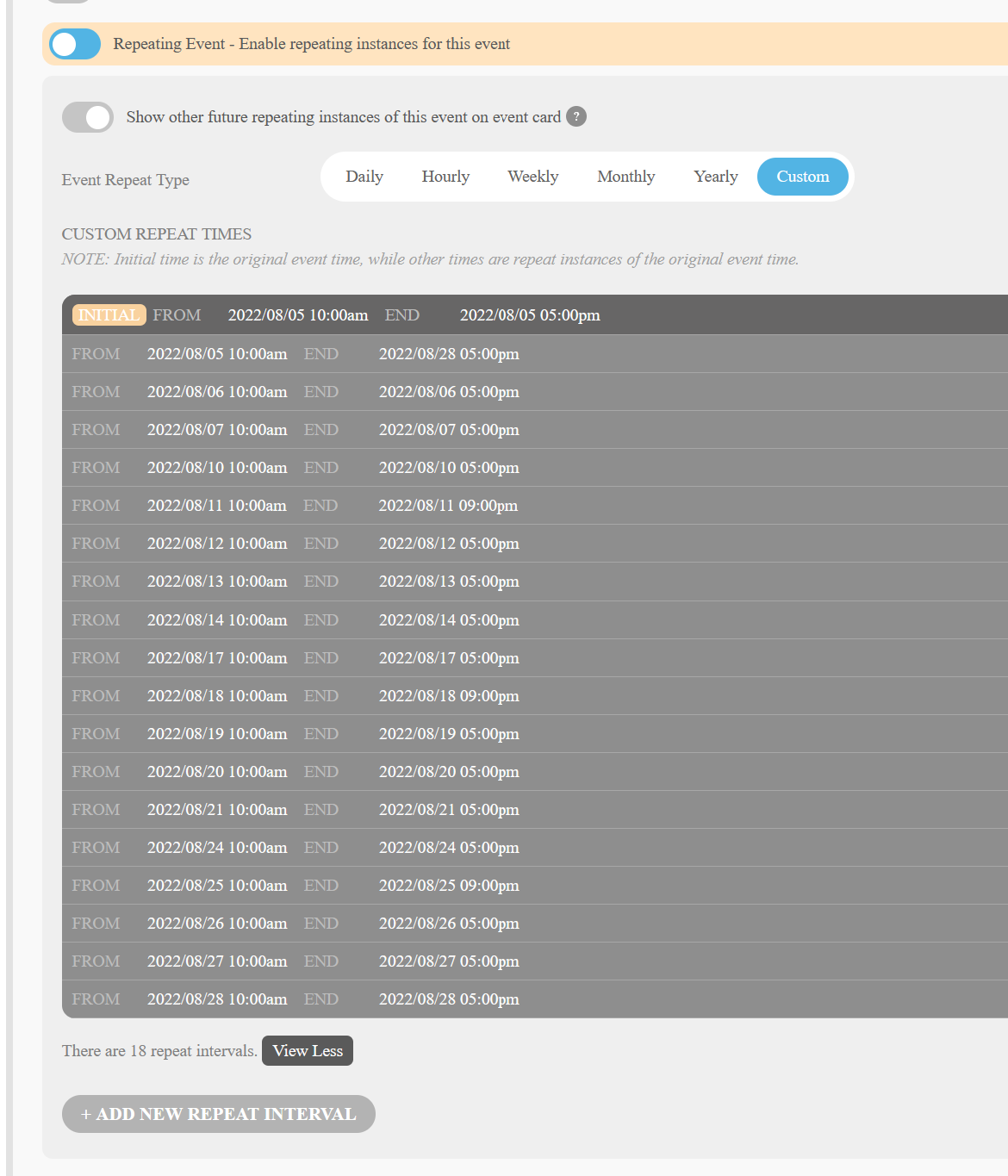
this is the code used:
<script src=”https://ajax.googleapis.com/ajax/libs/jquery/3.2.1/jquery.min.js”></script>
<script type=’text/javascript’ src=’https://calendario.elcampo.com/wp-content/plugins/eventon-api/eventon.js?ver=1.0.3′></script>
<script type=’text/javascript’>
jQuery(document).ready(function($){
$(‘#eventoncontent’).evoCalendar({
api: ‘https://calendario.elcampo.com/wp-json/eventon/calendar?organizer=vicarganadera’,
calendar_url: ‘https://calendario.elcampo.com’,
new_window: false,
loading_text: ‘Loading EL CALENDARIO DEL CAMPO…’,
});
});
</script>
<div id=’eventoncontent’ style=”height:100%; width:100%”></div>
perfect. that fixed the problem by now. thanks
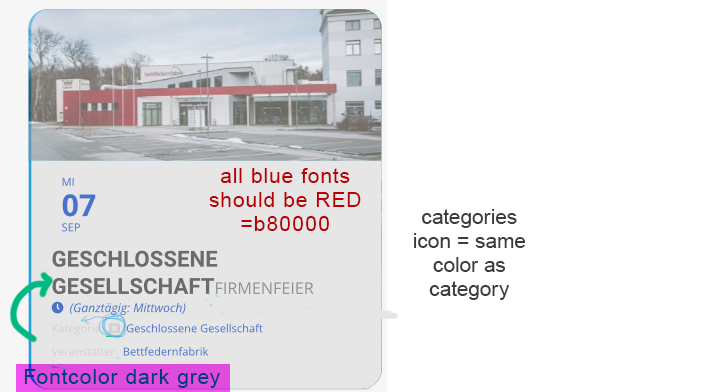
Thank you,
I kindly ask you to do some amendments. Please see image atteched.
best
carmen
Just switched back to only Sunday 21st events showing and none on Saturday. So extremely frustrating.
The clock just struck 5pm if that makes a difference. I changed no settings when I got it working above and events disappeared again at 5pm above.
I switched UTC global offset back on and it made no difference. Need help.
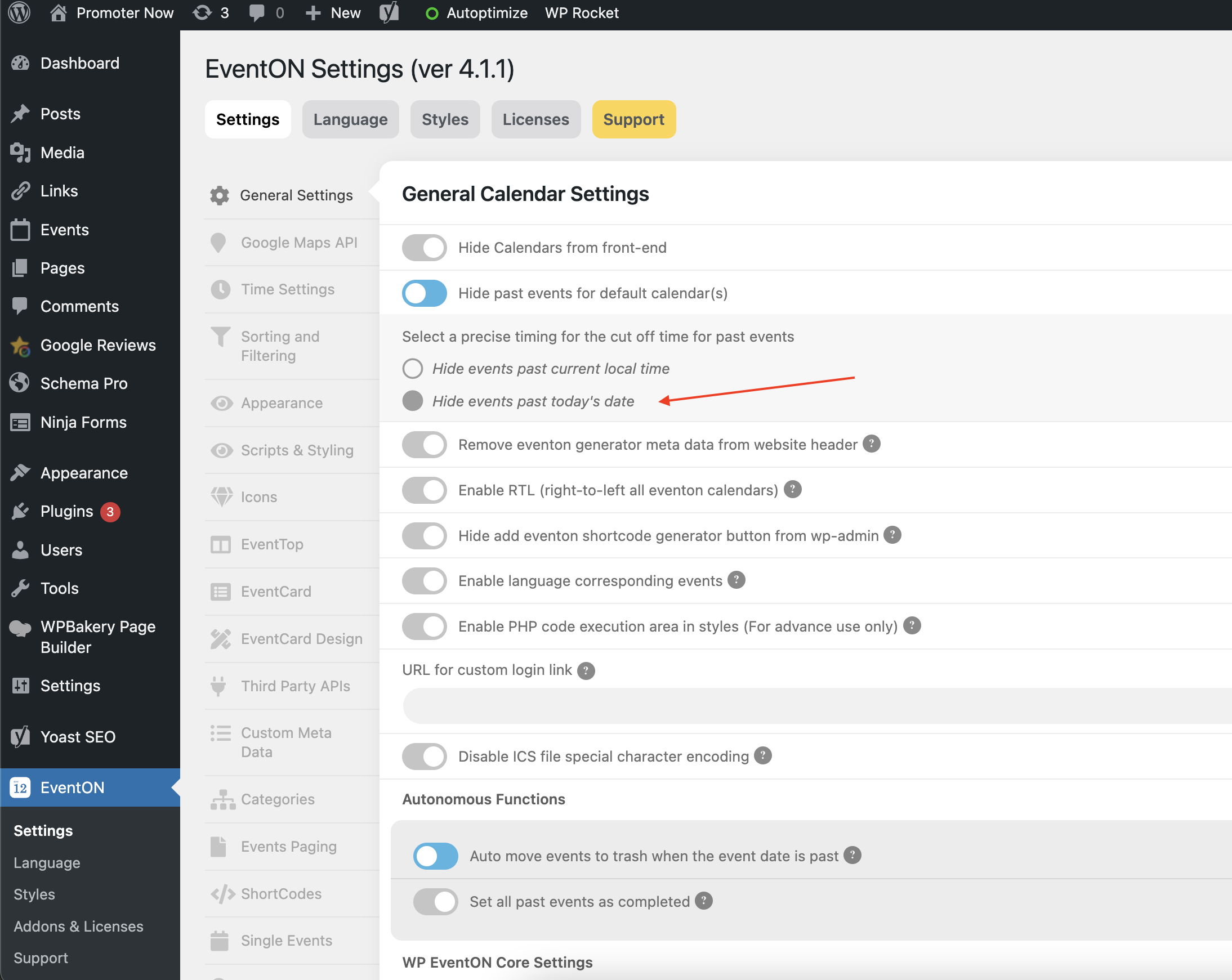
Changed to this second setting of just date rather than time, for now, and the events are showing.
Not a perfect solution since Don’t want people registering for earlier pools that ended. but let me know still what might be the issue.
Nevermind. None of my Saturday events are now showing. When I click current date none of them show.
https://www.promoternow.com/las-vegas-club-events/
I removed the UTC global offset setting to see if it would change things. It does not. Perhaps its because this setting already “ended” events?
Losing business on a Saturday now. Would like these issues fixed.
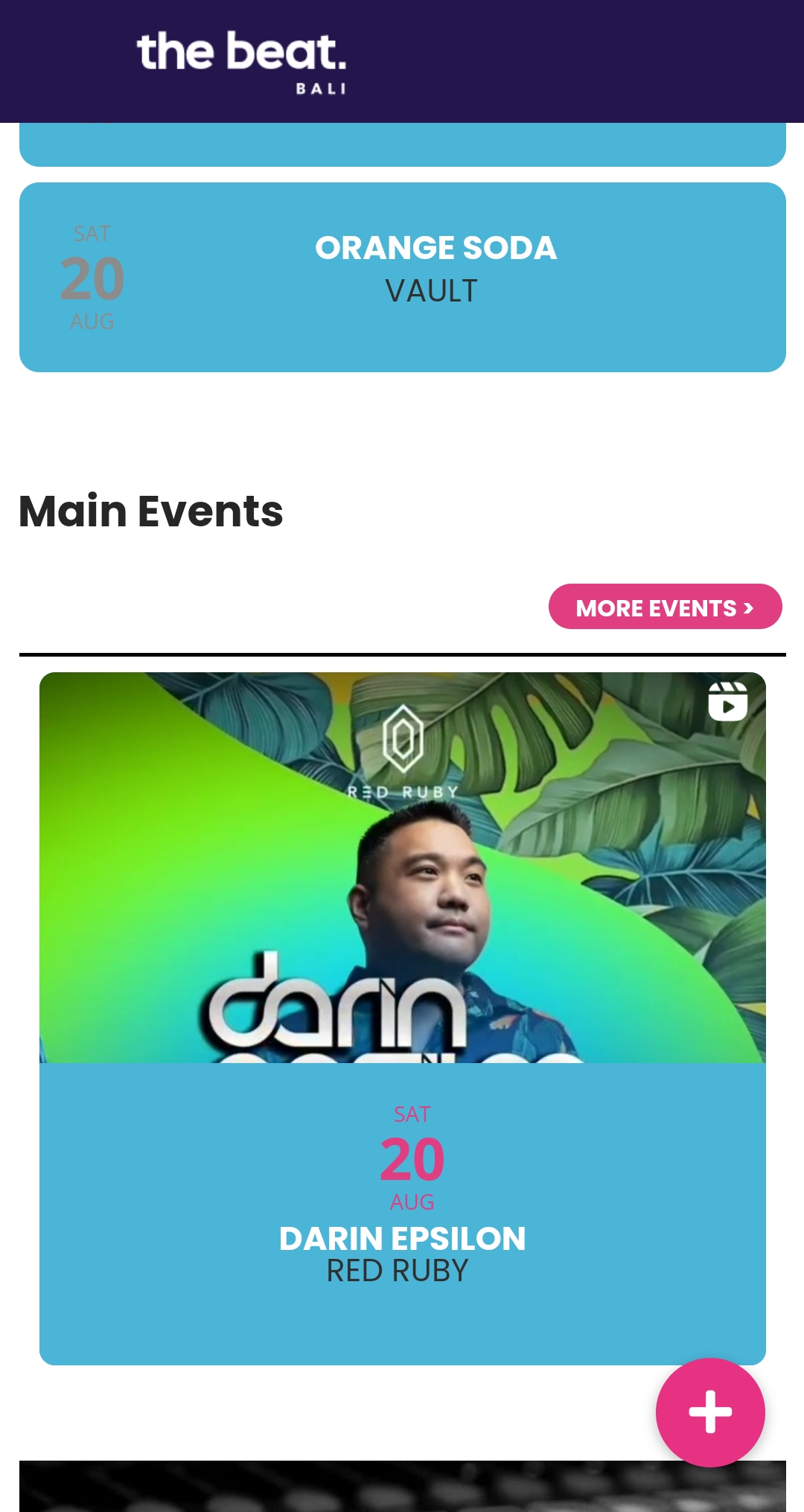
But when I log out, or I’m in incognito, it is like before, the date above (attached in this message)
if you have a members only page you could easily set up a members calendar using event types- our answer depends on your set up
are you using the rsvp addon or the tickets addon? how are people attending?